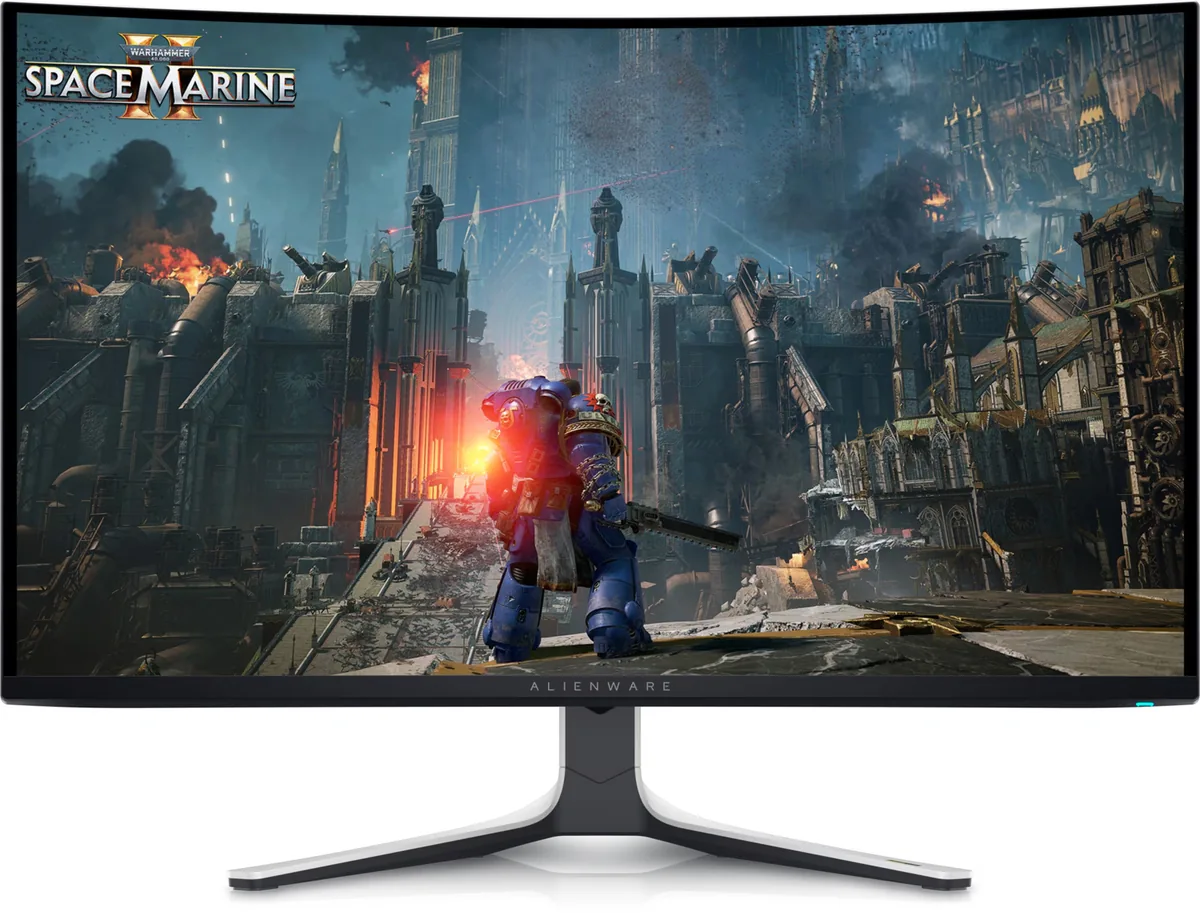
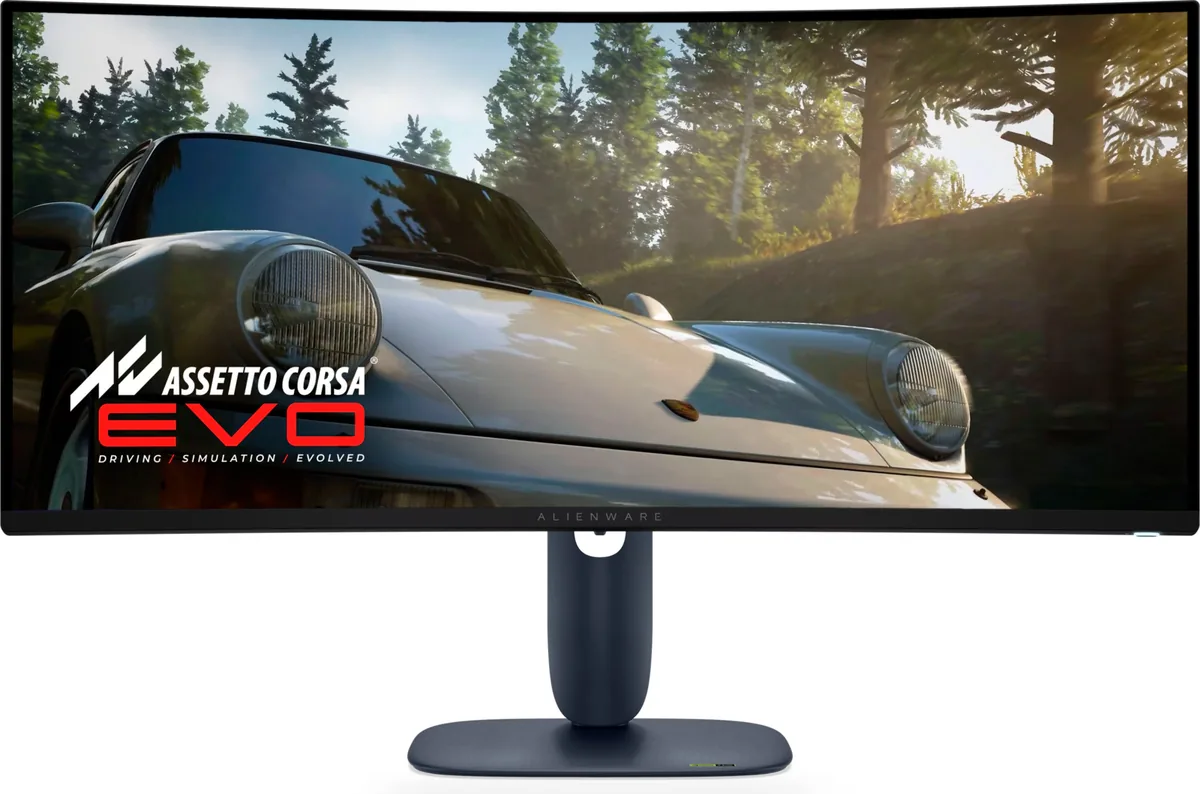
Alienware AW2725DF monitorOLED gaming~$650

Alienware

Alienware AW2725DF

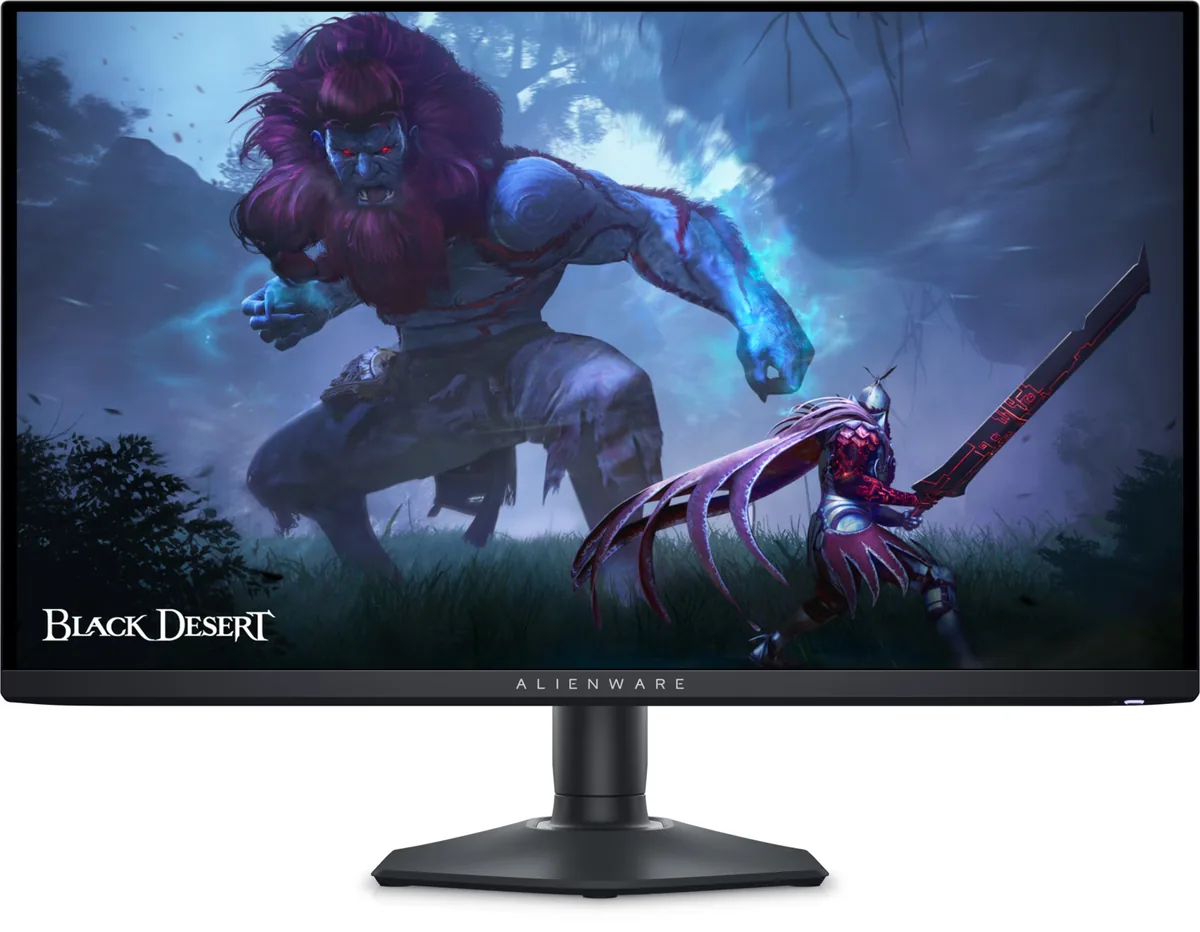
Alienware's 27-inch QD-OLED runs at 360 Hz for about $650, the fastest refresh on any Alienware panel here. It is the direct rival to Samsung's G60SD — same panel generation, same refresh, same semi-glossy finish — and the difference between them comes down to the stand, the port mix and which chassis you prefer to look at.

Approx. price

~$650

snapshot, not a live price

Sharpness

46ppd · sharp

text is clean; pixel edges show if you look for them

HDR tier

Real HDR

per-pixel emissive — every pixel is its own backlight, so a highlight can sit beside true black

Peak brightness

1,000nits claimed

DisplayHDR True Black 400

USB-C power

None

video and data only, or no USB-C at all

Max refresh

360 Hz

0.03 ms GtG rated

Port speed — can each input carry this panel?

  • HDMI 2.0· below the panel's maximum
  • 2×DisplayPort 1.4· full speed(DSC)

This panel needs 47.8 Gbps at 2560×1440, 360 Hz and 30 bits per pixel, and supports DSC compression.

Best for: Competitive play on an OLED without flagship pricing

Specifications

Approx. price
~$650
Type
OLED gaming
Resolution
2560×1440
Pixels per degree
46 — sharp
Panel
QD-OLED
Finish
semi-glossy
Response time
0.03 ms GtG
VRR
FreeSync Premium Pro
HDR tier
Real HDR
HDR certification
DisplayHDR True Black 400
Peak brightness
1,000 nits claimed
Local dimming
Per-pixel (emissive)
Static contrast
effectively infinite
Colour gamut
99.3% DCI-P3
HDMI
1 × HDMI 2.0
DisplayPort
2 × DisplayPort 1.4
DSC
Supported
Port speed
1 of 2 inputs at full speed
USB-C
None
KVM
None
USB hub
4 ports
Speakers
None
Stand
height, tilt, swivel, pivot
VESA
100x100
Weight
13.89 lb
Released
2024
$ per inch
$24
$ per megapixel
$176

Features

  • 360 Hz QD-OLED at 1440p
  • One HDMI 2.0 and two DisplayPort 1.4 inputs
  • Three-year warranty covering burn-in
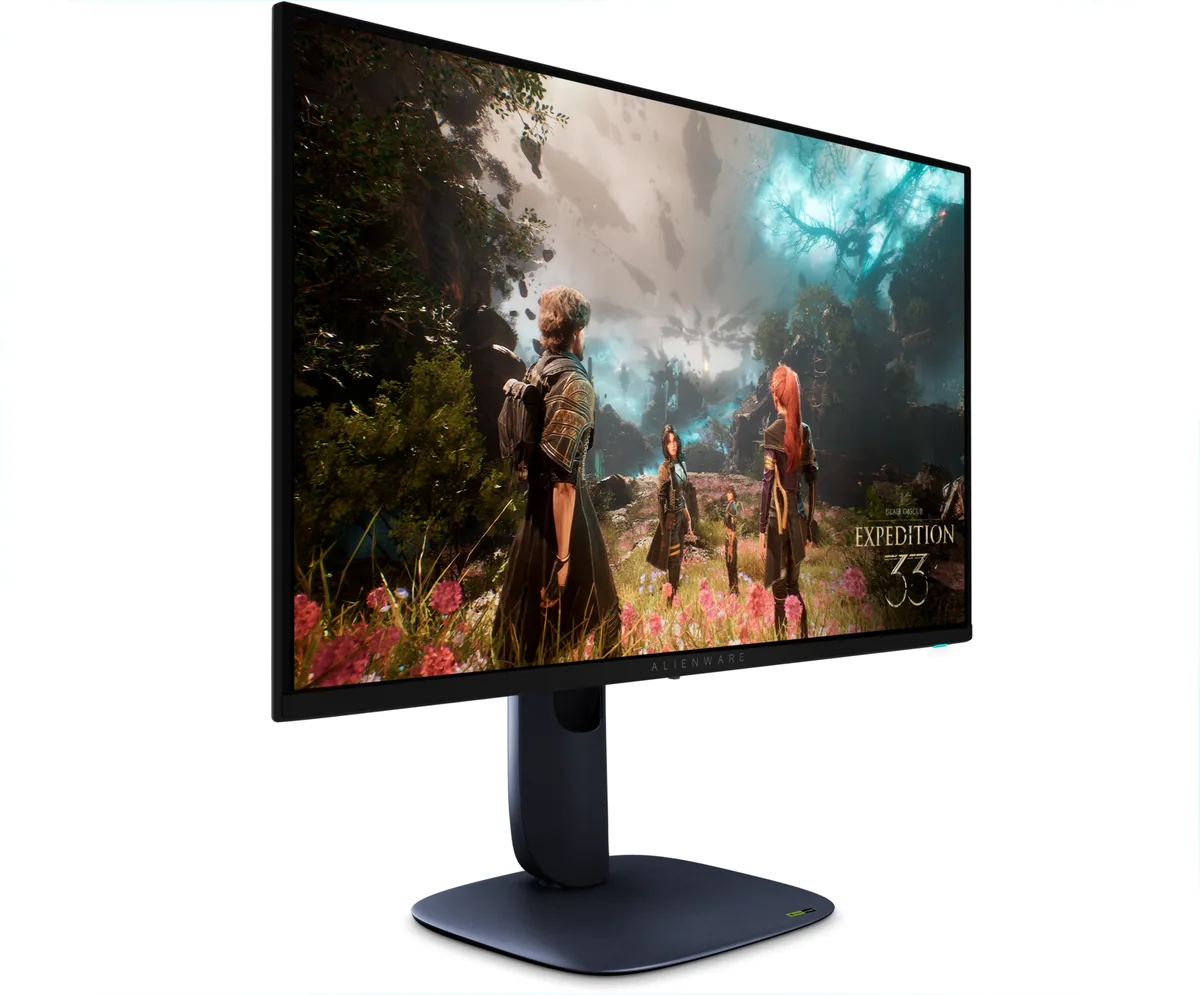
  • Four-way adjustable stand
  • Four-port USB hub

What it does well

  • 360 Hz on an emissive panel — the fastest refresh of any Alienware in this catalog
  • Three video inputs — two DisplayPort 1.4 and one HDMI 2.0 — so a PC and a console both stay plugged in, though the console is capped at 1440p 120
  • Dell's three-year panel exchange covers OLED burn-in, the warranty line that matters most here
  • Four-way stand with portrait pivot

What it gives up

  • Semi-glossy finish makes room lighting a design decision rather than an afterthought
  • 46 pixels per degree at 1440p, so this is a motion monitor and not a text monitor
  • 250 nits full-field in SDR, so a sunlit desk washes it out
  • No USB-C input, so a laptop needs its own dock

The two lists above come from the maker’s specifications and from published third-party measurements, not from owner reports. Where owner discussion has been read it appears in its own section below, so the two are never mistaken for each other.

What owners say

Among 27-inch QD-OLEDs this is the one people keep landing on, and the owner reports are unusually consistent: the panel is excellent, the picture out of the box is better than the obvious alternative's, and two specific problems decide whether you keep it.

The first is variable-refresh flicker. It shows up in menus and in dark, low-frame-rate scenes, and while some owners never see it badly enough to care, others have gone as far as turning G-Sync off — one player running around 350 fps in Dota found the fog of war unpleasant to look at. Firmware and cable changes help some people and not others. The second is a quality-control question: enough owners report scratches, bubbles under the factory film and dead pixels on arrival that it is worth ordering from somewhere with a painless return, and worth running a full-screen colour test the day it lands. A subtler variant of the same thing is a fine vertical striping on dark content that survives every cable and port swap and appears on some units only.

Who it suits: someone who plays fast games in a room with controllable light, wants explicit burn-in warranty cover, and is happy with 1440p sharpness for text. Someone who writes code or reads all day is better served by the 4K 27-inch panel, and someone who cannot dim their room should look at a micro-textured matte WOLED instead.
What owners like

  • One owner who set it up beside the equivalent Samsung 27-inch reported noticeably better colour accuracy out of the box, deeper contrast, more usable sliders and several built-in HDR presets rather than leaning on Windows for everything.
  • At 360 Hz the motion is what people bought it for, and competitive players in Valorant, Warzone and Dota report it delivering — the complaints about this monitor are never about speed.
  • The coating is glossier than the box suggests. Owners repeatedly say they would not call it matte, which is a genuine plus if you rejected the hazy anti-glare film on the WOLED alternatives.
  • Burn-in written explicitly into the warranty is the single most-cited reason buyers choose it over the Samsung panel at the same price.
  • Dell's discounting puts it well under most 360 Hz rivals in a sale, and buyers in several markets report paying a few hundred less than the competing MSI and Gigabyte panels.

Common complaints

  • VRR flicker is the loudest and most consistent complaint. Owners see it in static menus and in dark scenes — Dota's fog of war gets named by more than one person — and several found the only reliable fix was disabling G-Sync entirely, which is not what you buy a 360 Hz panel for.
  • Faint vertical lines and a crawling static texture on dark backgrounds turn up in several independent owner reports, surviving cable swaps, port swaps and different graphics cards. One owner saw it at 360, 240, 120 and 60 Hz but not at 144.
  • Arrival condition is a real risk: scratches, dead and stuck pixels, and bubbles in the factory film come up often enough that buyers in some markets treat a replacement cycle as part of the purchase.
  • Switching HDR on locks out the brightness and contrast controls and leaves only an SDR-brightness slider, which confuses almost every first-time OLED owner who tries it.
  • Full-field brightness is modest and the finish is glossy, so a sunlit desk undoes the contrast advantage that made you buy an emissive panel.
  • At 110 pixels per inch this is a motion monitor. Programmers cross-shopping the 4K 27-inch version notice the text difference immediately and several chose density over refresh.

Questions owners ask about the Alienware AW2725DF

Is the VRR flicker bad enough that I should just turn G-Sync off?

Depends on what you play and how stable your frame rate is. Owners report it worst in static menus and in dark scenes where the frame rate swings, and it is a known characteristic of the panel type rather than a fault in your unit. Update the monitor's firmware first, then try capping your frame rate close to the refresh ceiling so the variable range is narrower. Several owners who play games with erratic frame pacing ended up disabling G-Sync in the driver, and a few found switching it off in the monitor's own menu rather than per-game was what actually stopped it.

What are the faint vertical lines I can see on dark backgrounds?

More than one owner has reported thin vertical lines or a crawling grey static on dark scenes, most visible on solid colours and in dim game environments. It persists across DisplayPort and HDMI, different cables and different graphics cards, which points at the unit rather than the signal chain. One owner noticed it at 360, 240, 120 and 60 Hz but not at 144, which suggests it is tied to how the panel is driven. If you see it clearly in person, treat it as a return case rather than something to calibrate around.

Why can't I change brightness once HDR is turned on?

That is expected behaviour, not a fault. In HDR the monitor is following the signal's brightness data, so the panel-level brightness and contrast controls are greyed out and you get an SDR-brightness slider instead, which only affects non-HDR content shown while HDR is active. If HDR content looks wrong, the controls that matter are the HDR preset in the monitor's menu and the game's own tone-mapping sliders.

Is this actually glossy or matte?

Owners consistently report it as glossy — one who set it up next to the Samsung equivalent said they would never call this one matte. That is worth knowing in both directions: it keeps blacks looking black and text crisp, and it will mirror a lamp or a window behind you. If your room has light you cannot control, a micro-textured matte panel is the safer buy.

How does it compare with the Samsung 27-inch OLED at the same price?

An owner who bought this while their partner bought the Samsung reported better out-of-box calibration, better contrast and more tuning control here, with the Samsung brighter, more matte, and reliant on Windows for HDR handling. The deciding factor for a lot of buyers is the warranty: Dell states burn-in coverage explicitly, which several people named as the reason they paid the same money for this one.

I found a dead pixel a few weeks in — is that covered?

Owners have gone through returns and replacements for single stuck or dead pixels on this model, so it is worth raising rather than living with. Run the monitor's own built-in self-diagnostic pattern first, since a defect that shows on that screen is the panel and not your signal. Photograph what you see, because intermittent flashing pixels are hard to demonstrate later.

Others in the same part of the catalog

Alienware AW2725Q monitor
Alienware~$900

Alienware AW2725Q

26.7″ · 3840×2160 · 240 Hz · QD-OLED

Sharpness
69ppd · retina-class
HDR
Real HDR
USB-C power
No USB-C power
  • 4K at 27 inches OLED
  • 240 Hz
  • 165 ppi
  • Console at full speed

Best for: An OLED that has to handle text as well as it handles motion

Alienware AW3225QF monitor
Alienware~$1,000

Alienware AW3225QF

31.6″ · 3840×2160 · 240 Hz · QD-OLED

Sharpness
58ppd · sharp
HDR
Real HDR
USB-C power
No USB-C power
  • 4K 240 Hz OLED
  • 1,014 nits measured
  • Dolby Vision
  • Console at full speed

Best for: A single flagship gaming panel where 4K and 240 Hz both matter

Alienware AW3425DW monitor
Alienware~$750

Alienware AW3425DW

34″ · 3440×1440 · 240 Hz · QD-OLED

Sharpness
46ppd · sharp
HDR
Real HDR
USB-C power
No USB-C power
  • 240 Hz 21:9 OLED
  • 2× HDMI 2.1
  • 3-year burn-in cover
  • Console at full speed

Best for: An ultrawide OLED where a console also needs full bandwidth

More from Alienware →

← Back to the catalog