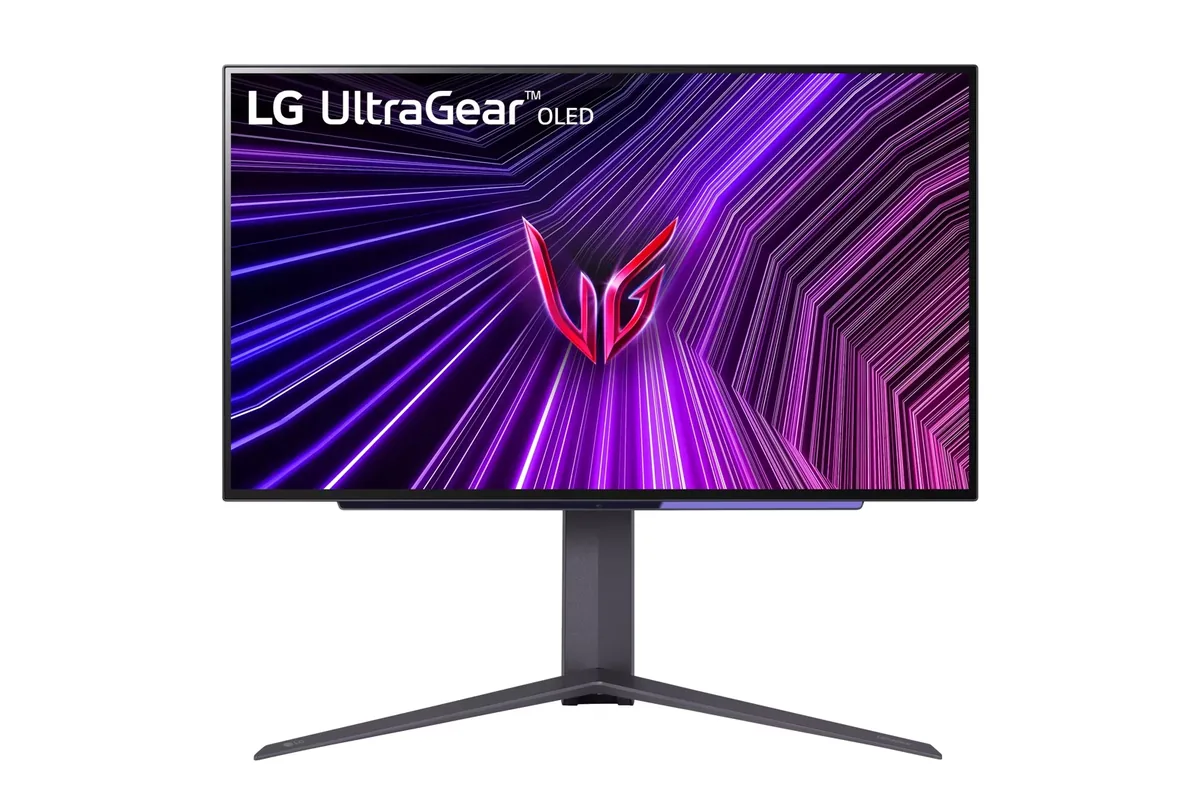
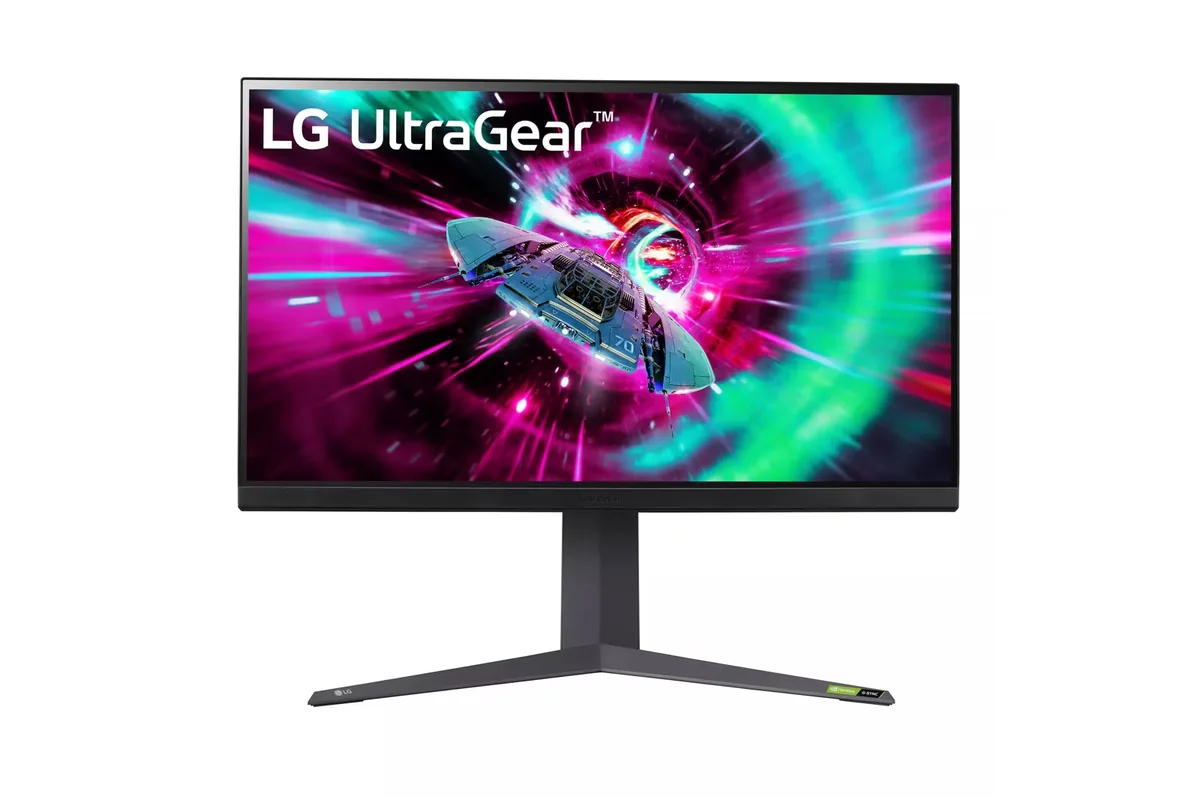
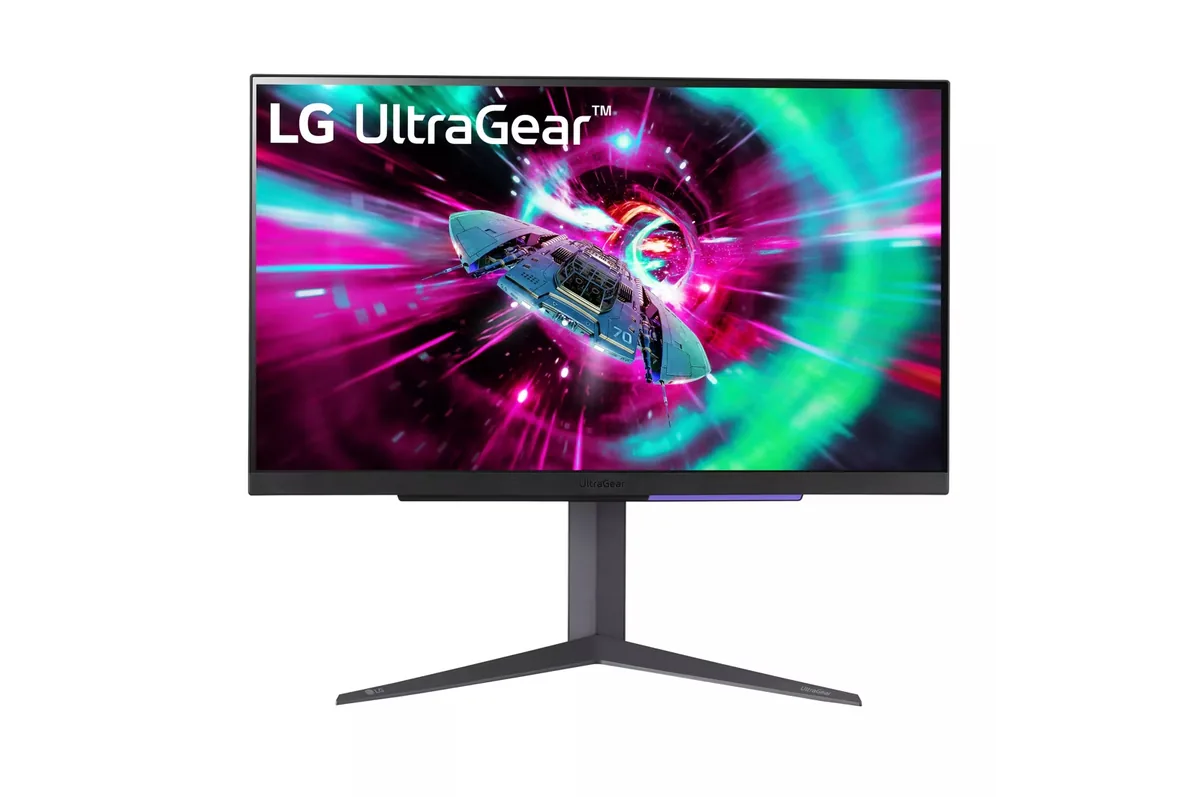
LG UltraGear 32GR93U monitorGaming~$600

LG

LG UltraGear 32GR93U

The 27GR93U's larger sibling, and the size where 4K stops being a luxury and starts being the only sensible resolution — 140 pixels per inch at 32 inches is what makes Windows usable at 100% scaling instead of 150%. Same pair of HDMI 2.1 ports, same DisplayHDR 400 badge over an edge-lit backlight.

Approx. price

~$600

snapshot, not a live price

Sharpness

59ppd · sharp

text is clean; pixel edges show if you look for them

HDR tier

Accepts an HDR signal

the maker publishes no dimming-zone count, so the certificate is the only evidence of local dimming there is

Peak brightness

500nits claimed

DisplayHDR 400

USB-C power

None

video and data only, or no USB-C at all

Max refresh

144 Hz

1 ms GtG rated

Port speed — can each input carry this panel?

  • 2×HDMI 2.1· full speed(DSC)
  • DisplayPort 1.4· full speed(DSC)

This panel needs 43.0 Gbps at 3840×2160, 144 Hz and 30 bits per pixel, and supports DSC compression.

Best for: A big desktop where 4K at 100% scaling is the point

Specifications

Approx. price
~$600
Type
Gaming
Resolution
3840×2160
Pixels per degree
59 — sharp
Finish
matte
VRR
G-Sync Compatible
HDR tier
Accepts an HDR signal
HDR certification
DisplayHDR 400
Peak brightness
500 nits claimed
Colour gamut
95% DCI-P3
Colour depth
8-bit+FRC
HDMI
2 × HDMI 2.1
DisplayPort
1 × DisplayPort 1.4
DSC
Supported
Port speed
2 of 2 inputs at full speed
USB-C
None
KVM
None
USB hub
2 ports
Speakers
None
Stand
height, tilt, pivot
VESA
100x100
Weight
18.3 lb
Released
2023
$ per inch
$19
$ per megapixel
$72

Features

  • 32-inch 4K at 144 Hz
  • Two HDMI 2.1 inputs that run a console at 4K 120
  • G-Sync Compatible and FreeSync Premium
  • Height and tilt with a portrait pivot

What it does well

  • 140 pixels per inch is the density that makes 32-inch 4K readable without display scaling
  • Two HDMI 2.1 ports drive a console at 4K 120 from either input
  • Large enough for two documents side by side at genuinely usable text size
  • 59 pixels per degree at desk distance, right at the edge of where the pixel grid disappears

What it gives up

  • Colour is 8-bit plus dithering rather than native 10-bit, so wide dark gradients band faintly
  • No swivel on an 18-pound panel, so angling it towards a second chair means shifting the whole base
  • DisplayHDR 400 over an edge-lit backlight — HDR content will look duller than SDR
  • IPS glow is more visible at 32 inches simply because there is more corner to glow

The two lists above come from the maker’s specifications and from published third-party measurements, not from owner reports. Where owner discussion has been read it appears in its own section below, so the two are never mistaken for each other.

What owners say

Work first, games second — that is the verdict owners keep arriving at, and they arrive at it from both directions. People doing eight-hour days in SQL, dashboards and email describe it as simply fine, no caveats. The same people describe it as lacking for gaming and go shopping for a 32-inch OLED, naming colour and HDR in single-player titles as the thing they want and this does not give.

One fault deserves more attention than it gets. An owner eight months in developed horizontal lines across the bottom two thirds of the screen, appearing whenever the panel ran below 120 Hz, over every connection he tried. LG deemed the monitor unrepairable. Because his work laptop connected through a USB-C adapter limited to 60 Hz, the lines were present for his entire working day, and he reports finding plenty of others with the same complaint. A separate owner's unit began whirring loudly enough that he replaced the monitor rather than repair it. Size is the other recurring exit: several buyers returned it because 32 inches at desk distance was physically uncomfortable, one describing himself as almost frowning at it.

It earns its place for one specific person: somebody who spends the day in code or dense documents, wants 4K at a size that reads cleanly without display scaling, has a bright room, and games casually. Console owners pairing a PS5 Pro and a Series X on one screen also land here for the HDMI. Anyone whose priority order runs the other way should note who is asking what to buy next — it is overwhelmingly the people who bought this.
What owners like

  • The text case gets made properly by owners rather than by marketing: one who wrote up four days of use picked it for exactly the combination of 32 inches and 4K that makes code, design files and dense documents readable without shrinking anything, and that is the profile of most people who end up here
  • It survives elimination rounds. A buyer who returned three Gigabyte M32U units with three different faults, and who found a 27-inch 4K panel too small for productivity, arrived at this one because the list of solid 32-inch 4K options is short
  • Owners spending eight hours a day in SQL, Power BI, Teams and Outlook call it fine for work without qualification — the criticism they have is always about gaming, never about the desktop
  • Console buyers pairing a PS5 Pro, a Series X and a Switch on one screen shortlist it for the HDMI, and at a metre or so of viewing distance the 32-inch size works in a way it does not at arm's length
  • Full-field brightness is the thing owners name as the loss when they contemplate moving to an OLED — for a bright room this panel does something the 32-inch OLEDs it gets compared with cannot

Common complaints

  • The fault to know about: horizontal lines across the bottom two thirds of the screen whenever the panel runs below 120 Hz, on any connection. One owner hit it at eight months, LG declared the monitor unrepairable, and he reports finding many others with the same complaint — it is worst for anyone whose laptop dock tops out at 60 Hz, because then the lines are always there
  • One owner's unit began whirring loudly enough after a few months that he described it as obscene and went shopping for a replacement rather than a repair
  • Several buyers returned it purely for physical size. One who had spent decades on televisions said he felt uncomfortable looking at it, almost frowning; another regretted the purchase within days on the grounds that it was too big and his hardware did not need 4K
  • It is a monitor people leave rather than arrive at when gaming is the priority — the people asking what to buy next are overwhelmingly owners of this one, shortlisting 32-inch 4K OLEDs and naming colour and HDR in single-player games as what they are missing

Questions owners ask about the LG UltraGear 32GR93U

What causes horizontal lines across the lower part of the screen?

One owner documented it precisely: eight months of normal use, then lines across the bottom two thirds appearing whenever the panel was driven below 120 Hz, on every connection he tried. LG assessed it as unrepairable, and he reports the complaint being far from unique. The cruel part is the trigger — a laptop dock or adapter that can only manage 60 Hz means the monitor never runs fast enough to hide it, so it is present all day at work.

Is 32 inches too big for a normal desk?

For some people, plainly yes, and the returns bear it out. One owner who had spent years in front of televisions found himself uncomfortable and almost frowning at it; another regretted it within days and sent it back for being too large for what his hardware needed. Owners who are happy with it tend to sit a metre or more away. Measure your actual viewing distance before ordering, and buy somewhere that takes returns.

Does it make any noise?

One owner's unit started whirring loudly a few months in — loud enough that he called it obscene and treated it as the end of the monitor's life rather than a repair job. It is not something every owner reports, but it is worth listening for during the return window in a quiet room.

Is 4K at 32 inches genuinely better for text than 1440p at 27?

This is the whole reason the size exists, and owners who bought it for work say so. At 32 inches the pixel density lands where Windows and macOS are readable without scaling everything up, which is what makes dense documents, spreadsheets and code comfortable. An owner who tried a 27-inch 4K panel first found the text sharp but too small to work in, which is the trap this size avoids.

Will it run a PS5 Pro and an Xbox Series X properly?

Yes, and console buyers specifically shortlist it for that — both HDMI inputs carry full bandwidth, so there is no correct port to remember. Owners running a console at around a metre of viewing distance report the size working better there than it does at arm's length on a desk.

Should I move from this to a 32-inch 4K OLED?

The owners doing it consistently cite colour and HDR in single-player games, never motion or sharpness. What they give up is full-field brightness, which several name explicitly as the thing they will miss, and freedom from worrying about a static dark-mode editor left open all day. If your work is eight hours of unchanging interface and your gaming is two, that trade is not obviously in your favour.

Others in the same part of the catalog

LG UltraGear 27GR93U monitor
LG~$500

LG UltraGear 27GR93U

27″ · 3840×2160 · 144 Hz · IPS

Sharpness
68ppd · retina-class
HDR
Accepts an HDR signal
USB-C power
No USB-C power
  • 4K at 144 Hz
  • 2× HDMI 2.1
  • 95% DCI-P3
  • Console at full speed

Best for: One desk shared by a PC and a current console, without a bandwidth compromise on either

LG UltraGear 27GS95QE monitor
LG~$700

LG UltraGear 27GS95QE

26.5″ · 2560×1440 · 240 Hz · WOLED

Sharpness
46ppd · sharp
HDR
Real HDR
USB-C power
No USB-C power
  • 240 Hz OLED
  • Four-way stand
  • Console at full speed

Best for: Competitive play where motion clarity outranks desktop text sharpness

More from LG →

← Back to the catalog