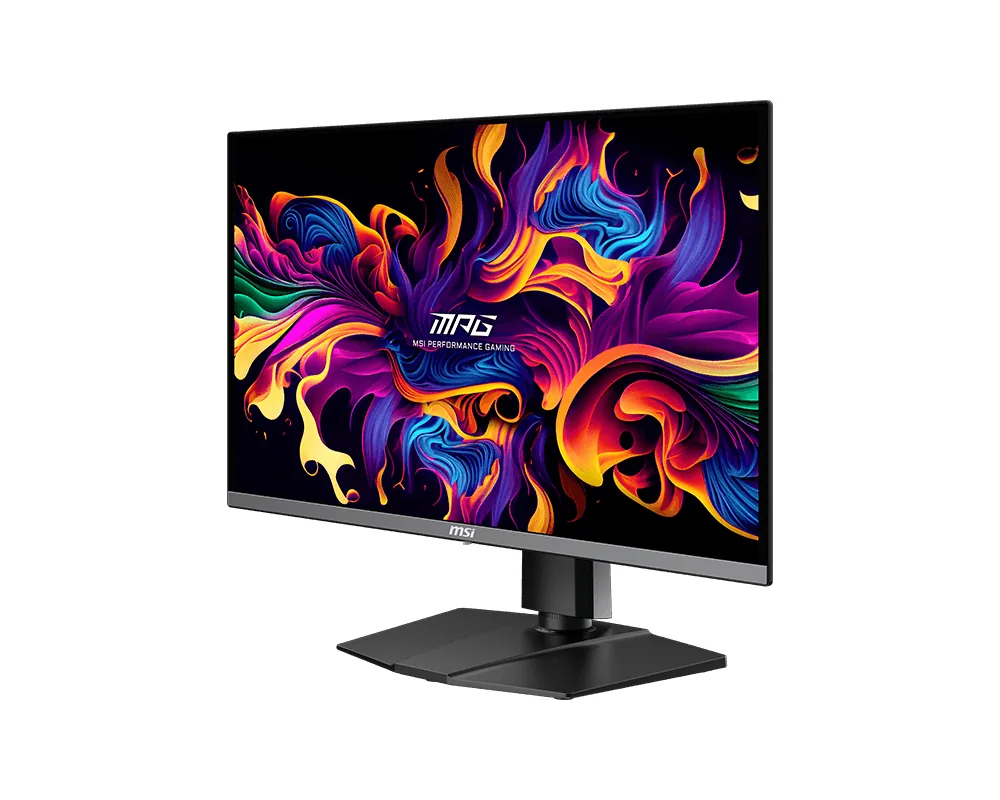
MSI~$630
MSI MPG 271QRX QD-OLED
26.5″ · 2560×1440 · 360 Hz · QD-OLED
- Sharpness
- 46ppd · sharp
- HDR
- Real HDR
- USB-C power
- 90 W
- 90 W USB-C
- 360 Hz OLED
- KVM
- Console at full speed
Best for: A gaming OLED that is also the dock for a work laptop
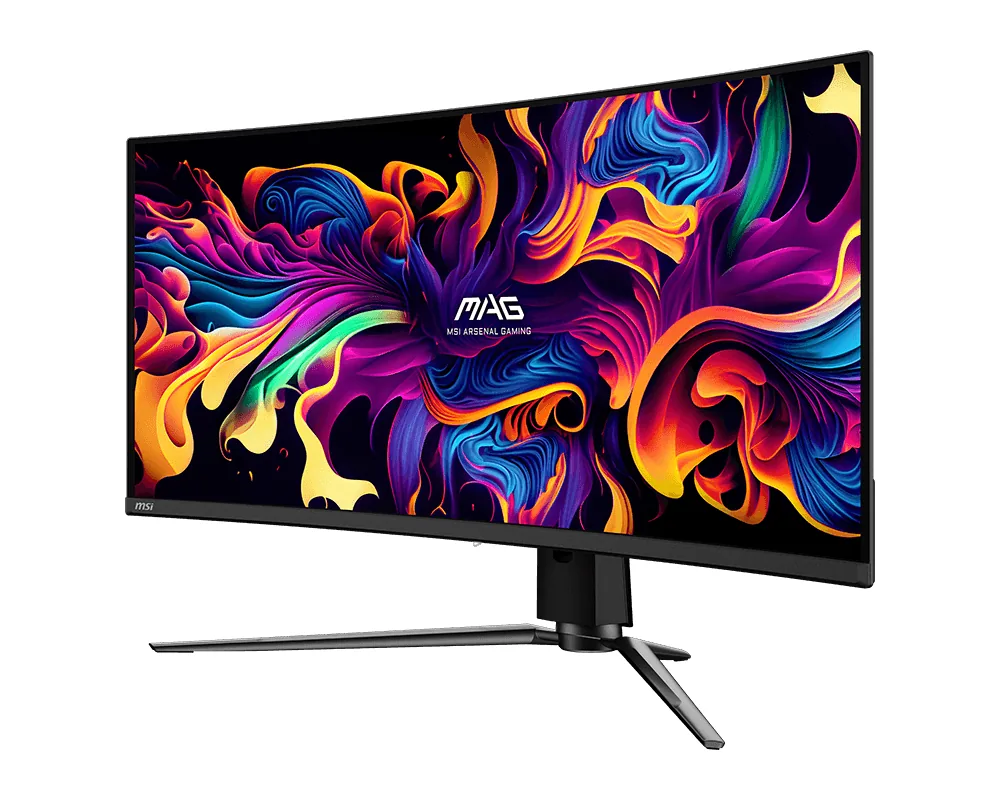 Ultrawide~$700
MSI
Among the 34-inch QD-OLEDs here this is the cheapest with full-rate HDMI 2.1 — the other $700 ultrawide OLED in the catalog stops at HDMI 2.0. Its ceiling is 175 Hz rather than the 240 the pricier ultrawides reach, which is most of the reason for the price, and for a single-player library it is a difference few people will notice.
Approx. price
~$700
snapshot, not a live price
Real HDR
per-pixel emissive — every pixel is its own backlight, so a highlight can sit beside true black
Port speed — can each input carry this panel?
This panel needs 31.2 Gbps at 3440×1440, 175 Hz and 30 bits per pixel, with no DSC to fall back on.
Best for: An ultrawide OLED where 175 Hz is enough and the price is not
The two lists above come from the maker’s specifications and from published third-party measurements, not from owner reports. Where owner discussion has been read it appears in its own section below, so the two are never mistaken for each other.
One comparison decides most purchases of this monitor: it or the Alienware AW3423DWF. Same panel family, near-identical price whenever MSI discounts, and a burn-in warranty that matches — which leaves buyers picking between Dell's reputation and MSI's newer panel-care software and ongoing firmware work. Reviewers pointed several of them here on exactly that reasoning.
What owners get is a 34-inch 1800R QD-OLED that impresses immediately and asks for some patience afterwards. The blacks and colour are the whole appeal, and first-time OLED buyers coming off VA or TN panels are unrestrained about it. Passive cooling means silence. The panel-care features — boundary, taskbar and logo detection — do more work than the average implementation, and MSI has kept shipping firmware long after launch, including a fix for the protection routine triggering too often and for the inverse ghosting it left behind.
The refresh rate is where the argument starts. At 175 Hz it sits below the 240 Hz ultrawides Gigabyte sells for less, and buyers who spot that mid-decision frequently walk away. Quality control is the other recurring theme: dark specks on arrival, panels seated unevenly in the bezel, and in one case a vertical brightness line that appeared a month into heavy daily use and did not respond to panel refreshes. Add intermittent black-screen resets and variable-refresh flicker on some units, and the sensible approach is to buy from somewhere with an easy return path, inspect it on a dark screen the day it arrives, and keep the receipt through the first month.
They are close relatives from the same QD-OLED family, which is why owners find so little difference in picture between them. The split is on everything else: this one runs a higher refresh rate than the older Alienware, has two HDMI 2.1 ports and more active burn-in mitigation, while Dell has the stronger track record on handling warranty claims. At equal money, owners who game on a console as well leaned this way; those prioritising support leaned Dell.
For story-driven games, films and general use, owners barely register the difference — pixel response is effectively instant either way. It matters if you play competitive shooters and your graphics card can actually push past 175 frames at 3440×1440, which is a demanding bar. When a 240 Hz ultrawide costs meaningfully less, that is the harder question.
It prompts a pixel-refresh cycle after a set number of on-hours, moved from 16 to 24 in later firmware. Running it is what keeps the burn-in warranty meaningful, so owners treat it as routine rather than optional. Early firmware triggered it too often and could leave faint inverse ghosting immediately afterwards; both were addressed in updates, so check your firmware version before worrying about either.
Marks visible on a powered-off or dark screen are not something to accept on a new panel, and more than one owner has opened a box to them. Retailer exchange is faster and less argumentative than a manufacturer claim, so use it if the option is there. Inspect on a full black screen and a dark grey one within the first day, because that is when both routes are still open.
It depends where you buy. Some owners report a DisplayPort cable included and used it straight away, while others in Europe found only HDMI and USB-C and had to buy one. Budget for a cable if the listing does not say explicitly — this panel needs compression over DisplayPort 1.4 to hit its full refresh, so a cheap unbranded cable is a poor place to save.
Most owners do, but not all. At least one software engineer reported real eye strain within a week that brightness changes and blue-light filters did not fix, and went back to IPS. QD-OLED's subpixel layout also fringes small text slightly, which is a common question from buyers who write code. Neither is universal, which is why trying it inside a return window is the honest advice.
26.5″ · 2560×1440 · 360 Hz · QD-OLED
Best for: A gaming OLED that is also the dock for a work laptop
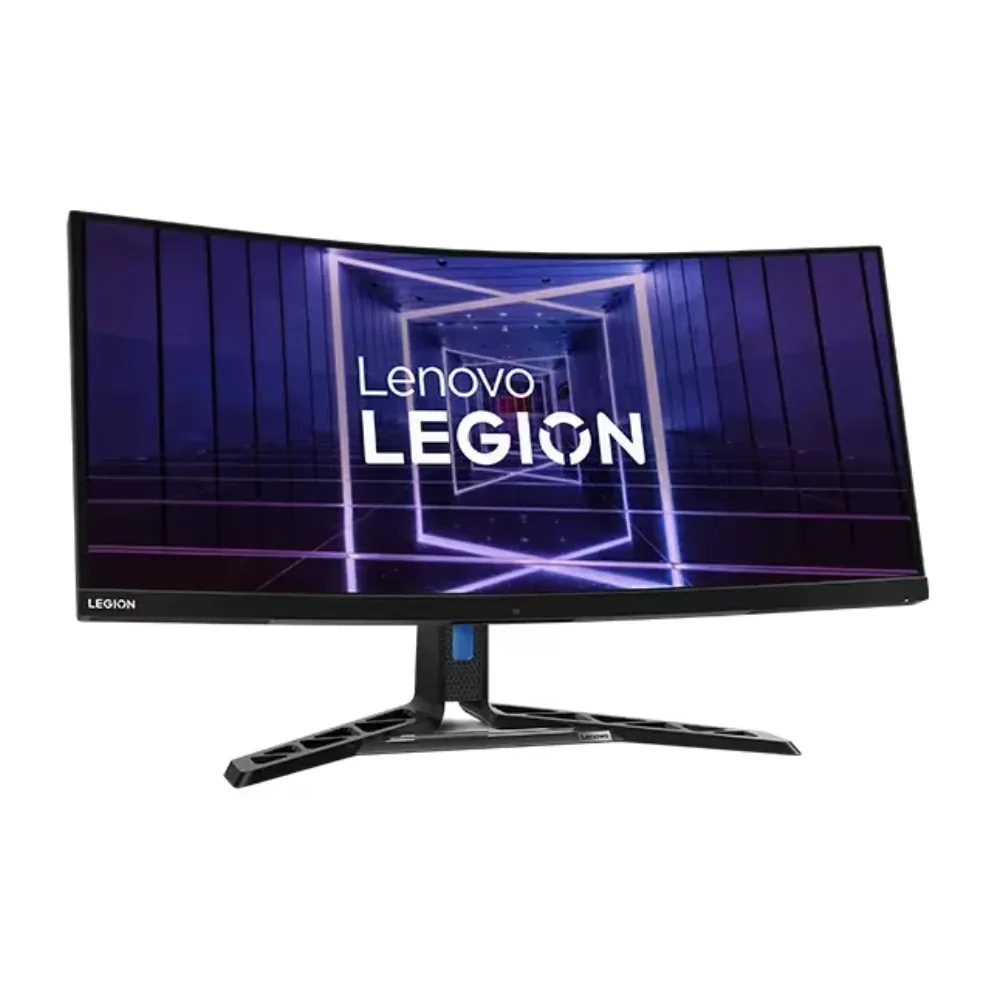
34″ · 3440×1440 · 165 Hz · Mini-LED VA
Best for: One ultrawide doing HDR gaming and laptop docking without a separate hub
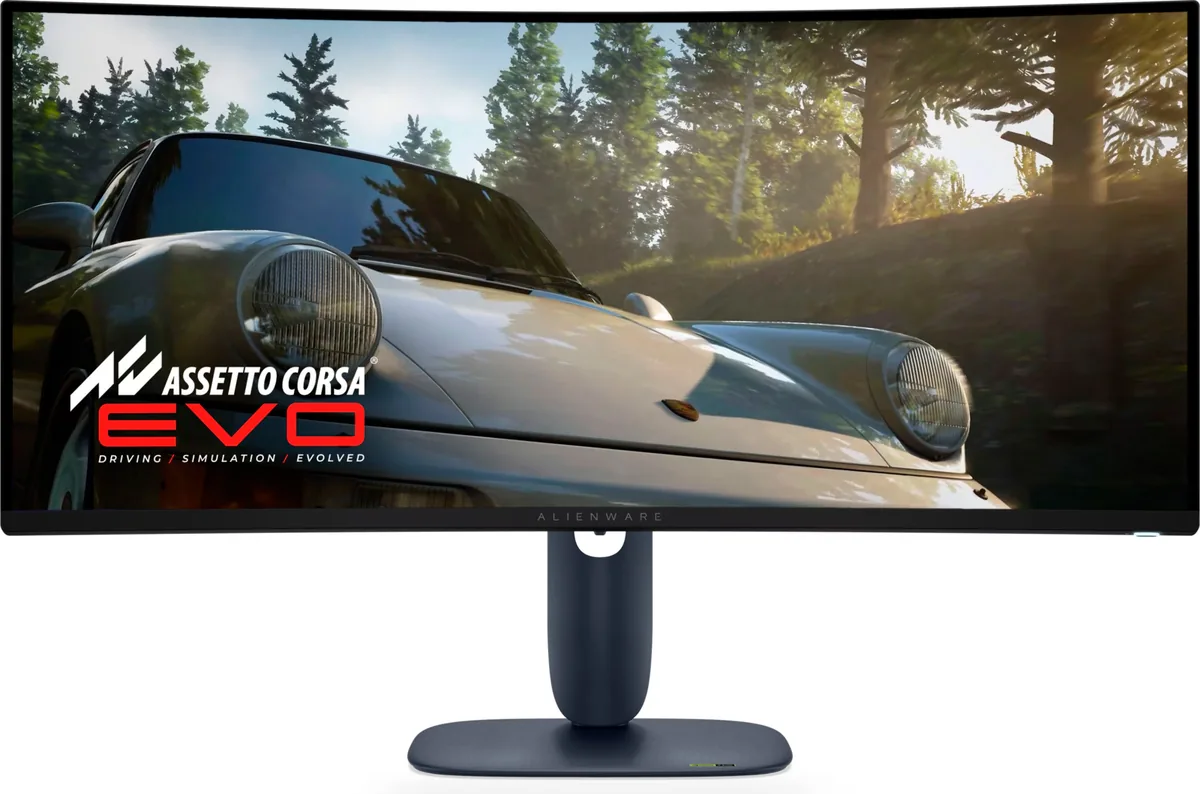
34″ · 3440×1440 · 240 Hz · QD-OLED
Best for: An ultrawide OLED where a console also needs full bandwidth