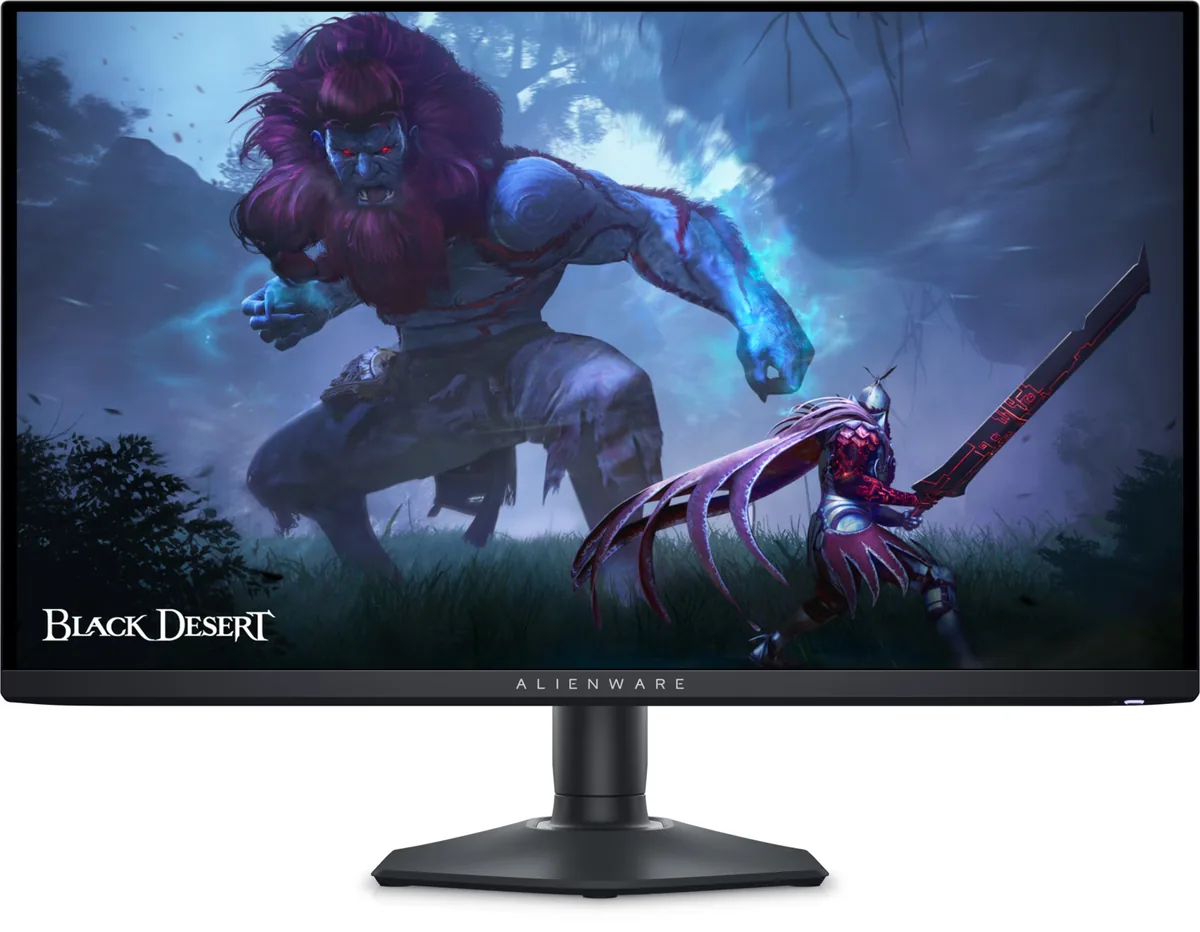
Alienware~$650
Alienware AW2725DF
26.7″ · 2560×1440 · 360 Hz · QD-OLED
- Sharpness
- 46ppd · sharp
- HDR
- Real HDR
- USB-C power
- No USB-C power
- 360 Hz QD-OLED
- Around $650
- 3-year burn-in cover
Best for: Competitive play on an OLED without flagship pricing
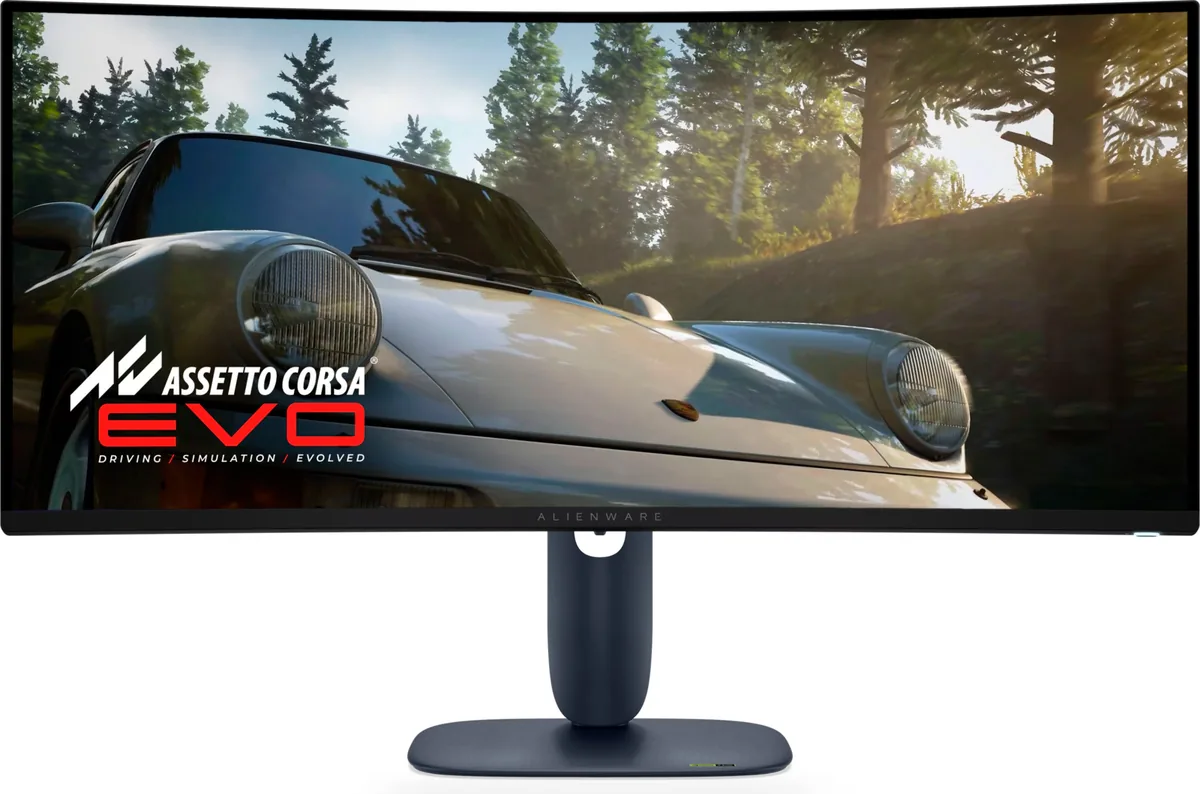 Ultrawide~$750
Alienware
Three years of panel development applied to the 34-inch 21:9 QD-OLED shape Alienware established: 240 Hz across the 21:9 canvas, with HDMI 2.1 on both inputs. At around $750 it is the cheapest 240 Hz QD-OLED ultrawide in this catalog. The $50 between it and LG's 34GS95QE buys the LG's far deeper 800R curve and a higher claimed peak, not a better panel.
Approx. price
~$750
snapshot, not a live price
Real HDR
per-pixel emissive — every pixel is its own backlight, so a highlight can sit beside true black
Port speed — can each input carry this panel?
This panel needs 42.8 Gbps at 3440×1440, 240 Hz and 30 bits per pixel, and supports DSC compression.
Best for: An ultrawide OLED where a console also needs full bandwidth
The two lists above come from the maker’s specifications and from published third-party measurements, not from owner reports. Where owner discussion has been read it appears in its own section below, so the two are never mistaken for each other.
For three years the answer to "best 34-inch ultrawide OLED" was a 2022 monitor, and everyone recommending it had to add caveats: 165 Hz, HDMI 2.0, first-generation subpixels that made text soft. This is that monitor with all three answered, which is why the ordering threads filled up the day it appeared.
The upgrade story is clean. Owners coming from the previous generation get 240 Hz and a console-capable HDMI input; owners who had rejected the older panel specifically because text looked soft came back for the revised subpixel layout; and owners who had gone to 32-inch 4K and found modern games too demanding came back the other way, trading pixel density for frame rate and getting the aspect ratio they missed. Three years of burn-in cover, stated as burn-in cover rather than a bare warranty term, did the rest.
Two warnings from people who bought early. Coil whine is real on at least some units — one owner characterised it carefully, finding it varied with how much white was on screen, continued in standby, and got quieter when they enabled the rear lighting. And the box no longer includes the bubble-wrap layer the older model shipped with, which is the likely reason at least one panel arrived with corner damage. Inspect it carefully before the return window closes, and listen to it in a quiet room.
At least one owner investigated theirs thoroughly and found a consistent pattern: the whine was unaffected by brightness but changed with how much of the screen was white, stayed audible in standby, and pulsed along with the power LED when no signal was present. Oddly, enabling the rear lighting more than halved the measured level by shifting the power supply's operating frequency. Not every unit whines, so if yours does and the workaround is not enough, treat it as a warranty case while you still can.
That is the main reason buyers who skipped the older model looked at this one. The panel generation here uses a revised subpixel arrangement rather than the original layout that made text on the 2022 model soft enough to put off people working from home. It is an improvement rather than a solution — an emissive panel with a non-standard subpixel order still does not render text like an IPS panel — so if text is your first priority, a 4K IPS or a higher-density OLED remains the safer choice.
In practice no, and this comes up in nearly every thread about the monitor. Display Stream Compression carries the mode comfortably and is visually lossless. What 2.1 would buy you is headroom for modes beyond this panel's ceiling and smoother behaviour when switching out of full-screen applications. Make sure compression is enabled in the monitor's menu if the full refresh rate is not being offered.
Yes. This model ships without the bubble-wrap layer its predecessor included, and one owner found what looked like a crack or coating delamination in the upper corner while the protective film was still on, with visible damage to the outer box. Check the carton for impact damage, unpack it on a soft surface, and look across the panel at an angle under a bright light before removing the film — it is much easier to argue a shipping claim before you have handled the screen.
The owners who have done both describe it as a trade rather than an upgrade in either direction. 4K at 32 inches wins on sharpness and on desktop real estate for working from home; 3440×1440 at 34 inches wins on aspect ratio, on immersion in sim racing and open-world games, and on how hard your graphics card has to work. Several people who moved to 4K came back for exactly those reasons, and several keep a 4K television or second screen for the detail work.
Three things, and they are the three the older model got criticised for: refresh rate goes from 165 Hz to 240 Hz, HDMI moves from 2.0 to 2.1 so a console gets full bandwidth, and the QD-OLED panel is a newer generation with a revised subpixel layout that handles text better. The older model is still good and sells for noticeably less, so if you play at moderate frame rates on a PC only and do not read much on the screen, the discount is a reasonable argument.
26.7″ · 2560×1440 · 360 Hz · QD-OLED
Best for: Competitive play on an OLED without flagship pricing
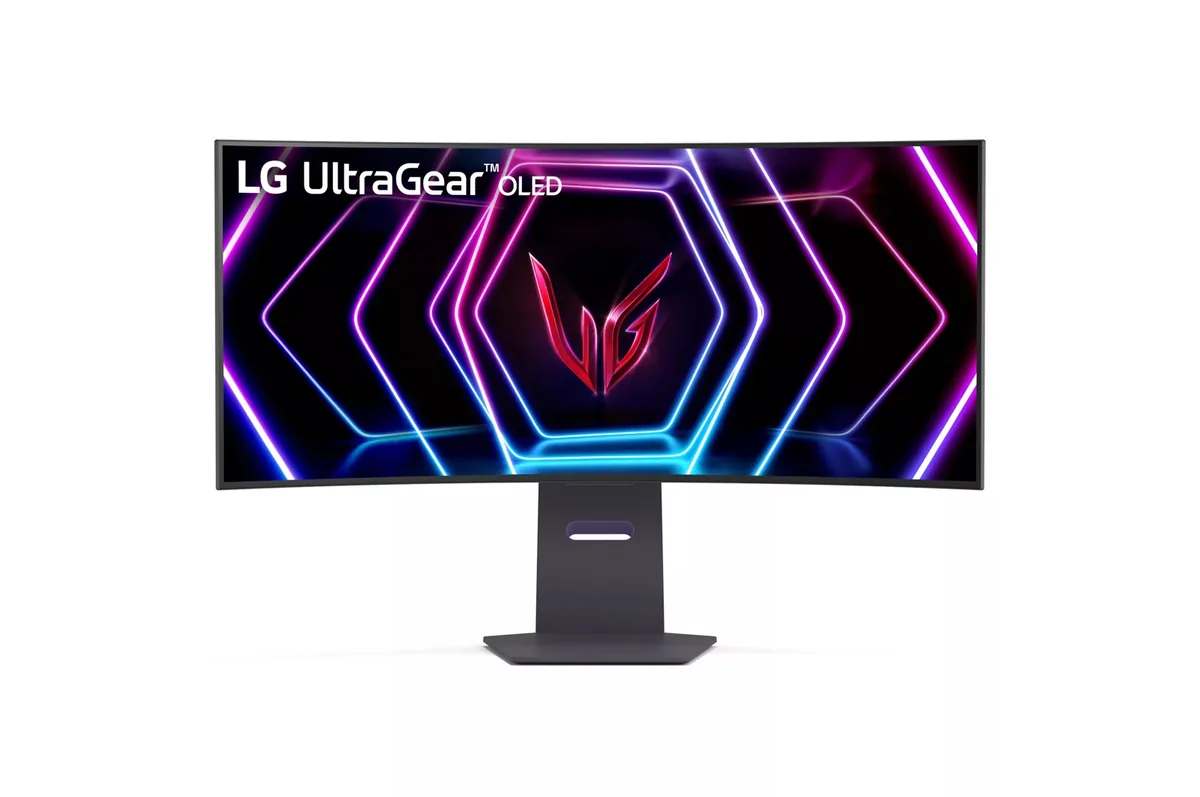
34″ · 3440×1440 · 240 Hz · WOLED
Best for: A curved 21:9 gaming panel that still holds up for desktop work
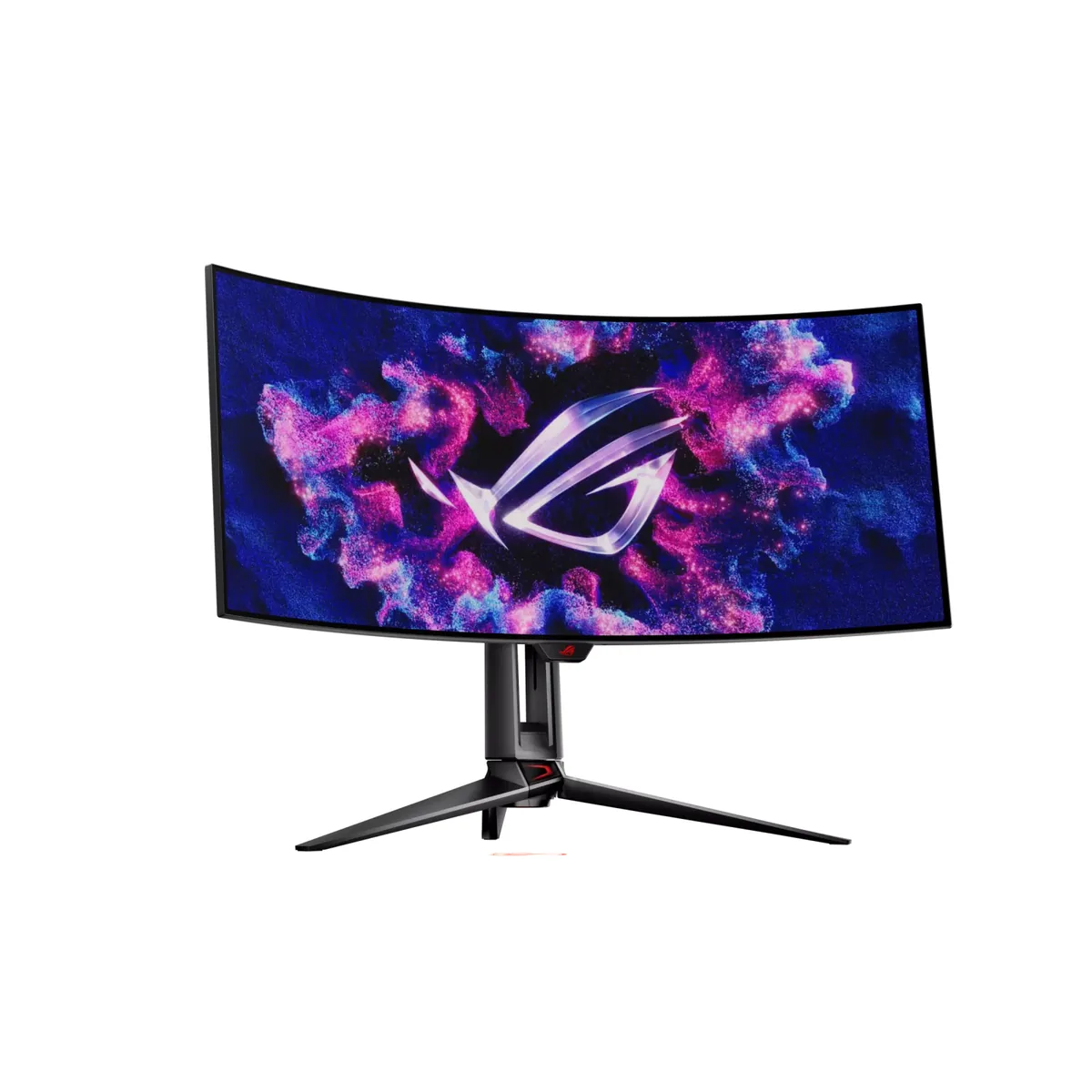
34″ · 3440×1440 · 240 Hz · WOLED
Best for: An immersive single-screen ultrawide for sims and first-person games