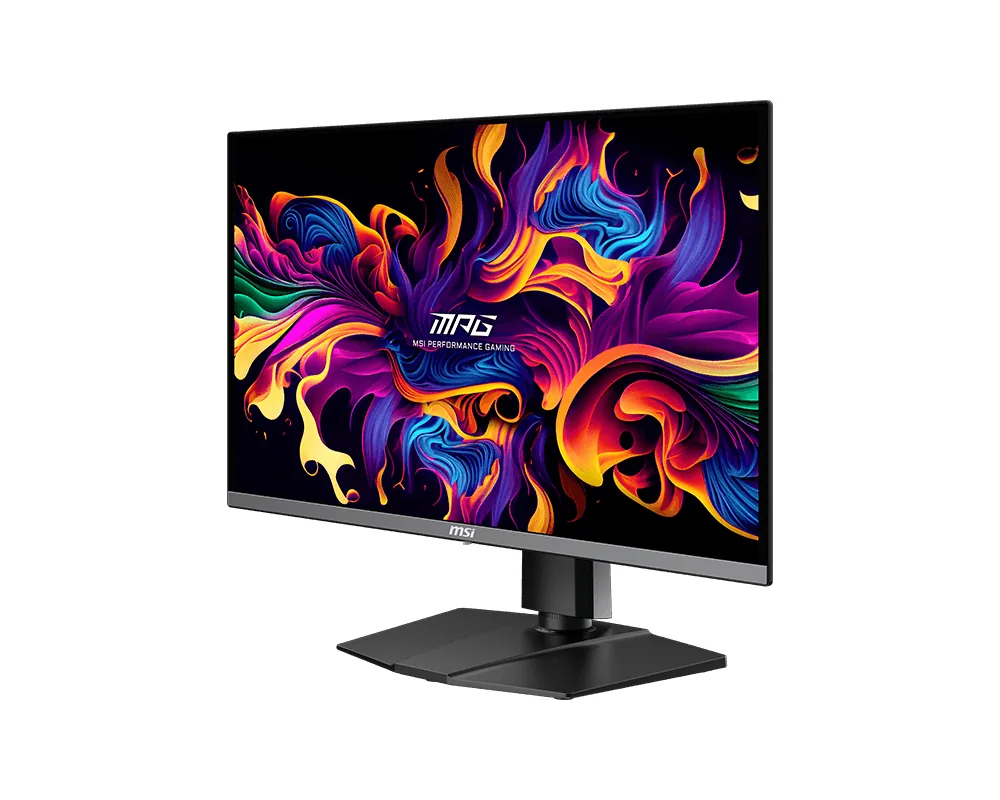
MSI~$630
MSI MPG 271QRX QD-OLED
26.5″ · 2560×1440 · 360 Hz · QD-OLED
- Sharpness
- 46ppd · sharp
- HDR
- Real HDR
- USB-C power
- 90 W
- 90 W USB-C
- 360 Hz OLED
- KVM
- Console at full speed
Best for: A gaming OLED that is also the dock for a work laptop
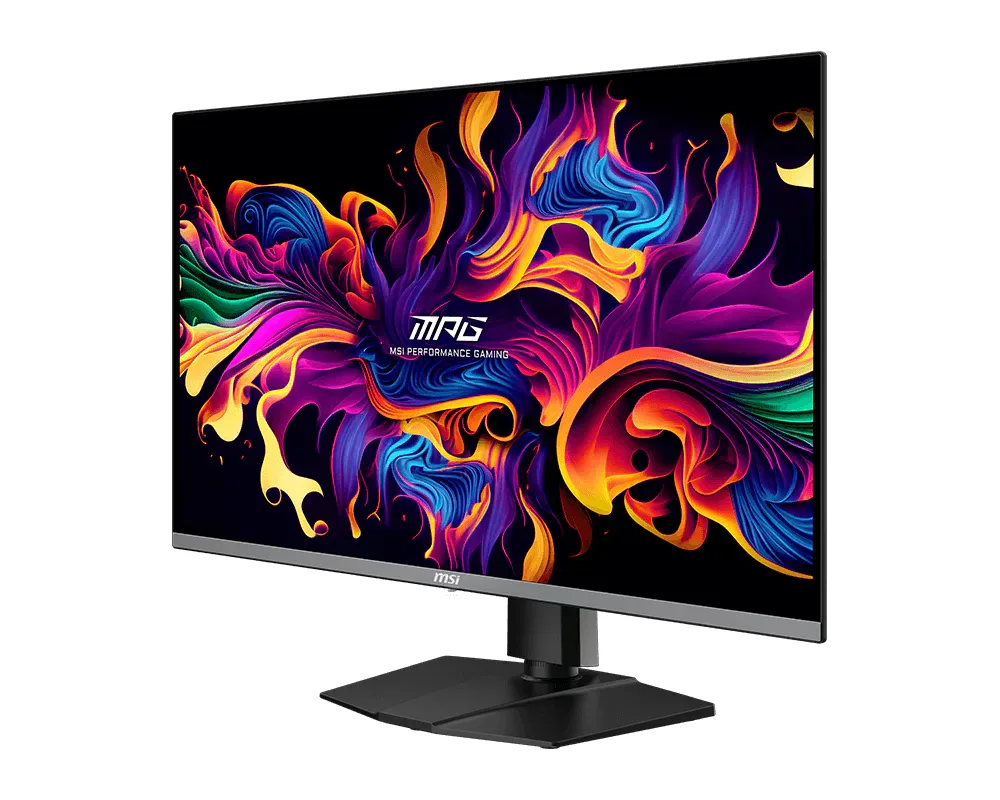 OLED gaming~$950
MSI
A 32-inch 4K QD-OLED at $950 that still finds room for 90 watts of USB-C and a KVM sits at the value end of this field. MSI also fits an AI chip that reads the screen for esports overlays, which draws overlays rather than anything the PC could not draw itself. The panel underneath is the same Samsung 4K 240 Hz glass its pricier rivals use.
Approx. price
~$950
snapshot, not a live price
Real HDR
per-pixel emissive — every pixel is its own backlight, so a highlight can sit beside true black
Port speed — can each input carry this panel?
This panel needs 71.7 Gbps at 3840×2160, 240 Hz and 30 bits per pixel, and supports DSC compression.
Best for: A 32-inch 4K OLED that docks a laptop without flagship pricing
The two lists above come from the maker’s specifications and from published third-party measurements, not from owner reports. Where owner discussion has been read it appears in its own section below, so the two are never mistaken for each other.
Cheapness, oddly, is what made this monitor famous. When 32-inch 4K QD-OLED panels were all arriving at once in early 2024, MSI's was the one that undercut the rest, and the buying conversation among owners was consistently framed as a question of whether the more expensive ASUS panel's extra features justified several hundred dollars on identical glass. Most people who asked ended up here.
What they got is a screen owners describe in superlatives and a support experience they describe in complaints. The picture wins — per-pixel blacks behind a glossy coating, 4K at 240 Hz, and the kind of contrast that people upgrading from an LCD say took a week to stop noticing. The firmware story is the opposite. The 1000-nit HDR mode the box advertised needed a firmware update to work properly, that update took most of a summer to arrive, and monitors from the first batch turned out to be missing the hardware needed to install any firmware at all, which meant an RMA before an owner could apply the fix everyone was waiting for. Updating still runs through a Windows-only tool, so Mac owners are stuck where they started.
Buy it for gaming and mixed use on a desktop and the value case holds up well. Treat the quirks as known quantities: brightness is not user-adjustable in HDR because the content drives it, sRGB mode crushes shadow detail on some units, there is no audio on board, and the intermittent black-screen blanking that ran through this entire panel generation may or may not visit your unit. Anyone leaving static spreadsheets or code on screen all day should weigh the three-year burn-in coverage against how they actually work, which is exactly the question owners doing coursework and coding asked most often.
Not on early units. The full-brightness HDR mode depended on a firmware update that MSI took months to ship, and owners tracked the delay closely through the middle of 2024. Check what firmware your unit is on before judging its HDR, and expect peak brightness only in small highlights rather than across a full white field.
Two separate reasons turn up. Monitors from the first production batch lack the chip that receives firmware and need a replacement from MSI before they can be updated at all. Everyone else needs MSI's update utility, which runs on Windows only, so a Mac-only setup has no path to newer firmware.
No. There is a headphone jack and nothing else, which catches out console owners in particular. Several buyers describe adding a small external DAC or powered speakers after realising there was no sound on board.
It is a known pattern across the 2024 generation of 32-inch QD-OLED monitors rather than one model's defect, and reports for this one sit alongside reports for its ASUS, Gigabyte and Alienware siblings. When it happens it is intermittent — the screen blanks for a moment and returns. Firmware and cable changes helped some owners; others never saw it.
The 140 pixels per inch is the same density as a 27-inch 1440p screen, so text is legible but not Retina-class, and QD-OLED's triangular subpixel arrangement makes thin fonts look slightly fringed to some people. The bigger question owners raise is static content: three years of warranty explicitly covers burn-in, but people who leave the same document or IDE on screen for eight hours a day should decide whether that coverage is enough reassurance.
The panel is the same generation, so the money buys features rather than picture: Dolby Vision support and a different heatsink and firmware approach. Owners who valued HDR film watching leaned ASUS; owners who wanted the panel for gaming at the lowest price consistently concluded the premium was hard to justify.
26.5″ · 2560×1440 · 360 Hz · QD-OLED
Best for: A gaming OLED that is also the dock for a work laptop
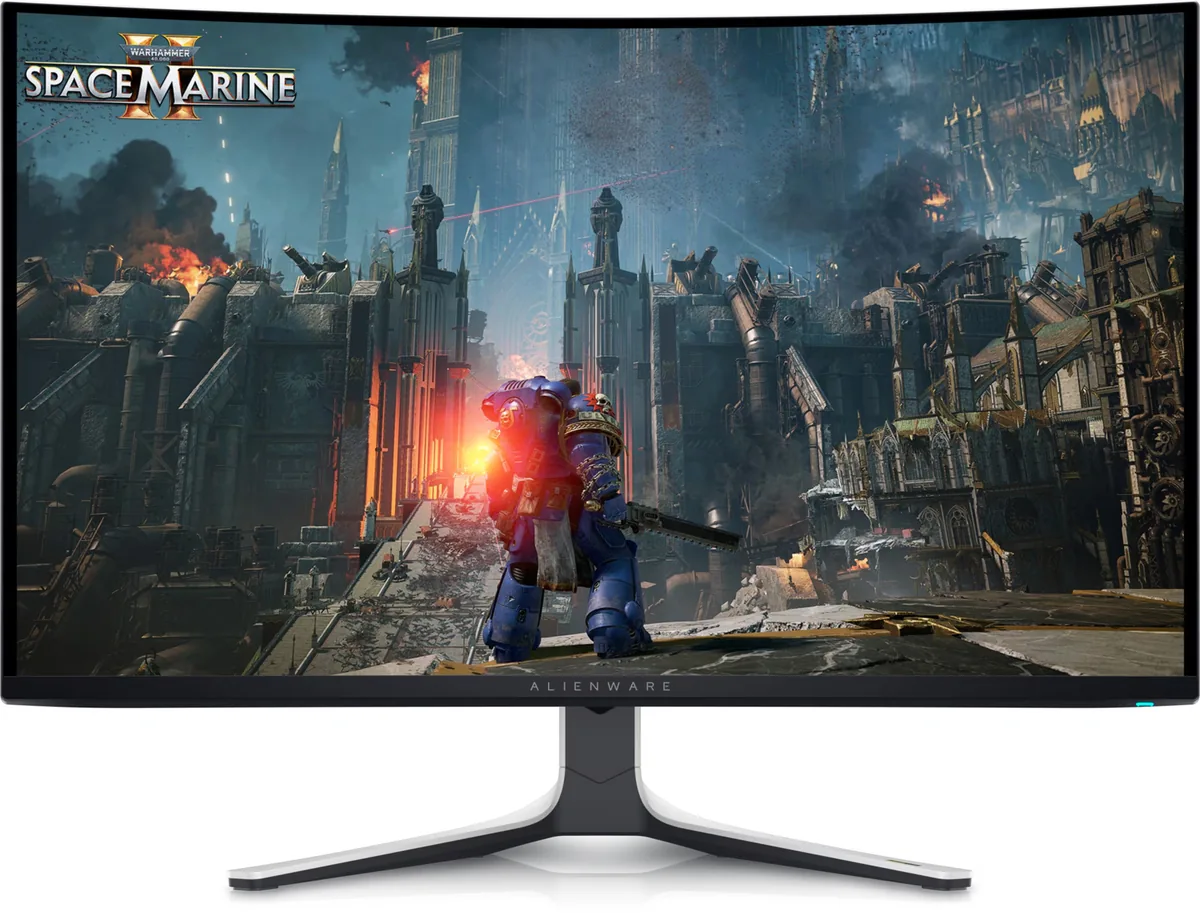
31.6″ · 3840×2160 · 240 Hz · QD-OLED
Best for: A single flagship gaming panel where 4K and 240 Hz both matter
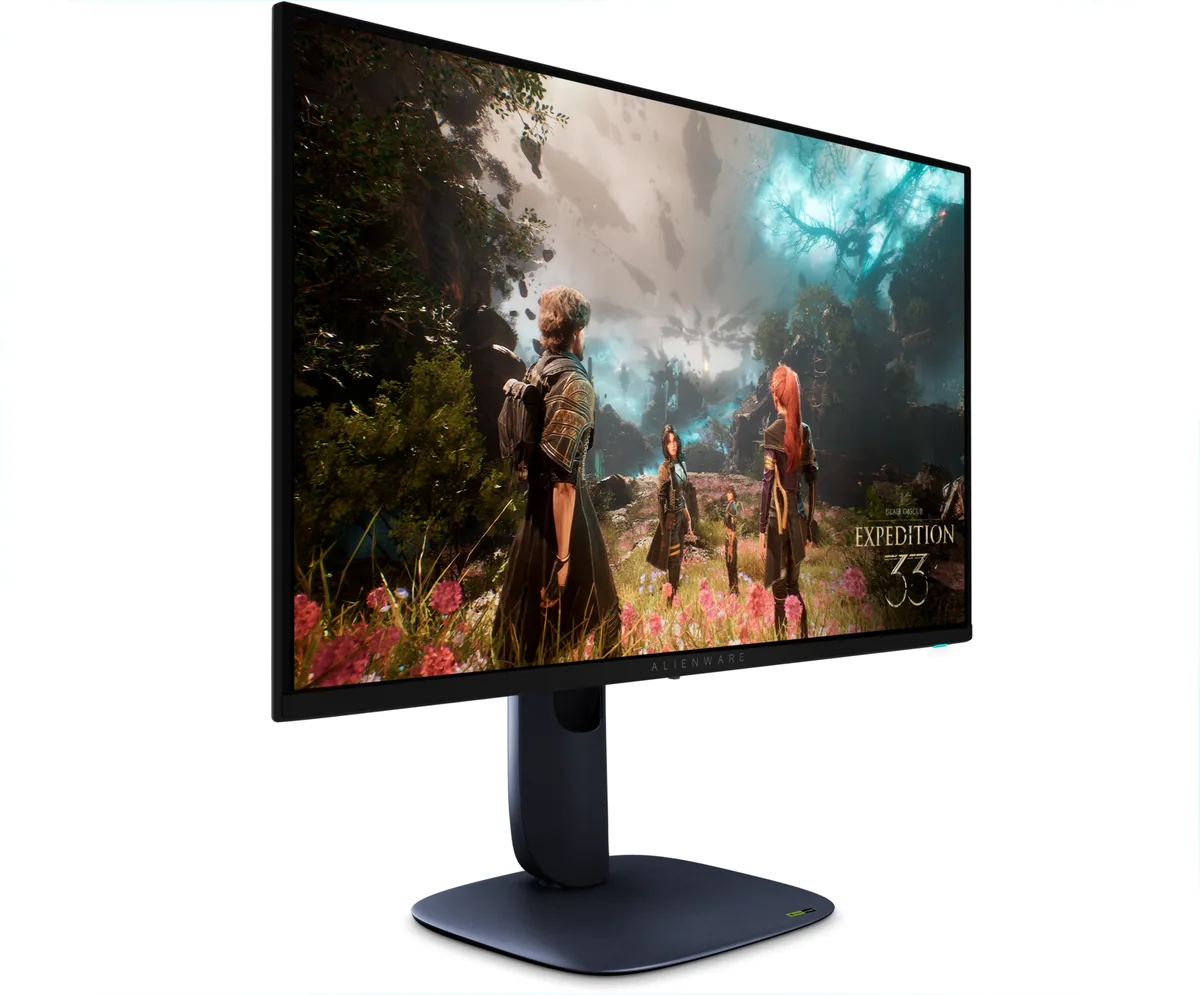
26.7″ · 3840×2160 · 240 Hz · QD-OLED
Best for: An OLED that has to handle text as well as it handles motion