Samsung ViewFinity S8 S80UD monitorProductivity~$450

Samsung

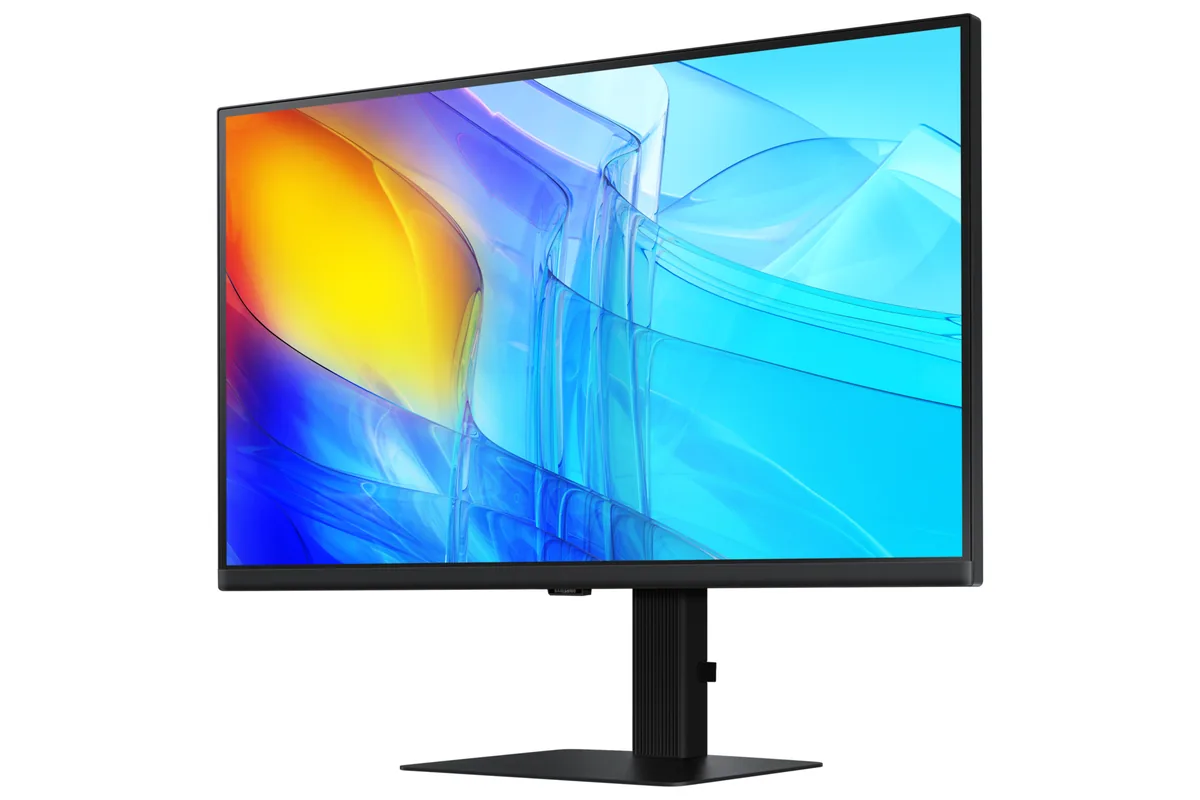
Samsung ViewFinity S8 S80UD

Cheap 90-watt USB-C is the whole reason to consider this one; everything else about it is a competent, unremarkable 4K office panel. Against the ProArt PA279CRV at $429 it gives up colour coverage — Samsung publishes 99% sRGB and no DCI-P3 figure at all, where ASUS rates 99% of DCI-P3 — and matches its four-way stand.

Approx. price

~$450

snapshot, not a live price

Sharpness

68ppd · retina-class

past the ~1 arcminute limit of 20/20 acuity — the grid is gone

HDR tier

No HDR

the maker makes no HDR claim for this panel

Peak brightness

350nits claimed

no HDR certification

USB-C power

90 W

keeps a 14-inch machine charged under normal load

Max refresh

60 Hz

5 ms GtG rated

Port speed — can each input carry this panel?

  • HDMI 2.0· full speed at 8-bit
  • DisplayPort 1.2· full speed at 8-bit
  • USB-C (DP Alt Mode)· full speed

This panel needs 17.9 Gbps at 3840×2160, 60 Hz and 30 bits per pixel, with no DSC to fall back on.

Best for: A cheap one-cable 4K dock for a work laptop

Specifications

Approx. price
~$450
Type
Productivity
Resolution
3840×2160
Pixels per degree
68 — retina-class
Finish
matte
VRR
None
HDR tier
No HDR
Peak brightness
350 nits claimed
Colour gamut
99% sRGB
HDMI
1 × HDMI 2.0
DisplayPort
1 × DisplayPort 1.2
DSC
Not supported
Port speed
1 of 3 inputs at full speed
USB-C
Video in over USB-C
USB-C power
90 W — 14-inch class laptop
KVM
Built in
USB hub
3 ports
Speakers
None
Stand
height, tilt, swivel, pivot
VESA
100x100
Weight
13.4 lb
$ per inch
$17
$ per megapixel
$54

Features

  • 90 W USB-C power delivery
  • 27-inch 4K IPS with 10-bit colour
  • Full four-way adjustable stand
  • Built-in KVM switch

What it does well

  • 90 watts over USB-C at around $450 — the cheapest 90-watt charger in this catalog
  • 68 pixels per degree — 4K at 27 inches is past the point where pixels are visible
  • Fully adjustable stand including portrait pivot
  • 10-bit panel, which is more than most office monitors at this price manage

What it gives up

  • 60 Hz and 5 ms — this is a documents-and-spreadsheets panel
  • DisplayPort 1.2 and HDMI 2.0 are both dated even for 4K at 60 Hz
  • Samsung publishes only 99% sRGB coverage and no DCI-P3 figure, so this is not a wide-gamut panel
  • No speakers, on a monitor otherwise built to be the one thing a laptop plugs into

The two lists above come from the maker’s specifications and from published third-party measurements, not from owner reports. Where owner discussion has been read it appears in its own section below, so the two are never mistaken for each other.

What owners say

No owner discussion has been read for the Samsung ViewFinity S8 S80UD yet. This section stays empty until there is something real to put in it.

Others in the same part of the catalog

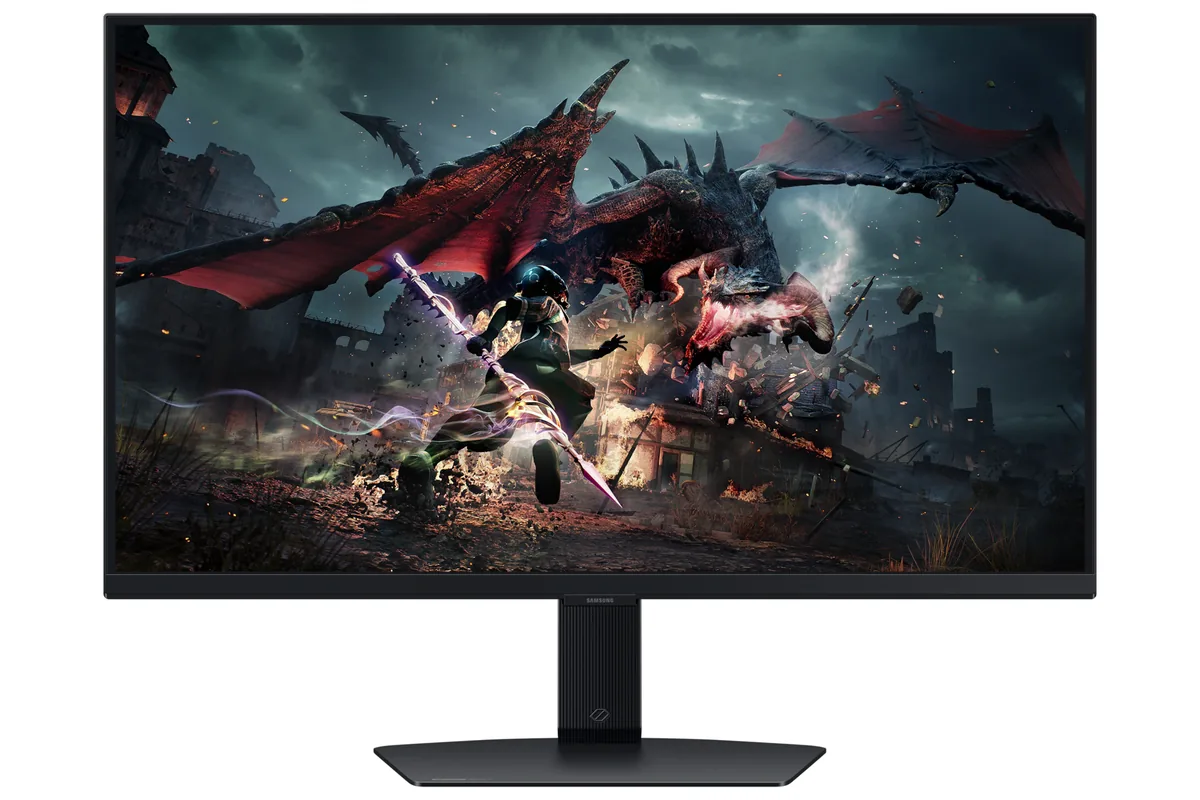
Samsung Odyssey G7 G70D monitor
Samsung~$400

Samsung Odyssey G7 G70D

27″ · 3840×2160 · 144 Hz · IPS

Sharpness
68ppd · retina-class
HDR
Accepts an HDR signal
USB-C power
No USB-C power
  • 4K at 144 Hz
  • Under $450
  • 2× HDMI 2.1

Best for: 4K at 144 Hz for a console and a PC, with streaming apps built in
Samsung Odyssey G5 G50D monitor
Samsung~$350

Samsung Odyssey G5 G50D

27″ · 2560×1440 · 180 Hz · IPS

Sharpness
46ppd · sharp
HDR
Accepts an HDR signal
USB-C power
No USB-C power
  • 180 Hz for ~$350
  • Adjustable stand

Best for: A first 1440p high-refresh screen on a strict budget

Samsung Odyssey OLED G8 G80SD monitor
Samsung~$1,300

Samsung Odyssey OLED G8 G80SD

32″ · 3840×2160 · 240 Hz · QD-OLED

No longer listed by Samsung
Sharpness
58ppd · sharp
HDR
Real HDR
USB-C power
No USB-C power
  • 32-inch 4K OLED
  • 240 Hz
  • Smart apps built in
  • Console at full speed

Best for: A 4K OLED desktop that also needs to work without a PC attached

More from Samsung →

← Back to the catalog