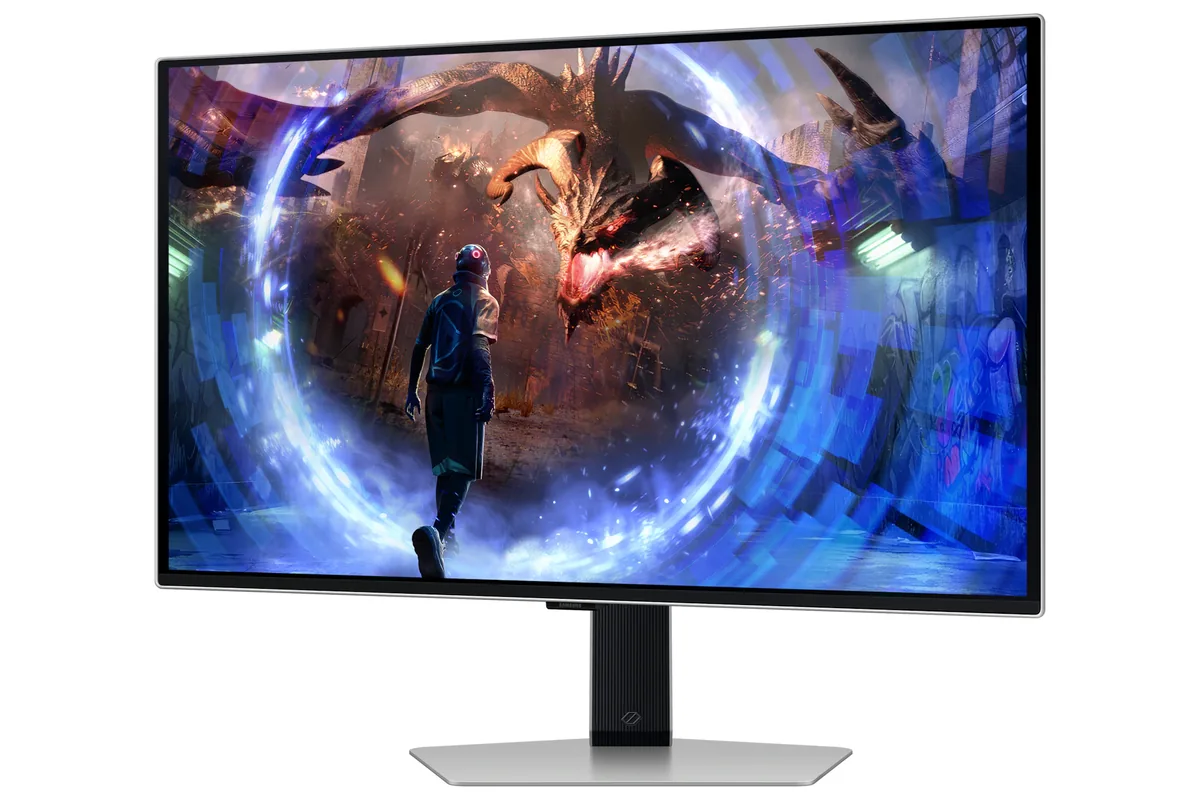
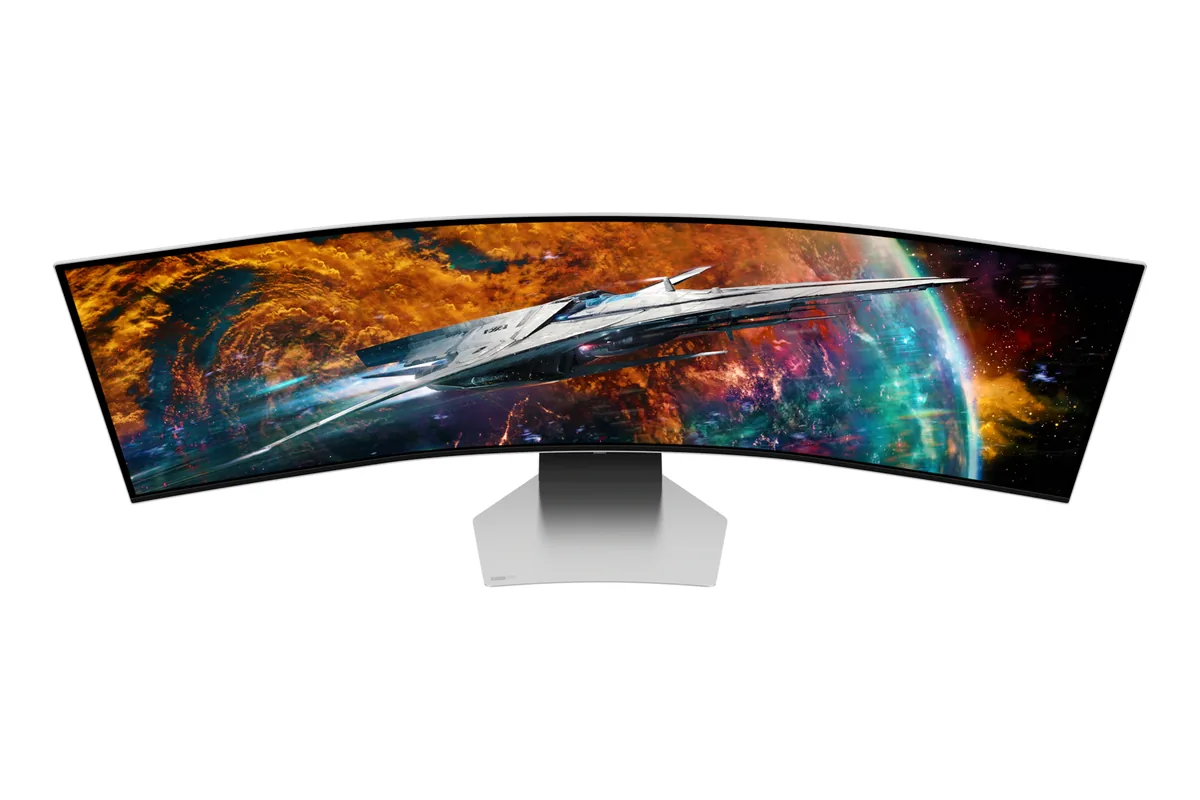
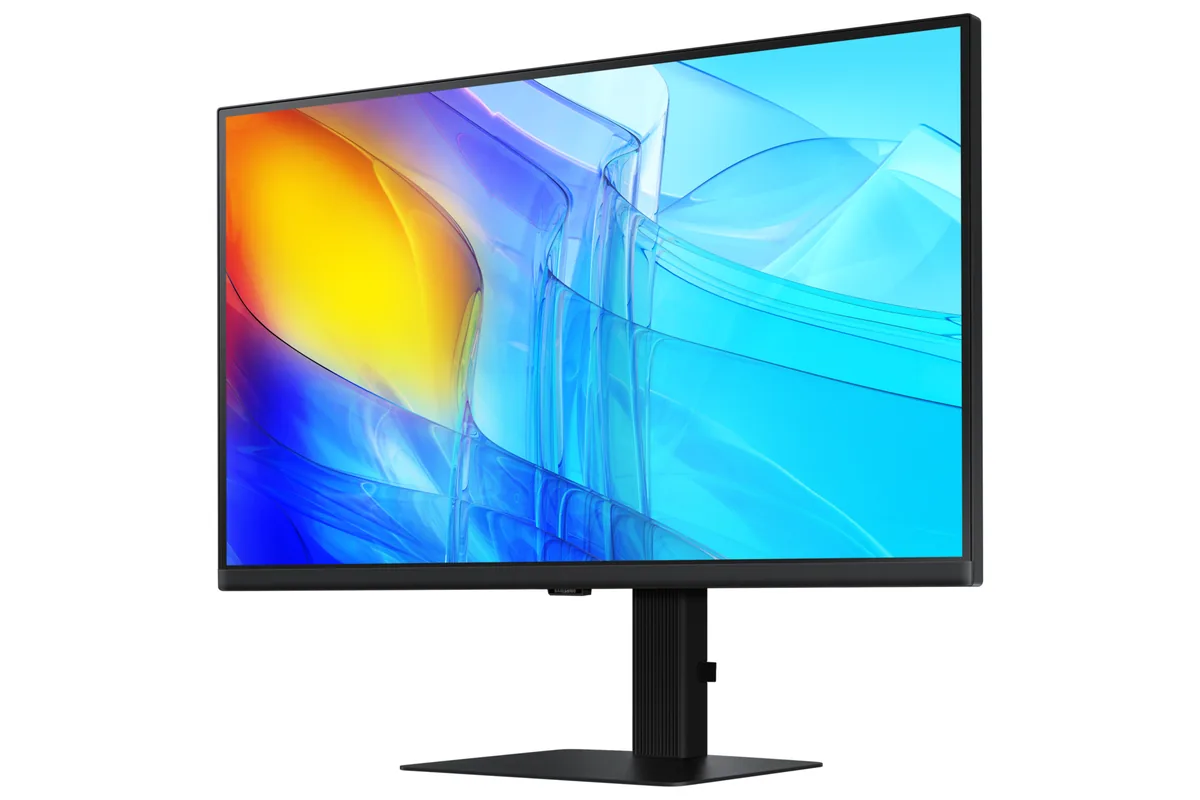
Samsung Odyssey OLED G6 G60SD
27″ · 2560×1440 · 360 Hz · QD-OLED
- Sharpness
- 46ppd · sharp
- HDR
- Real HDR
- USB-C power
- No USB-C power
- 360 Hz
- Matte QD-OLED
- Burn-in covered
- Console at full speed
Best for: A room with windows that would defeat a glossy OLED
OLED gaming~$1,300Samsung
Tizen, the smart-TV platform off Samsung's televisions, ships on this 32-inch 4K QD-OLED and cuts both ways: apps and streaming with no PC attached, and an interface that would rather be a television. TFTCentral measured full-field SDR at 260 nits, which is the figure that matters far more day to day than the 1,000-nit peak on the box. There is no USB-C anywhere on the back, so a laptop arrives over HDMI or DisplayPort and charges from its own brick.
Approx. price
~$1,300
snapshot, not a live price
Real HDR
per-pixel emissive — every pixel is its own backlight, so a highlight can sit beside true black
Port speed — can each input carry this panel?
This panel needs 71.7 Gbps at 3840×2160, 240 Hz and 30 bits per pixel, and supports DSC compression.
Best for: A 4K OLED desktop that also needs to work without a PC attached
The two lists above come from the maker’s specifications and from published third-party measurements, not from owner reports. Where owner discussion has been read it appears in its own section below, so the two are never mistaken for each other.
A 32-inch flat 4K QD-OLED at 240Hz put Samsung directly against the Asus PG32UCDM, Alienware AW3225QF and Gigabyte FO32U2 that owners had already bought, and the comparisons all turn on the same two differences: this one is flat rather than curved, and it is matte rather than glossy. Both split the room. People coming off a 1000R Odyssey ask whether flat will feel like a downgrade; people who read about QD-OLED's purple-black behavior under room lights arrive specifically because the coating fixes it.
First impressions are consistently enthusiastic — the step from a 4K 144Hz IPS panel gets described as unreal, with the instant response and per-pixel blacks doing more of the work than the extra refresh. The matte finish earns praise on its own terms: owners call it a half-matte, closer to a phone screen protector than the heavy frost on older matte panels, and it cuts the text fringing that bothers people on glossy QD-OLED. Then the complaints start, and almost none of them are about the panel. They are about the Tizen smart-TV layer sitting in front of it, the remote required to get back to your PC's input, a black-screen bug that needs the plug pulled, and a return policy that treats an opened box as a sale.
Worth it for someone who wants 4K OLED sharpness in a room with windows and does not want a curve or a glossy mirror, and who values the speakers and streaming apps as more than dead weight. The price advantage is real and frequently large. Go elsewhere if you want the deepest possible glossy contrast, if you run a Mac and need 240Hz, or if a monitor that boots into a TV interface would annoy you every single morning — that irritation is the one thing owners who returned it all mention.
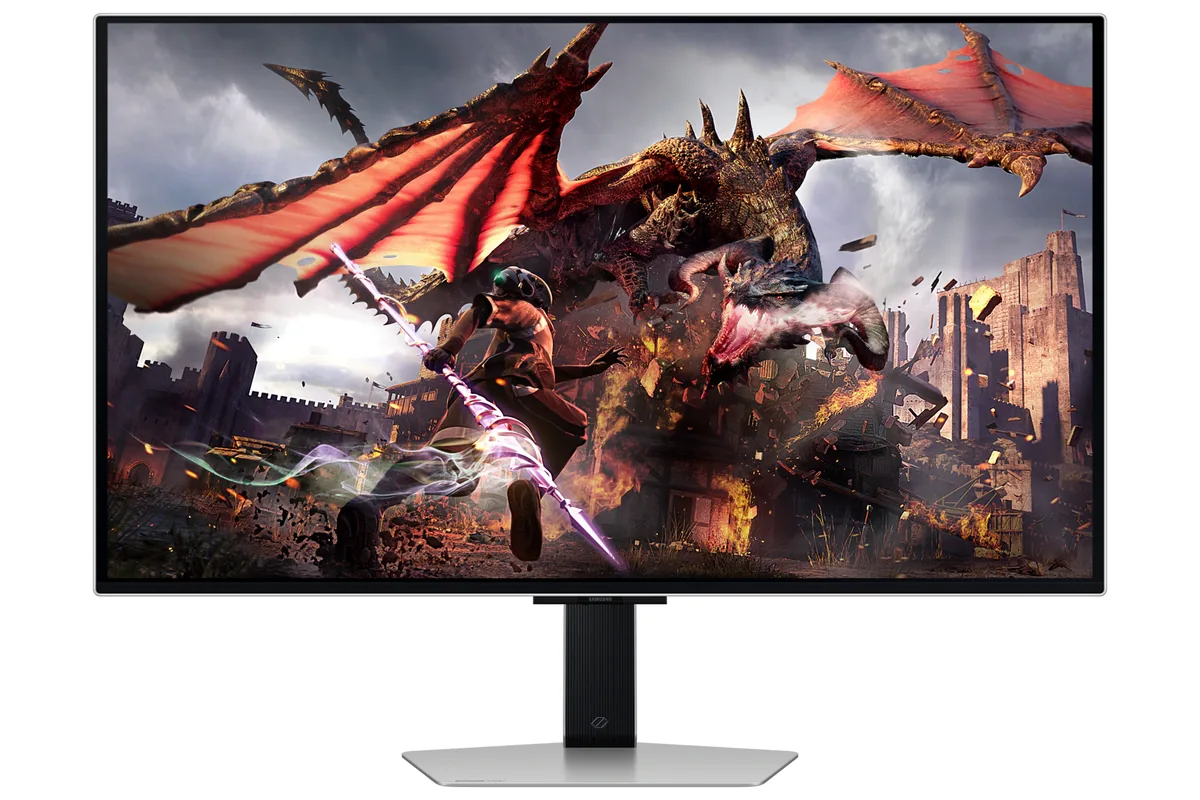
Owners who compared it directly against a glossy WOLED say the Samsung makes the LG look glossy by contrast, so the difference is obvious. What you lose is the wet, liquid-black pop of a glossy panel in a dark room. What you gain is blacks that stay inky with the lights on and noticeably less color fringing on text. People who work on the monitor tend to prefer it; people who game in the dark tend to want the glossy version.
This is the most common regret owners voice. Several report that restarting or powering on the PC drops the monitor back to its own home screen, and they have to find the remote to reselect HDMI. The menus themselves are slower to navigate than a normal monitor OSD, and one owner returning a unit said the interface alone was worth paying more for the Asus equivalent. If you never touch a remote by choice, weigh this heavily.
Samsung advertises three years of burn-in coverage in the US and added a cooling system plus brightness modulation specifically to reduce the risk. Check it after you register, though: at least one owner's account showed only 12 months of parts and labour and took an hour of support chat to correct, and owners in other countries have been told by Samsung representatives that burn-in is excluded in their region. Get a ticket number in writing.
Not reliably. An owner with an M4 Max Mac Studio could not get past 120Hz at any resolution on this panel while a competing 4K QD-OLED negotiated 240Hz on the same machine. Separately, Mac mini owners report the monitor failing to detect the source after sleep, fixable only by restarting the Mac. If a Mac is your main machine, treat 240Hz here as unproven.
It is a real question owners ask before buying, and the answer splits by size. At 32 inches and 16:9 the flat panel is far less contentious than it would be on an ultrawide, and most people who made the jump stopped noticing within days. If you specifically liked the wrap of a 1000R curve, the curved 4K QD-OLED alternatives exist for the same money and several owners chose one for exactly that reason.
No — the panel runs 4K 240Hz over DisplayPort 1.4 with compression and most owners see no bandwidth problem. Two things are worth knowing anyway: a couple of owners on current-generation Nvidia cards have posted mid-game corruption over DisplayPort 1.4 at that rate, and capping frames through the driver's low-latency mode behaves as though the panel were at 120Hz for some people. Shoppers do use the port version as a reason to pay more elsewhere.

27″ · 2560×1440 · 360 Hz · QD-OLED
Best for: A room with windows that would defeat a glossy OLED

49″ · 5120×1440 · 240 Hz · QD-OLED
Best for: Replacing a dual-27-inch setup with one unbroken 240 Hz canvas

27″ · 3840×2160 · 60 Hz · IPS
Best for: A cheap one-cable 4K dock for a work laptop