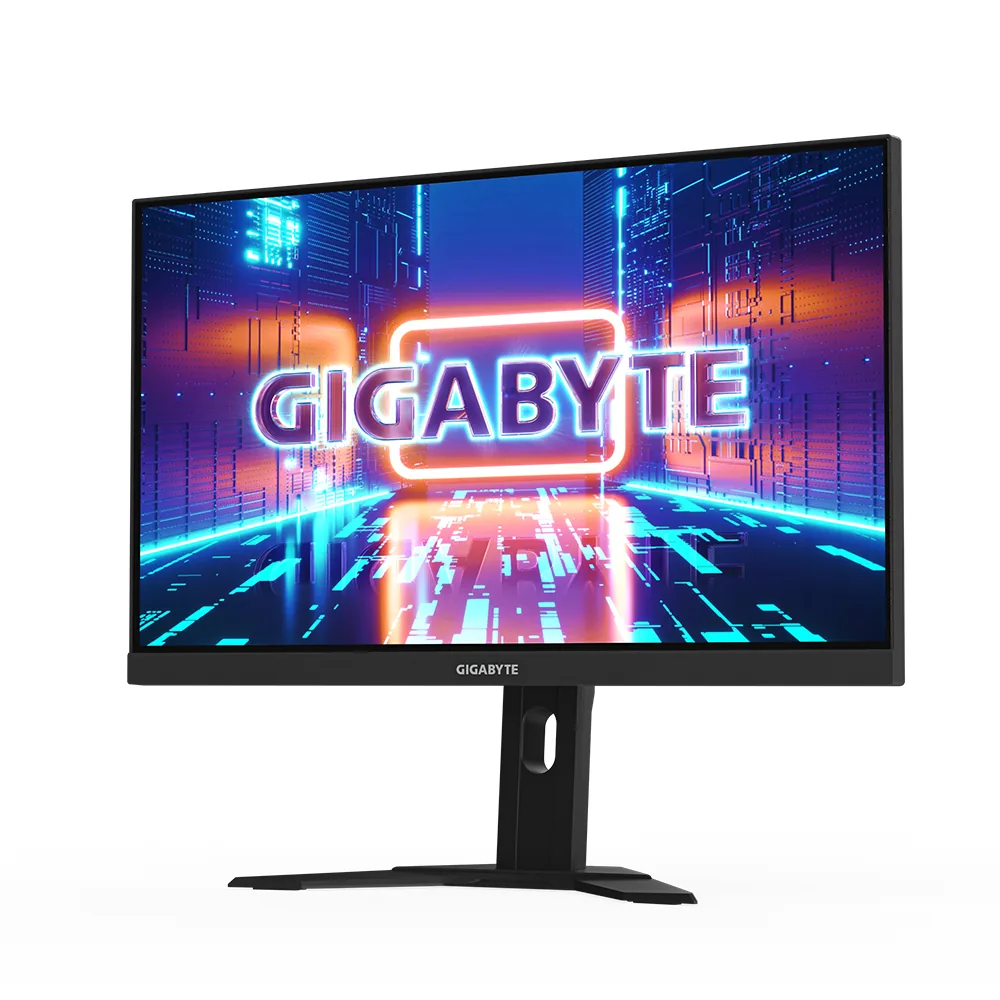
Dell S2725QS
27″ · 3840×2160 · 120 Hz · IPS
- Sharpness
- 68ppd · retina-class
- HDR
- No HDR
- USB-C power
- No USB-C power
- 4K at 120 Hz
- Around $300
- Four-way stand
- Console at full speed
Best for: A cheap sharp desktop for a console and a recent graphics card
Short answer
Yes at 27 inches, and it is not close: 4K there works out to 68 pixels per degree of vision at a normal desk distance, against 46 for 1440p. Sixty is the point where 20/20 eyesight stops resolving individual pixels, so one of those panels has a visible grid and the other does not. The catch is that 4K at high refresh rates costs far more GPU than 1440p does, which is a separate decision from whether you can see it.
Pixel density is usually quoted as pixels per inch, and PPI is useless for comparing two monitors you view from different distances. A 14-inch travel panel at 157 PPI and a 32-inch desktop at 140 PPI are nowhere near equivalent in use, because one sits at arm's length on a tray table and the other sits two feet away on a desk.
Pixels per degree fixes that by asking how much resolution lands on the retina. Multiply pixels per inch by the viewing distance in inches and by π/180, and you get the number of pixels the panel spends on each degree of your field of view. At a 24-inch desk distance, the conversion is simply PPI × 0.419.
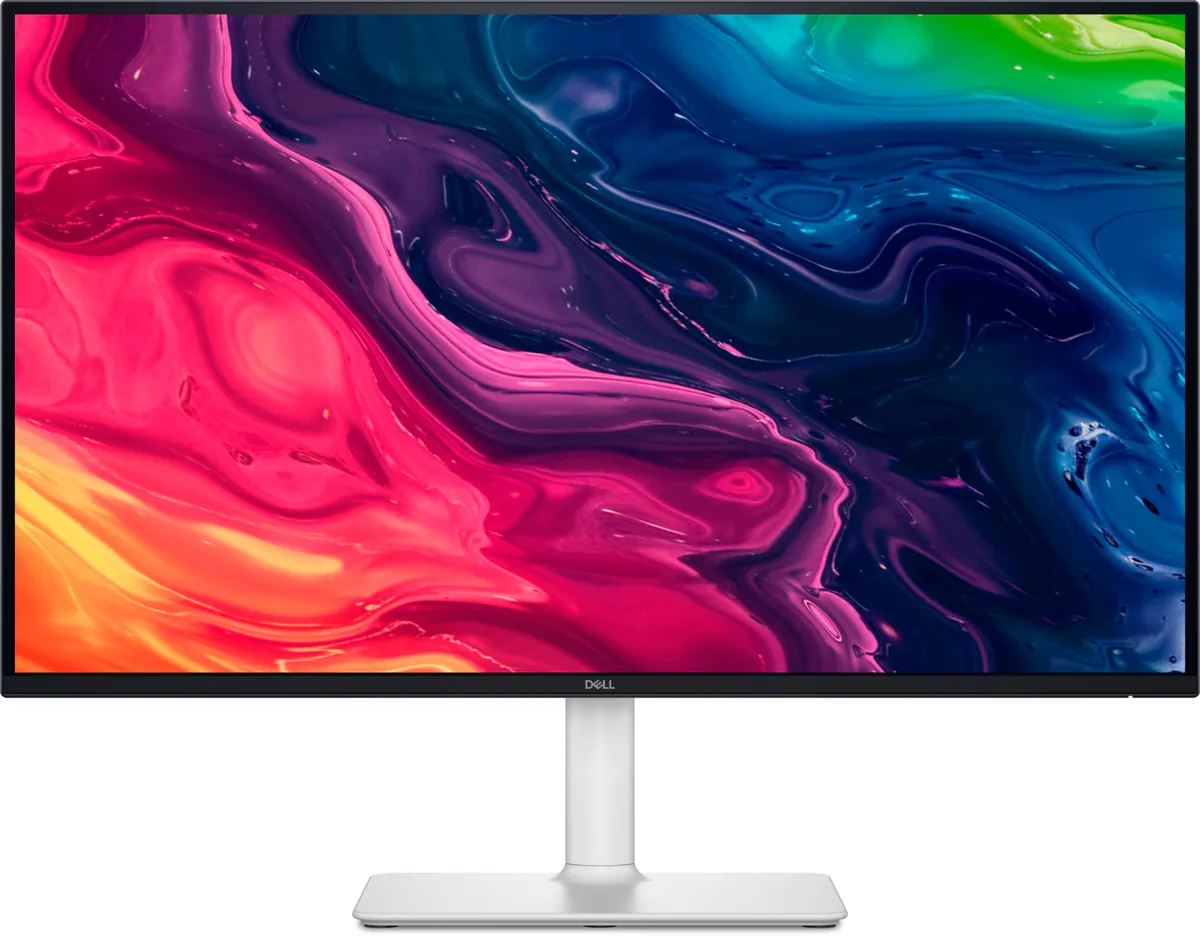
The threshold that matters is 60. One arcminute per pixel is the resolving limit of 20/20 vision, an arcminute is a sixtieth of a degree, and so 60 pixels per degree is the point past which more resolution stops being visible as sharpness. Every size-and-resolution pair below is that arithmetic, nothing more.
| Size and resolution | Pixels per inch | Pixels per degree at 24 in | Verdict |
|---|---|---|---|
| 24-inch 1080p | 92 | 38 | grid visible |
| 32-inch 1440p | 93 | 39 | grid visible |
| 27-inch 1440p | 109 | 46 | sharp |
| 34-inch 3440×1440 | 110 | 46 | sharp |
| 32-inch 4K | 140 | 59 | just under the limit |
| 27-inch 4K | 163 | 68 | past the limit |
| 27-inch 5K | 218 | 91 | well past it |
The honest summary is that 1440p at 27 inches is fine and 4K at 27 inches is visibly better, and the gap shows up in text long before it shows up in games. Antialiased type at 46 pixels per degree has softened edges that your eye reads as slight blur; at 68 it does not. If most of your screen time is documents, code or spreadsheets, that is the whole argument.
In games the difference is smaller than the pixel count suggests, because rendered frames are already full of temporal antialiasing that blurs edges more than the panel does. This is why the 32-inch 1440p panel remains popular despite landing at 39 pixels per degree, the same band as a 24-inch 1080p screen: people are buying the size, and at a gaming distance of three feet rather than two the figure improves.
The cost is on the other side of the cable. Driving 4K at 144 Hz is roughly 2.25 times the pixel throughput of 1440p at the same refresh rate, and that is GPU money rather than monitor money.
Competitive play. Frame rate is the whole point there and 1440p panels reach higher refresh rates for less money — the cheapest 300 Hz panel in this catalog is a 27-inch 1440p at around $230 — while the monitors purpose-built for competition go smaller still: the fastest LCD here is a 24-inch 1080p at 400 Hz, which lands at 38 pixels per degree and does not care, because nobody is reading body text during a match.
Everywhere else the 27-inch 4K panel has quietly become the default sensible choice, and the prices in this catalog say so — 27-inch 4K starts around $300, which is what a 1440p gaming panel cost two years ago.

27″ · 3840×2160 · 120 Hz · IPS
Best for: A cheap sharp desktop for a console and a recent graphics card
27″ · 2560×1440 · 300 Hz · IPS
Best for: The cheapest route to a 300 Hz 1440p panel over DisplayPort

27″ · 3840×2160 · 160 Hz · Fast IPS
Best for: A 4K gaming desk shared between a PC and a work laptop
macOS renders the interface at exactly twice the logical size and then scales the whole frame down, which is crisp at 2× and slightly soft at anything else. Windows scales each application by whatever fraction you ask for, which is sharp at any factor but leaves older applications blurry or tiny. That is why 27-inch 4K — 163 PPI, an awkward 1.5× — is fine on Windows and divisive on a Mac, where 218-PPI 5K lands on an exact 2×.
Not pointless, but sharply diminishing. A frame sits on screen for 16.7 ms at 60 Hz, 6.9 at 144, 4.2 at 240 and 2.1 at 480 — each doubling of the refresh rate halves it, and the absolute saving collapses as it goes. The perceptual jumps shrink accordingly, and past 240 the limiting factor is usually the panel's own pixel response and your frame rate rather than the refresh rate. An OLED at 240 Hz looks clearer in motion than an LCD at 360.
Every specification explained, with the real numbers from the catalog behind each one.