
Apple~$1,599
Apple Studio Display
27″ · 5120×2880 · 60 Hz · IPS
- Sharpness
- 91ppd · retina-class
- HDR
- No HDR
- USB-C power
- 96 W
- 5K at 218 ppi
- 600 nits
- Thunderbolt 5
Best for: A Mac desk where text sharpness and a clean cable matter more than refresh rate
Short answer
macOS renders the interface at exactly twice the logical size and then scales the whole frame down, which is crisp at 2× and slightly soft at anything else. Windows scales each application by whatever fraction you ask for, which is sharp at any factor but leaves older applications blurry or tiny. That is why 27-inch 4K — 163 PPI, an awkward 1.5× — is fine on Windows and divisive on a Mac, where 218-PPI 5K lands on an exact 2×.
Both operating systems have to answer one question: what does a 13-point font mean on a panel with twice the pixels it was designed for? Apple's answer is to draw everything at exactly 2× and downsample the resulting frame to fit the display. Microsoft's answer is to tell each application a scale factor and let it lay itself out accordingly.
Apple's approach is uniform — everything scales together, including anything that does not know about high-DPI — and it is perfectly sharp when the panel's resolution is exactly twice the logical one. When it is not, the downsample is a fractional resampling step, and macOS users describe the result as slightly soft. Microsoft's approach is sharp at any factor for applications that participate, and produces bitmap-stretched blur or postage-stamp windows for the ones that do not.
Apple designs around 218 PPI, which is why the 27-inch 5K panel exists at all: 5120 × 2880 is exactly twice 2560 × 1440, so a Mac gets a pixel-perfect 2× at a comfortable interface size. There are two such panels in this catalog and they are expensive, which is the trade being made.
A 27-inch 4K panel is 163 PPI. On Windows at 150% scaling it is excellent. On a Mac it is either run at 2× — a 1920 × 1080 logical desktop, which is large text and little room — or at a scaled resolution, which invokes the resampling. Neither is wrong; people simply disagree about which compromise annoys them less.
A 32-inch 4K panel at 140 PPI is the other sweet spot, and for the opposite reason: it is close enough to 110 PPI doubled that many people run it unscaled at 100% on Windows, with genuinely small text but no scaling artefacts anywhere.
| Panel | PPI | macOS | Windows |
|---|---|---|---|
| 27-inch 1440p | 109 | 1× only — visible pixels | 100%, the old default |
| 27-inch 4K | 163 | 2× is cramped; scaled is soft | 150%, excellent |
| 32-inch 4K | 140 | scaled, or small at 2× | 100% or 125% |
| 27-inch 5K | 218 | exactly 2×, pixel-perfect | 200%, also fine |
| 40-inch 5120×2160 | 140 | scaled | 100% wide desktop |
The complaint that gets raised most often about big high-resolution ultrawides is eye strain, and the usual diagnosis — low pixel density — is often wrong. A 40-inch 5120 × 2160 panel is 140 PPI, the same as a 32-inch 4K, and at the greater distance those panels are normally used from it works out sharper than a 27-inch 1440p monitor. What actually causes the strain is usually interface elements that are too small because scaling was left at 100%, or a curve and size combination that has you moving your head rather than your eyes.
The fix is to set scaling deliberately, to sit far enough back that the whole panel is inside a comfortable field of view, and to check the figure this site computes rather than the pixel density: pixels per degree accounts for the distance, which is the variable that the PPI argument keeps leaving out.
27″ · 5120×2880 · 60 Hz · IPS
Best for: A Mac desk where text sharpness and a clean cable matter more than refresh rate

27″ · 3840×2160 · 60 Hz · IPS
Best for: Colour-critical photo and video work on a real budget
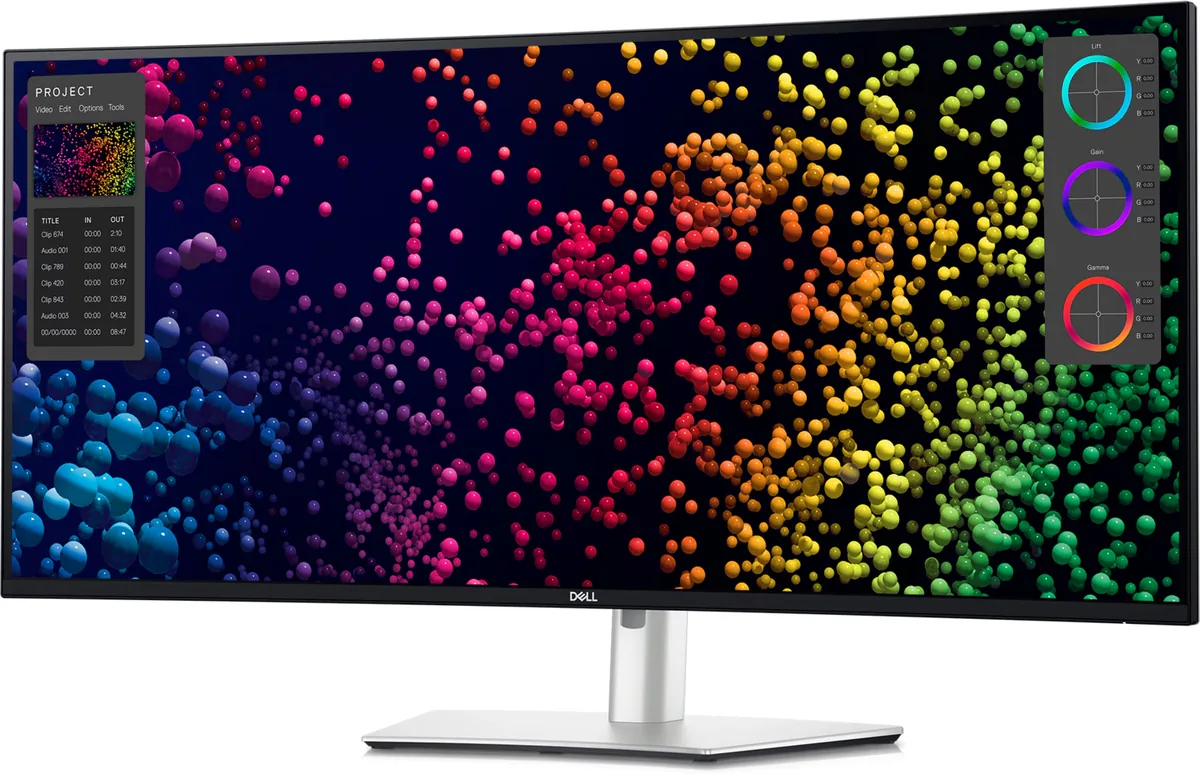
39.7″ · 5120×2160 · 120 Hz · IPS
Best for: One screen replacing a dual-4K setup, driven and powered by one cable
Yes at 27 inches, and it is not close: 4K there works out to 68 pixels per degree of vision at a normal desk distance, against 46 for 1440p. Sixty is the point where 20/20 eyesight stops resolving individual pixels, so one of those panels has a visible grid and the other does not. The catch is that 4K at high refresh rates costs far more GPU than 1440p does, which is a separate decision from whether you can see it.
Two monitors if you need vertical space or want one of them in portrait; one ultrawide if you spend the day in windows that span the middle of the screen, or if a single cable to a laptop matters. A 34-inch 3440 × 1440 ultrawide is 1,440 pixels tall: exactly as tall as the 27-inch 1440p panel it replaces, and 720 lines shorter than a 4K one. Vertical is the dimension people miss.
Every specification explained, with the real numbers from the catalog behind each one.