Is Anything Past 240 Hz Pointless?

Short answer

Not pointless, but sharply diminishing. A frame sits on screen for 16.7 ms at 60 Hz, 6.9 at 144, 4.2 at 240 and 2.1 at 480 — each doubling of the refresh rate halves it, and the absolute saving collapses as it goes. The perceptual jumps shrink accordingly, and past 240 the limiting factor is usually the panel's own pixel response and your frame rate rather than the refresh rate. An OLED at 240 Hz looks clearer in motion than an LCD at 360.

The arithmetic of a frame

Refresh rate is how often the panel can change what it shows, and its reciprocal — how long each frame persists — is the figure your eye responds to. Motion blur on a sample-and-hold display comes from the frame standing still while your eye tracks the moving object across it, so halving the persistence halves that blur.

That is why 60 to 144 Hz is the upgrade nobody argues about: persistence drops from 16.7 ms to 6.9. Doubling the refresh rate halves persistence, but the absolute gain collapses — 60 to 144 buys 9.8 ms, 144 to 240 buys 2.7, and 240 to 480 buys 2.1.

Refresh rateFrame persistenceImprovement over previous step
60 Hz16.7 ms—
144 Hz6.9 ms9.8 ms
240 Hz4.2 ms2.7 ms
360 Hz2.8 ms1.4 ms
480 Hz2.1 ms0.7 ms

Pixel response is usually the real ceiling

A refresh rate is a promise about timing; pixel response is what the liquid crystal or the emitter actually manages. An LCD rated at 1 ms grey-to-grey is quoting its best transition with overdrive applied, and its slow dark-to-dark transitions are often several times that — which means at 360 Hz the pixel has not finished changing before the next frame arrives, and you are seeing a smeared average rather than 360 distinct images.

OLED has no such problem: emitters switch in a small fraction of a millisecond, and nearly every OLED panel in this catalog is rated at 0.03 ms. This is why an OLED at 240 Hz is routinely described as clearer in motion than an LCD at 360, and why the refresh-rate arms race has moved onto OLED panels — the fastest here runs at 500 Hz.

Where the money actually goes

The honest ranking for most people: variable refresh working properly, then panel response, then refresh rate. A 240 Hz panel fed 110 frames per second with VRR active looks better than a 480 Hz panel fed the same 110 frames without it, because the alternative to VRR is either tearing or a frame-time hitch every time the pipeline misses a deadline.

And the frame rate has to exist. Past about 240 Hz you are buying headroom for esports titles at low settings, which is a real use case and a narrow one. Of the 84 monitors here, 32 run at 240 Hz or more and 15 stop at 60, with 25 of the rest sitting between 144 and 180 — which is a reasonable map of where the value is.
Monitors this comes up with

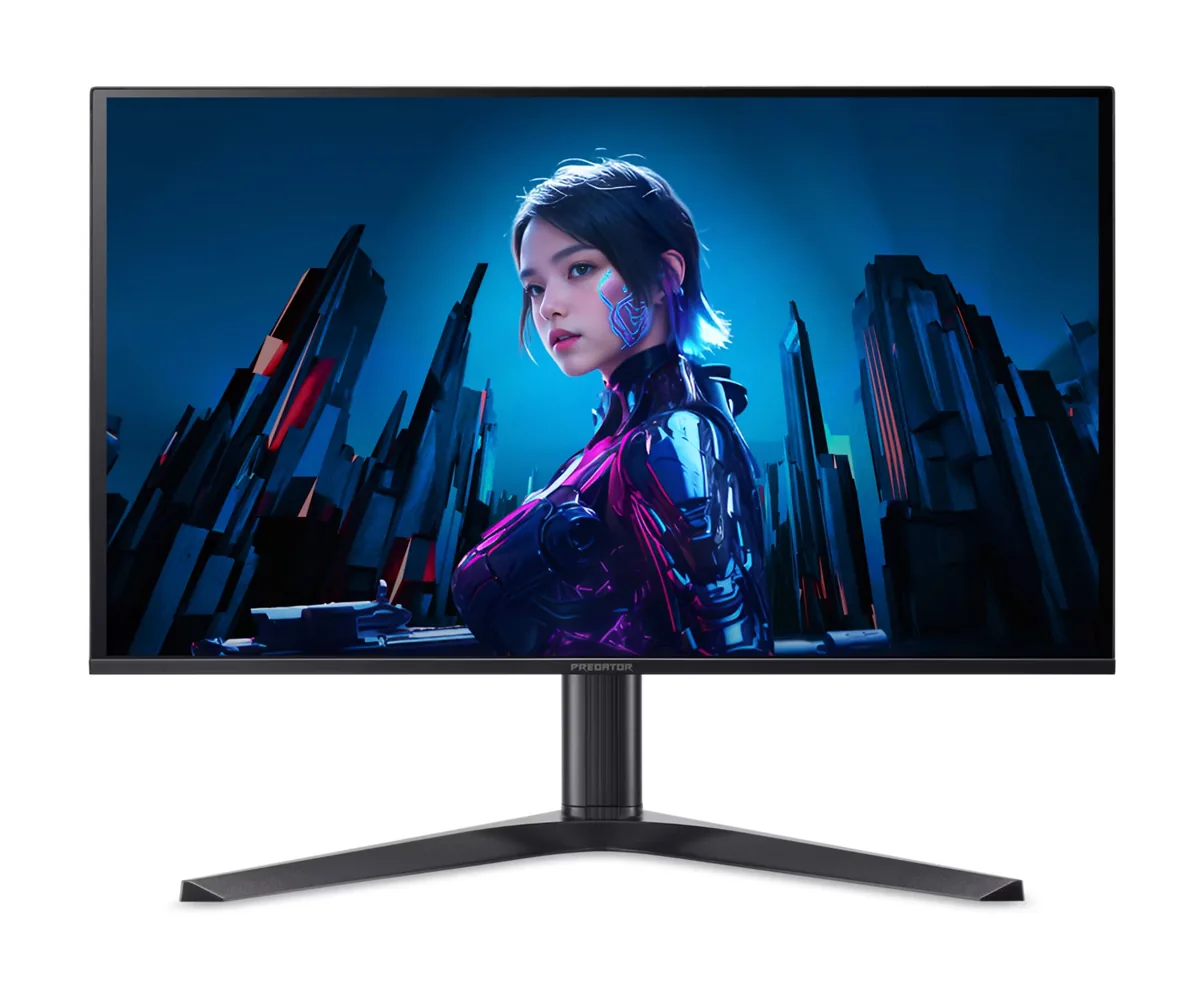
Acer Predator X27U F5 monitor
Acer~$800

Acer Predator X27U F5

26.5″ · 2560×1440 · 500 Hz · QD-OLED

Sharpness
46ppd · sharp
HDR
Real HDR
  • 500 Hz QD-OLED
  • 3-year burn-in cover
  • Console at full speed

Best for: Competitive shooters where motion clarity matters more than resolution

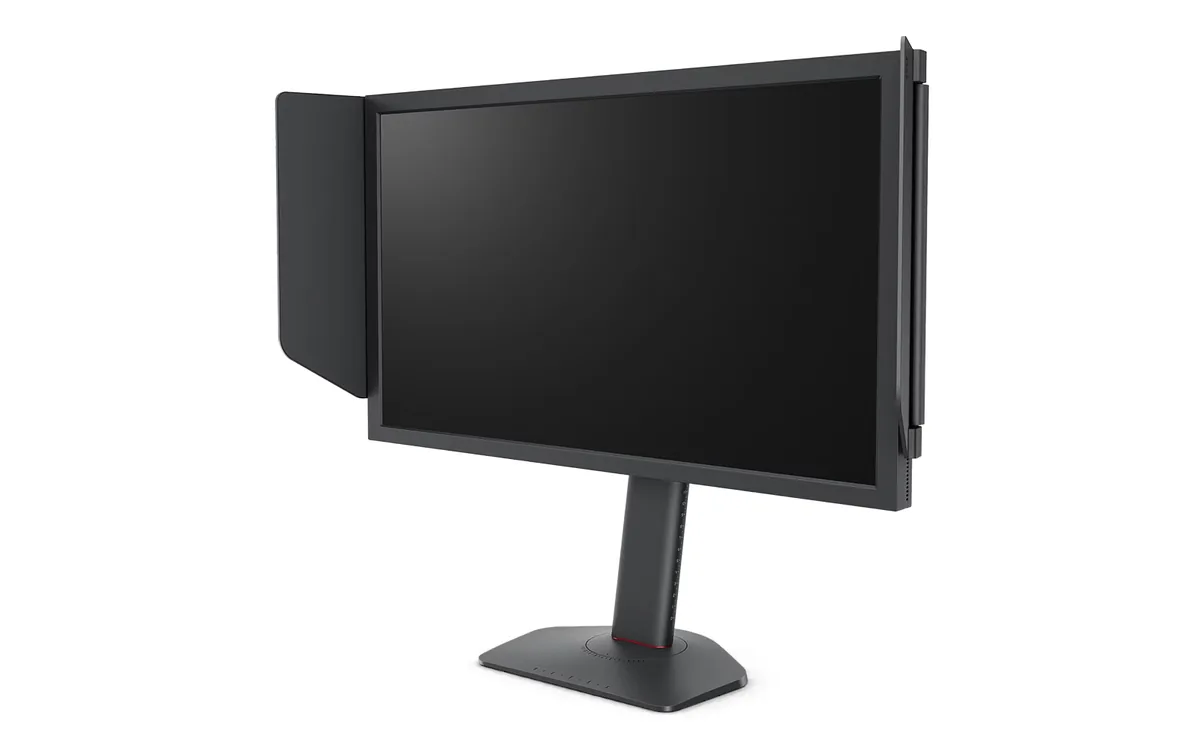
BenQ ZOWIE XL2566X+ monitor
BenQ~$650

BenQ ZOWIE XL2566X+

24.1″ · 1920×1080 · 400 Hz · TN

Sharpness
38ppd · visible pixels
HDR
No HDR
USB-C power
No USB-C power
  • 400 Hz Fast-TN
  • DyAc 2 strobing

Best for: Tournament-style FPS practice where motion clarity outranks everything else

ASUS TUF Gaming VG27AQ3A monitor
ASUS~$209

ASUS TUF Gaming VG27AQ3A

27″ · 2560×1440 · 180 Hz · Fast IPS

Sharpness
46ppd · sharp
HDR
No HDR
USB-C power
No USB-C power
  • ELMB Sync strobing
  • 180 Hz
  • Around $210

Best for: Motion clarity on a budget, via backlight strobing rather than raw refresh

Related

  • Is 4K Worth It at 27 Inches, or Is 1440p Enough?

    Yes at 27 inches, and it is not close: 4K there works out to 68 pixels per degree of vision at a normal desk distance, against 46 for 1440p. Sixty is the point where 20/20 eyesight stops resolving individual pixels, so one of those panels has a visible grid and the other does not. The catch is that 4K at high refresh rates costs far more GPU than 1440p does, which is a separate decision from whether you can see it.

  • Which Cable Can Actually Carry Your Monitor

    Multiply width by height by refresh rate by bits per pixel, add about 20% for blanking overhead, and compare the result against the port's usable data rate: 14.4 Gbps for HDMI 2.0, 42.67 for HDMI 2.1, 25.92 for DisplayPort 1.4, and up to 77.37 for DisplayPort 2.1 UHBR20. If the panel needs more than the port has, either DSC compression makes up the gap or the monitor quietly runs at 8 bits per channel instead.

  • How to read a monitor spec sheet

    Every specification explained, with the real numbers from the catalog behind each one.