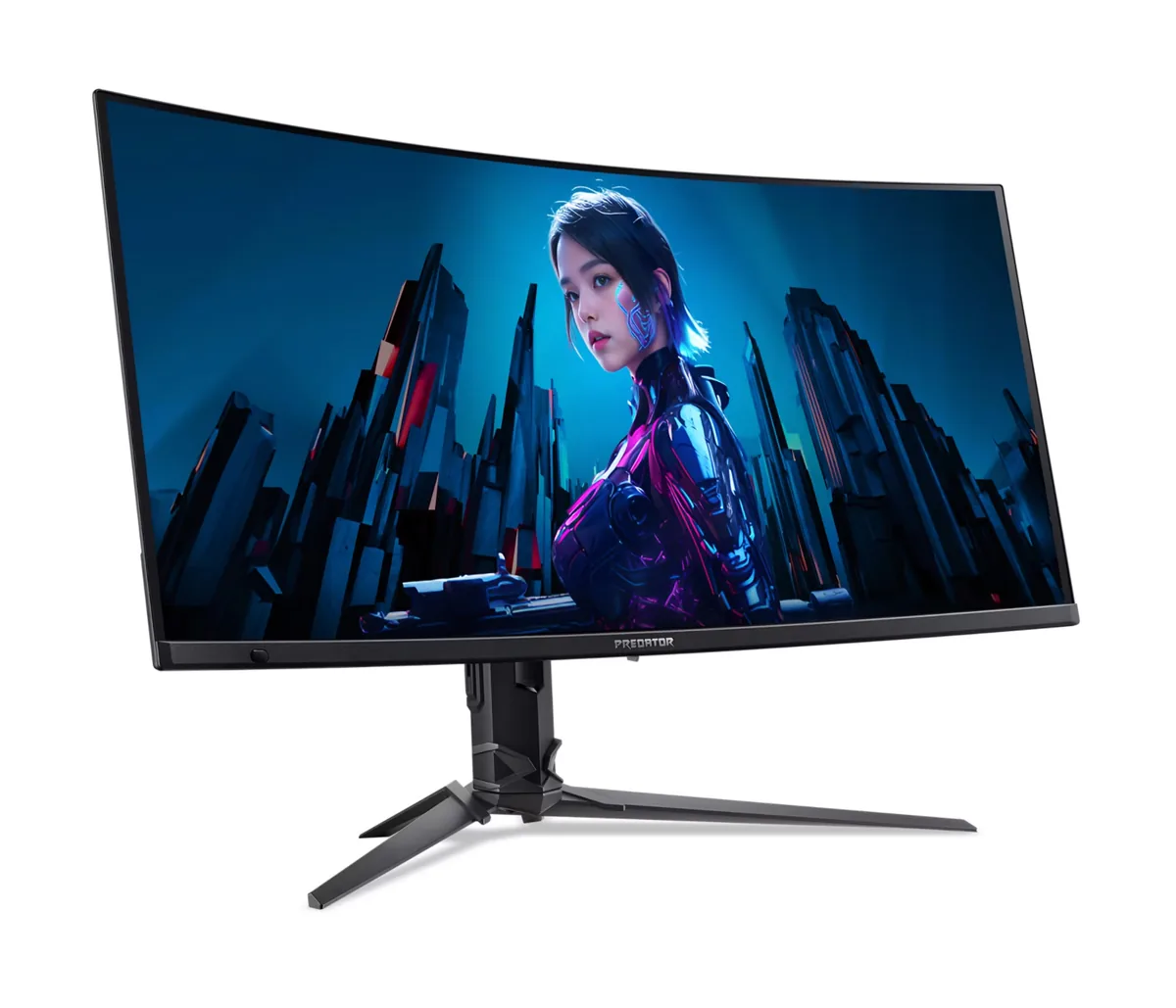
Acer Predator X27U F5 monitorOLED gaming~$800

Acer

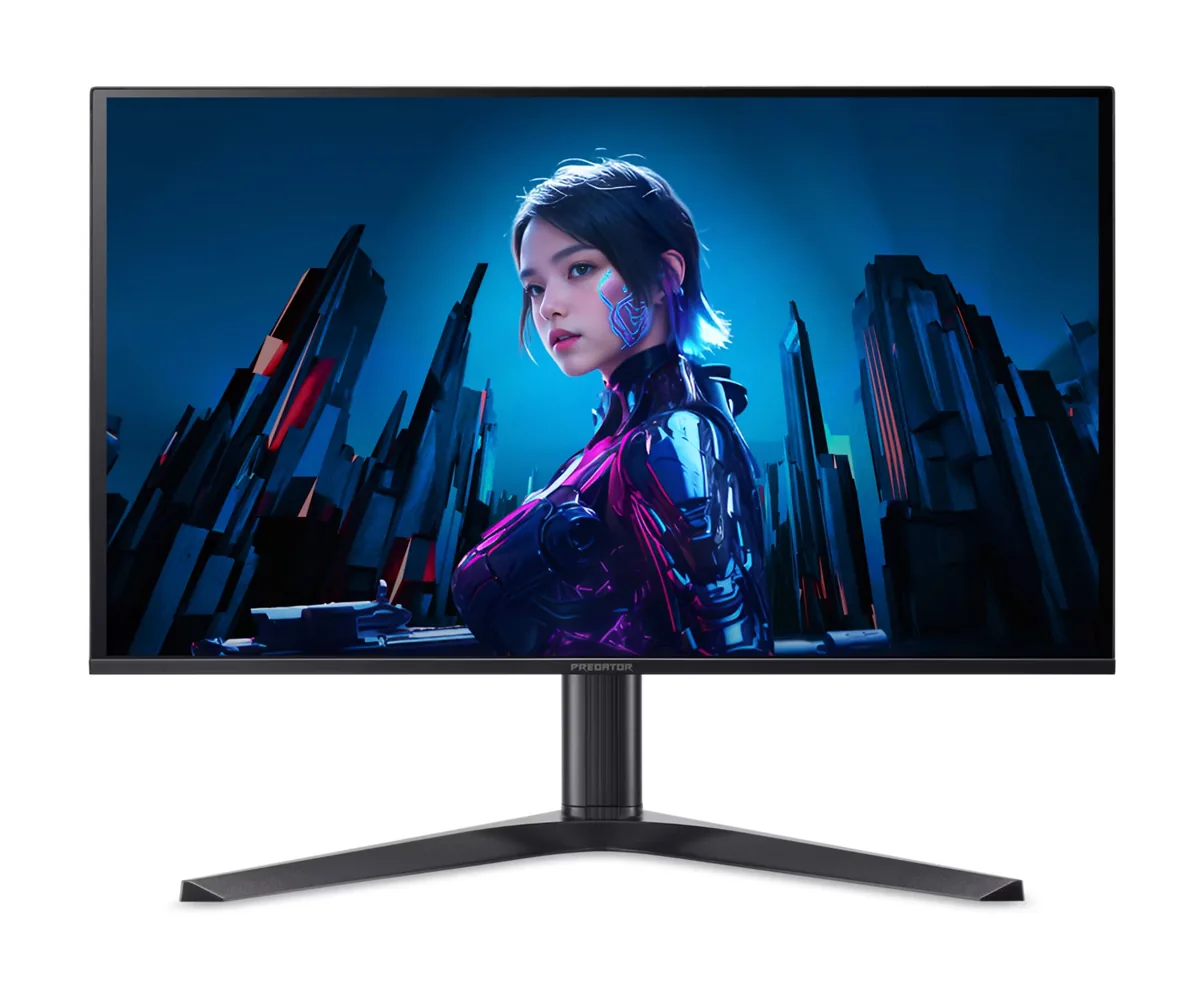
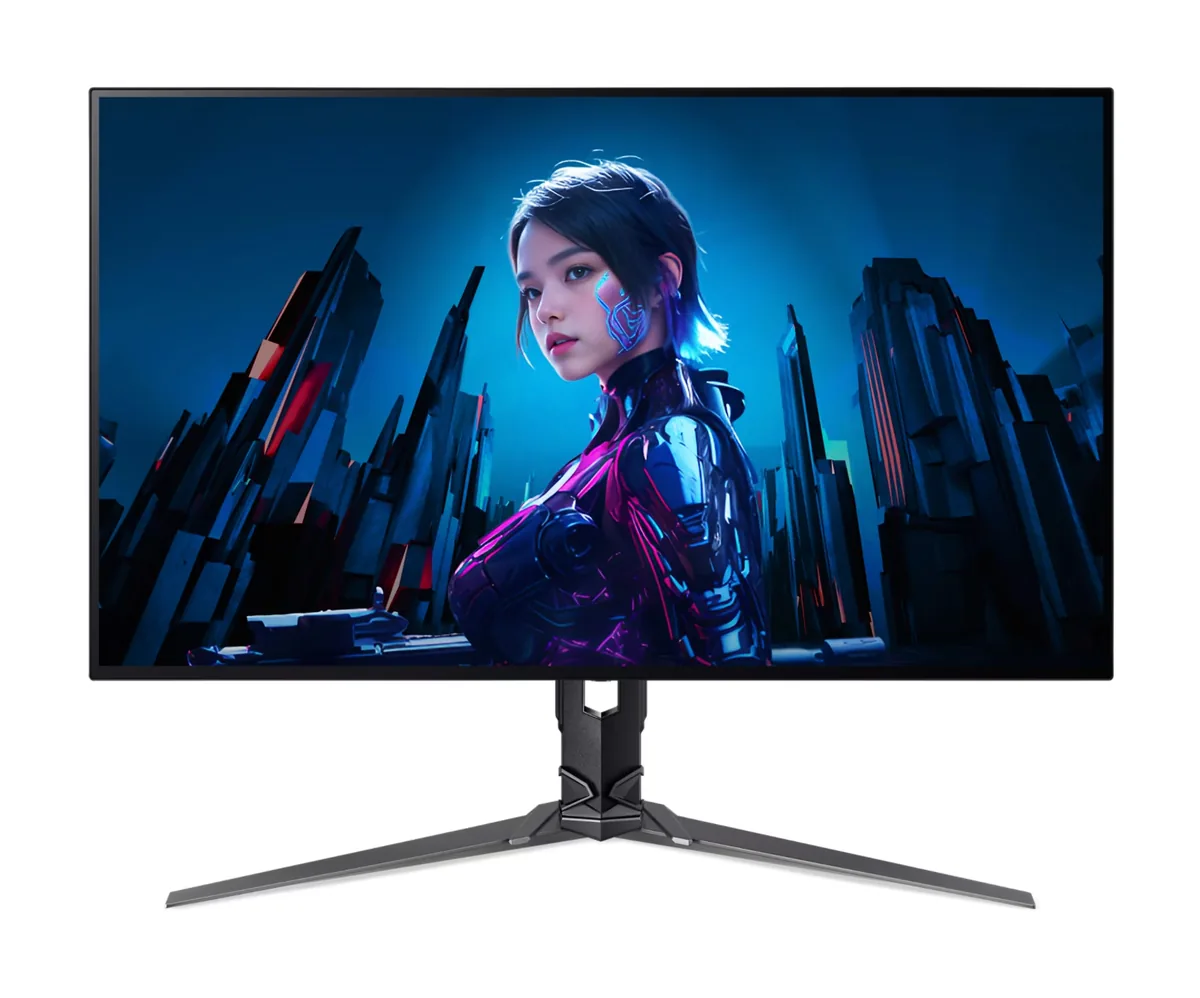
Acer Predator X27U F5

Five hundred hertz is the reason this exists, and it arrives on Samsung's third-generation 1440p QD-OLED rather than the TN panel that refresh rate used to require. That means the motion clarity of a competitive display with per-pixel black levels and 99% of DCI-P3 behind it. Acer undercut the rest of the 500 Hz field by trimming the power delivery to 65 W and the mount to 75×75 mm, and by shipping a glossy coating that will show every lamp behind you.

Approx. price

~$800

snapshot, not a live price

Sharpness

46ppd · sharp

text is clean; pixel edges show if you look for them

HDR tier

Real HDR

per-pixel emissive — every pixel is its own backlight, so a highlight can sit beside true black

Peak brightness

1,000nits claimed

DisplayHDR True Black 500

USB-C power

65 W

holds a 13-inch ultrabook at a steady charge

Max refresh

500 Hz

0.03 ms GtG rated

Port speed — can each input carry this panel?

  • 2×HDMI 2.1· full speed(DSC)
  • 2×DisplayPort 1.4· full speed(DSC)
  • USB-C (DP Alt Mode)· full speed(DSC)

This panel needs 66.4 Gbps at 2560×1440, 500 Hz and 30 bits per pixel, and supports DSC compression.

Best for: Competitive shooters where motion clarity matters more than resolution

Specifications

Approx. price
~$800
Type
OLED gaming
Resolution
2560×1440
Pixels per degree
46 — sharp
Panel
QD-OLED
Finish
glossy
Response time
0.03 ms GtG
VRR
FreeSync Premium Pro
HDR tier
Real HDR
HDR certification
DisplayHDR True Black 500
Peak brightness
1,000 nits claimed
Local dimming
Per-pixel (emissive)
Static contrast
effectively infinite
Colour gamut
99% DCI-P3
HDMI
2 × HDMI 2.1
DisplayPort
2 × DisplayPort 1.4
DSC
Supported
Port speed
3 of 3 inputs at full speed
USB-C
Video in over USB-C
USB-C power
65 W — Thin-and-light laptop
KVM
Built in
USB hub
2 ports
Speakers
Built in
Stand
height, tilt, swivel, pivot
VESA
75x75
Weight
12.21 lb
Released
2025
$ per inch
$30
$ per megapixel
$217

Features

  • 500 Hz refresh on a third-generation QD-OLED panel
  • 0.03 ms grey-to-grey response with per-pixel dimming
  • Two HDMI 2.1 and two DisplayPort 1.4 inputs with DSC
  • USB-C input with 65 W power delivery and KVM switching
  • Three-year warranty that covers burn-in
  • Two 5 W speakers and a 120 mm height-adjustable stand

What it does well

  • 500 Hz with OLED response times is as close to no motion blur as a desktop panel currently gets
  • Per-pixel dimming gives real black levels, which no TN esports panel has ever managed
  • Acer's published warranty statement covers burn-in for three years, not just panel defects
  • Four video inputs plus a USB-C dock and KVM is generous for a monitor aimed at one narrow use
  • 99% DCI-P3 and factory Delta E under 2 mean it is still a colour-accurate panel off the clock

What it gives up

  • The glossy coating mirrors any light source behind you, which is the trade for the clarity
  • 300 nits in SDR is dim for a bright room, and full-field brightness drops as more of the screen lights up
  • 65 W of power delivery will not keep a 16-inch laptop charged under load
  • The mount is 75×75 mm, so a 100 mm VESA arm needs an adapter plate

The two lists above come from the maker’s specifications and from published third-party measurements, not from owner reports. Where owner discussion has been read it appears in its own section below, so the two are never mistaken for each other.

What owners say

Refresh rate per dollar is the whole pitch. Getting a 500 Hz QD-OLED for the money 360 Hz usually costs pulled in a wave of competitive players from IPS panels, and in markets where it discounted hard — one owner found it for 550 euros in Finland — it undercut everything else on its shortlist by a wide margin.

Whether that is a good deal depends heavily on the room. The people happiest with it game in the dark, where the glossy coating gives exactly the contrast OLED is bought for. The sharpest criticism came from an owner who switched from a matte WOLED and found that even a dim room with one distant window raised the blacks enough to spoil daytime use. That is a coating trade-off rather than a defect, but it decides the purchase. The other split is text: one owner does video editing on it without complaint, another traced new eye strain to it, and both accounts are credible.

The most sobering reports come from owners arriving from 240 Hz. More than one said the jump was far smaller than expected, colours only marginally better after calibration, and motion barely distinguishable — one was heading for a return. Coming from 165 or 300 Hz IPS the verdict flips positive. Worth knowing before you buy: Acer's model code is long enough that reviewers largely ignored this monitor, so there is very little independent measurement to check anything against, and the buyers who liked it most were the ones who went in treating it as a fast panel first and a picture upgrade second.
What owners like

  • Nobody undercuts it on refresh rate per dollar. Owners found 500 Hz here for roughly what 360 Hz costs elsewhere, and in some markets it landed several hundred below the LG and ASUS panels on the same shortlist.
  • One owner who edits in After Effects and Premiere on it reports no discomfort from the subpixel layout at all, which is a more useful data point than the usual warnings because it comes from someone doing that work daily.
  • In a dark room the glossy panel does what people buy QD-OLED for — an owner coming to OLED for the first time at around $700 described it as worth every penny.
  • Three years of warranty explicitly covering burn-in answers the question new OLED buyers ask first, and it applies without asking owners to buy an extended plan.
  • Nothing about the speed disappointed the people who bought it for speed: owners upgrading from 300 Hz IPS panels for shooters got what they came for.

Common complaints

  • Ambient light is this panel's enemy. One owner who moved from a matte WOLED into a dim room with a single distant window called the raised blacks almost unusable during daytime, and the grey-purple cast on dark scenes is the most substantive complaint about it.
  • Owners stepping up from 240 Hz report genuinely underwhelming gains — two separate ones described 500 Hz as barely distinguishable from what they had, and one planned to return it.
  • Text fringing and eye strain split owners sharply. Some never notice, one specifically blamed the monitor for more strain than his old IPS, and there is no way to know which camp you are in without trying it.
  • Independent measurement barely exists. Acer's model code runs to a dozen characters and reviewers skipped it, so buyers repeatedly report finding nothing beyond a single written review to check the specification against.
  • DisplayPort 1.4 means compression is doing the work at full refresh, and buyers weighing this against DisplayPort 2.1 monitors were specifically worried about alt-tab behaviour that comes with it.

Questions owners ask about the Acer Predator X27U F5

Why can I find almost no reviews of this monitor?

Acer ships it under a model code long enough that search results fragment, and reviewers largely passed on it — buyers repeatedly report finding one written review and nothing else. Owners who bought anyway advise quoting the full code including the suffix when searching, and treating what little coverage exists of the same panel in other brands' monitors as the closest available proxy.

Coming from 240 Hz, will I actually see 500?

Be cautious. Two owners who made exactly that jump described the difference as much smaller than promised, close enough that one intended to return the monitor. The gain is real but it is the shallow end of diminishing returns, and it is easiest to see in fast tracking with frame rates that genuinely reach the panel's ceiling. From 144 or 165 Hz the step is far more obvious.

How do the blacks hold up in a room with daylight?

Not well, by the account of an owner who came from a matte WOLED — even a dim room with one window several metres away lifted the blacks enough that he described daytime use as almost unusable. Others in fully controlled lighting see none of this. If you cannot darken the room, a matte OLED is the safer coating.

Can I work on it, or is the text a problem?

Experience genuinely differs. One owner does freelance work in After Effects and Premiere on it and reports no discomfort, deciding the fringing complaints were overstated. Another found more eye strain than his previous IPS panel and said so plainly. Try it in a return window if you write or edit for a living on it.

Is DisplayPort 1.4 enough for 1440p at 500 Hz?

It gets there using display stream compression, which is visually lossless in practice. The reason buyers hesitate is behavioural rather than visual — compressed links are associated with slower mode switches and occasional alt-tab hiccups. Whether that is worth paying extra for a DisplayPort 2.1 monitor is a judgement call, and owners here did not report it as a daily problem.

Should I just buy the cheaper 240 Hz version of this monitor instead?

The slower Predator uses an earlier generation of the same panel type at roughly half the price. Given how little difference owners saw between 240 and 500 Hz in practice, that comparison is far closer than the specifications suggest. Choose the faster one only if your frame rates in competitive titles genuinely exceed 300.

Others in the same part of the catalog

Acer Predator X32 X3 monitor
Acer~$880

Acer Predator X32 X3

31.5″ · 3840×2160 · 240 Hz · WOLED

Sharpness
59ppd · sharp
HDR
Real HDR
  • 4K 240 Hz / 1080p 480 Hz
  • Per-pixel contrast
  • 90 W USB-C
  • Console at full speed

Best for: One desk that has to serve 4K single-player games and competitive shooters

Acer Predator X34 X5 monitor
Acer~$900

Acer Predator X34 X5

34″ · 3440×1440 · 240 Hz · QD-OLED

Sharpness
46ppd · sharp
HDR
Real HDR
  • 34" 240 Hz QD-OLED
  • 1800R curve
  • 90 W USB-C + KVM
  • Console at full speed

Best for: Single-player games and sim racing where the extra width does the work

Gigabyte AORUS FO27Q3 monitor
Gigabyte~$800

Gigabyte AORUS FO27Q3

26.5″ · 2560×1440 · 360 Hz · QD-OLED

Sharpness
46ppd · sharp
HDR
Real HDR
  • 360 Hz OLED
  • KVM
  • 3-year burn-in cover
  • Console at full speed

Best for: A fast OLED for a desk that switches between two machines

More from Acer →

← Back to the catalog