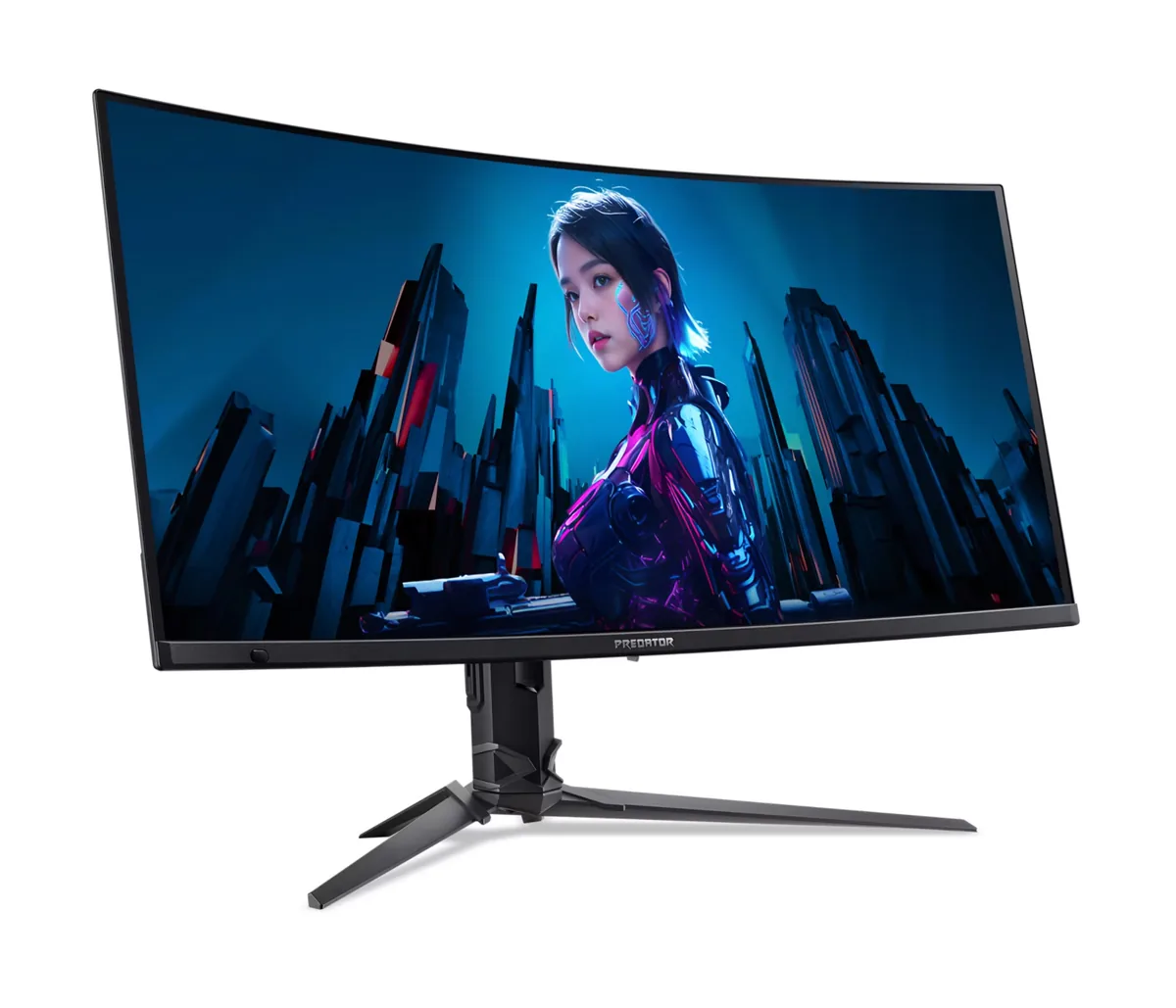
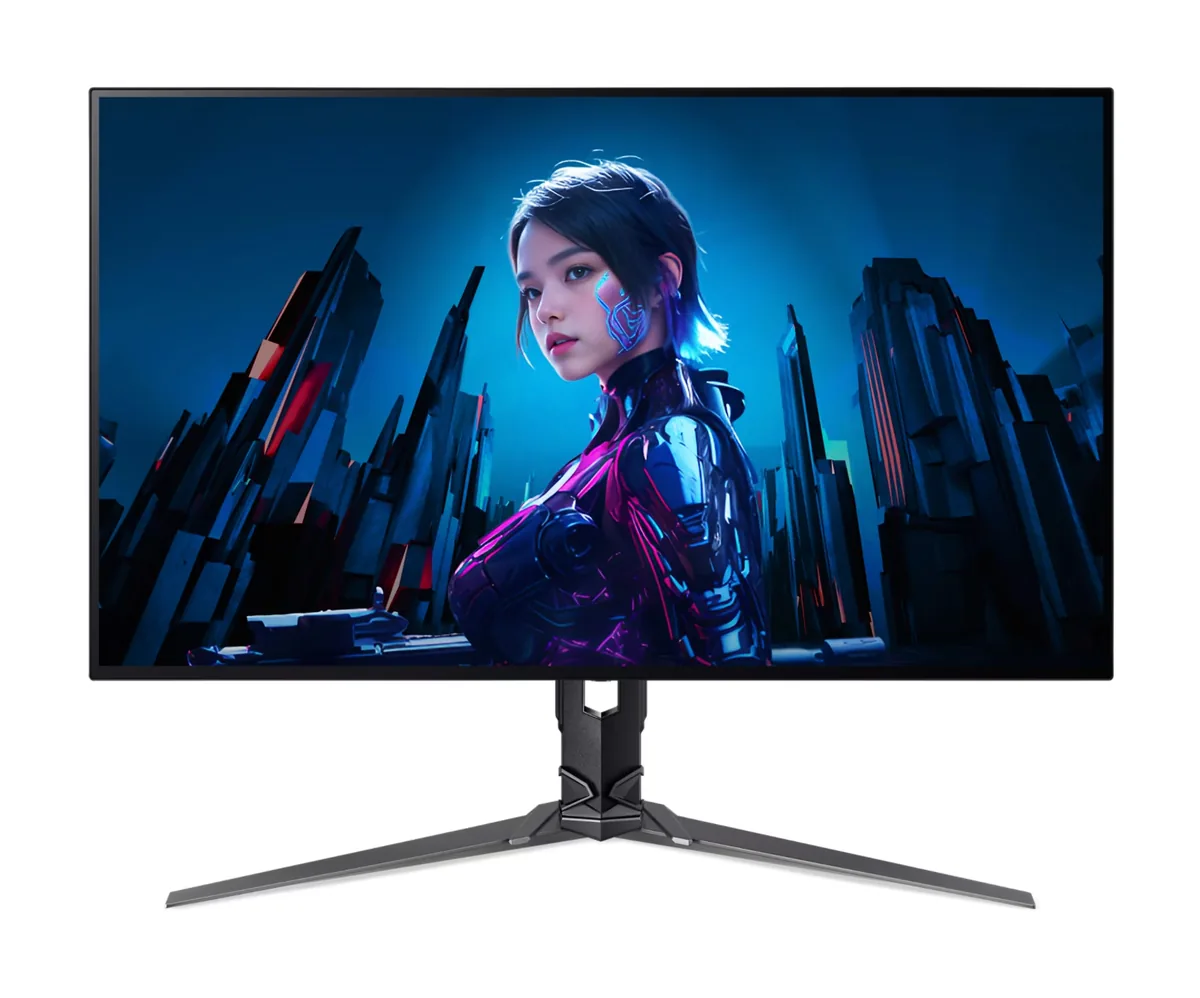
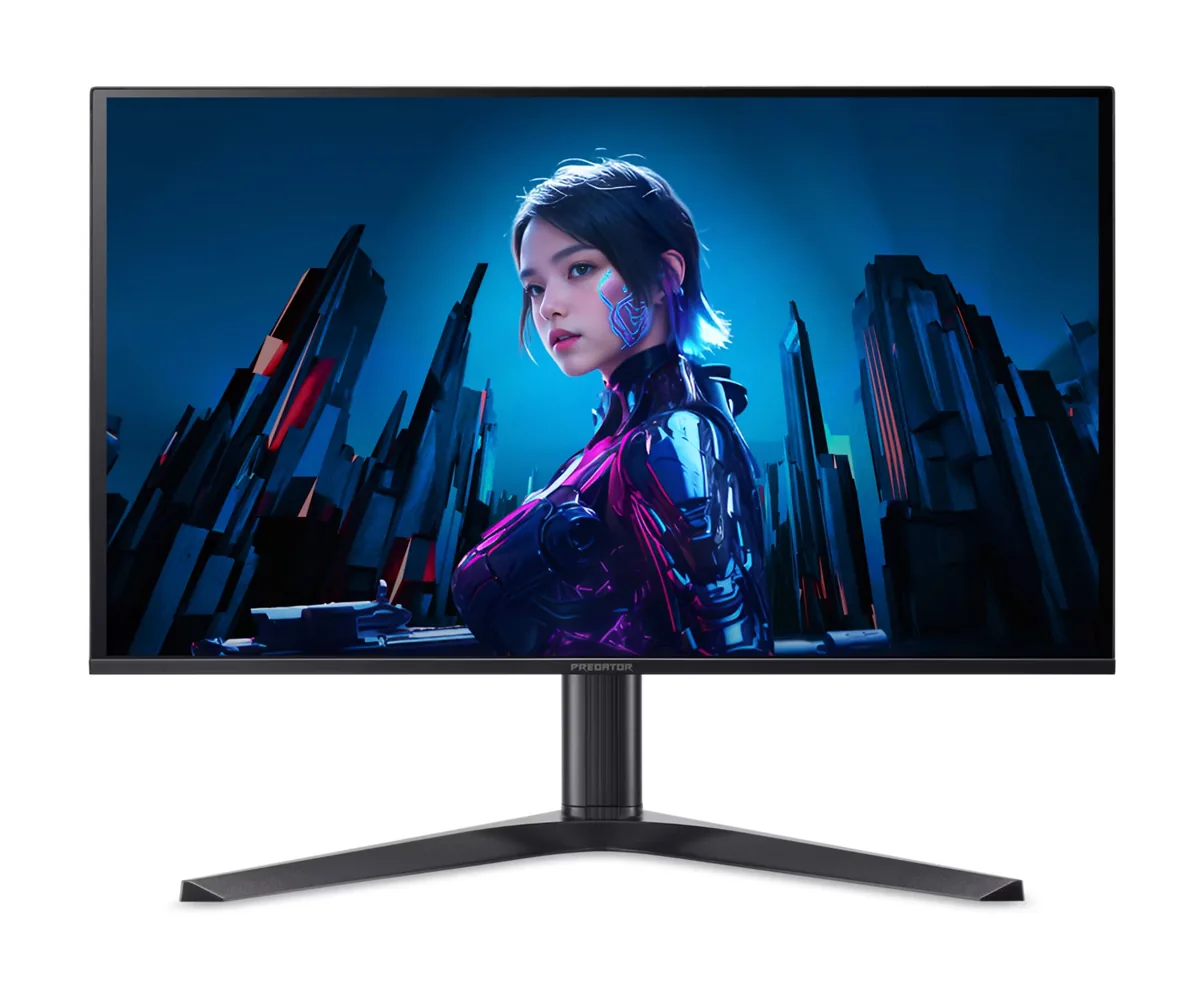
Acer Predator X32 X3 monitorOLED gaming~$880

Acer

Acer Predator X32 X3

Dual mode is the argument for this panel. It runs 4K at 240 Hz for everything that benefits from resolution, then switches the panel's timing to 1080p at 480 Hz for the games where frames decide the outcome. Both modes run on LG's WOLED rather than a QD-OLED, so the coating is anti-glare instead of mirror-finish and text carries the usual white-subpixel fringing. The rest of the box is unusually complete for a gaming monitor — 90 W of USB-C power, a four-port hub, a KVM and a tripod thread on top of the stand.

Approx. price

~$880

snapshot, not a live price

Sharpness

59ppd · sharp

text is clean; pixel edges show if you look for them

HDR tier

Real HDR

per-pixel emissive — every pixel is its own backlight, so a highlight can sit beside true black

Peak brightness

1,000nits claimed

DisplayHDR True Black 400

USB-C power

90 W

keeps a 14-inch machine charged under normal load

Max refresh

240 Hz

0.03 ms GtG rated

Port speed — can each input carry this panel?

  • 2×HDMI 2.1· full speed(DSC)
  • DisplayPort 1.4· full speed(DSC)
  • USB-C (DP Alt Mode)· full speed(DSC)

This panel needs 71.7 Gbps at 3840×2160, 240 Hz and 30 bits per pixel, and supports DSC compression.

Best for: One desk that has to serve 4K single-player games and competitive shooters

Specifications

Approx. price
~$880
Type
OLED gaming
Resolution
3840×2160
Pixels per degree
59 — sharp
Panel
WOLED
Finish
matte
Response time
0.03 ms GtG
VRR
FreeSync Premium Pro
HDR tier
Real HDR
HDR certification
DisplayHDR True Black 400
Peak brightness
1,000 nits claimed
Local dimming
Per-pixel (emissive)
Static contrast
effectively infinite
Colour gamut
99% DCI-P3
HDMI
2 × HDMI 2.1
DisplayPort
1 × DisplayPort 1.4
DSC
Supported
Port speed
3 of 3 inputs at full speed
USB-C
Video in over USB-C
USB-C power
90 W — 14-inch class laptop
KVM
Built in
USB hub
4 ports
Speakers
Built in
Stand
height, tilt, swivel
VESA
100x100
Weight
15.41 lb
Released
2024
$ per inch
$28
$ per megapixel
$106

Features

  • Dual mode: 4K at 240 Hz or 1080p at 480 Hz
  • LG WOLED panel with per-pixel dimming and anti-glare coating
  • 90 W USB-C input with DisplayPort Alt Mode
  • Built-in KVM switch and four-port USB hub
  • Two HDMI 2.1 inputs plus DisplayPort 1.4 with DSC
  • Tripod mount on the top of the stand

What it does well

  • The 480 Hz 1080p mode is a genuine second monitor rather than a marketing line — it switches the panel's timing, not just the input resolution
  • 140 pixels per inch on a 32-inch 4K panel is the sharpness point where Windows scaling stops being a compromise
  • Per-pixel dimming with 1000 nits at a 3% window is real HDR, not an accepted HDR signal
  • 90 W over USB-C plus a KVM means a work laptop and a desktop can share the screen and the peripherals
  • The anti-glare coating is far easier to live with near a window than the glossy QD-OLED alternatives
  • Burn-in is covered for three years under Acer's published OLED warranty statement

What it gives up

  • 275 nits in SDR is dimmer than any decent LCD, and it dips further as more of the screen goes white
  • WOLED's white subpixel puts colour fringing on small text, which matters if this doubles as a work display
  • The 480 Hz mode runs 1080p across 31.5 inches, so the image it puts up is soft next to the 4K mode you switched away from
  • One DisplayPort only, so two PCs means using the HDMI inputs or the USB-C
  • Street price still lands near nine hundred dollars, which buys a very good 4K mini-LED with more brightness

The two lists above come from the maker’s specifications and from published third-party measurements, not from owner reports. Where owner discussion has been read it appears in its own section below, so the two are never mistaken for each other.

What owners say

Ports, not pixels, are what set this one apart. It uses the same 32-inch 4K WOLED panel as several better-known monitors, and the case for buying it rests on a 90 W USB-C KVM, a four-port hub, an internal power supply and a price below the ASUS and LG versions of the same glass.

Because almost nobody reviewed it — one outlet confirmed it had no plans to — what exists instead is owners documenting it themselves, and their findings are broadly positive. SDR is excellent, HDR is brighter than the earlier generation of this panel and not the washout some had feared, and dual mode switching between 4K at 240 Hz and 1080p at 480 Hz works as advertised. The menu system is the recognised weak point: colour sliders for SDR and essentially nothing else, no profiles to switch between work and gaming.

A few rough edges are worth going in aware of. It arrives in an eco preset that needs changing, without a DisplayPort cable, and at least one owner had to cycle inputs to get the picture back over HDMI after a restart until he enabled quick start. More seriously, one owner cannot use the 480 Hz mode at all because of flicker that only disappears at 360 Hz, another found trim coming away, and a third saw horizontal artifacts two months in. Against that, nobody else is selling this panel with this port set at this money, which is why buyers keep taking the chance.
What owners like

  • Connectivity is the reason people choose it. A 90 W USB-C KVM plus a four-port hub on a 32-inch 4K OLED at this price is better I/O than the ASUS and LG panels it competes with, and an owner who wrote up his own review called it class-leading.
  • Power supply is internal, so there is no brick to hide under the desk — a small thing that keeps coming up because several rivals at this size still ship one.
  • SDR performance drew unreserved praise from the one detailed owner assessment available, which also found HDR noticeably brighter than the previous generation of this panel type rather than the disappointment some expected.
  • Dual mode gives 4K at 240 Hz or 1080p at 480 Hz from the same panel, so a work resolution and a competitive one live on one monitor.
  • Compression can be switched off in the menu, which matters to the buyers who specifically avoid it and is not an option on every monitor with this panel.

Common complaints

  • The on-screen menu is bare. Beyond SDR colour sliders there are no profiles and little customisation, which the most thorough owner write-up named as the monitor's main weakness.
  • One owner running the 480 Hz dual mode gets heavy flicker in CS2 on any port and with adaptive sync in any state, and the only reliable fix he found was dropping to 360 Hz.
  • Coverage is close to nonexistent — one reviewer confirmed outright that no review was planned — so owners have been writing their own assessments to fill the gap and buyers have almost nothing independent to check.
  • Build complaints have surfaced: trim separating on one unit, and horizontal lines and artifacts appearing on another at two months old.
  • There is no backlight strobing mode, which the equivalent ASUS monitors do offer and which buyers comparing feature lists noticed immediately.
  • First-day friction is real: no DisplayPort cable in the box despite an HDMI 2.1 one being included, and the monitor starts in an eco preset that has to be changed before the picture looks right.

Questions owners ask about the Acer Predator X32 X3

It looks dull out of the box and did not wake up after a reboot — what should I change first?

It ships in an eco preset and tells you as much on first power-up; switch out of it before judging the picture. If it fails to come back over HDMI after a restart, cycling to another input and back restores it, and turning on the quick start option in the menu stopped it recurring for the owner who hit it. Check the box for a DisplayPort cable too — one is not included, though an HDMI 2.1 cable is.

Why does the 480 Hz mode flicker?

One owner reports heavy flicker in CS2 and other games specifically at 480 Hz, on every port and regardless of whether adaptive sync is on, disappearing entirely at 360 Hz. That is a single account rather than a pattern, but it is worth testing the dual mode early in your return window if the 480 Hz half of the specification is why you are buying.

Is the menu really that limited?

Yes. The owner who wrote the most detailed assessment of it identified exactly this as the main weakness — colour sliders for SDR and very little beyond them, with no saved profiles to flip between work and gaming setups. If you like retuning a monitor per application, this will frustrate you; if you set it once and forget it, it is a non-issue.

How does it compare with the ASUS and LG monitors using the same panel?

Picture quality is broadly the same family, so the differences are elsewhere. This one wins on ports, with a 90 W USB-C KVM and a larger hub, and on price. It loses on the menu system and on backlight strobing, which ASUS includes and Acer does not. Buyers who wanted single-cable laptop docking leaned this way; buyers who wanted strobing or richer settings went to ASUS.

Can I run it without display stream compression?

Compression can be turned off in the menu, which is unusual and matters to buyers who avoid it on principle or who have hit mode-switching quirks with it elsewhere. You give up some combination of resolution and refresh when you do, so it is a choice rather than a free win.

Is Acer a safe brand for an OLED given burn-in?

Three years of warranty explicitly covering burn-in puts it level with what the major competitors offer, which is what buyers gifting one wanted to confirm. The caveat owners raise is regional: buying an imported unit with no local service presence turns any panel fault into an expensive problem, so where you buy matters more than the brand here.

Others in the same part of the catalog

Acer Predator X27U F5 monitor
Acer~$800

Acer Predator X27U F5

26.5″ · 2560×1440 · 500 Hz · QD-OLED

Sharpness
46ppd · sharp
HDR
Real HDR
  • 500 Hz QD-OLED
  • 3-year burn-in cover
  • Console at full speed

Best for: Competitive shooters where motion clarity matters more than resolution

Acer Predator X34 X5 monitor
Acer~$900

Acer Predator X34 X5

34″ · 3440×1440 · 240 Hz · QD-OLED

Sharpness
46ppd · sharp
HDR
Real HDR
  • 34" 240 Hz QD-OLED
  • 1800R curve
  • 90 W USB-C + KVM
  • Console at full speed

Best for: Single-player games and sim racing where the extra width does the work

Acer Nitro XV275K V3 monitor
Acer~$400

Acer Nitro XV275K V3

27″ · 3840×2160 · 160 Hz · IPS

Sharpness
68ppd · retina-class
HDR
Real HDR
USB-C power
No USB-C power
  • 1,000 nits claimed
  • 4K 160 Hz
  • DisplayHDR 1000
  • Console at full speed

Best for: HDR gaming on a budget that will not stretch to an OLED

More from Acer →

← Back to the catalog