LG UltraGear 34GS95QE vs Alienware AW3425DW

Both panels land at 46 pixels per degree from a desk distance, so sharpness is not the deciding factor here. Where they differ: the LG UltraGear 34GS95QE is a WOLED panel; the Alienware AW3425DW is a QD-OLED panel, covers burn-in for 3 years against 2 and costs about $100 less.

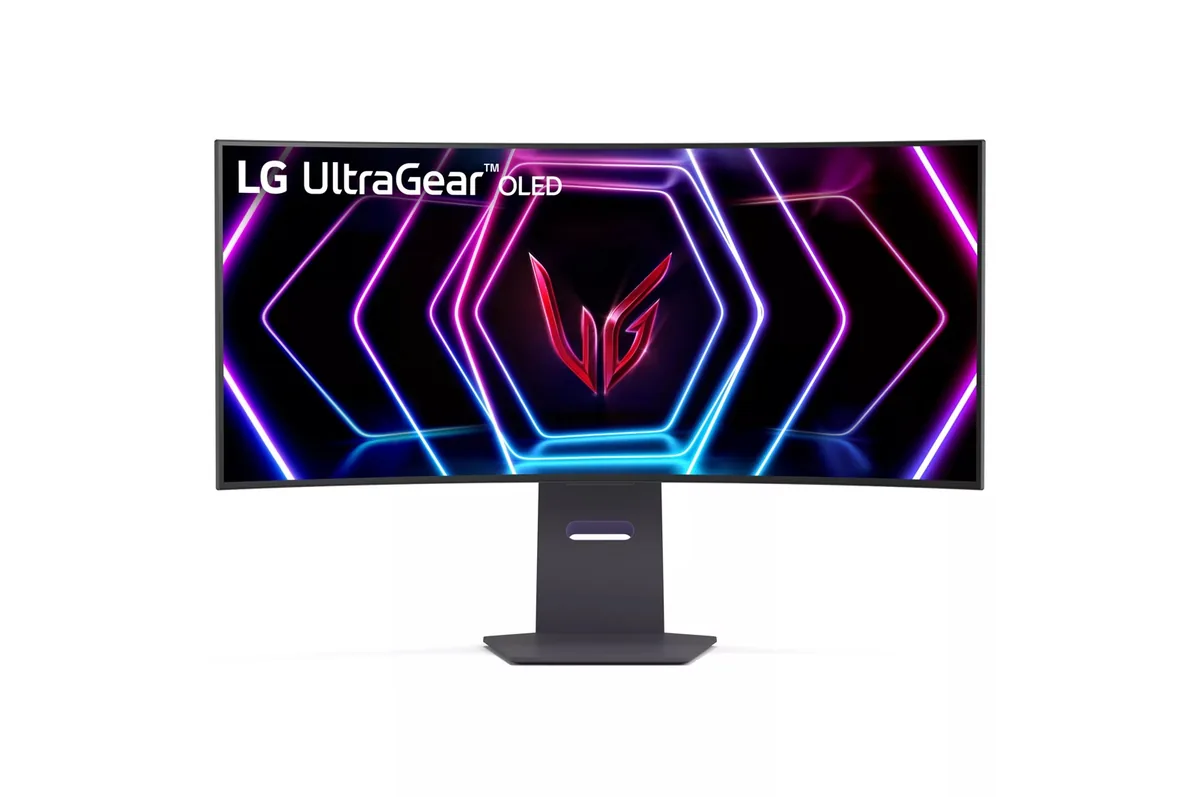
LG UltraGear 34GS95QE monitor

LG

LG UltraGear 34GS95QE

46ppd · sharpReal HDR~$800

At 34 inches an 800R curve stops being a stunt and starts doing what it claims: the panel edges sit at roughly the same distance from your eyes as the centre.

Best for: A curved 21:9 gaming panel that still holds up for desktop work

  • 2×HDMI 2.1· full speed(DSC)
  • DisplayPort 1.4· full speed(DSC)
View more details →
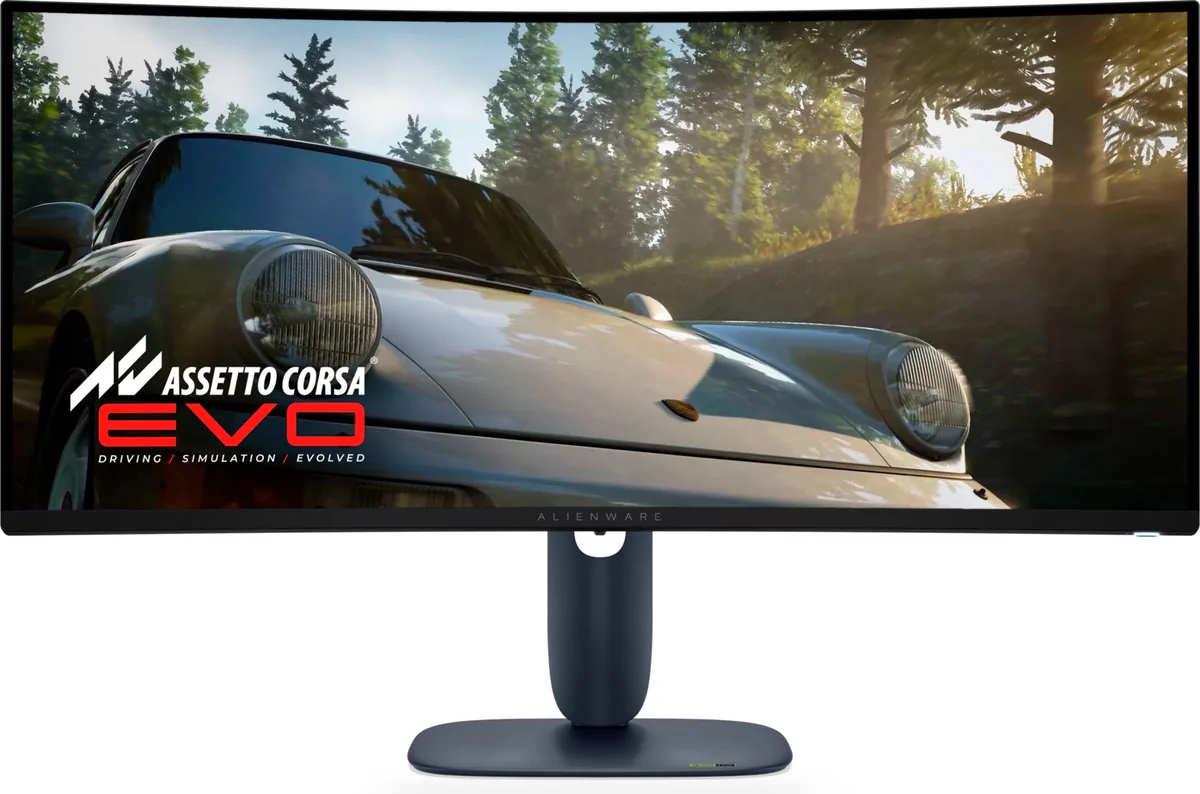
Alienware AW3425DW monitor

Alienware

Alienware AW3425DW

46ppd · sharpReal HDR~$700

Three years of panel development applied to the 34-inch 21:9 QD-OLED shape Alienware established: 240 Hz across the 21:9 canvas, with HDMI 2.1 on both inputs.

Best for: An ultrawide OLED where a console also needs full bandwidth

  • 2×HDMI 2.1· full speed(DSC)
  • DisplayPort 1.4· full speed(DSC)
View more details →
Specification comparison of the LG UltraGear 34GS95QE and the Alienware AW3425DW
SpecificationLG UltraGear 34GS95QEAlienware AW3425DW
Approx. price~$800~$700
TypeUltrawideUltrawide
Screen size34 in34 in
Resolution3440×14403440×1440
Aspect ratio21:921:9
Pixels per degree46 — sharp46 — sharp
Pixels per inch110110
PanelWOLEDQD-OLED
Finishmattesemi-glossy
Curvature800R1800R
Max refresh240 Hz240 Hz
Response time0.03 ms GtG0.03 ms GtG
VRRG-Sync CompatibleG-Sync Compatible
HDR tierReal HDRReal HDR
HDR certificationDisplayHDR True Black 400DisplayHDR True Black 400
Peak brightness1,300 nits claimed1,000 nits claimed
SDR brightness275 nits250 nits
Local dimmingPer-pixel (emissive)Per-pixel (emissive)
Static contrasteffectively infiniteeffectively infinite
Colour gamut98.5% DCI-P399.3% DCI-P3
Colour depth10-bit10-bit
HDMI2 × HDMI 2.12 × HDMI 2.1
DisplayPort1 × DisplayPort 1.41 × DisplayPort 1.4
DSCSupportedSupported
Port speed2 of 2 inputs at full speed2 of 2 inputs at full speed
USB-CNoneNone
ThunderboltNoNo
KVMNoneNone
USB hub2 ports2 ports
SpeakersNoneNone
Standheight, tilt, swivelheight, tilt, swivel
VESA100x100100x100
Burn-in cover2 years3 years
Weight20.5 lb17.95 lb
Released20242025
$ per inch$24$21
$ per megapixel$161$141

LG UltraGear 34GS95QE: what it gives up

  • No USB-C of any kind, so a laptop brings its own dock and its own power brick
  • No speakers and no KVM: audio and a second machine each need separate hardware
  • 275 nits full-field in SDR, so a bright room washes it out whatever the 1,300-nit peak says
  • Ultrawide 21:9 still means letterboxing on most video and awkward scaling in some older games
  • The WOLED subpixel layout fringes thin text, which makes it a poor first choice for a code editor

Alienware AW3425DW: what it gives up

  • An 1800R curve, noticeably shallower than the 800R the LG and ASUS ultrawides here wrap around you
  • Semi-glossy panel, 250 nits full-field — a bright room undoes the contrast advantage
  • The only USB-C is downstream, and there are only two downstream ports
  • No KVM, so two machines sharing one keyboard needs an external switch

Similar monitors

ASUS ROG Swift OLED PG34WCDM monitor
ASUS~$800

ASUS ROG Swift OLED PG34WCDM

34″ · 3440×1440 · 240 Hz · WOLED

Sharpness
46ppd · sharp
HDR
Real HDR
  • 800R curve
  • 1,170 nits measured
  • 240 Hz
  • Console at full speed

Best for: An immersive single-screen ultrawide for sims and first-person games
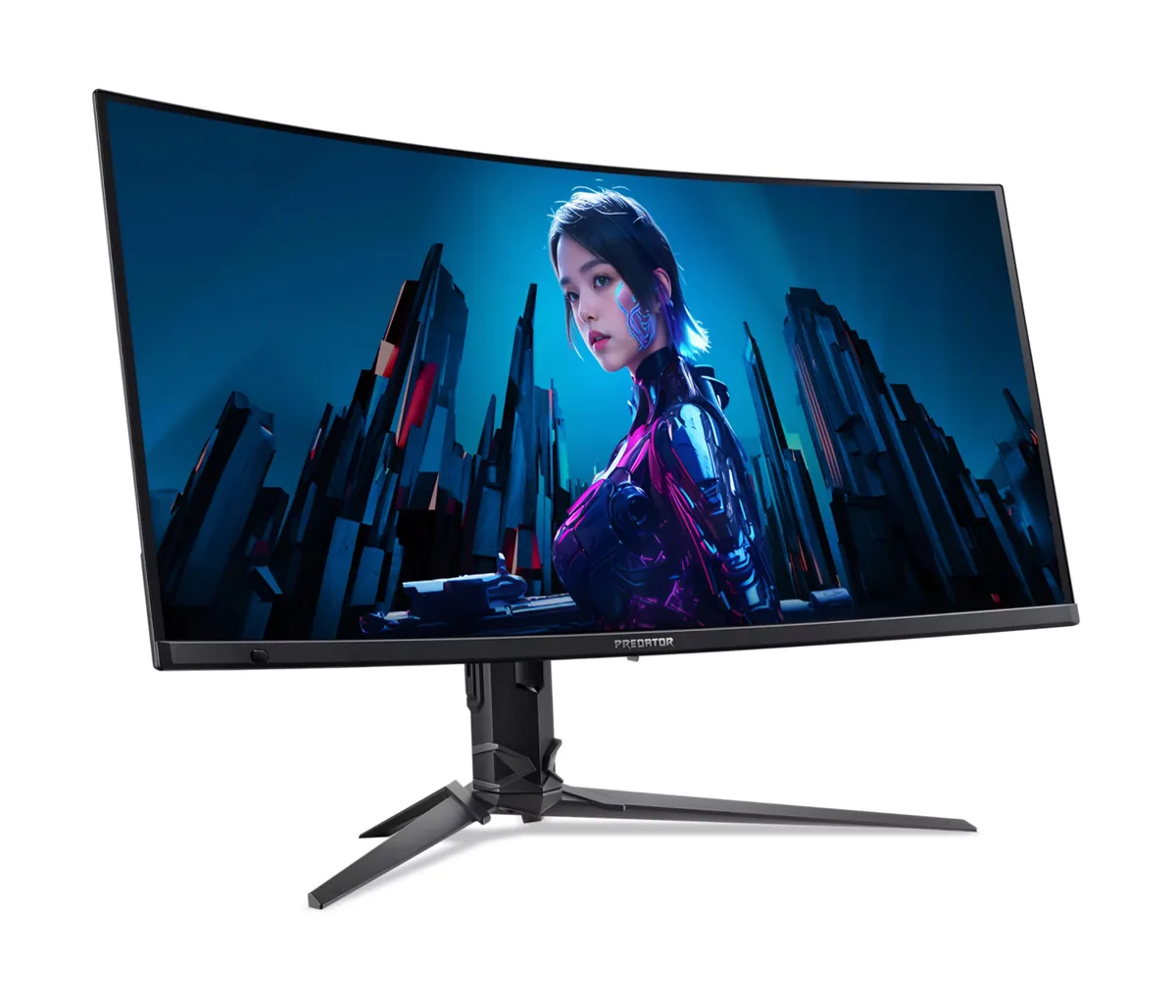
Acer Predator X34 X5 monitor
Acer~$900

Acer Predator X34 X5

34″ · 3440×1440 · 240 Hz · QD-OLED

Sharpness
46ppd · sharp
HDR
Real HDR
  • 34" 240 Hz QD-OLED
  • 1800R curve
  • 90 W USB-C + KVM
  • Console at full speed

Best for: Single-player games and sim racing where the extra width does the work

MSI MAG 341CQP QD-OLED monitor
MSI~$700

MSI MAG 341CQP QD-OLED

34″ · 3440×1440 · 175 Hz · QD-OLED

Sharpness
46ppd · sharp
HDR
Real HDR
  • QD-OLED under $750
  • HDMI 2.1
  • KVM
  • Console at full speed

Best for: An ultrawide OLED that also switches a keyboard and mouse between two machines

Full specifications: LG UltraGear 34GS95QE · Alienware AW3425DW