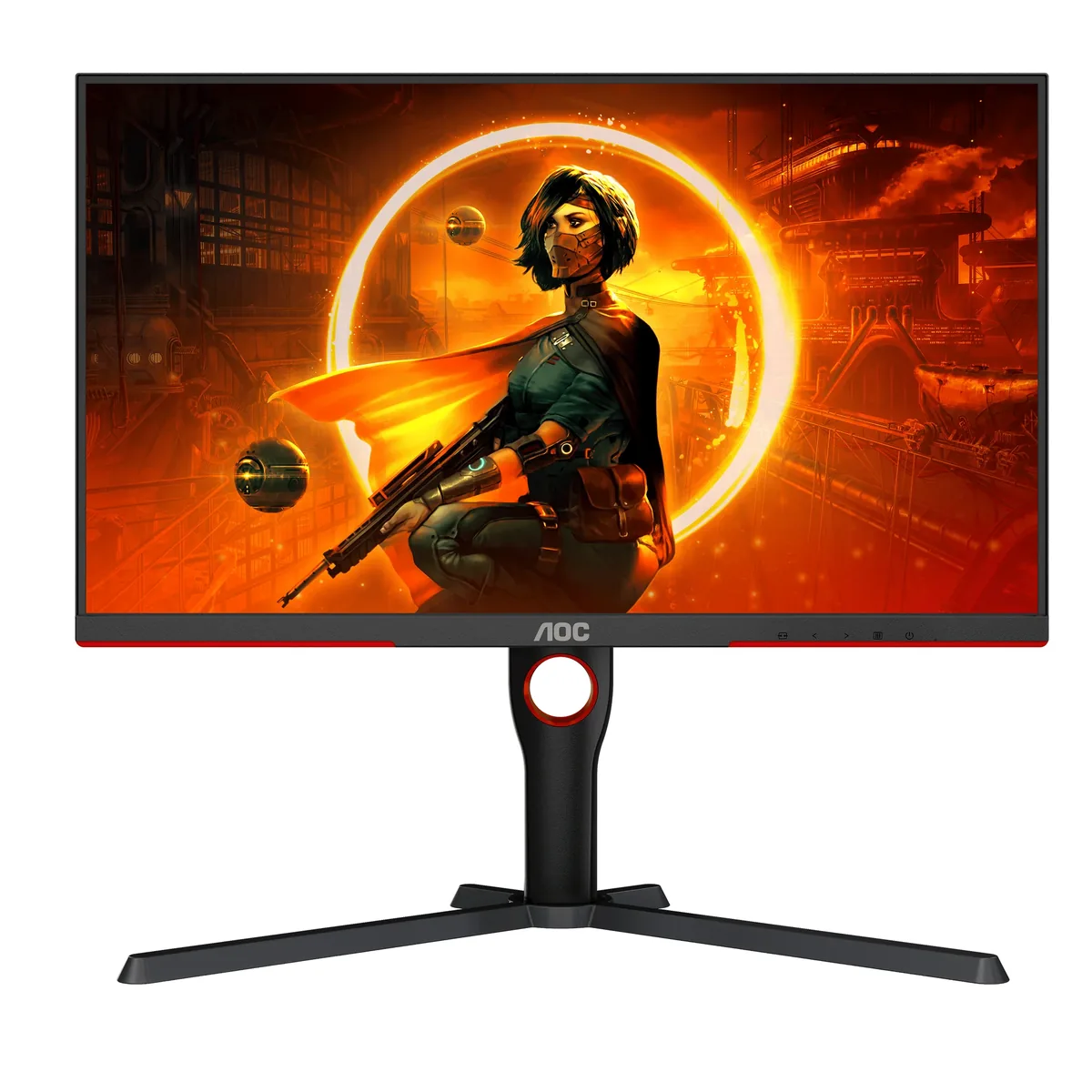
AOC AGON PRO AG276QZD monitorOLED gaming~$800

AOC

AOC AGON PRO AG276QZD

AOC undercut LG's own first-generation 27-inch WOLED with this one, and the panel inside is the same LG part the ASUS and LG models of that year used. What it drops to get there is the polish: no USB-C, no KVM, HDMI capped at 2.0, and a coating that is plain matte rather than the micro-texture treatment. Three years of warranty explicitly covering burn-in comes as standard, which is the part that actually matters on an OLED.

Approx. price

~$800

snapshot, not a live price

Sharpness

46ppd · sharp

text is clean; pixel edges show if you look for them

HDR tier

Real HDR

per-pixel emissive — every pixel is its own backlight, so a highlight can sit beside true black

Peak brightness

1,000nits claimed1,020measured · KitGuru

no HDR certification

USB-C power

None

video and data only, or no USB-C at all

Max refresh

240 Hz

0.03 ms GtG rated

Port speed — can each input carry this panel?

  • 2×HDMI 2.0· below the panel's maximum
  • 2×DisplayPort 1.4· depends on DSC, which is not published

This panel needs 31.9 Gbps at 2560×1440, 240 Hz and 30 bits per pixel, and the maker does not say whether it supports DSC compression.

Best for: The cheapest honest route to per-pixel contrast at 240 Hz

Whether any input carries 2560×1440 at 240 Hz and 30 bits per pixel depends on Display Stream Compression, and AOC publishes no DSC figure for this model. The link rate clears the panel with compression and falls short without it, so this page leaves the verdict open rather than picking one. How the arithmetic works.

Specifications

Approx. price
~$800
Type
OLED gaming
Resolution
2560×1440
Pixels per degree
46 — sharp
Panel
WOLED
Finish
matte
Response time
0.03 ms GtG
VRR
G-Sync Compatible
HDR tier
Real HDR
Peak brightness
1,000 nits claimed
Measured peak
1,020 nits · KitGuru
Local dimming
Per-pixel (emissive)
Static contrast
effectively infinite
Colour gamut
98.5% DCI-P3
HDMI
2 × HDMI 2.0
DisplayPort
2 × DisplayPort 1.4
DSC
Not published
Port speed
Unresolved: the maker publishes no DSC figure for these inputs
USB-C
None
KVM
None
USB hub
2 ports
Speakers
Built in
Stand
height, tilt, swivel, pivot
VESA
100x100
Weight
14.1 lb
Released
2023
$ per inch
$30
$ per megapixel
$217

Features

  • 240 Hz WOLED with 0.03 ms response
  • Three-year warranty that explicitly covers burn-in
  • Two DisplayPort 1.4 inputs
  • 5 W stereo speakers
  • Four-way stand with portrait pivot

What it does well

  • Per-pixel emission, so blacks are black and there is no backlight to bloom
  • Three years of burn-in coverage on a panel type where that is the real warranty question
  • Two DisplayPort inputs is one more than most monitors at any price
  • Built-in speakers and a fully adjustable stand, which plenty of pricier OLEDs still leave out
  • 0.03 ms pixel transitions remove the smearing that VA and IPS panels still show

What it gives up

  • HDMI 2.0 only, so a PlayStation 5 or Xbox Series X is held to 1440p at 120 Hz
  • No VESA DisplayHDR certification of any tier, unlike the QD-OLED revision that followed it
  • Around 250 nits full-field in SDR — bright rooms will fight it
  • First-generation WOLED subpixel layout fringes coloured edges on small text
  • No USB-C input and no KVM

The two lists above come from the maker’s specifications and from published third-party measurements, not from owner reports. Where owner discussion has been read it appears in its own section below, so the two are never mistaken for each other.

What owners say

Owner discussion of this monitor barely mentions the panel and talks endlessly about the price. It carries the same first-generation 1440p 240 Hz WOLED that the far better-known ASUS and LG models of its year used, and buyers who put them side by side describe the same picture for a large amount less — sometimes 150, sometimes 400 in their local currency, with refurbished units going lower still. Three years of warranty explicitly covering burn-in is the second thing people mention, and it does real work in these threads: owners weighing OLED against a safe IPS purchase treat that cover as part of the spec.

Where it disappoints, it disappoints in ways that are specific and repeatable. HDR brightness is the loudest: owners report the screen looking dimmer with HDR enabled than without it, with the on-screen brightness control capped near 90% in HDR mode, and one owner running Windows' calibration tool came out at roughly 450 nits. Text is the other one — the first-generation subpixel arrangement fringes coloured edges on small type, and the heavy matte coating softens what is left, which owners doing spreadsheets between games notice. Image retention reports arrive alarmingly early for a few buyers: a persistent game HUD after three hours of play, five days into ownership, is one of them, and manual pixel cleaning did not clear it.

Console owners should read the ports before anything else. HDMI 2.0 is all there is, and one Xbox Series X owner documented two days of failed attempts to reach the 1440p at 120 Hz the manufacturer's own specification page promises. There is also a cluster of housekeeping annoyances: a power button on the back that owners fumble for in the dark, automatic pixel-refresh cycles that fire at inconvenient moments when the monitor wakes itself unprompted, DSC that cannot be turned off for multi-display rigs, an sRGB mode owners find washed out enough to reach for external gamut clamping, and recessed VESA holes that need a bracket adapter.
What owners like

  • Price is the reason almost everyone lands on it: owners routinely report paying 150 to 400 less in their local currency than the ASUS and Alienware 27-inch OLEDs sitting next to it on the same shelf, and several found refurbished units cheaper still
  • It runs the same first-generation 1440p 240 Hz WOLED panel as the better-known monitors of its year, which owners comparing them in person describe as the same picture for less money
  • The three-year burn-in warranty comes up constantly as the thing that made buyers comfortable, and owners weighing rivals list it as a spec on par with the panel itself
  • Owners upgrading from IPS and TN panels single out motion clarity — people arriving from monitors they described as badly smeary say ghosting simply stopped being a thing they noticed
  • The matte coating draws complaints from some, but owners in rooms with daylight name it as the reason they chose this over the glossy QD-OLEDs
  • Two DisplayPort inputs and built-in speakers show up as small quiet wins from owners who expected a stripped-back budget model

Common complaints

  • HDMI 2.0 is the biggest trap. One Xbox Series X owner spent two days trying to reach the 1440p at 120 Hz the product page advertises and concluded nothing works; console buyers should treat this as a PC monitor
  • HDR brightness disappoints often enough to be the second most common thread — owners report the monitor is noticeably dimmer with HDR on than off, with the OSD brightness locked around 90%, and one measured roughly 450 nits through the Windows calibration tool
  • First-generation WOLED subpixel layout fringes coloured edges on small text, and the heavy matte coating softens it further; several owners doing office work alongside gaming flagged this specifically
  • Image retention shows up fast in reports: one owner saw a Valorant HUD element persist after three hours of play five days into ownership, another found game UI still visible after a week and a half, and manual pixel-refresh cycles did not clear either
  • Automatic pixel-refresh cycles are disruptive in practice — one owner found the monitor waking itself overnight, so the panel hit its 16-hour timer and forced a ten-minute blackout in the middle of a workday
  • A scattering of unit-level faults turn up: horizontal lines within the warranty period, visible blocks on a 95% grey field, a firmware update that stalled at 17% and left the monitor dark, and flicker with G-Sync and HDR on after a driver update

Questions owners ask about the AOC AGON PRO AG276QZD

Can it run 1440p at 120 Hz from an Xbox Series X?

In practice, owners have not managed it. One documented two solid days of attempts — cables, settings, every workaround they could find — and concluded there is no trick, despite the manufacturer's specification page listing Series X 1440p/120 under gaming features. The inputs are HDMI 2.0, which is the root of it. If a console is your main machine, this is the wrong monitor.

Why does HDR look dimmer than SDR?

This is a recurring owner complaint rather than a fault. The brightness control in the on-screen menu goes to 100% in SDR but sits capped near 90% once HDR is on, and owners who ran the Windows HDR calibration app report peak figures in the region of 450 nits. It is a first-generation WOLED panel and full-screen brightness is its weakest point; people coming from a bright LCD notice immediately.

How quickly can image retention appear?

Faster than most buyers expect. One owner saw a persistent HUD number from a competitive shooter after roughly three hours of play, five days into owning the monitor, and a manual pixel-cleaning cycle did not remove it. Another found game UI elements still visible a week and a half in, having run every prompted refresh. Others report years of mixed use with nothing — but the three-year burn-in warranty is the reason several owners were willing to take the chance at all.

Is the text clarity good enough for work?

It is the most common reservation from owners who split time between gaming and documents. The first-generation WOLED subpixel arrangement puts coloured fringes on small text, and the heavy matte coating softens edges further. Owners who mainly game do not mention it; owners doing spreadsheets and code alongside gaming do, sometimes as the reason they kept a second IPS panel on the desk.

Can DSC be disabled for a multi-monitor setup?

Owners building triple-screen sim racing rigs have asked exactly this, because a single graphics card's DisplayPort outputs run out of headroom when every display insists on compression. There is no owner-confirmed way to switch it off from the menu on this model, and reducing the refresh rate is the workaround people try rather than a setting the monitor exposes.

Why does it turn itself on and then black out during the day?

One owner traced this: the monitor was waking on its own overnight after being switched off, so by mid-morning it had logged 16 hours of continuous uptime and forced its automatic ten-minute pixel-refresh cycle. The panel-care routines are not optional on OLED, but this particular combination catches owners out. The power button also sits on the rear of the chassis, which several people describe fumbling for in a dark room.

Others in the same part of the catalog

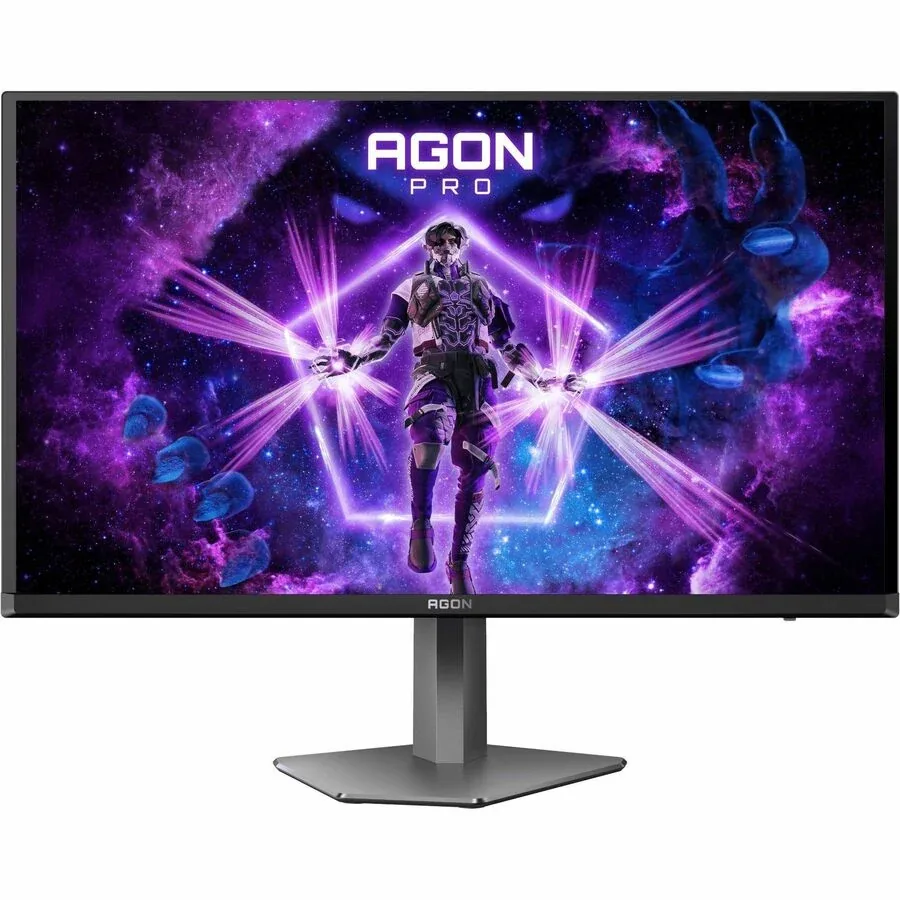
Gigabyte AORUS FO27Q3 monitor
Gigabyte~$800

Gigabyte AORUS FO27Q3

26.5″ · 2560×1440 · 360 Hz · QD-OLED

Sharpness
46ppd · sharp
HDR
Real HDR
  • 360 Hz OLED
  • KVM
  • 3-year burn-in cover
  • Console at full speed

Best for: A fast OLED for a desk that switches between two machines

Acer Predator X27U F5 monitor
Acer~$800

Acer Predator X27U F5

26.5″ · 2560×1440 · 500 Hz · QD-OLED

Sharpness
46ppd · sharp
HDR
Real HDR
  • 500 Hz QD-OLED
  • 3-year burn-in cover
  • Console at full speed

Best for: Competitive shooters where motion clarity matters more than resolution

AOC Gaming Q27G3XMN monitor
AOC~$270

AOC Gaming Q27G3XMN

27″ · 2560×1440 · 180 Hz · Mini-LED VA

Sharpness
46ppd · sharp
HDR
Real HDR
USB-C power
No USB-C power
  • 336 dimming zones
  • DisplayHDR 1000
  • 180 Hz

Best for: Real HDR highlights on a budget that normally buys edge-lit DisplayHDR 400

More from AOC →

← Back to the catalog