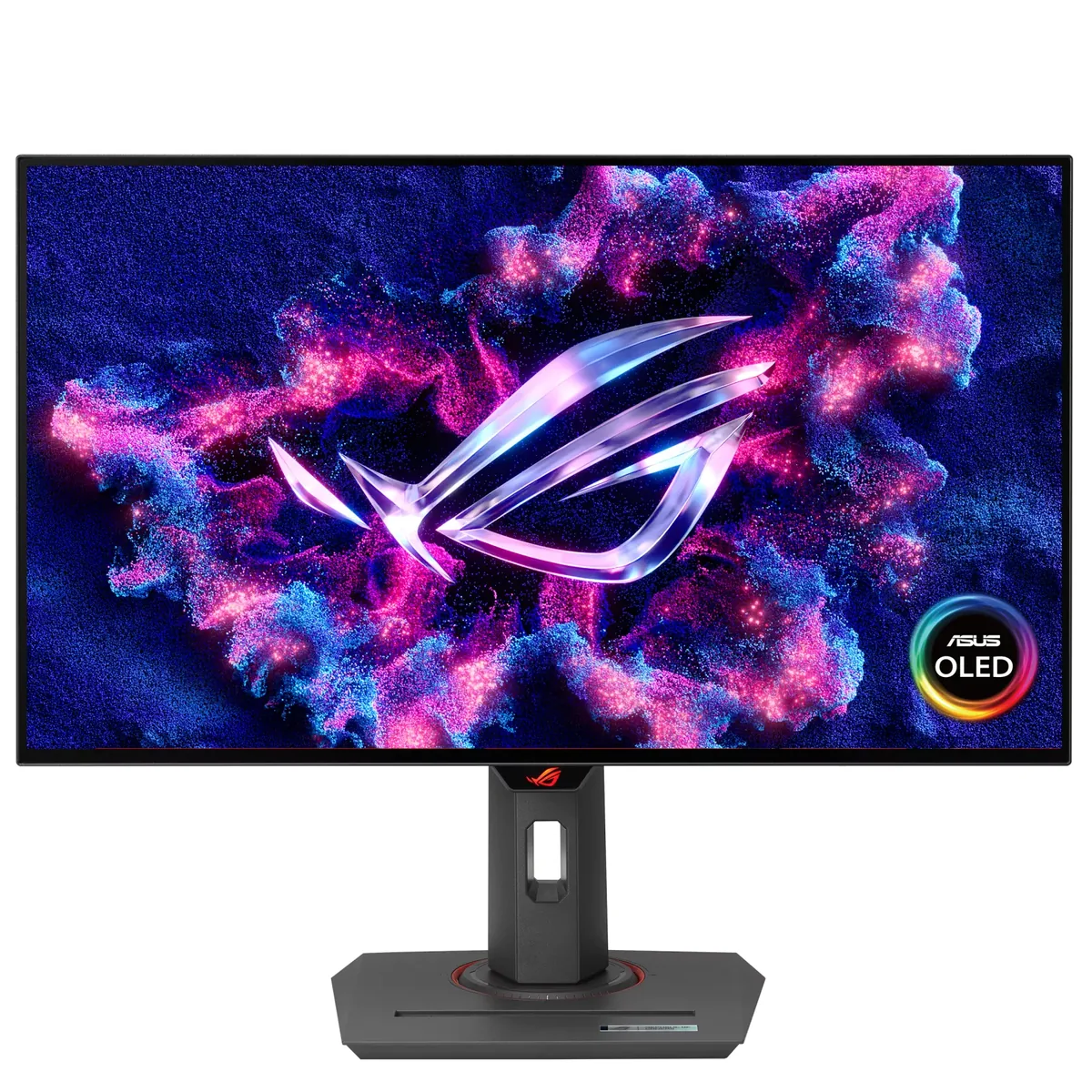
ASUS~$599
ASUS ROG Strix XG27AQDMG
26.5″ · 2560×1440 · 240 Hz · WOLED
- Sharpness
- 46ppd · sharp
- HDR
- Real HDR
- USB-C power
- No USB-C power
- 240 Hz OLED
- Under $600
- 3-year burn-in cover
Best for: OLED motion at the lowest price ASUS sells it for
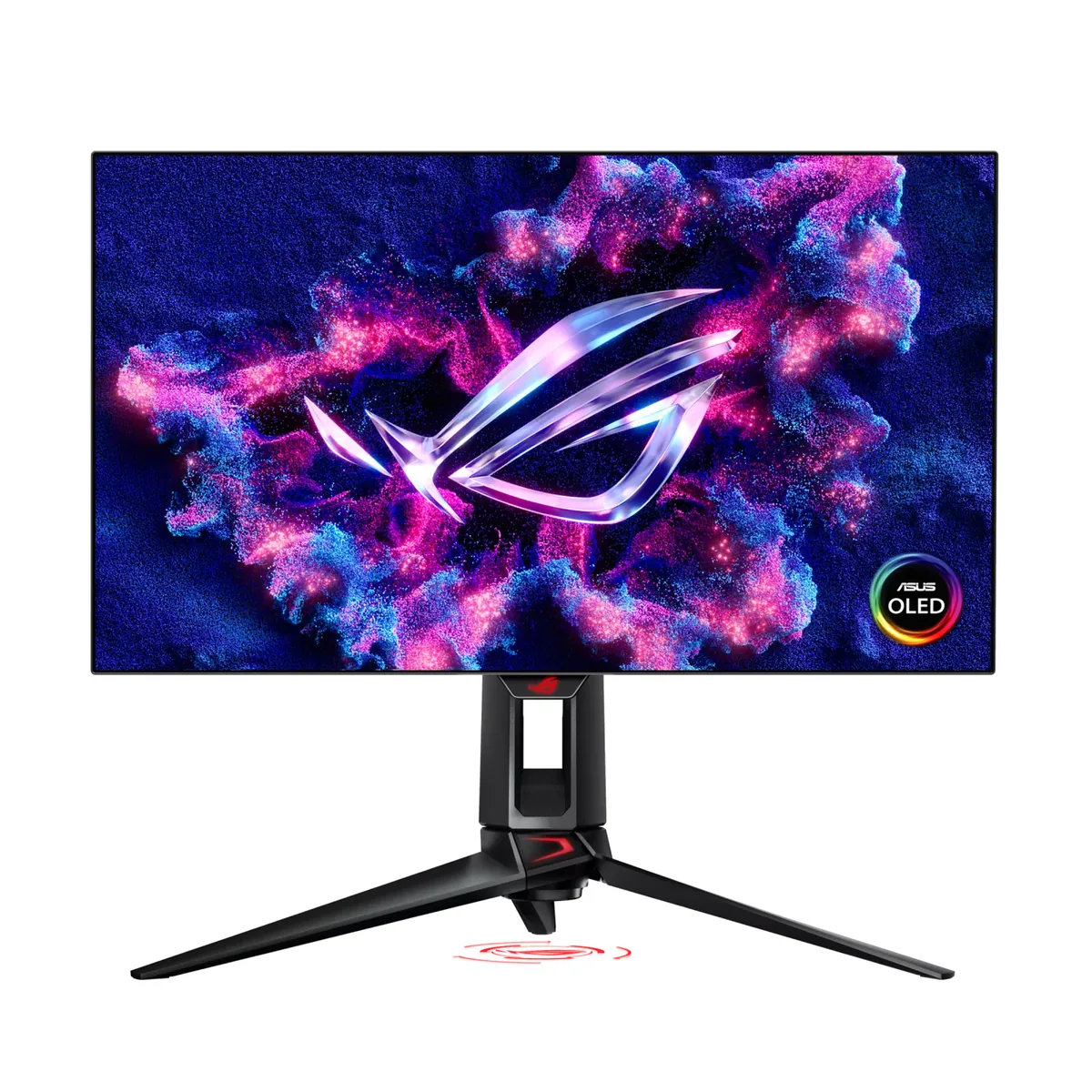 OLED gaming~$999
ASUS
Four hundred and eighty hertz at 1440p on an OLED — matched in this catalog only by Sony's INZONE M10S, and beaten only by Acer's 500 Hz panel. At that speed the panel is no longer the limit — the graphics card is, and so is the game engine. This exists for one audience, competitive shooters, and it is honest about that: everything else on the spec sheet is unchanged from the 240 Hz model.
Approx. price
~$999
snapshot, not a live price
Real HDR
per-pixel emissive — every pixel is its own backlight, so a highlight can sit beside true black
Port speed — can each input carry this panel?
This panel needs 63.7 Gbps at 2560×1440, 480 Hz and 30 bits per pixel, and supports DSC compression.
Best for: Competitive shooters where frame timing is the only spec that counts
The two lists above come from the maker’s specifications and from published third-party measurements, not from owner reports. Where owner discussion has been read it appears in its own section below, so the two are never mistaken for each other.
Everything about this monitor is downstream of one number. At 480 Hz on a 1440p OLED it was the first of its kind, and the people who bought it early were doing so on the strength of a refresh rate that most of them could not fully use — buyers worked that out for themselves in advance and bought anyway, or bought the 360 Hz alternative instead.
The complication owners found after launch is that the highest refresh rate and the flicker mitigation are mutually exclusive. One owner running it at 480 Hz over HDMI with current firmware on a 4090 reported heavy flicker in loading screens and occasionally in play, then found the anti-flicker setting greyed out at anything above 240 Hz. If your games have unstable frame pacing or long loading sequences, that is worth understanding before ordering. The other structural limit is the DisplayPort version: 1.4a rather than the 2.1 originally expected, which means compression carries the full mode and brings the familiar knock-on effects — slower alt-tabbing out of full-screen games, and no room for supersampling at native resolution and full refresh.
What you get in exchange is the newer WOLED generation with ASUS's micro-textured coating, factory calibration, three years of burn-in cover and a pixel warranty that names bright and dark dots. Owners who came from earlier ROG OLEDs and stayed here describe it as the one that finally stuck. Owners who play at a genuinely competitive level mostly still wish somebody would make a 25-inch 1080p version.
Because it only becomes available when the monitor is running at 240 Hz. An owner who bought this specifically for 480 Hz found exactly that, after seeing significant flicker in loading screens and occasionally in gameplay on a high-end system with current firmware. The practical options are dropping to 240 Hz and getting the mitigation, capping your frame rate so the variable range is narrower, or turning variable refresh off in the games where it bothers you.
Yes, with Display Stream Compression doing the work — uncompressed, that mode needs more bandwidth than DisplayPort 1.4 provides. The compression itself is visually lossless in practice, but owners report two real side effects of relying on it: switching between a full-screen game and the desktop is slower, and you cannot render above native resolution and hold full refresh. If you were hoping for a 2.1 revision, none had appeared.
In current games at 1440p, almost certainly not, and buyers reason their way to that conclusion before ordering. Even in older competitive titles it takes a top-tier card. The honest case for buying it anyway is that an OLED's response time plus a high refresh ceiling still improves motion at whatever frame rate you do reach, and that the monitor will outlast two graphics cards. If you need every dollar to be useful today, the 360 Hz panels are the better value.
Refresh rate is nearly the whole difference, along with a year more burn-in cover and a newer panel generation. Owners cross-shopping them split on it: people who play competitively and can feed the panel say yes, people who mostly play story games say the money is better spent on resolution. Worth noting the older model has fallen a long way in price, which widens the gap further.
It is the reason to buy an ASUS WOLED rather than a glossy QD-OLED, and the trade is the usual one — much less reflection, slightly less punch in a dark room. Buyers weighing this against a glossy 360 Hz rival with speakers keep coming back to the coating as the deciding factor when their room has light they cannot control. One owner rejected a glossy panel outright because it did not work with their lighting and landed here.
26.5″ · 2560×1440 · 240 Hz · WOLED
Best for: OLED motion at the lowest price ASUS sells it for
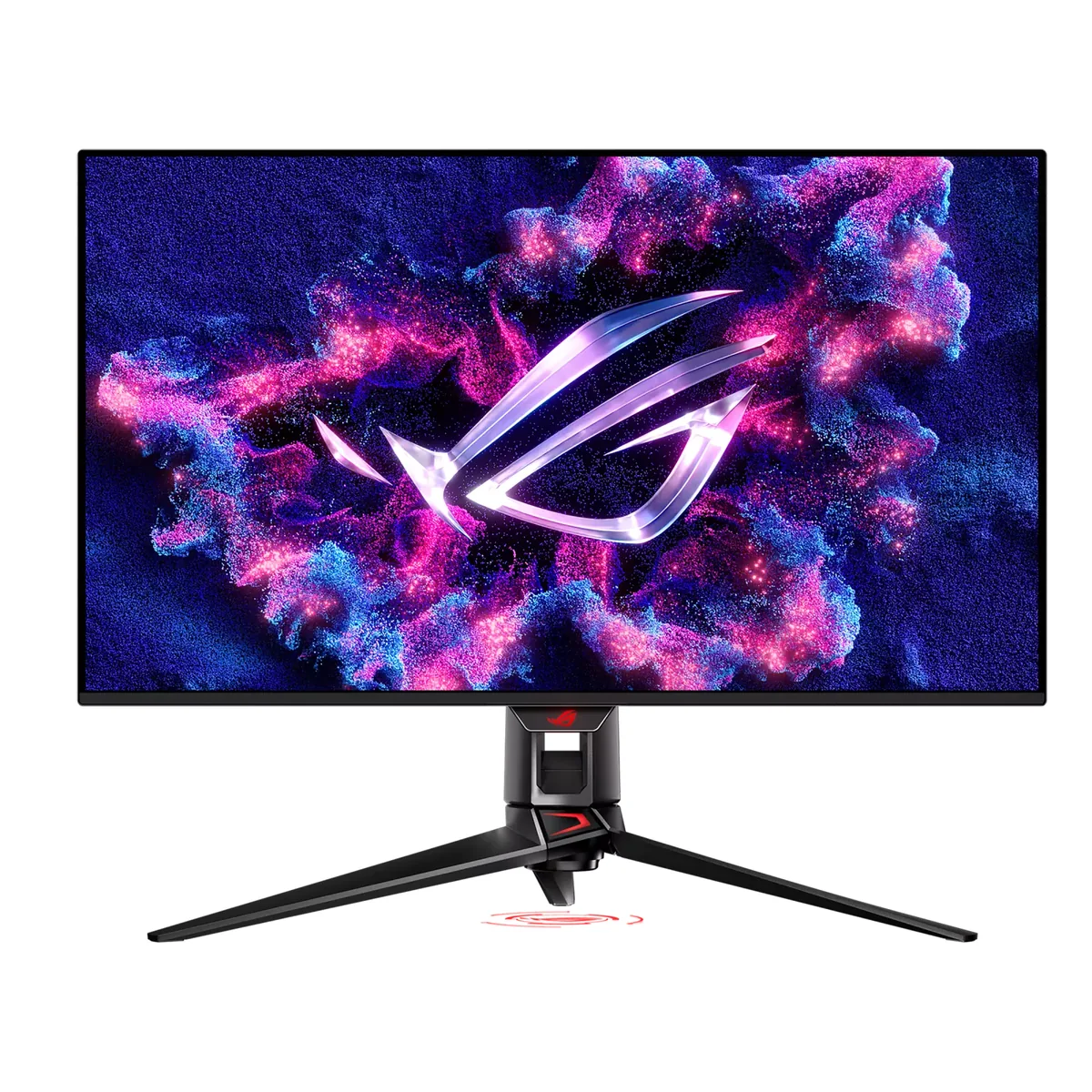
31.5″ · 3840×2160 · 240 Hz · QD-OLED
Best for: A flagship OLED that is also the dock and the KVM for a work laptop
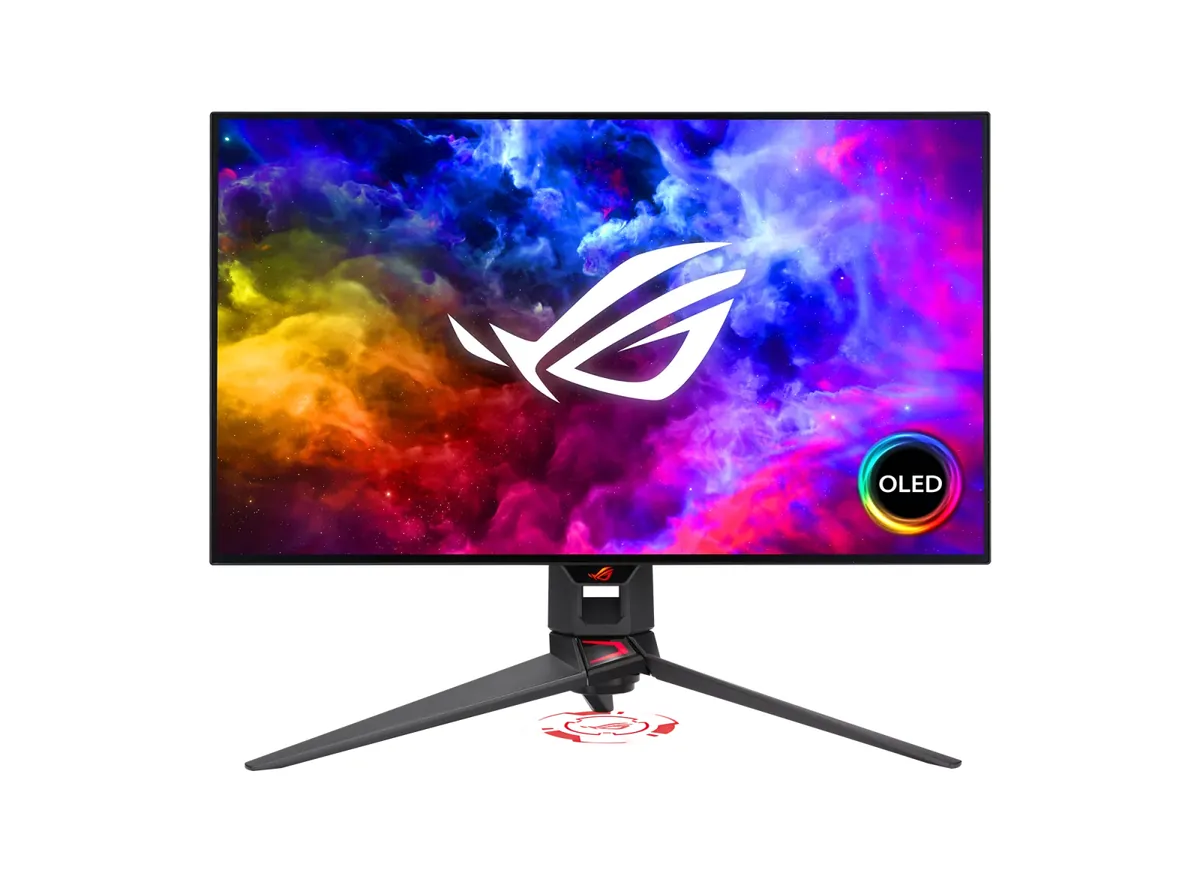
26.5″ · 2560×1440 · 240 Hz · WOLED
Best for: OLED contrast in a room with light you cannot control