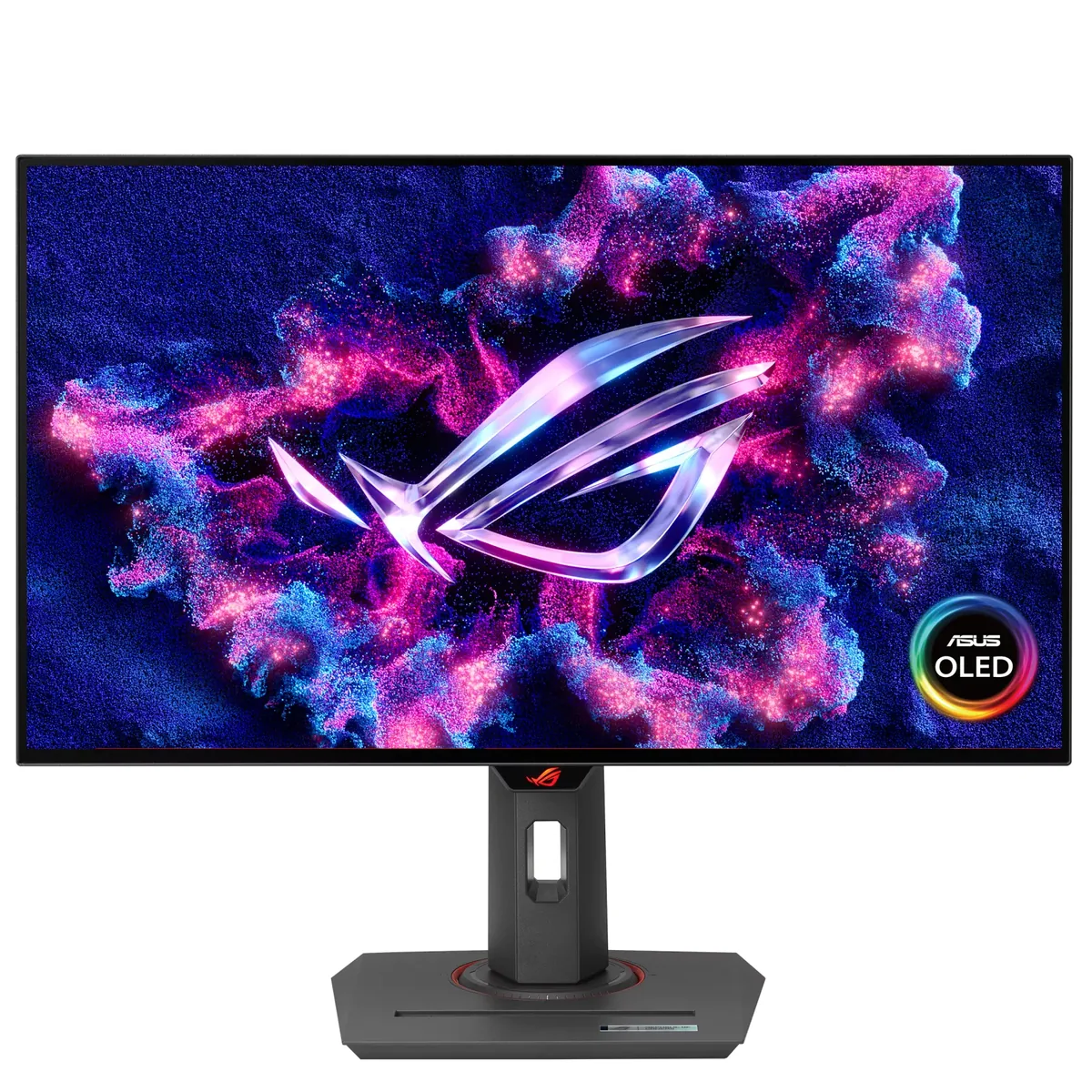
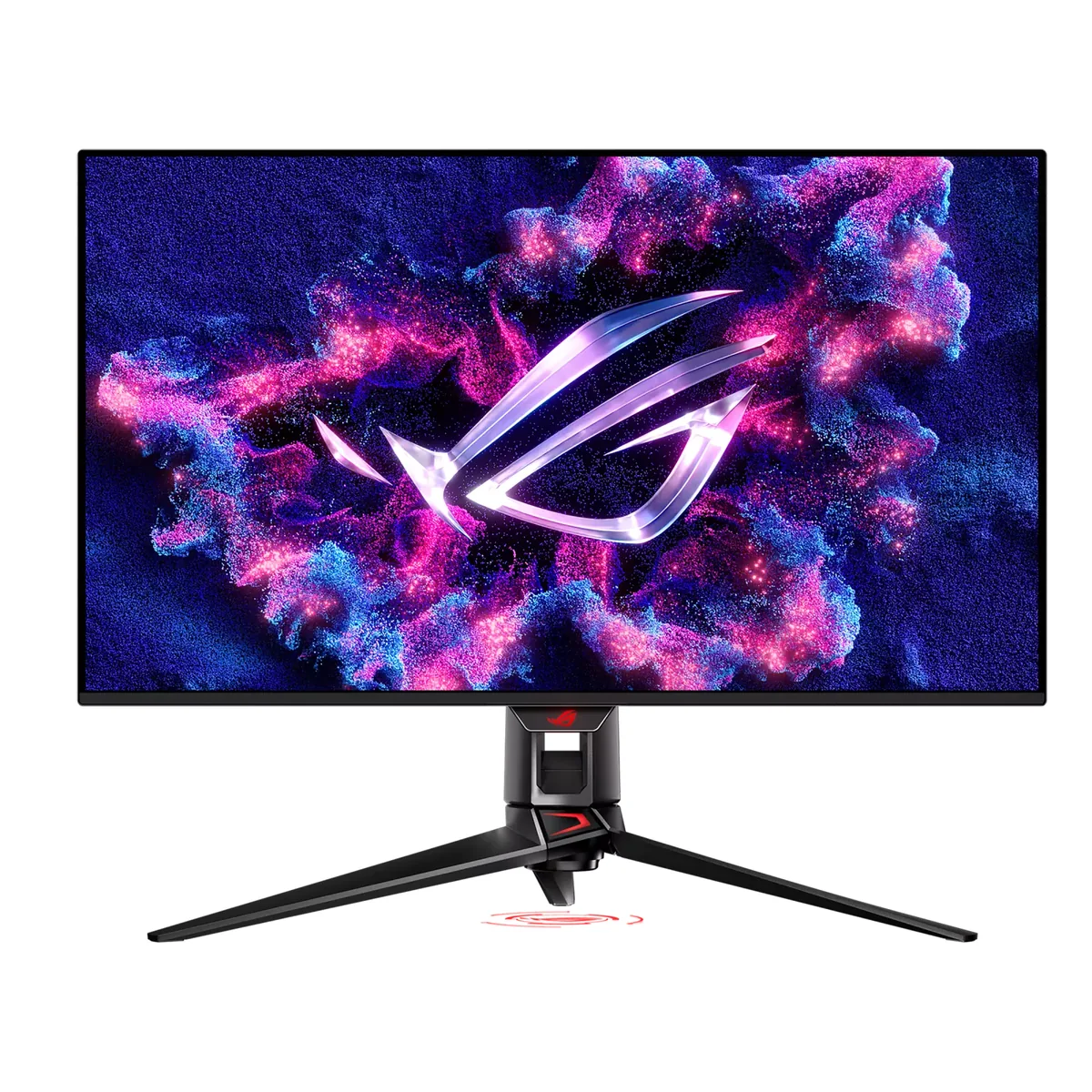
ASUS ROG Swift OLED PG27AQDM monitorOLED gaming

ASUS

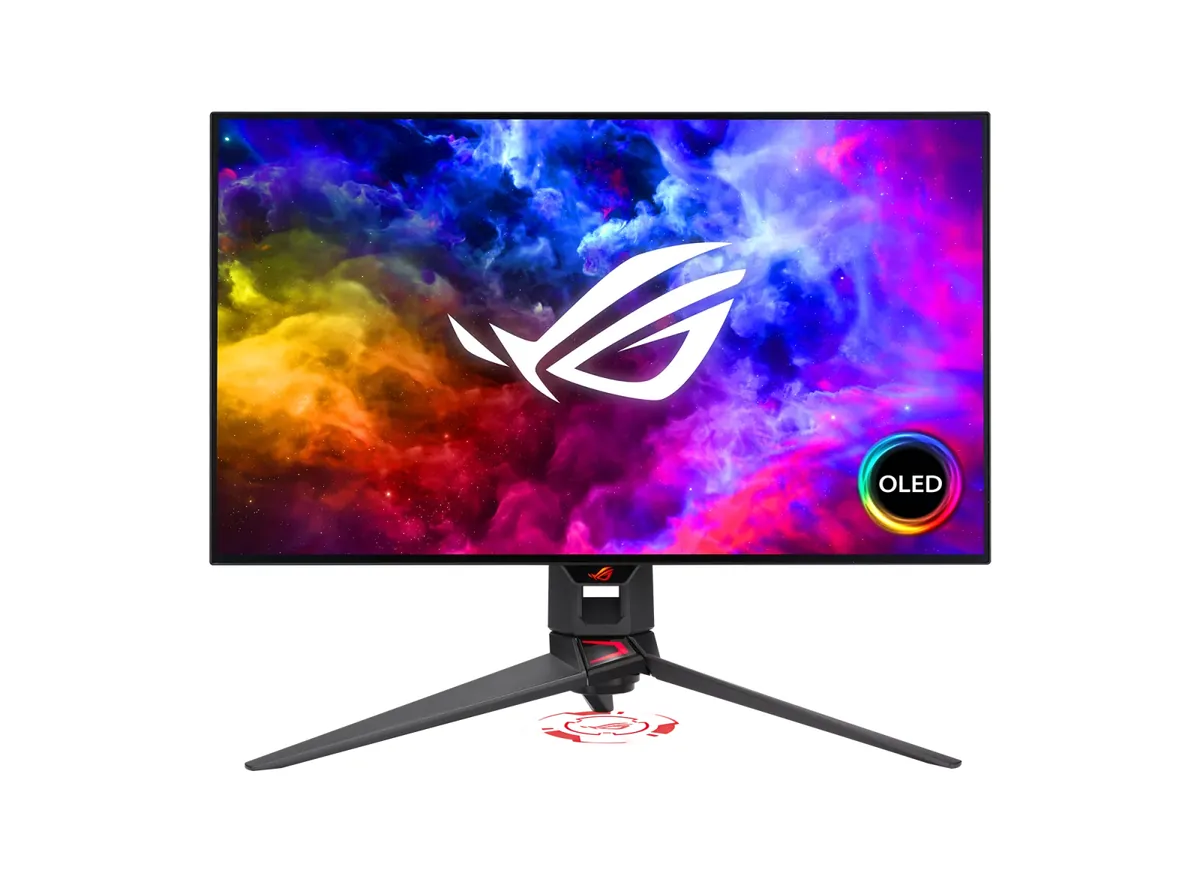
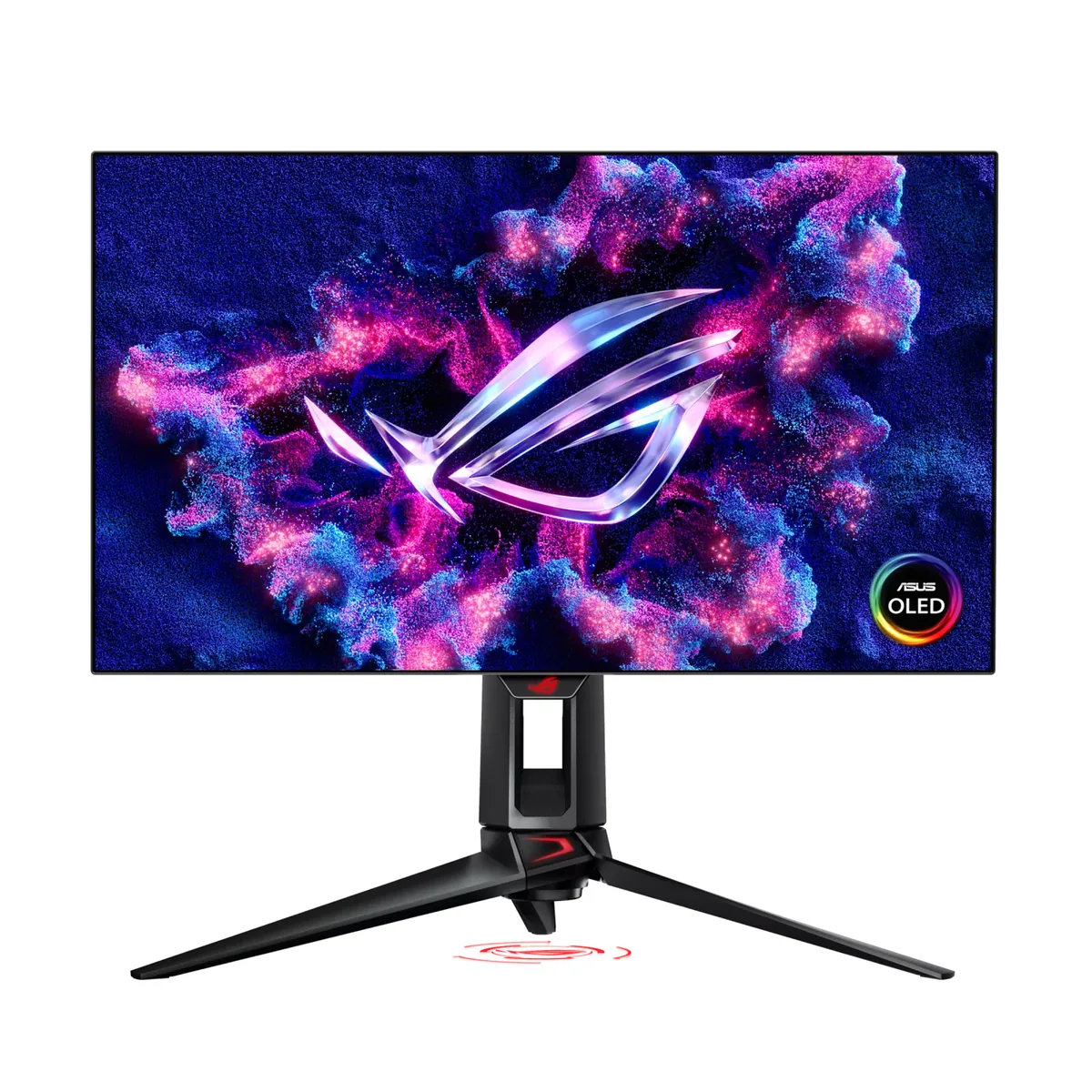
ASUS ROG Swift OLED PG27AQDM

ASUS's contribution to the 27-inch OLED category was a custom heatsink and a micro-texture anti-glare coating, and between them they answered the two loudest objections to the first WOLED monitors: heat-driven brightness limiting, and a glossy panel you cannot use near a window. What it does not answer is the warranty question: burn-in cover runs two years here, where the Alienware and Samsung OLEDs in this catalog carry three.

Sharpness

46ppd · sharp

text is clean; pixel edges show if you look for them

HDR tier

Real HDR

per-pixel emissive — every pixel is its own backlight, so a highlight can sit beside true black

Peak brightness

1,000nits claimed

no HDR certification

USB-C power

None

video and data only, or no USB-C at all

Max refresh

240 Hz

0.03 ms GtG rated

Port speed — can each input carry this panel?

  • 2×HDMI 2.0· below the panel's maximum
  • DisplayPort 1.4· full speed(DSC)

This panel needs 31.9 Gbps at 2560×1440, 240 Hz and 30 bits per pixel, and supports DSC compression.

Best for: OLED contrast in a room with light you cannot control

Specifications

Type
OLED gaming
Resolution
2560×1440
Pixels per degree
46 — sharp
Panel
WOLED
Finish
matte
Response time
0.03 ms GtG
VRR
G-Sync Compatible
HDR tier
Real HDR
Peak brightness
1,000 nits claimed
Local dimming
Per-pixel (emissive)
Static contrast
effectively infinite
Colour gamut
99% DCI-P3
HDMI
2 × HDMI 2.0
DisplayPort
1 × DisplayPort 1.4
DSC
Supported
Port speed
1 of 2 inputs at full speed
USB-C
None
KVM
None
USB hub
2 ports
Speakers
None
Stand
height, tilt, swivel, pivot
VESA
100x100
Weight
15.2 lb
Released
2023

Features

  • Custom heatsink allowing higher sustained brightness
  • Micro-texture matte anti-glare coating
  • 240 Hz WOLED with 0.03 ms response
  • Two-year warranty that explicitly covers burn-in
  • Uniform Brightness toggle for fixed SDR output

What it does well

  • The micro-texture coating kills reflections far more effectively than a standard matte film, which is the point of it
  • The heatsink lets it hold brightness longer than early OLEDs that throttled when warm
  • Uniform Brightness mode fixes SDR output so the picture stops dimming when a white window opens
  • Two years of the warranty explicitly covers panel burn-in, and the OLED Care menu runs pixel shift and a panel-refresh cycle on a schedule
  • The stand turns to portrait, so a column of code or a document does not need an arm bought for it

What it gives up

  • HDMI is 2.0 only, so a console is capped at 1440p120 and cannot reach the panel's 240 Hz
  • The anti-glare texture is visible as a faint sparkle on large white areas — the cost of killing reflections
  • 46 pixels per degree is 1440p sharpness, and WOLED subpixels fringe text on top of that
  • No USB-C input, so a laptop needs its own charger and a second cable for the picture

The two lists above come from the maker’s specifications and from published third-party measurements, not from owner reports. Where owner discussion has been read it appears in its own section below, so the two are never mistaken for each other.

What owners say

Two design decisions define this monitor and they pull in opposite directions. The micro-textured anti-glare coating is genuinely good at what it does, and it is why people with bright rooms keep buying this over panels that beat it on paper. The HDMI 2.0 input is genuinely limiting, and it is why console owners should not.

On a PC the picture holds up: owners moving from IPS and VA panels describe the usual OLED step change, and the motion clarity draws unprompted praise from people who play the same game for thousands of hours. The rough edges are firmware-shaped. HDR shipped poor and improved across several releases — an owner who bought used reported SDR looking excellent while HDR still looked washed out, and the fixes for skin tones and flicker messages arrived late enough that plenty of units in circulation have never had them. Updating is not risk-free either; at least one panel was bricked mid-update, and another developed a standby colour cycle afterwards. Dark-grey banding is the other recurring report, appearing months in for some owners and visible on dark wallpapers and in dim games.

Buy it if your room has light you cannot control, your source is a PC, and the price has come down far enough that two years of burn-in cover instead of three is an acceptable trade. If you game on a console, or you want the brightest HDR in this size class, the newer panels are the answer — including ASUS's own.
What owners like

  • The motion is the thing owners write about unprompted. One player with more than eleven thousand hours in a single game moved off a 60 Hz panel onto this and described it as changing how the game actually played, not just how it looked.
  • Buyers who rejected glossy QD-OLED because of a window or a lamp they cannot move choose this specifically for the micro-textured coating, and it is the reason it keeps appearing on shortlists beside panels with better numbers.
  • Street price has fallen a long way from launch. Owners report buying new at a few hundred below the original figure and used examples for well under half, which changes the value argument entirely.
  • ASUS kept shipping firmware after launch, and owners confirmed one release fixed the purple cast on skin tones at 6500 K along with the anti-flicker message behaviour — real fixes to real complaints, not changelog padding.
  • The stand turns to portrait, so a column of code or a long document does not need a separate arm bought for it.

Common complaints

  • HDMI 2.0 is the flaw that cannot be worked around. A console owner who set it up on day one found HDR washed out with no fix available, because the input cannot carry what the panel can show.
  • Vertical banding in dark greys is reported by several owners, sometimes appearing months into ownership — noticed on dark wallpapers and in dim games, and not something the settings menu resolves.
  • Variable-refresh flicker is named repeatedly by both owners and the people who decided against this panel because of it.
  • Updating the firmware carries real risk. One owner's monitor went black mid-update and reported its firmware version as zero afterwards; another ended up with an endless colour cycle every time the PC went to sleep.
  • The pixel-cleaning routine misbehaves for some owners: run manually it finishes on time, but started from the on-screen reminder it can run twenty minutes or more and need interrupting by hand.
  • Burn-in cover runs two years here where several direct rivals give three, which comes up in nearly every cross-shopping thread.

Questions owners ask about the ASUS ROG Swift OLED PG27AQDM

Can I get proper HDR from a console on this?

No, and this is the complaint that sticks. Both HDMI inputs are 2.0, which caps what a PlayStation or Xbox can send and leaves HDR looking washed out with nothing in the menu to fix it. One owner discovered this the day it arrived and concluded the monitor was worth keeping with HDR switched off, where the contrast still looks excellent. If a console is your main source, pick a panel with HDMI 2.1.

I can see vertical bands in dark grey areas — is my panel faulty?

Several owners report exactly this, and in more than one case it appeared months after purchase rather than on arrival. It shows up most in near-black gradients, dark wallpapers and dim game scenes. Owners have tried switching between 8-bit and 10-bit output, changing colour space and toggling uniform brightness and found these change how visible it is without removing it. If it bothers you at normal viewing distance, treat it as a warranty conversation rather than a calibration problem.

Should I install the latest firmware?

On balance yes, because the later releases fixed real problems including the purple cast on skin tones at 6500 K, but do it carefully. One owner's panel went dark mid-update and afterwards reported its firmware as version zero, needing service; another found the monitor cycling colours indefinitely whenever the PC slept. Update from a USB stick on a stable machine, do not interrupt it, and do not update to chase a problem you are not actually having.

Why does HDR look worse than SDR?

Owners have reported the desktop going grey when Windows HDR is enabled and games looking flatter still, while SDR looks superb. Part of this is the panel's early HDR tuning, improved but not transformed by firmware; part is Windows applying the wrong colour profile when it switches modes, which owners work around by re-selecting the calibrated HDR profile after switching. Many people here simply run SDR for desktop and general use and enable HDR only in the handful of games that implement it well.

How much does the matte coating cost you in picture quality?

It trades a little sparkle on large white areas for a large reduction in reflections, and which side of that trade you want depends entirely on your room. Owners who moved here from glossy panels because of a window they could not shade consider it the whole reason the monitor exists; owners comparing side by side with a glossy QD-OLED generally say the glossy panel looks punchier in a dark room. If your lighting is controllable, glossy wins; if it is not, this does.

Is the pixel-cleaning cycle supposed to take that long?

Run deliberately from the menu it takes about six minutes and finishes. Started from the on-screen reminder, some owners report it running past twenty minutes with no sign of ending, and interrupting it manually. Running it yourself on a schedule you choose — at the end of a session, with the PC idle — avoids the problem and is better practice anyway.

Others in the same part of the catalog

ASUS ROG Swift OLED PG27AQDP monitor
ASUS~$999

ASUS ROG Swift OLED PG27AQDP

26.5″ · 2560×1440 · 480 Hz · WOLED

Sharpness
46ppd · sharp
HDR
Real HDR
USB-C power
No USB-C power
  • 480 Hz
  • WOLED
  • 3-year burn-in cover
  • Console at full speed

Best for: Competitive shooters where frame timing is the only spec that counts

ASUS ROG Swift OLED PG32UCDM monitor
ASUS~$1,199

ASUS ROG Swift OLED PG32UCDM

31.5″ · 3840×2160 · 240 Hz · QD-OLED

Sharpness
59ppd · sharp
HDR
Real HDR
  • 4K 240 Hz QD-OLED
  • 1,065 nits measured
  • 90 W USB-C + KVM
  • Console at full speed

Best for: A flagship OLED that is also the dock and the KVM for a work laptop

More from ASUS →

← Back to the catalog