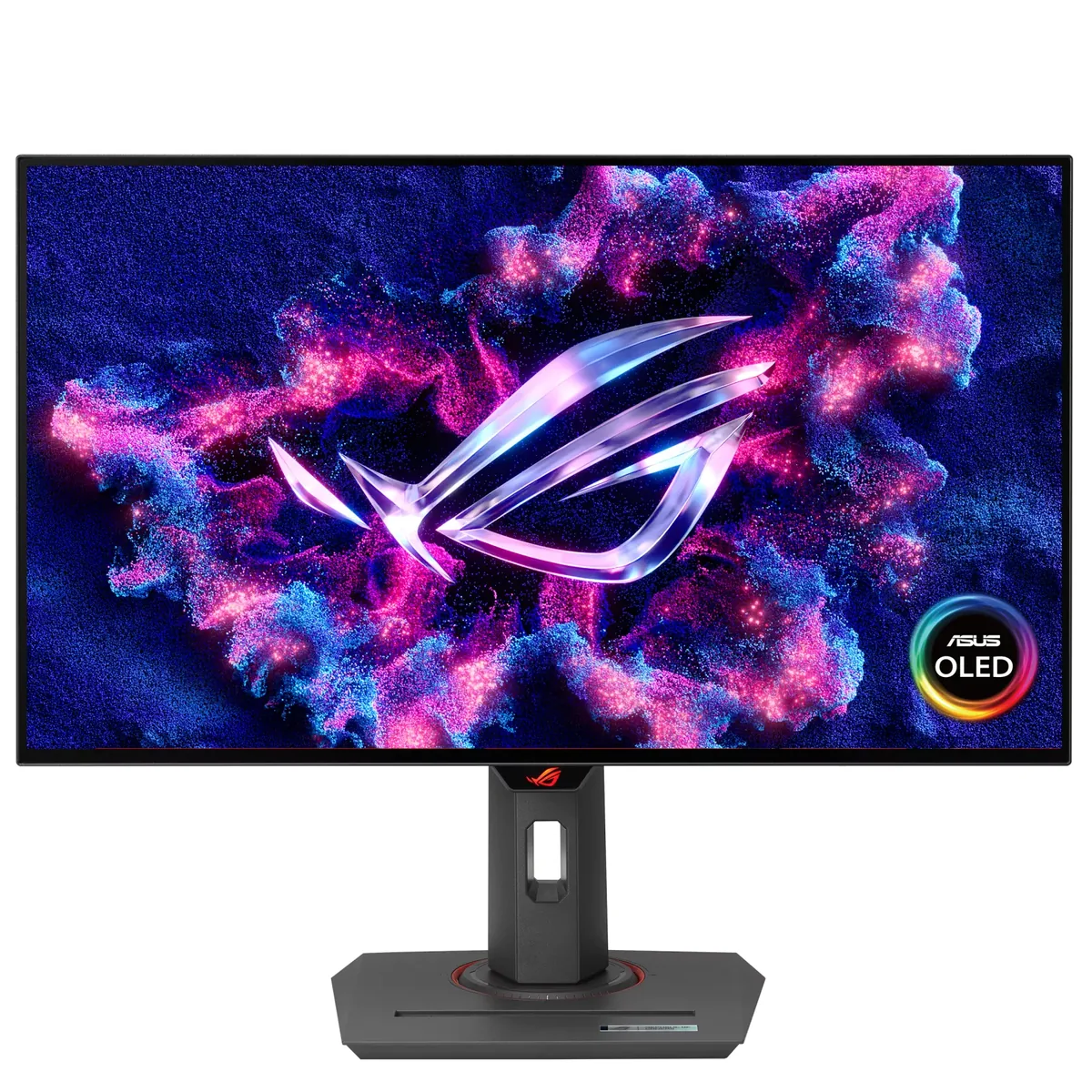
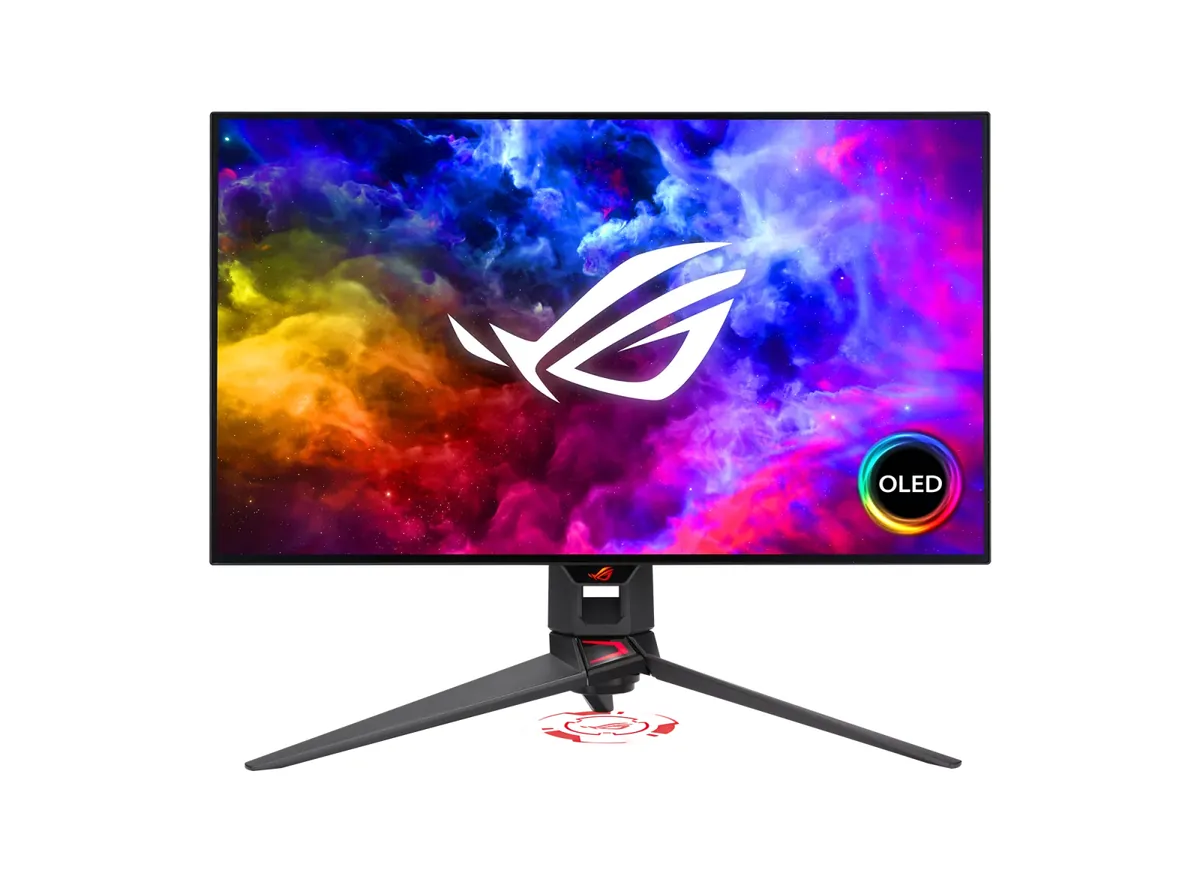
ASUS ROG Swift OLED PG32UCDM monitorOLED gaming~$1,199

ASUS

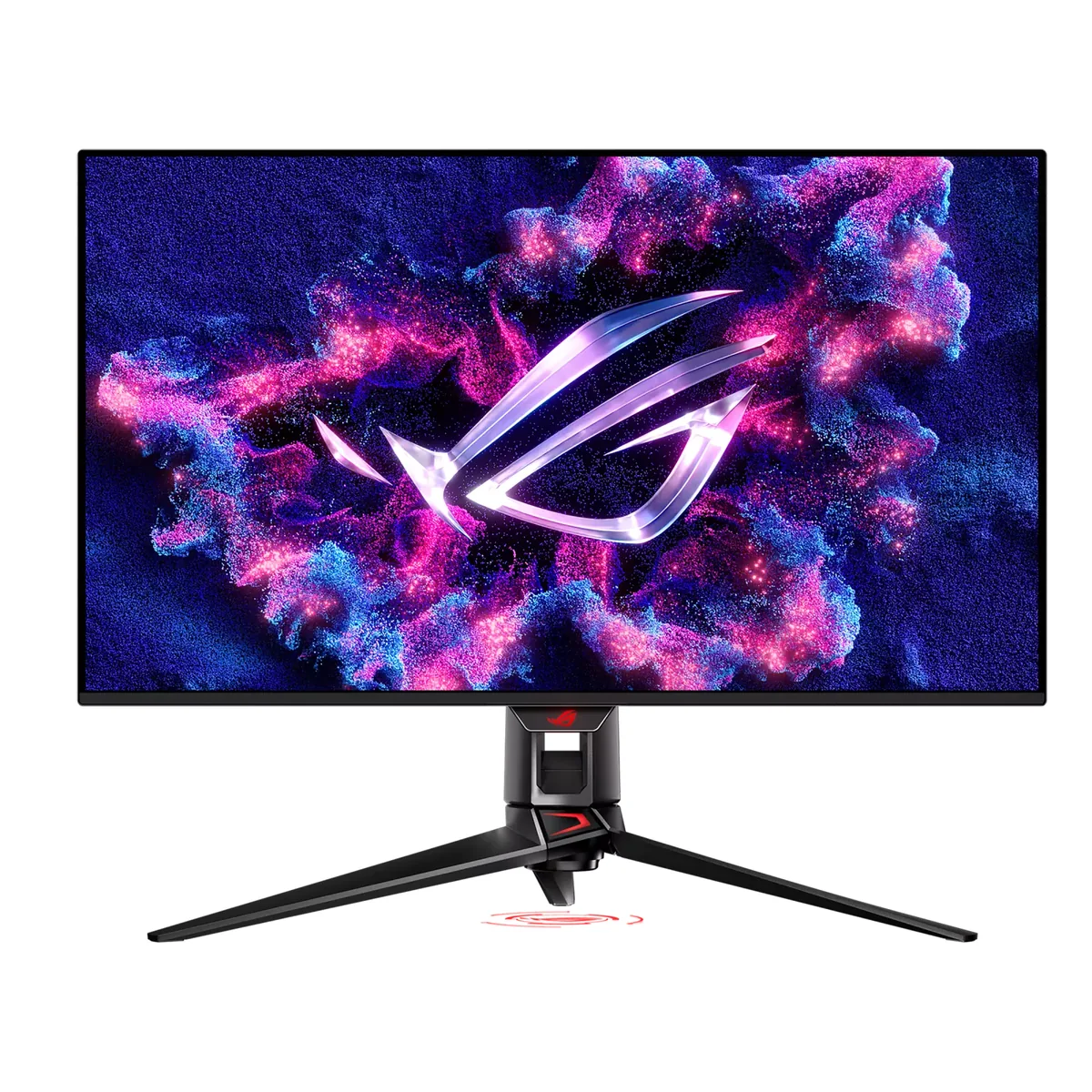
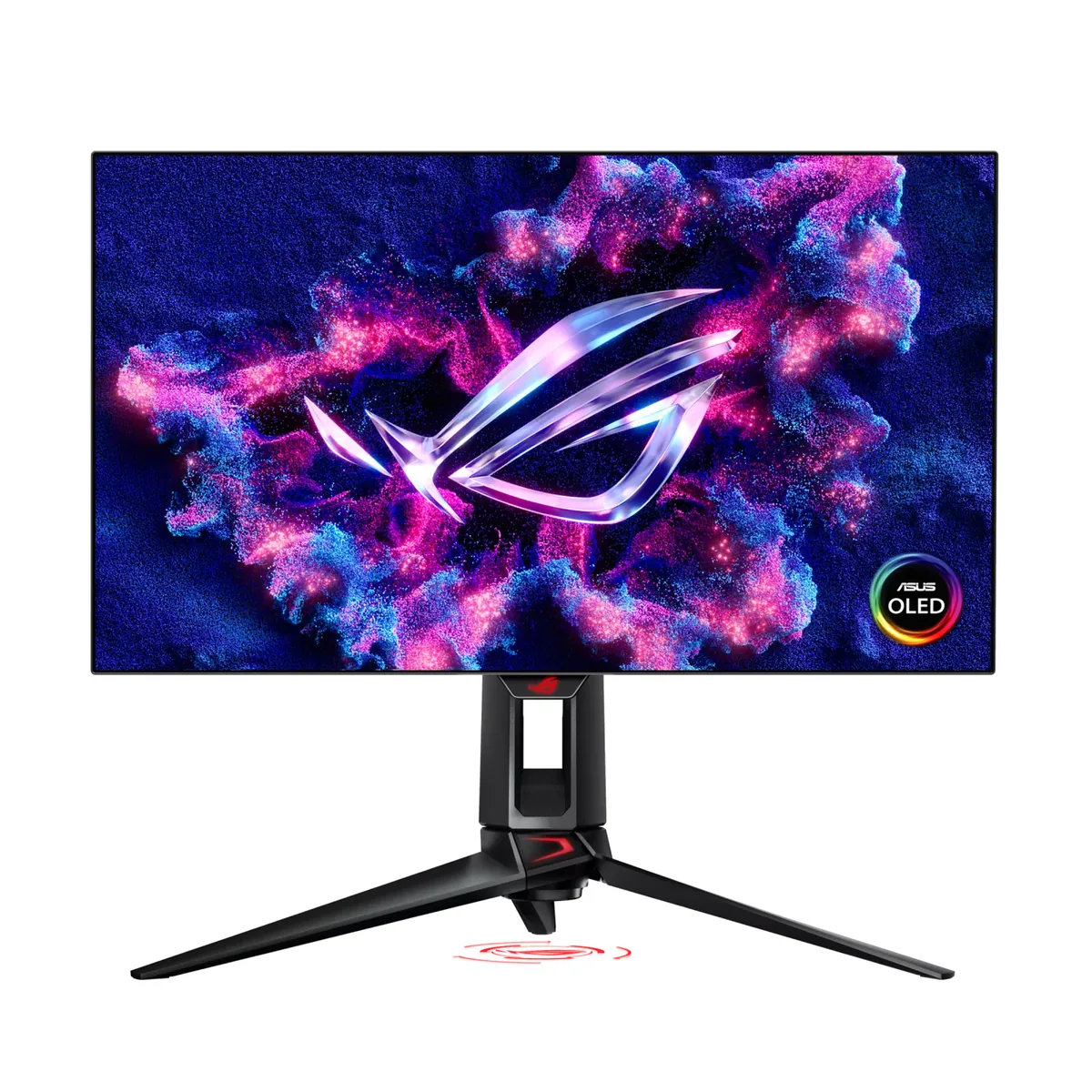
ASUS ROG Swift OLED PG32UCDM

Among the wave of 32-inch 4K OLEDs that arrived in 2024, this is the one that bothered with the desk: 90 watts of USB-C, a KVM and a three-port hub. TFTCentral measured 1,065 nits peak against a 1,000-nit claim, and found 477 nits in SDR with Uniform Brightness switched off — nearly double what most OLEDs here manage, though at the cost of the picture dimming as content changes.

Approx. price

~$1,199

snapshot, not a live price

Sharpness

59ppd · sharp

text is clean; pixel edges show if you look for them

HDR tier

Real HDR

per-pixel emissive — every pixel is its own backlight, so a highlight can sit beside true black

Peak brightness

1,000nits claimed1,065measured · TFTCentral

DisplayHDR True Black 400

USB-C power

90 W

keeps a 14-inch machine charged under normal load

Max refresh

240 Hz

0.03 ms GtG rated

Port speed — can each input carry this panel?

  • 2×HDMI 2.1· full speed(DSC)
  • DisplayPort 1.4· full speed(DSC)
  • USB-C (DP Alt Mode)· full speed(DSC)

This panel needs 71.7 Gbps at 3840×2160, 240 Hz and 30 bits per pixel, and supports DSC compression.

Best for: A flagship OLED that is also the dock and the KVM for a work laptop

Specifications

Approx. price
~$1,199
Type
OLED gaming
Resolution
3840×2160
Pixels per degree
59 — sharp
Panel
QD-OLED
Finish
semi-glossy
Response time
0.03 ms GtG
VRR
G-Sync Compatible
HDR tier
Real HDR
HDR certification
DisplayHDR True Black 400
Peak brightness
1,000 nits claimed
Measured peak
1,065 nits · TFTCentral
Local dimming
Per-pixel (emissive)
Static contrast
effectively infinite
Colour gamut
99% DCI-P3
HDMI
2 × HDMI 2.1
DisplayPort
1 × DisplayPort 1.4
DSC
Supported
Port speed
3 of 3 inputs at full speed
USB-C
Video in over USB-C
USB-C power
90 W — 14-inch class laptop
KVM
Built in
USB hub
3 ports
Speakers
None
Stand
height, tilt, swivel
VESA
100x100
Weight
19.4 lb
$ per inch
$38
$ per megapixel
$145

Features

  • 32-inch 4K QD-OLED at 240 Hz
  • 90 W USB-C input with KVM
  • Two HDMI 2.1 inputs
  • Uniform Brightness toggle
  • Three-year burn-in warranty

What it does well

  • TFTCentral measured 1,065 nits peak, above the panel's own 1,000-nit claim
  • 90 watts of USB-C with a KVM, enough to run and switch a work laptop, where several rivals here stop at 15 or 18 watts
  • TFTCentral measured 477 nits in SDR with Uniform Brightness off — far brighter than the 250-nit norm for OLED
  • 140 pixels per inch with per-pixel black: sharpness and contrast at once
  • Three years of burn-in coverage

What it gives up

  • The 477-nit SDR figure comes at the price of automatic brightness limiting, which is visible as the screen content changes
  • Semi-glossy QD-OLED, so reflections and raised blacks under room light are part of the deal
  • Twelve hundred dollars puts it at the top of this catalog's gaming tier
  • 90 watts is a thin-laptop figure, not enough for a 16-inch workstation under load

The two lists above come from the maker’s specifications and from published third-party measurements, not from owner reports. Where owner discussion has been read it appears in its own section below, so the two are never mistaken for each other.

What owners say

Of the wave of 32-inch 4K QD-OLEDs that landed together, this is the one owners chose when the monitor also had to do work — the USB-C input, the hub and the KVM shortcut come up constantly in how people actually use it, and the menu system is preferred over the smart-TV interface on the obvious alternative by a wide margin.

What owners argue about is HDR and text. On HDR, the complaint is not that it is dim in absolute terms but that the bright mode does not feel bright: several people report Peak 1000 looking flatter than True Black 400, and the shared workaround is raising the driver's brightness slider a few percent rather than anything in the monitor. On text, the QD-OLED subpixel arrangement fringes glyph edges, and for a minority of owners that is fatal — one wrote the same question three separate times hunting for a 4K OLED with a conventional pixel layout, not because the rest of the monitor disappointed but because that one thing did. Stock was also genuinely hard to find through its first year, in Europe and Canada especially.

Smaller things to plan for: the stand is big and does not drop far, so a tall desk without an arm may not work; the KVM shortcut can leave a modifier key stuck on the machine you switch away from; and if your room is bright, the glossy coating will be the thing you notice first, not the contrast.
What owners like

  • Owners arriving from 1080p and from VA panels describe it in the same terms — size, resolution and per-pixel black landing at once — and several who cross-shopped it against a 42-inch OLED television kept this instead.
  • The desk features get used rather than listed: USB-C, a hub and a keyboard-shortcut KVM mean a work laptop and a gaming PC share one screen, which is unusual in this class.
  • ASUS ships firmware and owners track it closely. A beta release improved the console HDR mode, and several people were running it deliberately rather than waiting.
  • The on-screen menu is repeatedly preferred over the Samsung rival's smart-TV interface — enough that owners who bought both to compare returned the Samsung and kept this one on the strength of navigation alone.
  • The stand is solidly built and steady, which matters on a 32-inch panel that costs this much.

Common complaints

  • Text fringing from the QD-OLED subpixel layout is the one problem that makes owners return this monitor. One person wrote the same question three times looking for a 4K panel with a conventional subpixel grid, because everything else about this one was fine.
  • HDR brightness disappoints relative to the price. Owners report the Peak 1000 mode looking dimmer than True Black 400, cross-shoppers name rivals with brighter HDR output, and the common workaround is nudging the graphics driver's brightness slider up by five to ten percent.
  • Glare. The panel is glossy and one owner who loved it in every other respect went hunting for a matte WOLED for their office instead.
  • The stand is physically large and does not drop low enough for everyone — an owner with a small desk, a taller-than-usual surface and no monitor arm could not get the panel to a comfortable height.
  • The KVM has a rough edge: triggering it with the keyboard shortcut can leave a modifier key stuck down on the machine you just left. Owners on some firmware versions also report the USB hub dropping and re-enumerating every few seconds.
  • Odd handshake behaviour turns up: switching HDR on sometimes produces a black screen until the monitor is power-cycled, and one owner measuring near-black against a reference display found this panel raising shadow detail rather than holding it.

Questions owners ask about the ASUS ROG Swift OLED PG32UCDM

Why does Peak 1000 look dimmer than True Black 400?

Owners report this consistently and it is a real characteristic of how the modes behave, not a misconfiguration. Peak 1000 reserves headroom for small bright highlights and limits average output more aggressively, so ordinary scenes can read flatter than True Black 400 which holds a steadier level. The workaround owners settled on is raising the graphics driver's brightness slider from the default by five to ten percent, which lifts the picture without touching the monitor's HDR handling. Some people simply live in True Black 400 and accept smaller highlights.

Does the text fringing make it unusable for code and documents?

For most owners it is a thing you notice in the first week and then stop seeing; for a minority it never stops being distracting, and those people return the monitor. The cause is the QD-OLED subpixel arrangement, which does not match what Windows expects when it renders sub-pixel anti-aliased text. Running the ClearType tuner helps, as does avoiding fractional display scaling. If you are unusually sensitive to it, a 27-inch 4K panel puts more pixels in each degree of vision and hides it better.

How do I stop a modifier key sticking when I use the KVM?

The switch is triggered with Ctrl+Alt+Q from a keyboard plugged into the monitor's hub, and owners report that one of those modifiers can stay logically held down on the machine they switched away from. Tapping and releasing both Ctrl and Alt on the machine you land on generally clears it, and doing the same on the first machine when you switch back does too. Keeping the monitor's firmware current is worth doing, since hub and KVM behaviour has been a focus of updates.

Do I have to enable 10-bit colour manually in the graphics driver?

Owners have found the driver defaulting to 8-bit and set 10-bit by hand in the control panel, which is the right thing to do — the panel accepts it and compression carries the bandwidth. Leaving it at 8-bit costs you gradient smoothness in HDR rather than breaking anything. Check it after driver updates, since it can revert.

Will the stand work on a small or unusually tall desk?

Plan for it. One owner with limited desk depth and a higher-than-average surface found the included stand both footprint-heavy and unable to lower the panel enough to sit comfortably, and that contributed to returning it. The stand itself is well made and steady. If your desk is deep enough the point is moot; if it is not, budget for a monitor arm on the 100 mm mount at the same time as the monitor.

The Windows HDR calibration tool measures higher than the rated peak — which do I trust?

Trust the tool. An owner found the calibration cross still visible at 1200 on the slider against a 1000-nit rating and asked exactly this; the right answer is to set the slider where the pattern actually disappears on your unit, because that is what Windows uses to tone-map. Panel-to-panel variation and the measurement window size both mean the published figure and your screen's behaviour will not match precisely.

Others in the same part of the catalog

ASUS ROG Swift OLED PG27AQDP monitor
ASUS~$999

ASUS ROG Swift OLED PG27AQDP

26.5″ · 2560×1440 · 480 Hz · WOLED

Sharpness
46ppd · sharp
HDR
Real HDR
USB-C power
No USB-C power
  • 480 Hz
  • WOLED
  • 3-year burn-in cover
  • Console at full speed

Best for: Competitive shooters where frame timing is the only spec that counts

ASUS ROG Swift OLED PG27AQDM monitor
ASUSNo price published

ASUS ROG Swift OLED PG27AQDM

26.5″ · 2560×1440 · 240 Hz · WOLED

Sharpness
46ppd · sharp
HDR
Real HDR
USB-C power
No USB-C power
  • 240 Hz WOLED
  • Micro-texture matte
  • 2-year burn-in cover

Best for: OLED contrast in a room with light you cannot control

More from ASUS →

← Back to the catalog