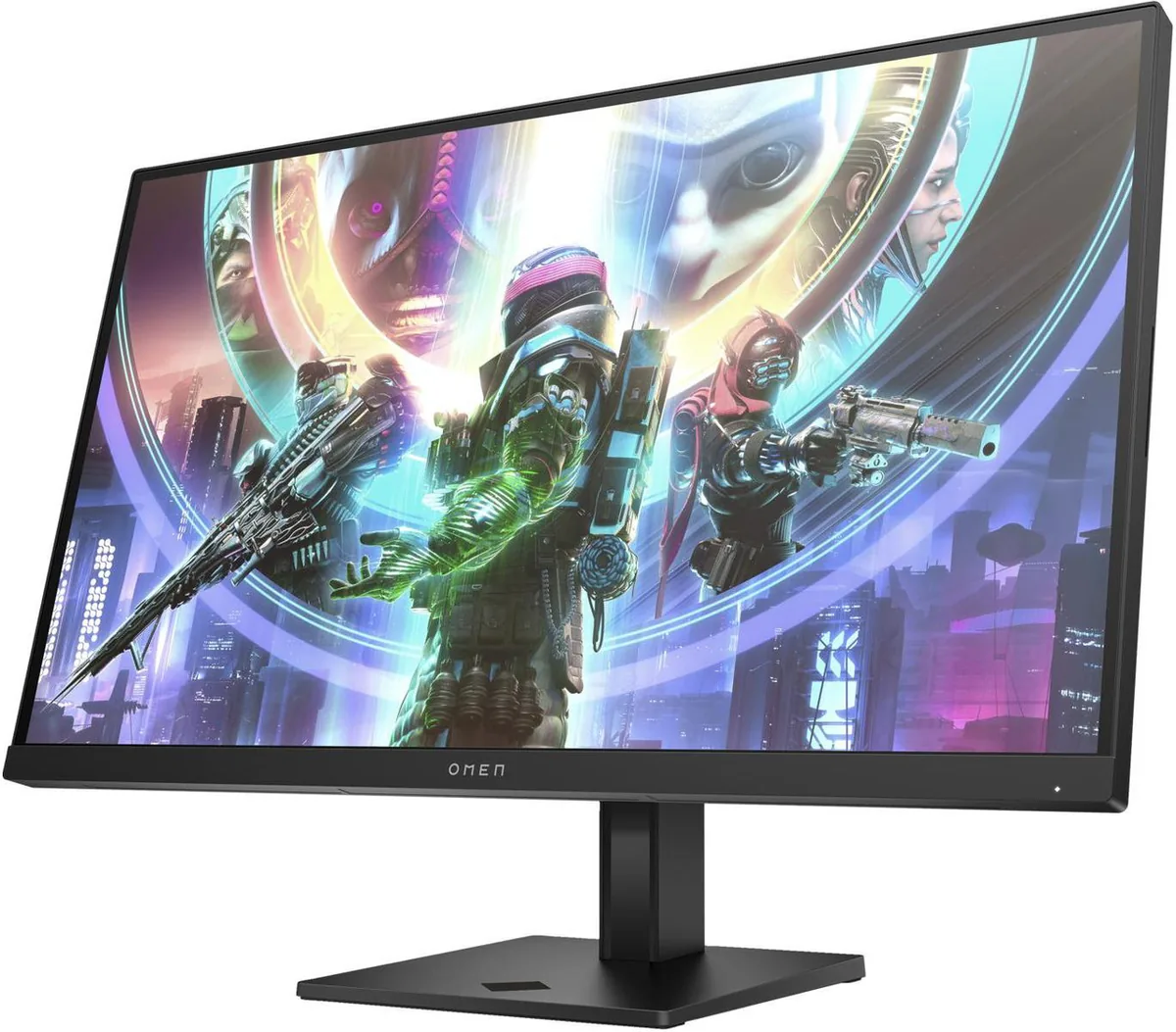
HP~$430
HP OMEN 27qs
27″ · 2560×1440 · 240 Hz · IPS
- Sharpness
- 46ppd · sharp
- HDR
- Accepts an HDR signal
- USB-C power
- No USB-C power
- 240 Hz at 1440p
- 95% DCI-P3
- Portrait pivot
Best for: A first 240 Hz monitor without paying OLED money
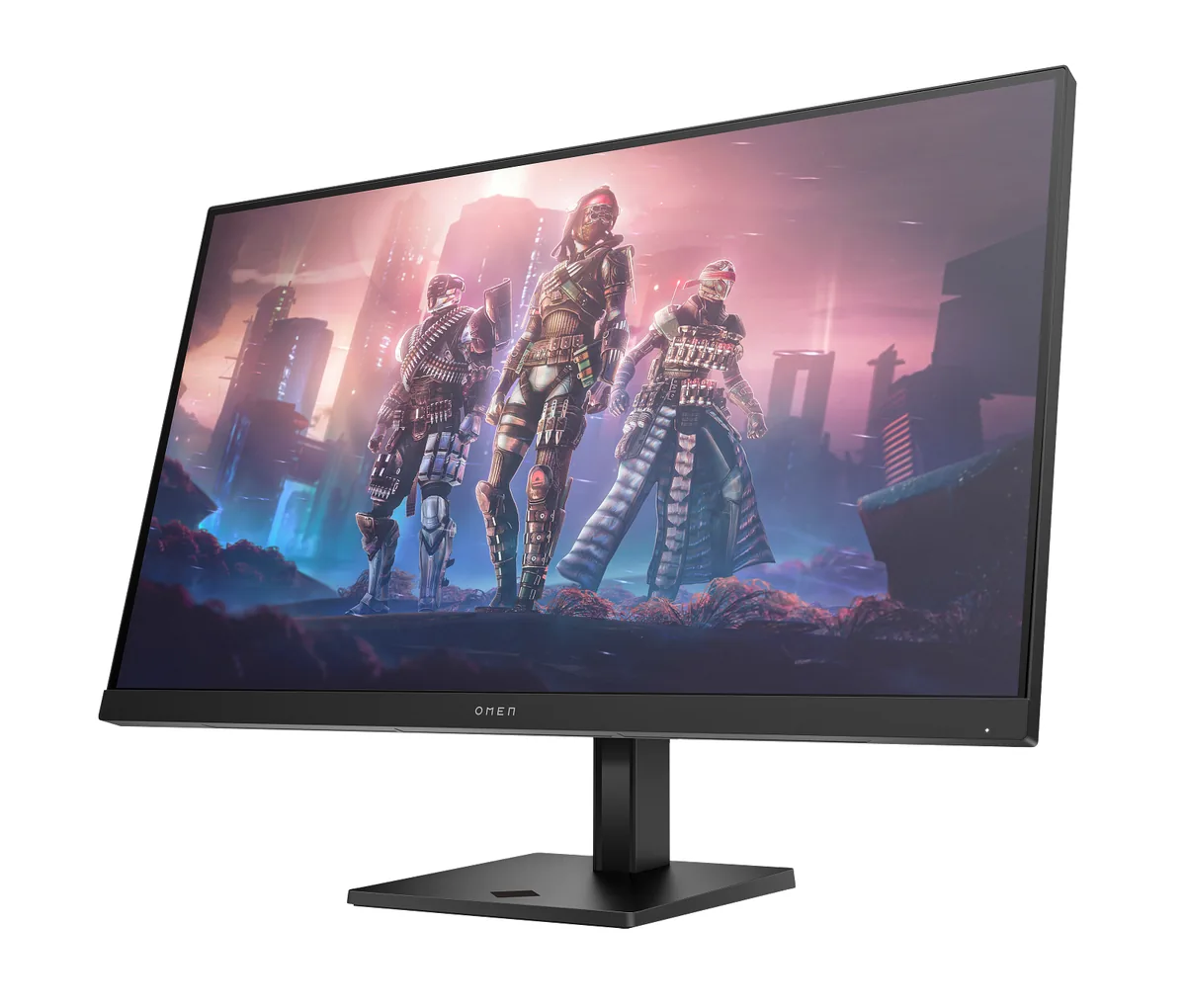 Gaming~$400
HP
Take the 27-inch 1440p formula and stretch it to 31.5 inches: same 2560×1440, same 400 nits, same 95% DCI-P3, 165 Hz instead of 240. Pixel density drops to 93 per inch, which is the trade being made here — a much bigger picture for the same money, at the cost of visibly larger pixels unless you sit further back. The port selection is deliberately thin, with two HDMI 2.0, one DisplayPort 1.4 and no USB hub at all.
Approx. price
~$400
snapshot, not a live price
Accepts an HDR signal
an edge-lit backlight with no dimming zones — HDR mode changes the tone curve, not the contrast
Port speed — can each input carry this panel?
This panel needs 17.5 Gbps at 2560×1440, 165 Hz and 24 bits per pixel, with no DSC to fall back on.
Best for: The largest 1440p screen a modest budget will buy
The two lists above come from the maker’s specifications and from published third-party measurements, not from owner reports. Where owner discussion has been read it appears in its own section below, so the two are never mistaken for each other.
Two kinds of buyer end up here. The first wants the biggest 1440p screen a small budget will buy and is drawn in by sale pricing that has reached $179 in the US and around €267 in Europe, against a list price roughly double that. The second is building a flat triple-screen sim racing rig, where 32 inches at 1440p is the size and resolution that three panels and one graphics card can actually sustain — this monitor turns up in that conversation repeatedly, weighed against the Samsung Odyssey G50D, the Gigabyte GS32Q and LG's 32-inch UltraGear.
That sim racing use surfaces the most specific criticism anyone has of it. The bottom bezel, the wide one with the OMEN logo, stands a few millimetres proud of the side bezels, so three of these side by side leave a gap that light comes through and that a bezel-free kit cannot hide. One owner was trying to work out whether that trim panel is purely decorative and clips off, or part of the frame.
Owners who leave do so for two reasons and they are both predictable from the specification. 1440p spread across 31.5 inches is not sharp at close range, and one owner was shopping for a 27-inch panel at the same resolution specifically to recover pixel density. The other wanted HDR that actually shows something, and had already accepted this was not the monitor for it. Prospective buyers, meanwhile, keep running into the same wall: almost nobody has published a proper test of it, so most of the discussion is spec-sheet comparison rather than experience.
It is chosen for that job often, because a flat 31.5-inch 1440p panel is the practical size and resolution for driving three screens off one graphics card. The catch an owner flagged is the bezel: the lower trim carrying the OMEN logo sits a few millimetres proud of the side bezels, so adjacent panels cannot be pushed fully together and light shows through the gap. That owner was investigating whether the trim could be removed safely, which suggests it is worth planning for.
It depends entirely on how close you sit, and owners split on it. Someone who sat near the screen found the pixel density limiting enough that they went shopping for a 27-inch panel at the same resolution purely to get sharper text and edges. Buyers who want a big-screen feel and sit further back do not raise it as a problem. The physical pixels are noticeably larger here than on a 27-inch 1440p monitor.
Owner behaviour answers this better than any specification. One owner shopping for a replacement said plainly that they wanted HDR that blows them away in story games, and was moving to an OLED panel to get it. Nobody in these discussions defends this monitor's HDR; it is treated as a badge on the box rather than a mode people use.
Buyers hit this constantly, and it applies to most of the 32-inch 1440p panels in this price band — people comparing it against the Gigabyte and LG equivalents note that none of their shortlist has been properly tested anywhere they can find. The practical consequence is that spec sheets are doing all the work, so pay close attention to the things a spec sheet does capture: panel type, port versions, stand adjustment and warranty.
Buyers weighing it against VA rivals such as the Dell S3222DGM keep arriving at the same reasoning: VA gives deeper blacks for the money, which matters in a dark room, but black smearing in motion is the reason they keep coming back to IPS. Nothing in owner reports of this monitor suggests that choice backfired, though its contrast is ordinary and dark-room viewers should expect a grey rather than black background.
27″ · 2560×1440 · 240 Hz · IPS
Best for: A first 240 Hz monitor without paying OLED money
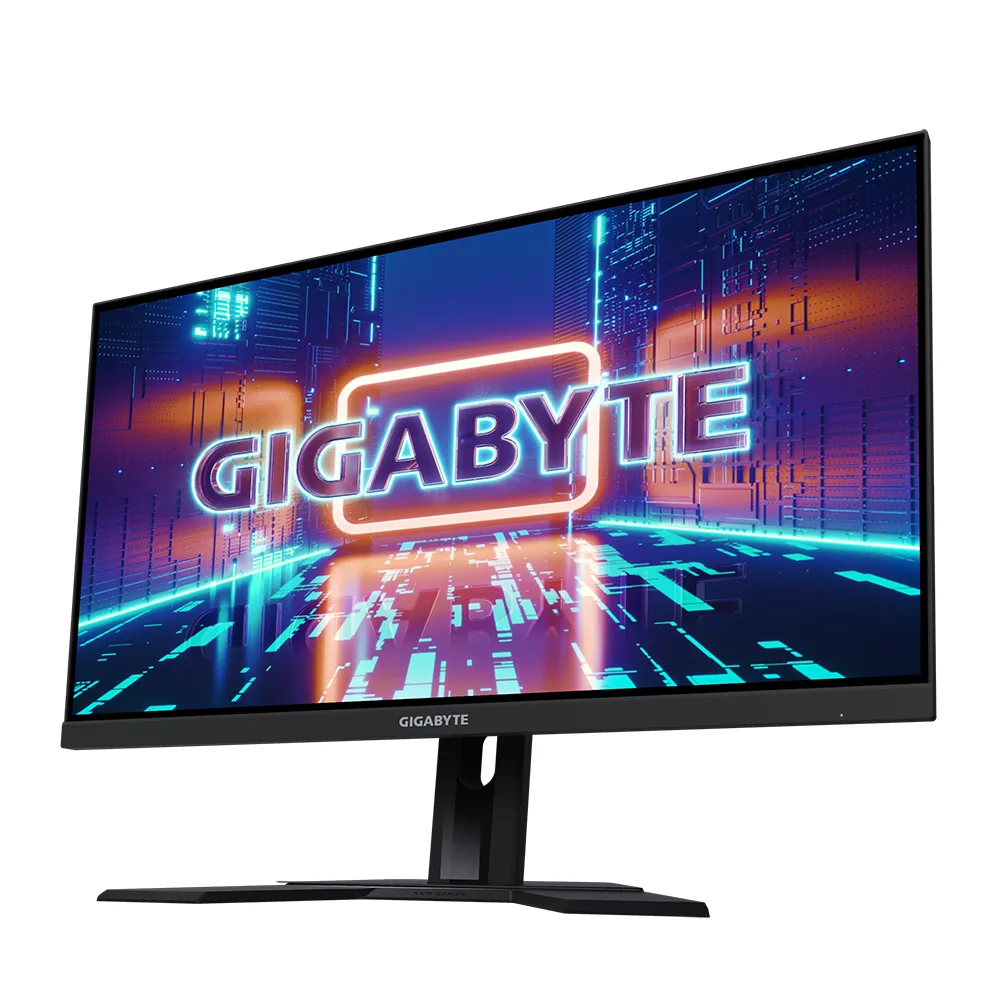
27″ · 2560×1440 · 240 Hz · Fast IPS
Best for: High-refresh 1440p and a KVM on the smallest budget that buys both
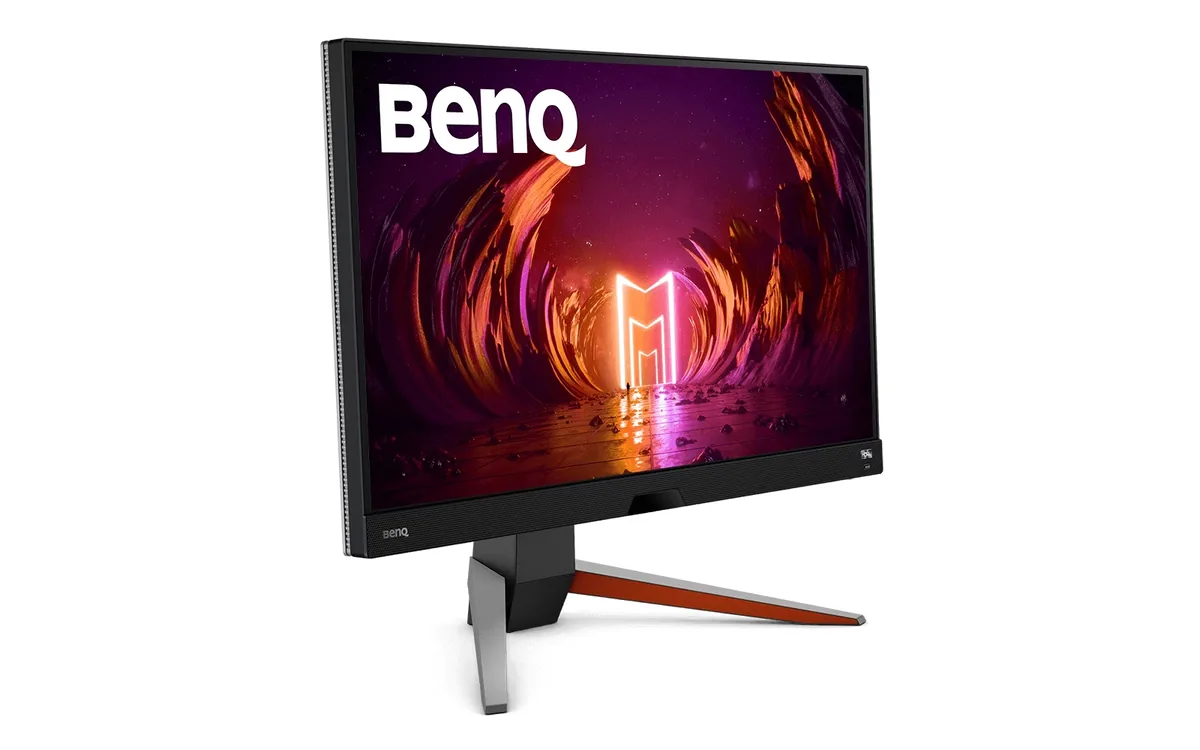
27″ · 2560×1440 · 165 Hz · IPS
Best for: A single-monitor console-and-PC desk with no room for speakers