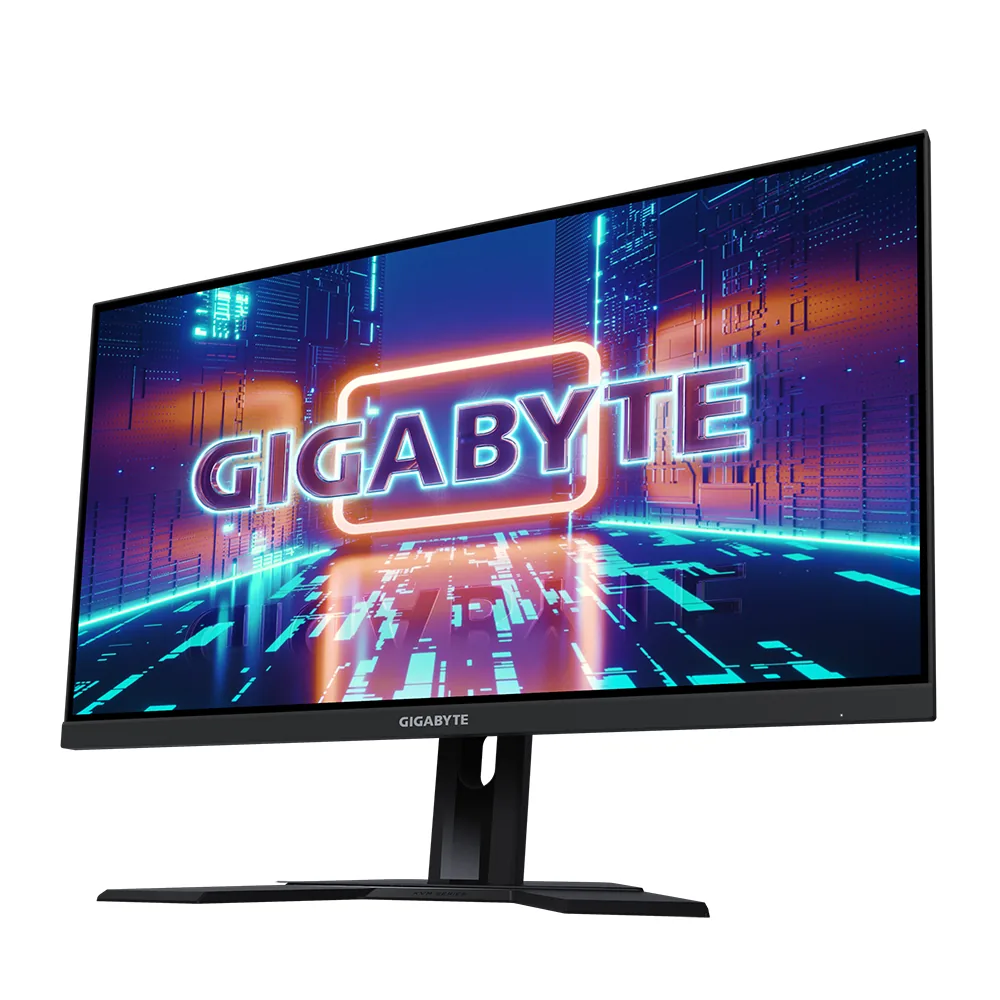
Gigabyte~$400
Gigabyte M27Q X
27″ · 2560×1440 · 240 Hz · Fast IPS
- Sharpness
- 46ppd · sharp
- HDR
- Accepts an HDR signal
- USB-C power
- 18 W
- 240 Hz for ~$400
- KVM
- 92% DCI-P3
Best for: High-refresh 1440p and a KVM on the smallest budget that buys both
The HP OMEN 27qs is 7 pixels per degree sharper at a desk distance — 46 against 39, and that is the line between visible pixels and sharp. Every other published specification for both is in the table, with the rows where they differ tinted.
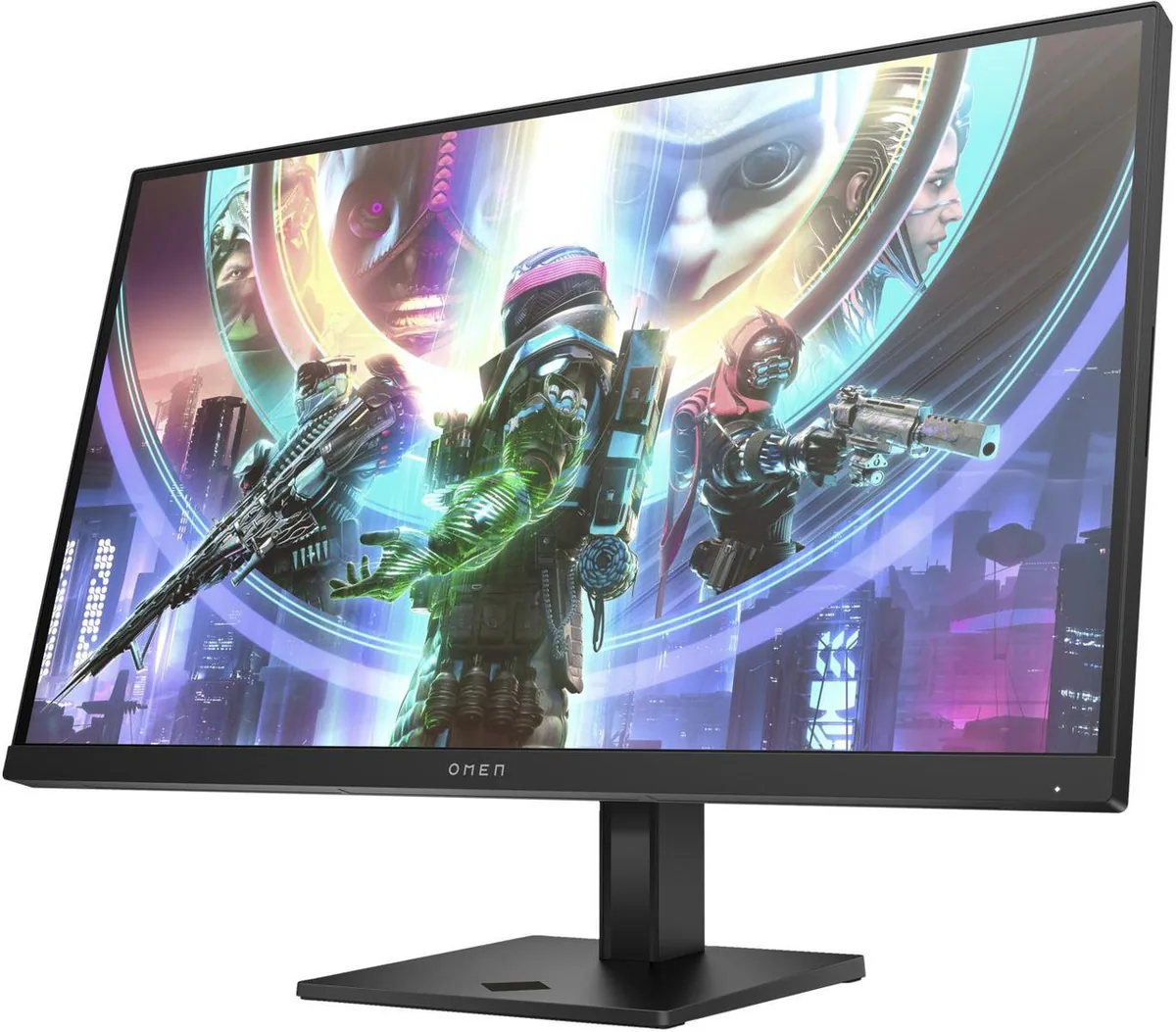
HP
46ppd · sharpAccepts an HDR signal~$430
HP's answer to the crowded 1440p/240 Hz bracket, and it competes on the boring things: 400 nits, 95% DCI-P3, a full 240 Hz over DisplayPort, and a stand that raises and rotates to portrait.
Best for: A first 240 Hz monitor without paying OLED money
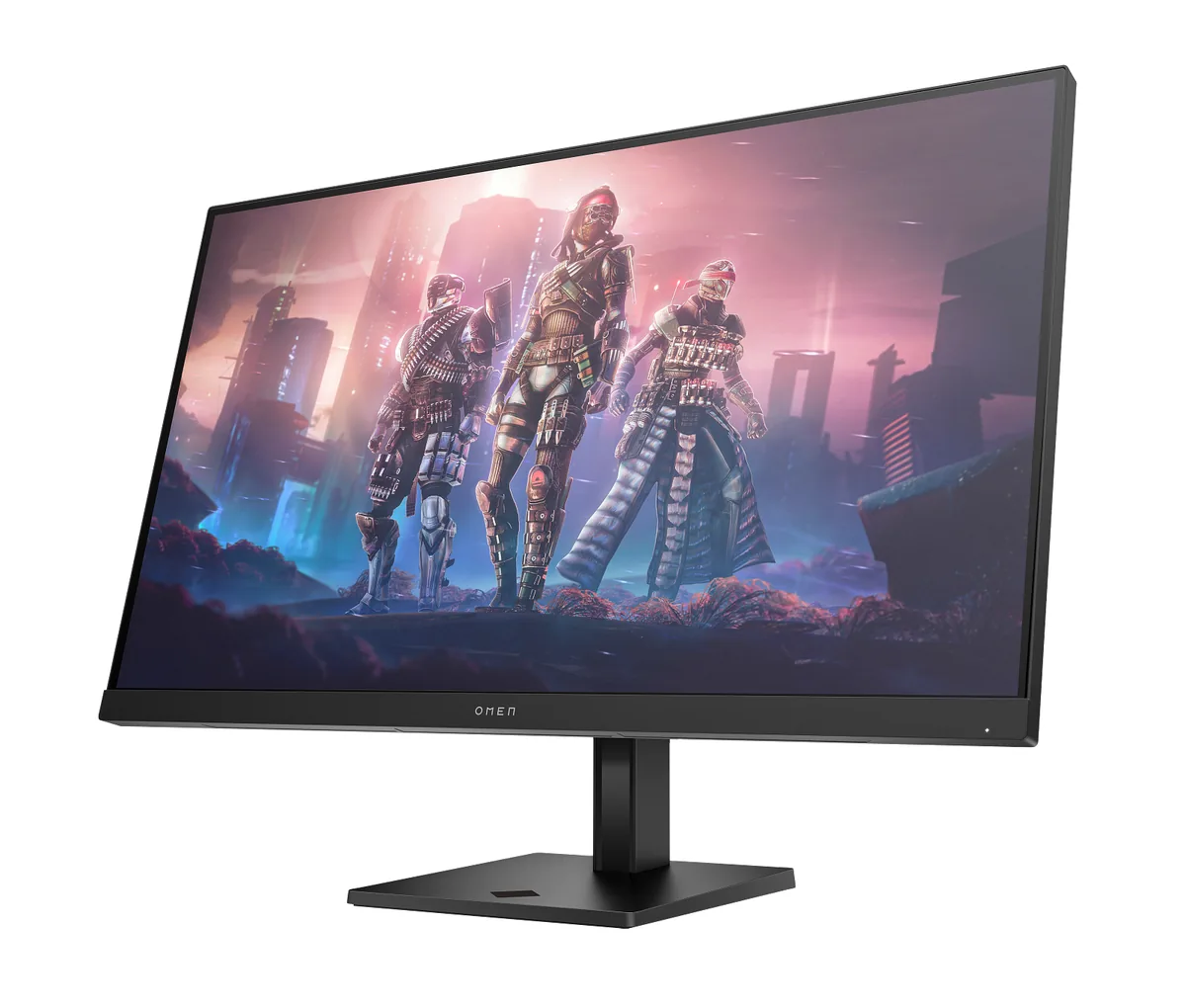
HP
39ppd · visible pixelsNo HDR~$400
Take the 27-inch 1440p formula and stretch it to 31.5 inches: same 2560×1440, same 400 nits, same 95% DCI-P3, 165 Hz instead of 240.
Best for: The largest 1440p screen a modest budget will buy
| Specification | HP OMEN 27qs | HP OMEN 32q |
|---|---|---|
| Approx. price | ~$430 | ~$400 |
| Type | Gaming | Gaming |
| Screen size | 27 in | 31.5 in |
| Resolution | 2560×1440 | 2560×1440 |
| Aspect ratio | 16:9 | 16:9 |
| Pixels per degree | 46 — sharp | 39 — visible pixels |
| Pixels per inch | 109 | 93 |
| Panel | IPS | IPS |
| Finish | matte | matte |
| Curvature | Flat | Flat |
| Max refresh | 240 Hz | 165 Hz |
| Response time | 1 ms GtG | 1 ms GtG |
| VRR | FreeSync Premium | FreeSync Premium |
| HDR tier | Accepts an HDR signal | No HDR |
| HDR certification | DisplayHDR 400 | None |
| Peak brightness | 400 nits claimed | 400 nits claimed |
| SDR brightness | 400 nits | 400 nits |
| Local dimming | 8 zones | None |
| Static contrast | 1,000:1 | 1,000:1 |
| Colour gamut | 95% DCI-P3 | 95% DCI-P3 |
| Colour depth | 8-bit | 8-bit |
| HDMI | 2 × HDMI 2.0 | 2 × HDMI 2.0 |
| DisplayPort | 1 × DisplayPort 1.4 | 1 × DisplayPort 1.4 |
| DSC | Not supported | Not supported |
| Port speed | 1 of 2 inputs at full speed | 1 of 2 inputs at full speed |
| USB-C | None | None |
| Thunderbolt | No | No |
| KVM | None | None |
| USB hub | 2 ports | None |
| Speakers | Built in | None |
| Stand | height, tilt, pivot | height, tilt, pivot |
| VESA | 100x100 | 100x100 |
| Weight | 17.4 lb | 19.8 lb |
| Released | 2023 | 2023 |
| $ per inch | $16 | $13 |
| $ per megapixel | $117 | $109 |
27″ · 2560×1440 · 240 Hz · Fast IPS
Best for: High-refresh 1440p and a KVM on the smallest budget that buys both
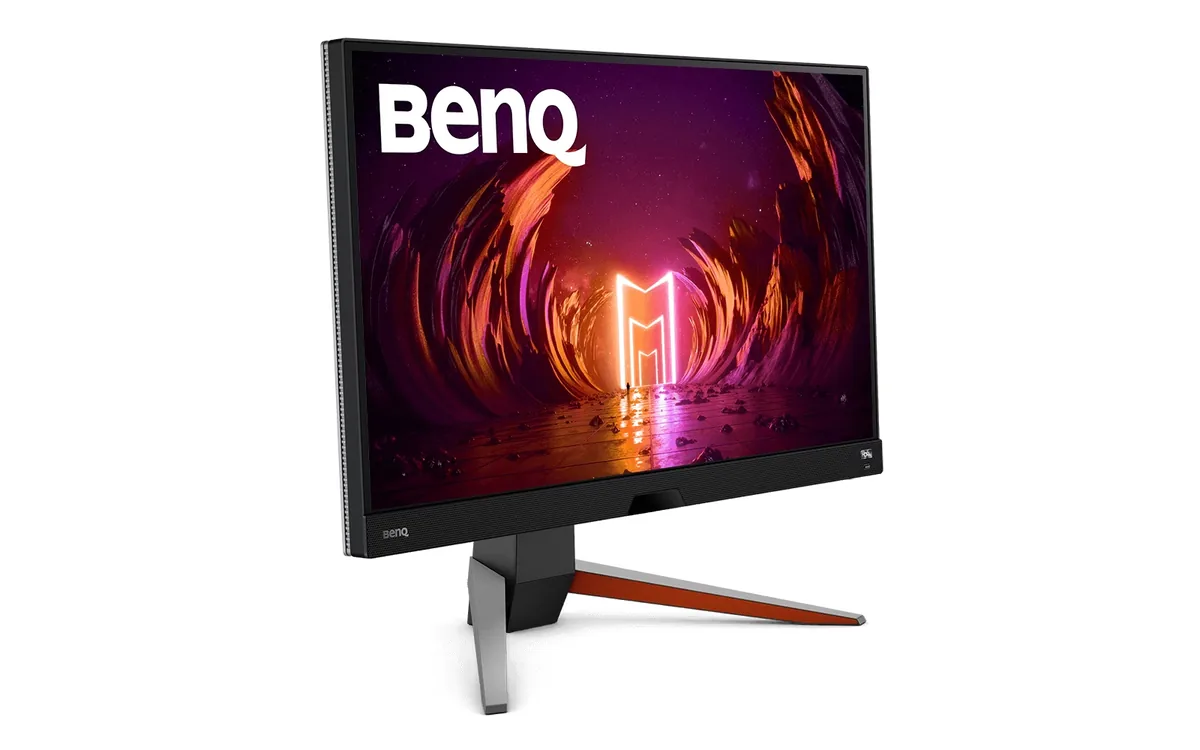
27″ · 2560×1440 · 165 Hz · IPS
Best for: A single-monitor console-and-PC desk with no room for speakers
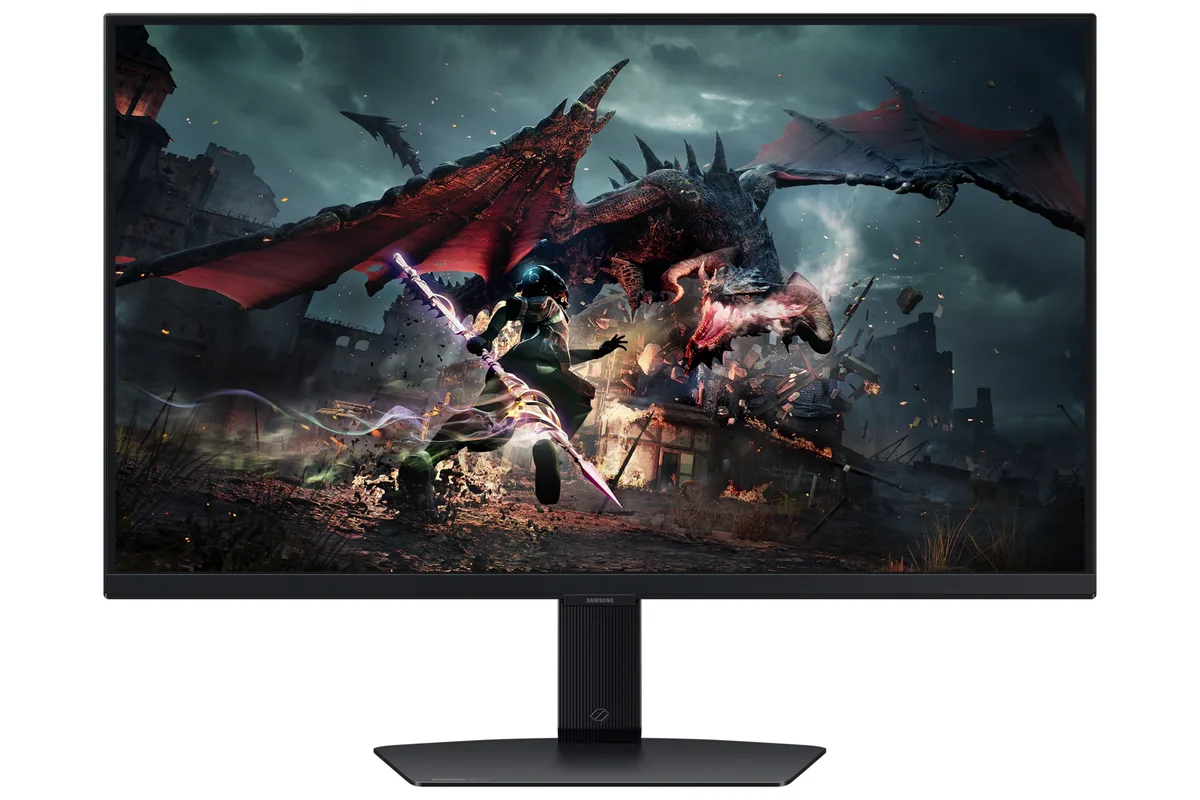
27″ · 2560×1440 · 180 Hz · IPS
Best for: A first 1440p high-refresh screen on a strict budget
Full specifications: HP OMEN 27qs · HP OMEN 32q