Samsung Odyssey G5 G50D vs Lenovo Legion R27qe

Both panels land at 46 pixels per degree from a desk distance, so sharpness is not the deciding factor here. Where they differ: the Lenovo Legion R27qe is brighter on ordinary content (450 nits against 350) and costs about $150 less.

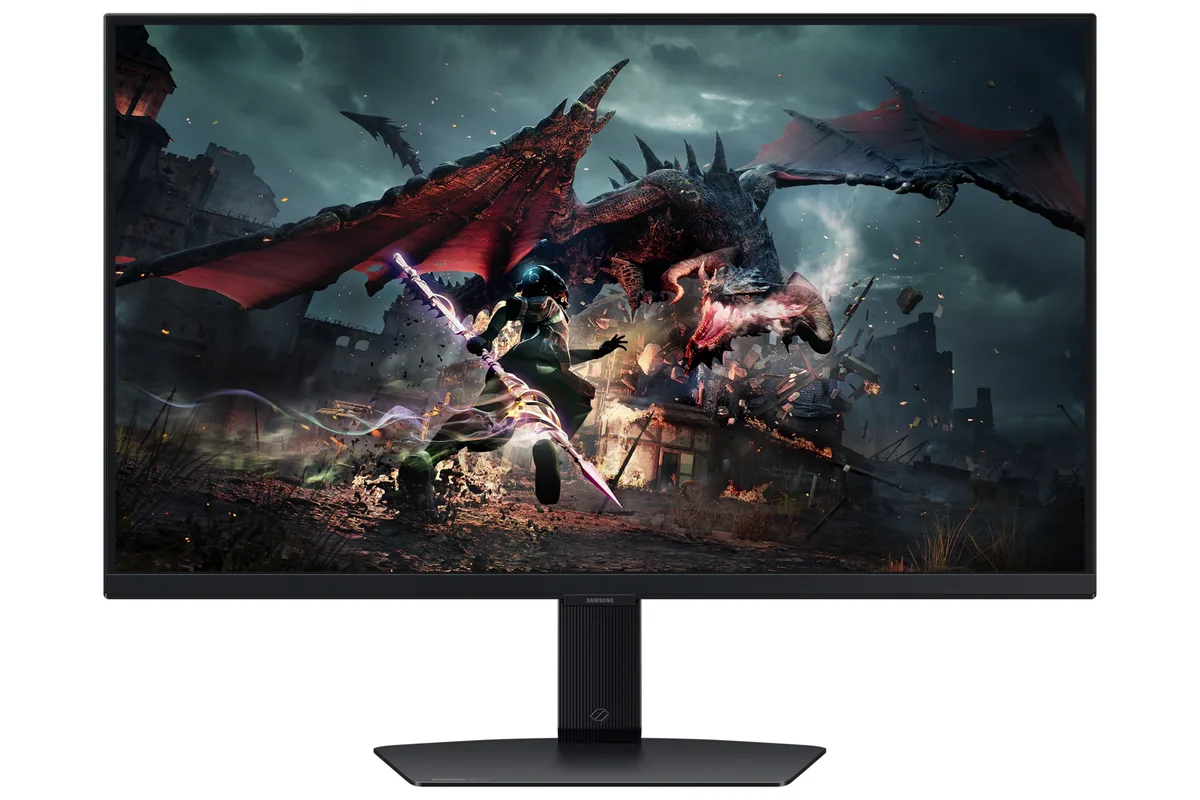
Samsung Odyssey G5 G50D monitor

Samsung

Samsung Odyssey G5 G50D

46ppd · sharpAccepts an HDR signal~$350

The floor for a 1440p panel worth owning sits about here.

Best for: A first 1440p high-refresh screen on a strict budget

  • HDMI 2.0· below the panel's maximum
  • DisplayPort 1.2· below the panel's maximum
View more details →
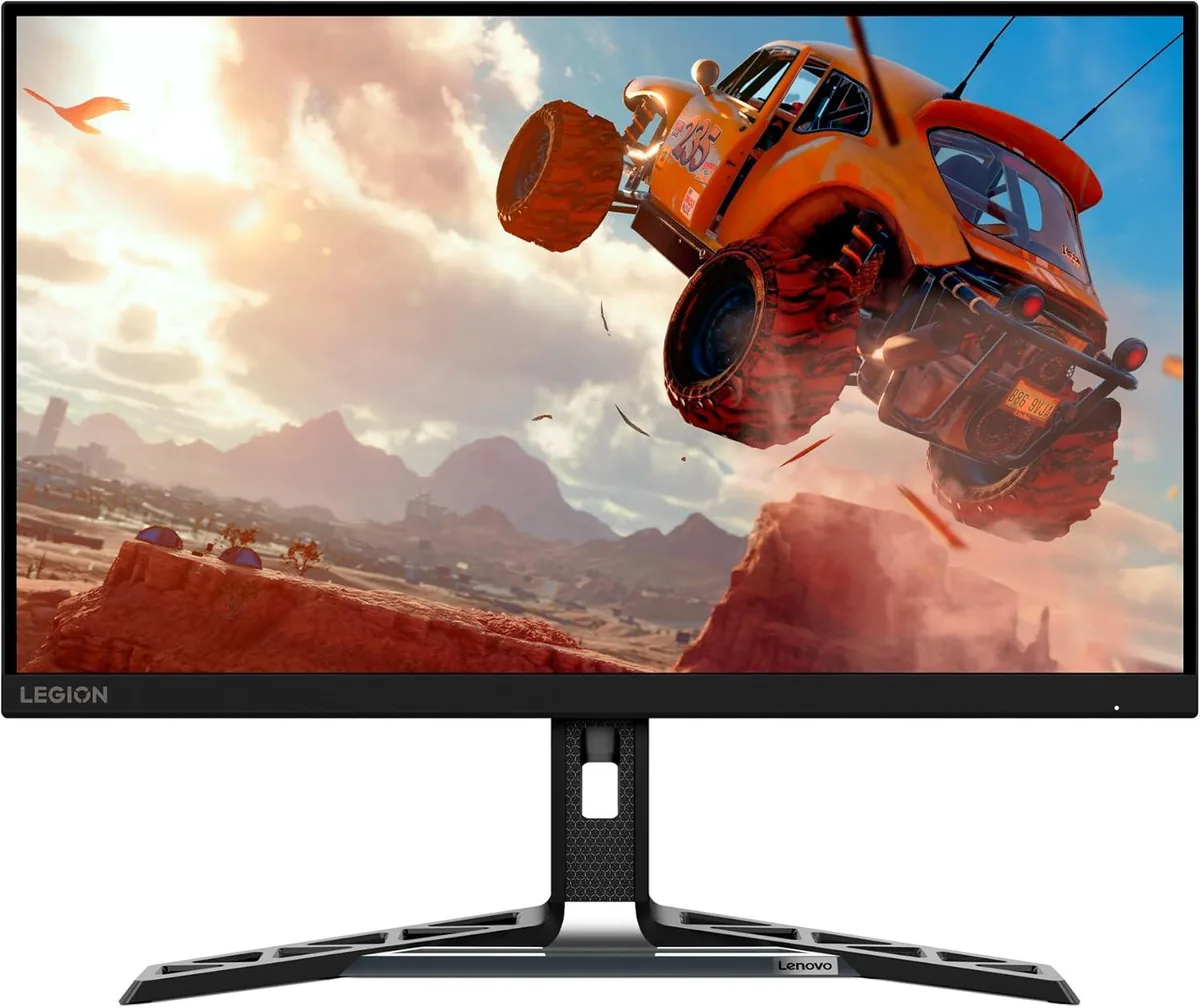
Lenovo Legion R27qe monitor

Lenovo

Lenovo Legion R27qe

46ppd · sharpAccepts an HDR signal~$200

Two hundred dollars, 180 Hz at 1440p, and a stand that lifts 120 mm and rotates into portrait — that combination is the entire argument for this monitor.

Best for: A first 1440p high-refresh monitor where the stand still has to move

  • 2×HDMI 2.0· below the panel's maximum
  • DisplayPort 1.2· below the panel's maximum
View more details →
Specification comparison of the Samsung Odyssey G5 G50D and the Lenovo Legion R27qe
SpecificationSamsung Odyssey G5 G50DLenovo Legion R27qe
Approx. price~$350~$200
TypeGamingGaming
Screen size27 in27 in
Resolution2560×14402560×1440
Aspect ratio16:916:9
Pixels per degree46 — sharp46 — sharp
Pixels per inch109109
PanelIPSIPS
Finishmattematte
CurvatureFlatFlat
Max refresh180 Hz180 Hz
Response time1 ms GtG1 ms GtG
VRRG-Sync CompatibleFreeSync
HDR tierAccepts an HDR signalAccepts an HDR signal
HDR certificationDisplayHDR 400DisplayHDR 400
Peak brightness400 nits claimed450 nits claimed
SDR brightness350 nits450 nits
Static contrast1,000:11,000:1
Colour gamut99% sRGB90% DCI-P3
Colour depth8-bit8-bit+FRC
HDMI1 × HDMI 2.02 × HDMI 2.0
DisplayPort1 × DisplayPort 1.21 × DisplayPort 1.2
DSCNot supportedNot supported
Port speedNo input reaches the panel's maximumNo input reaches the panel's maximum
USB-CNoneNone
ThunderboltNoNo
KVMNoneNone
USB hubNoneNone
SpeakersNoneNone
Standheight, tilt, swivel, pivotheight, tilt, swivel, pivot
VESA100x100100x100
Weight14.1 lb13.5 lb
Released—2024
$ per inch$13$7
$ per megapixel$95$54

Samsung Odyssey G5 G50D: what it gives up

  • DisplayPort 1.2 has only just enough bandwidth for 1440p at 180 Hz and no headroom above it
  • One HDMI 2.0 port means a console is limited to 1440p at 120 Hz and there is nowhere else to plug in
  • 8-bit panel, 99% sRGB coverage with no DCI-P3 figure published, and a DisplayHDR 400 badge over an edge-lit backlight
  • No USB hub at all

Lenovo Legion R27qe: what it gives up

  • 1000:1 static contrast, so dark scenes in a dark room look washed out
  • DisplayHDR 400 with no dimming-zone count published is an HDR signal the panel accepts, not HDR it can show
  • No USB hub, no speakers and no KVM — this is a display and nothing else
  • The 0.5 ms figure Lenovo leads with is MPRT; the rated grey-to-grey best case is 1 ms

Similar monitors

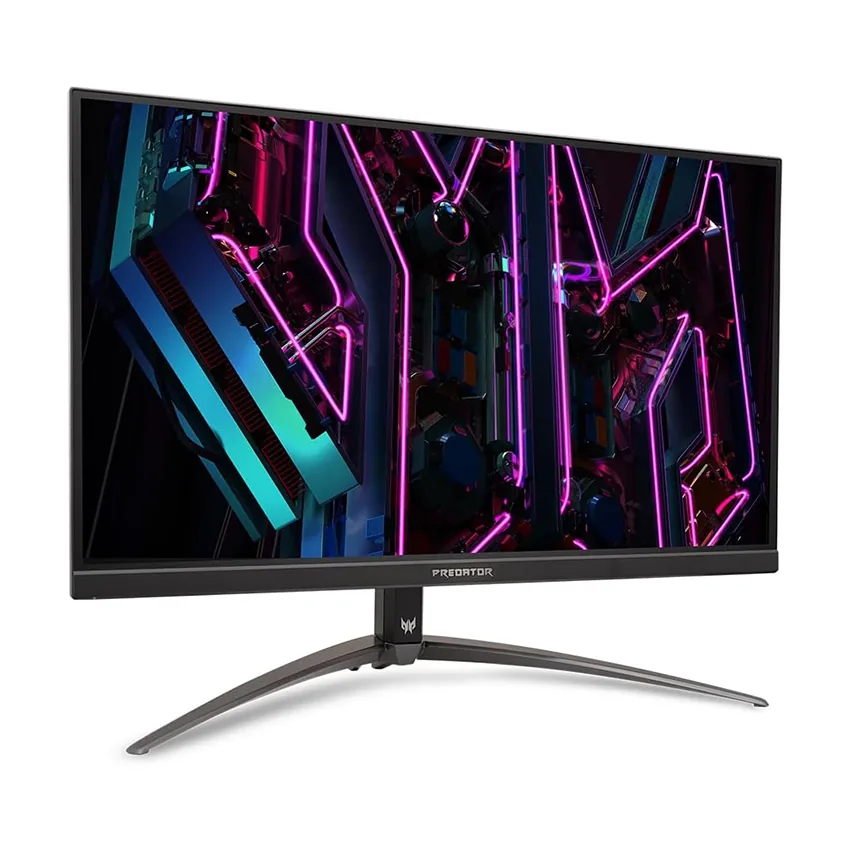
Acer Predator XB273U V3 monitor
Acer~$350

Acer Predator XB273U V3

27″ · 2560×1440 · 180 Hz · IPS

Sharpness
46ppd · sharp
HDR
No HDR
USB-C power
No USB-C power
  • 180 Hz 1440p
  • FreeSync + G-Sync certified

Best for: An Nvidia build that wants certified G-Sync without paying for a hardware module
ASUS TUF Gaming VG27AQ3A monitor
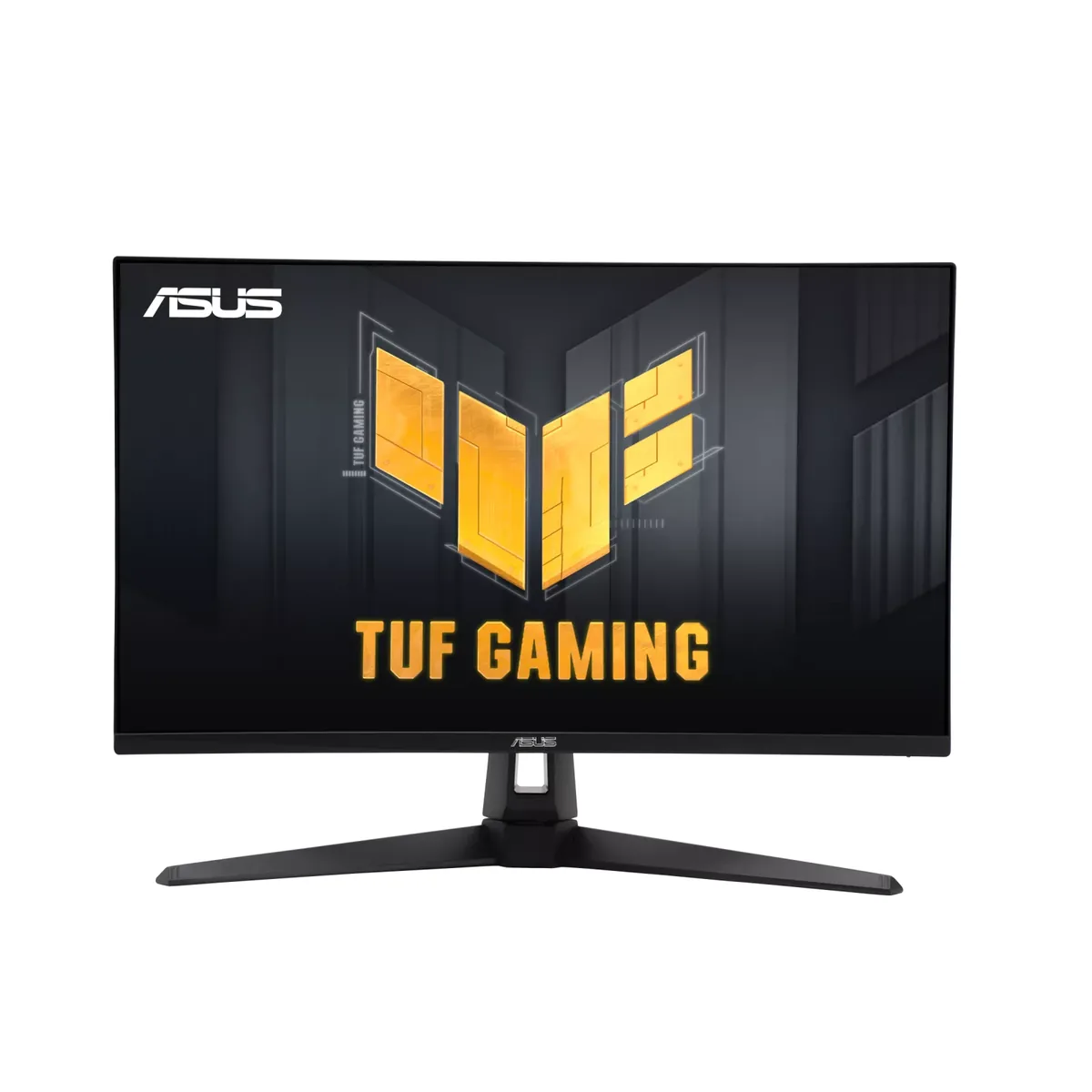
ASUS~$209

ASUS TUF Gaming VG27AQ3A

27″ · 2560×1440 · 180 Hz · Fast IPS

Sharpness
46ppd · sharp
HDR
No HDR
USB-C power
No USB-C power
  • ELMB Sync strobing
  • 180 Hz
  • Around $210

Best for: Motion clarity on a budget, via backlight strobing rather than raw refresh

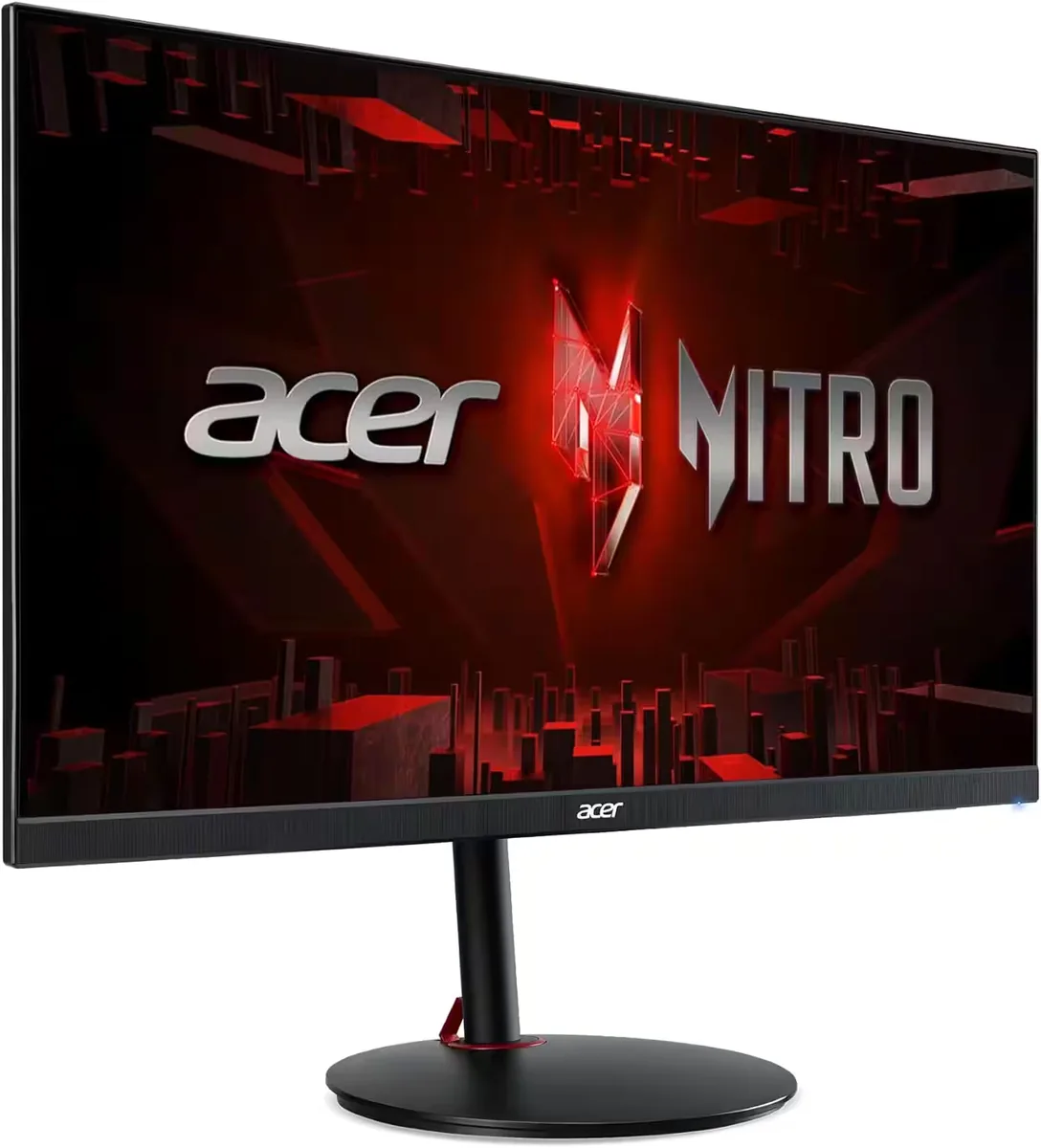
Acer Nitro XV272U V3 monitor
Acer~$300

Acer Nitro XV272U V3

27″ · 2560×1440 · 180 Hz · IPS

Sharpness
46ppd · sharp
HDR
Accepts an HDR signal
USB-C power
No USB-C power
  • 180 Hz 1440p
  • 95% DCI-P3
  • Four-way stand

Best for: A mid-range gaming PC that needs refresh rate and colour more than ports

Full specifications: Samsung Odyssey G5 G50D · Lenovo Legion R27qe