LG Ergo 32UN880 monitorProductivity

LG

LG Ergo 32UN880

No longer listed by LG

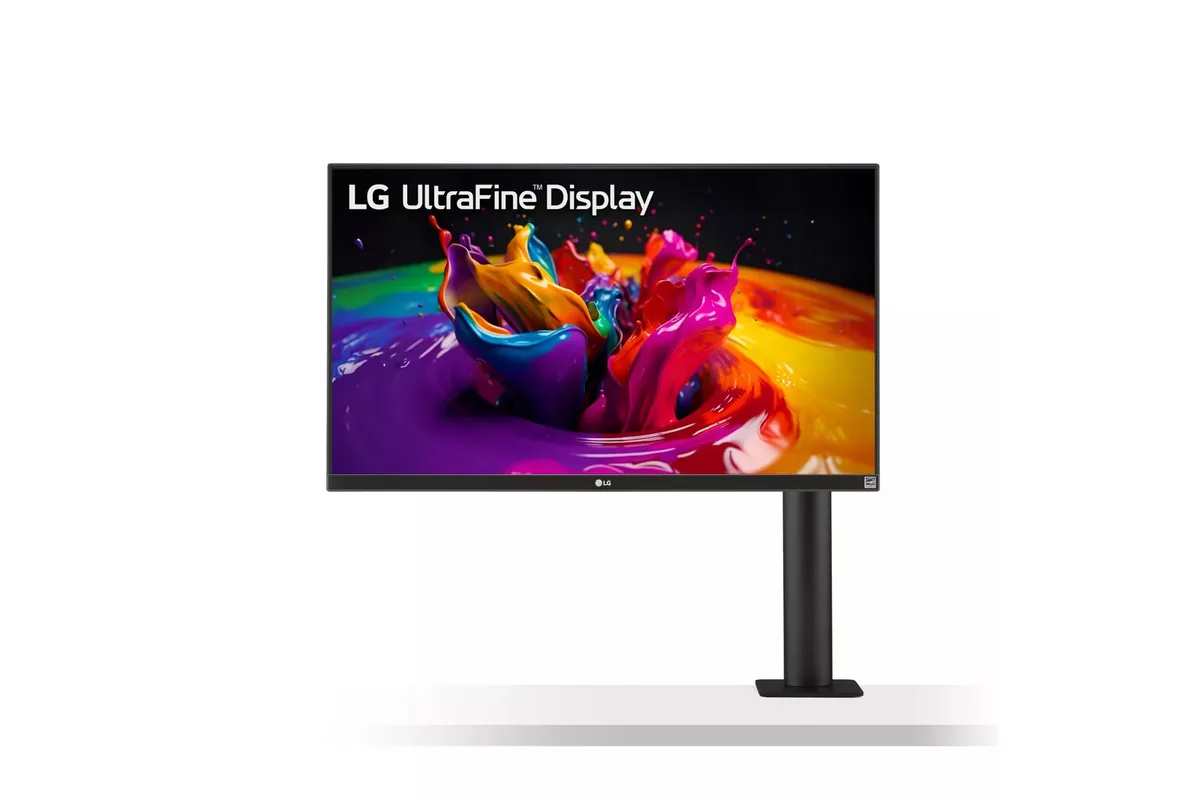
Sold with a C-clamp arm in the box instead of a foot, which is the entire reason to pick it: the desk underneath stays empty and the panel swings anywhere including full portrait. The display itself is a competent 32-inch 4K IPS at 60 Hz, and the arm is the part of it you are really buying.

Sharpness

59ppd · sharp

text is clean; pixel edges show if you look for them

HDR tier

No HDR

the maker makes no HDR claim for this panel

Peak brightness

350nits claimed

no HDR certification

USB-C power

60 W

holds a 13-inch ultrabook at a steady charge

Max refresh

60 Hz

5 ms GtG rated

Port speed — can each input carry this panel?

  • DisplayPort 1.4· full speed
  • USB-C (DP Alt Mode)· full speed

This panel needs 17.9 Gbps at 3840×2160, 60 Hz and 30 bits per pixel, with no DSC to fall back on.

Best for: A small desk where the monitor foot is the thing you cannot spare

Specifications

Type
Productivity
Resolution
3840×2160
Pixels per degree
59 — sharp
Finish
matte
VRR
FreeSync
HDR tier
No HDR
Peak brightness
350 nits claimed
Colour gamut
95% DCI-P3
HDMI
2 × HDMI, version not published
DisplayPort
1 × DisplayPort 1.4
DSC
Not supported
Port speed
2 of 2 inputs at full speed
USB-C
Video in over USB-C
USB-C power
60 W — Thin-and-light laptop
KVM
None
USB hub
2 ports
Speakers
Built in
Stand
height, tilt, swivel, pivot
VESA
100x100
Weight
22.7 lb
Released
2020

Features

  • Ergo C-clamp monitor arm included instead of a desk stand
  • 32-inch 4K IPS with 95% DCI-P3
  • 60 W USB-C power delivery
  • Full swivel, pivot, height and extension on the arm
  • Built-in speakers

What it does well

  • The clamp arm frees the whole desk footprint and reaches further forward and back than any pedestal
  • 140 pixels per inch means 32-inch 4K reads cleanly at 100% scaling
  • 95% DCI-P3 coverage, enough for photo work that does not need a calibrated panel
  • Rotates to full portrait on the arm without the usual pedestal height limit

What it gives up

  • 60 watts of USB-C will charge a thin laptop and will not keep a 16-inch workstation topped up
  • 60 Hz on a 2020 panel, with 5 ms response to match
  • The clamp needs a desk edge it can actually grip — a thick or overhung top rules it out
  • HDR10 with no DisplayHDR certification and 350 nits behind it, so HDR is nominal

The two lists above come from the maker’s specifications and from published third-party measurements, not from owner reports. Where owner discussion has been read it appears in its own section below, so the two are never mistaken for each other.

What owners say

Bought for the arm, kept for the text. That is the shape of nearly every account of this monitor: the C-clamp stand is what puts it on the shortlist, and 4K sharpness on a 32-inch panel is what keeps web developers and designers on it for years. Owners replacing one after a failure go looking for the same thing again, which is the most useful endorsement available.

The qualifications are consistent. USB-C is the weak spot — a MacBook Pro that refused to connect or charge, hub ports that go dead when the input is HDMI rather than USB-C, and one long-term owner who describes the whole implementation as compromised without being able to point at a single fault. Sixty hertz is the other one, and it bites later than people expect: nobody buys this for gaming, but several owners took up gaming afterwards or bought a fast graphics card and found the refresh rate had become the reason to replace a monitor they were otherwise happy with. Worth knowing too that 4K at this size is not automatically comfortable — one owner works at a 1080p-equivalent scale because everything crisper was too small to read, which costs him the ability to put two documents side by side.

The buyer this suits has a small desk, works in text all day, connects a laptop with one cable and a console with another, and does not intend to game on it. Anyone thinking about two of them should read the owner who tried that and found the pair uncomfortable enough to go back to one screen.
What owners like

  • Web developers who ran two of these for years name the same thing first — crisp 4K text rendering that measurably improved how long they could read comfortably, which is the reason they went looking for a like-for-like replacement rather than something cheaper
  • The arm is the part people refuse to give up. The most frequently asked question about this monitor is whether its Ergo stand will take a different LG panel, because owners want to keep the clamp and change the screen
  • USB-C for a laptop and HDMI for a console on the same screen is the exact configuration buyers describe wanting, and it is why it turns up in shortlists that also have to satisfy a Nintendo Switch
  • Colour is good enough that architecture, 3D and photo-editing buyers cross-shop it directly against Dell's UltraSharp line rather than dismissing it as a gaming-adjacent panel
  • It has speakers, which sounds trivial until you are the person plugging a streaming stick into the HDMI input and would otherwise need to solve audio separately

Common complaints

  • USB-C is where the trouble concentrates: one owner's MacBook Pro would neither connect nor charge over it, another who has used one for years calls the implementation compromised rather than broken, and the hub ports stop working for some owners when the source is HDMI instead of USB-C
  • 60 Hz is the regret that arrives months later rather than on day one — owners who took up gaming after buying it, or who later bought a fast graphics card, describe it as the single thing forcing a replacement they otherwise did not want
  • 4K at 32 inches is not automatically readable: one owner runs it scaled to a 1080p-equivalent because every sharper setting made text too small, and then cannot fit two documents side by side, which defeats the point of the size
  • Two of them side by side is less good than it sounds — an owner who tried it found the pair uncomfortable on his neck, used one of the two most of the time, and went looking for a single ultrawide instead
  • Plugging a current LG monitor into Windows 11 can pull in LG software nobody asked for, and that behaviour has been reproduced on a three-year-old unit of this model
  • One owner's monitor died out of a matched pair, and others go hunting for a replacement external power supply, so the brick is a part worth knowing you may need to source

Questions owners ask about the LG Ergo 32UN880

Will the USB-C port charge my laptop and carry video on one cable?

For a thin laptop, usually yes — that single-cable arrangement is why most owners buy it. But the failures are real: one owner's MacBook Pro would neither connect nor charge over USB-C, and another who has lived with the monitor for years describes the USB-C implementation as compromised rather than outright faulty. Test it with your specific machine early, and note that a 16-inch workstation-class laptop will draw more power than this monitor supplies.

Why do the USB ports stop working when I connect over HDMI?

The hub needs an upstream data connection to the computer, and USB-C provides that automatically alongside the video. Over HDMI there is no data path unless you also run the separate upstream USB cable to the machine. Owners hit this when they move a console or a second computer onto the HDMI input and find the ports on the back have gone dead.

Can the Ergo arm be used with a different monitor?

This is the question owners ask most often about it, usually naming another LG panel they would rather hang on it. The arm is the reason people bought the monitor, so when the panel becomes the limitation they want to keep the mount. Check the specific VESA pattern and weight rating of the panel you have in mind rather than assuming family compatibility.

Is 4K at 32 inches comfortable to read without scaling?

Not for everyone, and the failure mode is instructive. One owner found every sharper setting too small and settled on a 1080p-equivalent scale, which made text comfortable but left him unable to display two documents side by side — the exact capability the size was supposed to buy him. Your viewing distance and eyesight decide this, not the pixel count.

Does it work well with a games console or a Switch?

It is a common reason to choose it: USB-C handles the laptop, HDMI handles the console, and the built-in speakers mean you do not need to solve audio separately. What it cannot do is run a console at anything above 60 Hz, so treat it as a screen that accepts a console rather than one built for it.

Will 60 Hz bother me?

It depends entirely on whether your use changes after you buy it. Nobody who bought it for spreadsheets and code complains about the refresh rate for that work. The owners who ended up replacing it are the ones who took up gaming afterwards or bought a fast graphics card, at which point the panel became the bottleneck in a setup they were otherwise happy with.

Others in the same part of the catalog

LG UltraGear 27GR93U monitor
LG~$500

LG UltraGear 27GR93U

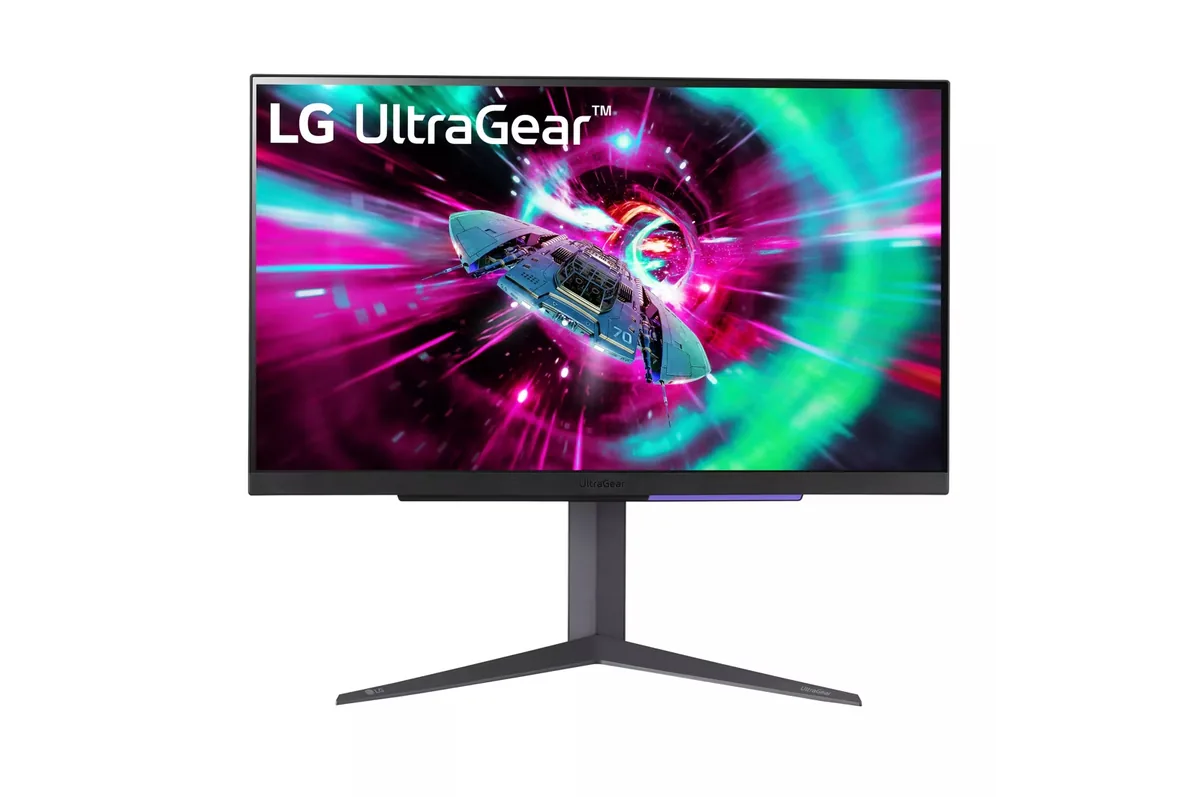
27″ · 3840×2160 · 144 Hz · IPS

Sharpness
68ppd · retina-class
HDR
Accepts an HDR signal
USB-C power
No USB-C power
  • 4K at 144 Hz
  • 2× HDMI 2.1
  • 95% DCI-P3
  • Console at full speed

Best for: One desk shared by a PC and a current console, without a bandwidth compromise on either

LG UltraGear 32GS95UE monitor
LG~$1,400

LG UltraGear 32GS95UE

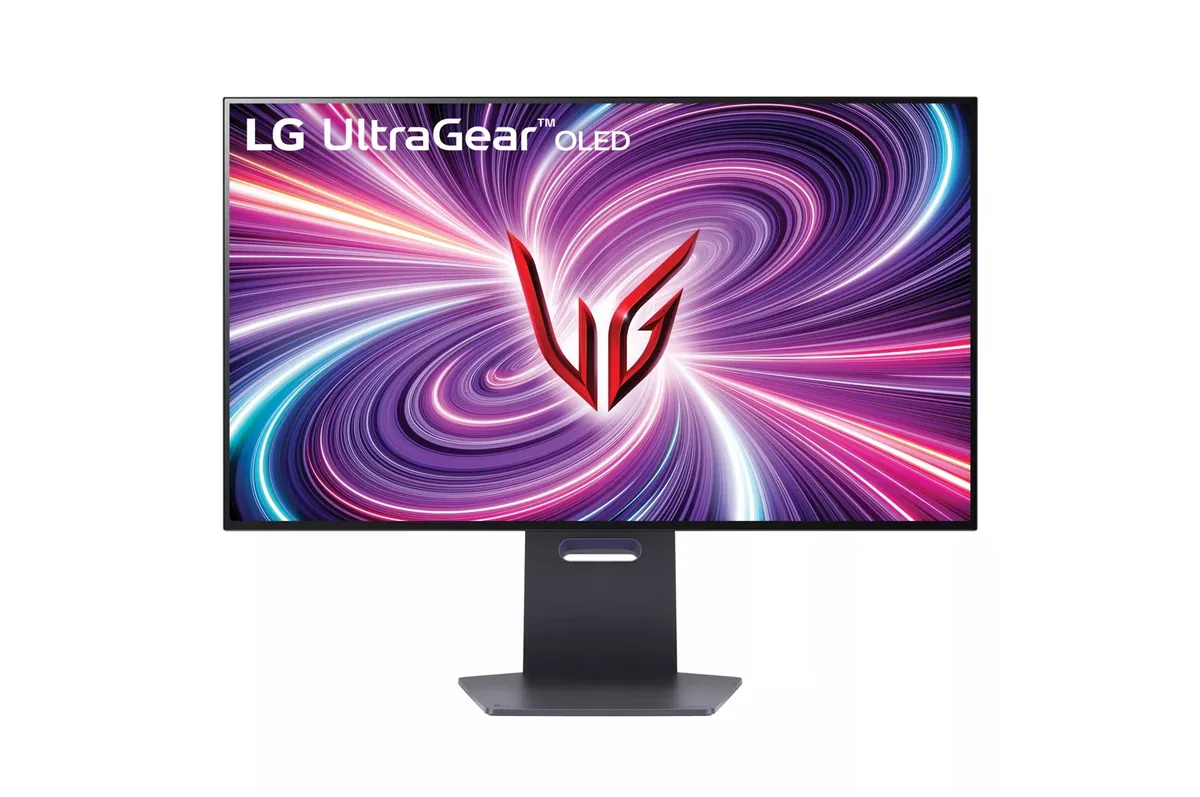
31.5″ · 3840×2160 · 240 Hz · WOLED

Sharpness
59ppd · sharp
HDR
Real HDR
USB-C power
No USB-C power
  • 4K240 / 1080p480
  • 1,324 nits measured
  • Per-pixel HDR
  • Console at full speed

Best for: One monitor covering both a single-player library and a competitive shooter

LG UltraGear 32GR93U monitor
LG~$600

LG UltraGear 32GR93U

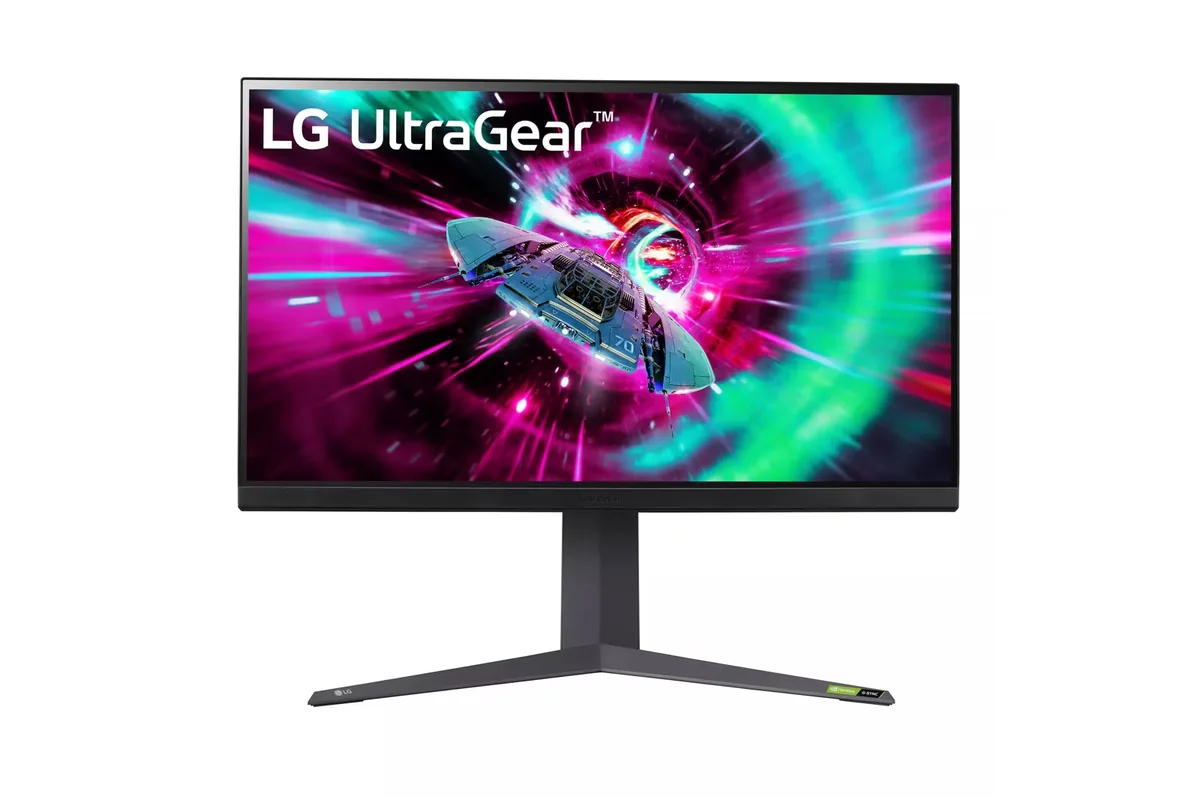
31.5″ · 3840×2160 · 144 Hz · IPS

Sharpness
59ppd · sharp
HDR
Accepts an HDR signal
USB-C power
No USB-C power
  • 32-inch 4K
  • 144 Hz
  • 2× HDMI 2.1
  • Console at full speed

Best for: A big desktop where 4K at 100% scaling is the point

More from LG →

← Back to the catalog