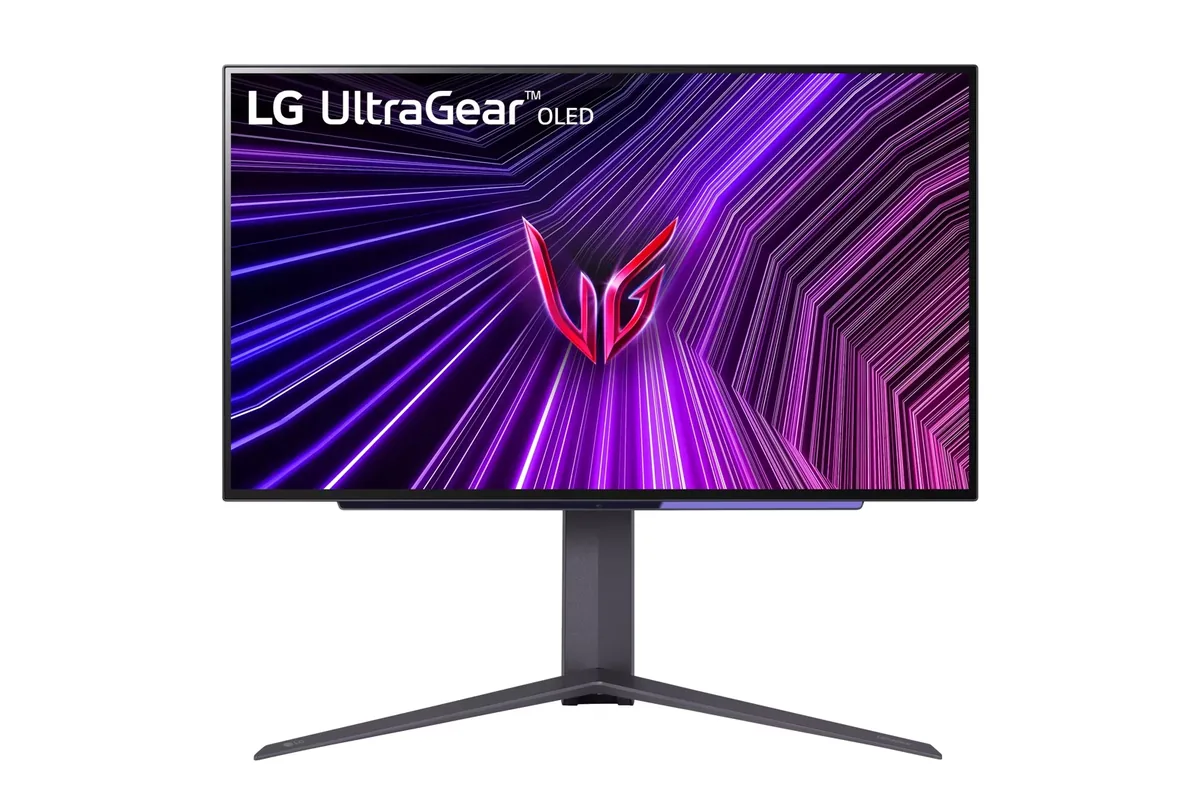
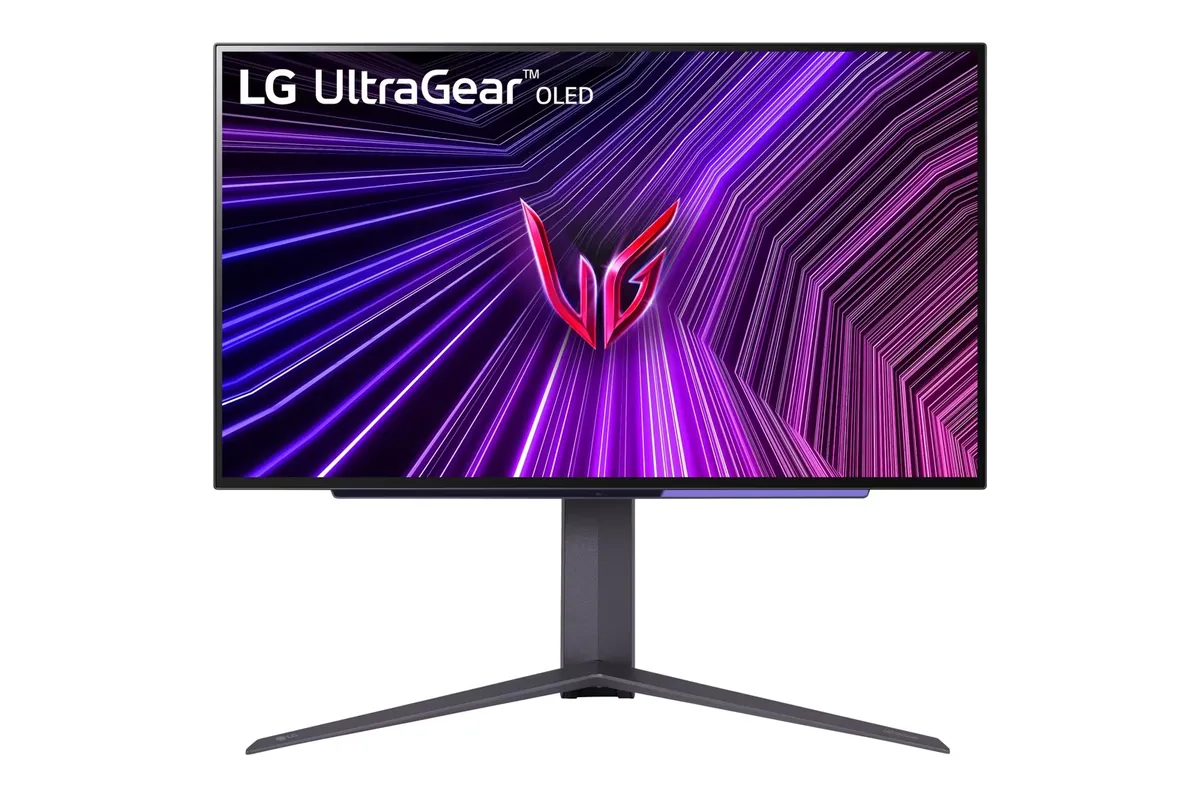
LG UltraGear 27GS95QE
26.5″ · 2560×1440 · 240 Hz · WOLED
- Sharpness
- 46ppd · sharp
- HDR
- Real HDR
- USB-C power
- No USB-C power
- 240 Hz OLED
- Four-way stand
- Console at full speed
Best for: Competitive play where motion clarity outranks desktop text sharpness
OLED gaming~$1,000LG
The first 27-inch 1440p OLED monitor anyone could actually buy, and the one that set the template the whole category still follows. Its weakness was always full-field brightness — 200 nits in SDR is dim enough to notice in a lit room — and that is precisely what the 27GS95QE was built to fix. It survives in the lineup with the same motion performance and the lower brightness that goes with it.
Approx. price
~$1,000
snapshot, not a live price
Real HDR
per-pixel emissive — every pixel is its own backlight, so a highlight can sit beside true black
Port speed — can each input carry this panel?
This panel needs 31.9 Gbps at 2560×1440, 240 Hz and 30 bits per pixel, and supports DSC compression.
Best for: OLED motion on a smaller budget, in a room you can keep dim
The two lists above come from the maker’s specifications and from published third-party measurements, not from owner reports. Where owner discussion has been read it appears in its own section below, so the two are never mistaken for each other.
Loved or hated, with almost nothing in between — and the pattern behind the split is obvious once you see who is saying what. Owners upgrading from a 1080p 144 Hz panel or a 240 Hz TN describe it as a revelation. Owners who came from a bright IPS or who own something glossy alongside it describe a hazy screen that is too dim, and one of them went as far as trying to peel the matte layer off, damaging the panel in the process and warning everyone else off.
The defect and quirk list is longer than it should be. HDR gaming shutting the monitor off entirely after a quarter of an hour, recoverable only by unplugging it. Horizontal lines that neither cleaning routine touches. Flickering artifacts over the bundled DisplayPort cable. A headphone output that stopped working and did not come back. And the Windows signal-mode trap where a game set to 1440p fullscreen ends up at 119 Hz inside black bars because the active signal stays at 4K 120.
What has changed since launch is the price, and that reframes everything. At four to six hundred dollars this is no longer a monitor competing on brightness against the panel that replaced it — it is the cheapest way to get per-pixel black and 240 Hz onto a desk, and the owner who compared it directly against a QD-OLED Alienware maintained that the blacks here were still better even in a dark room. Buy it for a dim room, at a discount, knowing LG considers the firmware finished.
Do not try. One owner who had successfully removed the coating from an LCD attempted the same thing here, underestimated how much more fragile an OLED panel is, and wrote up the result as a warning rather than a guide. Another owner asked whether it came off and found it bonded hard. The coating is part of the panel stack, not a film on top of it.
One owner hit exactly this: fifteen to twenty minutes into an HDR title the screen would die and nothing would wake it except unplugging the power cord. Smart energy saving, deep sleep and automatic standby were all already off. He had no fix beyond playing with HDR disabled, which he noted looked noticeably worse. If it happens to you inside the return window, treat it as a fault rather than a setting.
This is a Windows signal-mode problem rather than a monitor limit. Selecting 1440p fullscreen can leave Windows holding the active signal at 4K 120, which lands the game at 1440p 119 Hz inside a letterbox. Switching the GPU's scaling mode from no-scaling to aspect-ratio helps the framing, but the active signal mode stays at 4K, so the refresh ceiling stays.
At the prices it now sells for — owners report roughly $400 to $575, and around 500 euros open-box — the calculation is different from launch. The dimness complaint is real and does not go away, but it is a much easier thing to accept at half price in a room you can keep dark. Worth knowing LG has confirmed no further firmware updates are coming for it.
That is the signal to use the warranty. One owner's horizontal lines survived both the image-cleaning and pixel-cleaning routines, which is the practical test: those cycles address retention and compensation, not a panel fault. Another owner saw flickering artifacts over the bundled DisplayPort cable, so trying a different cable is worth ruling out first.
Beyond convenience — and owners who moved to a model without one genuinely miss it for input switching — the remote also opens a service menu that owners have used to turn off the panel's compensation and refresh routines. Be clear-eyed about that: those routines are what keep an OLED from retaining a static image, so disabling them trades protection for convenience.

26.5″ · 2560×1440 · 240 Hz · WOLED
Best for: Competitive play where motion clarity outranks desktop text sharpness

31.5″ · 3840×2160 · 240 Hz · WOLED
Best for: One monitor covering both a single-player library and a competitive shooter

26.5″ · 2560×1440 · 480 Hz · WOLED
Best for: Competitive shooters where frame timing is the only spec that counts