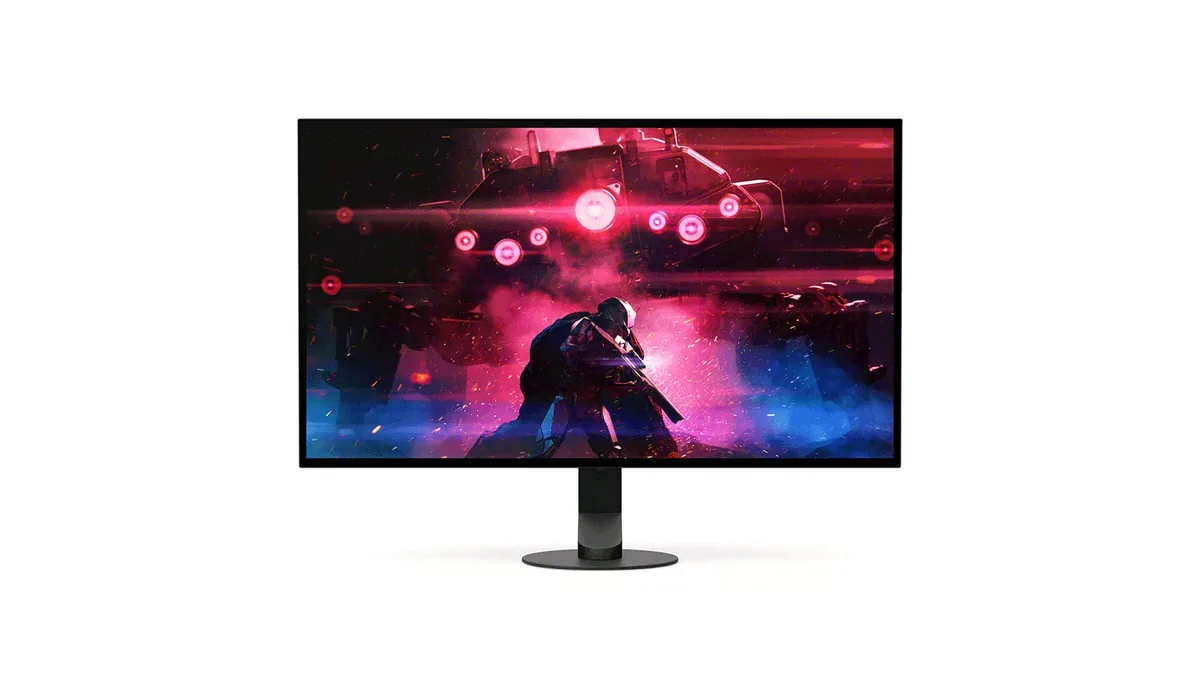
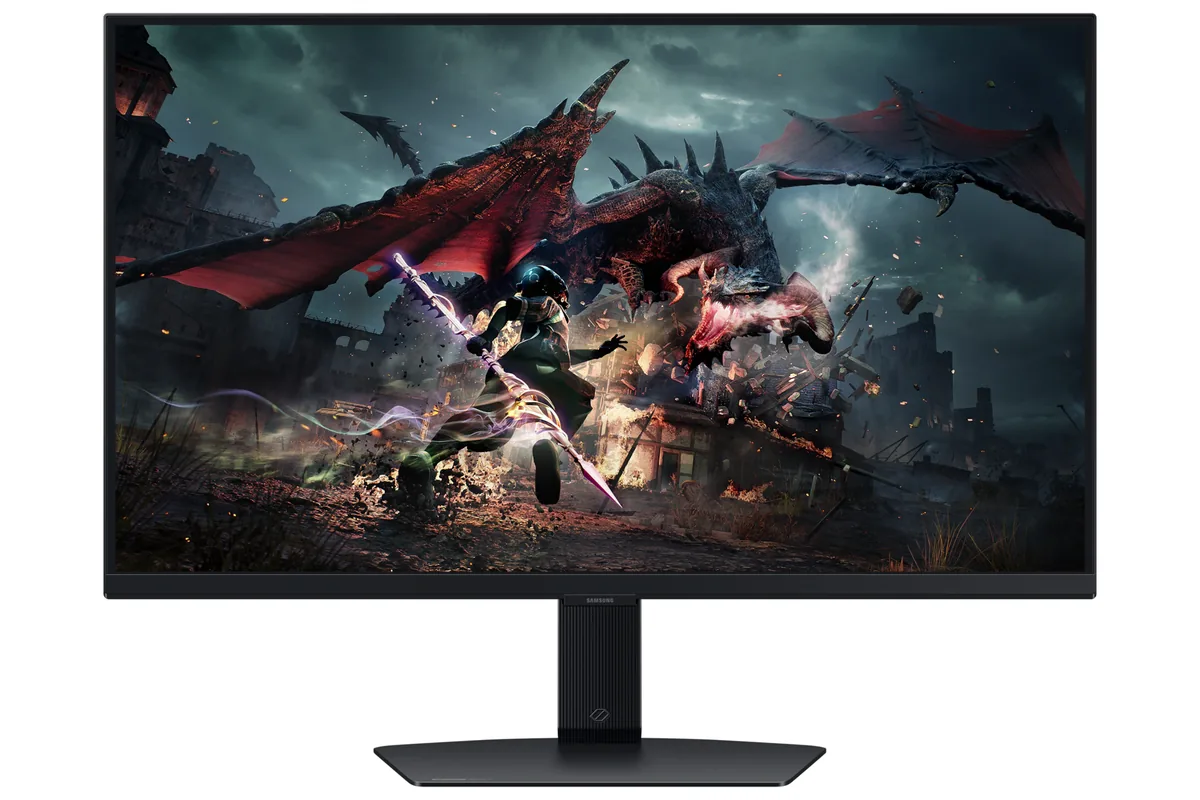
Samsung Odyssey OLED G6 G60SD monitorOLED gaming~$900

Samsung

Samsung Odyssey OLED G6 G60SD

No longer listed by Samsung

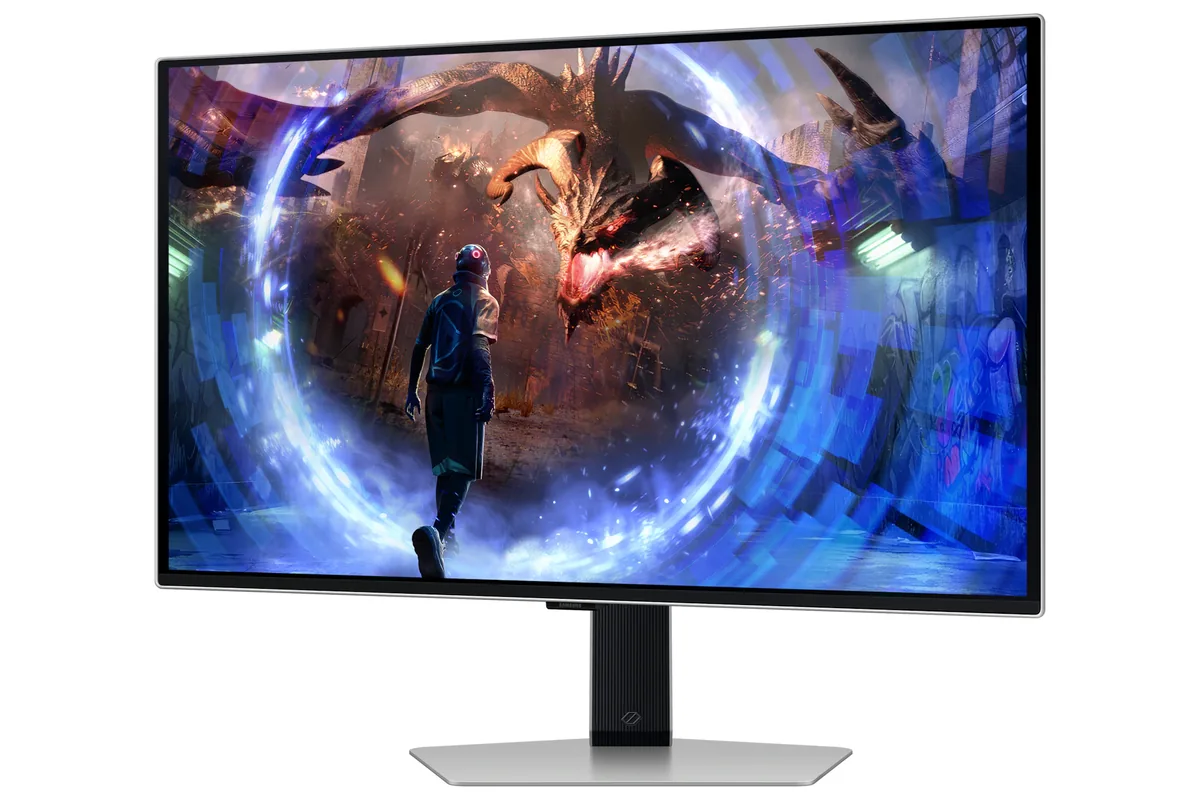
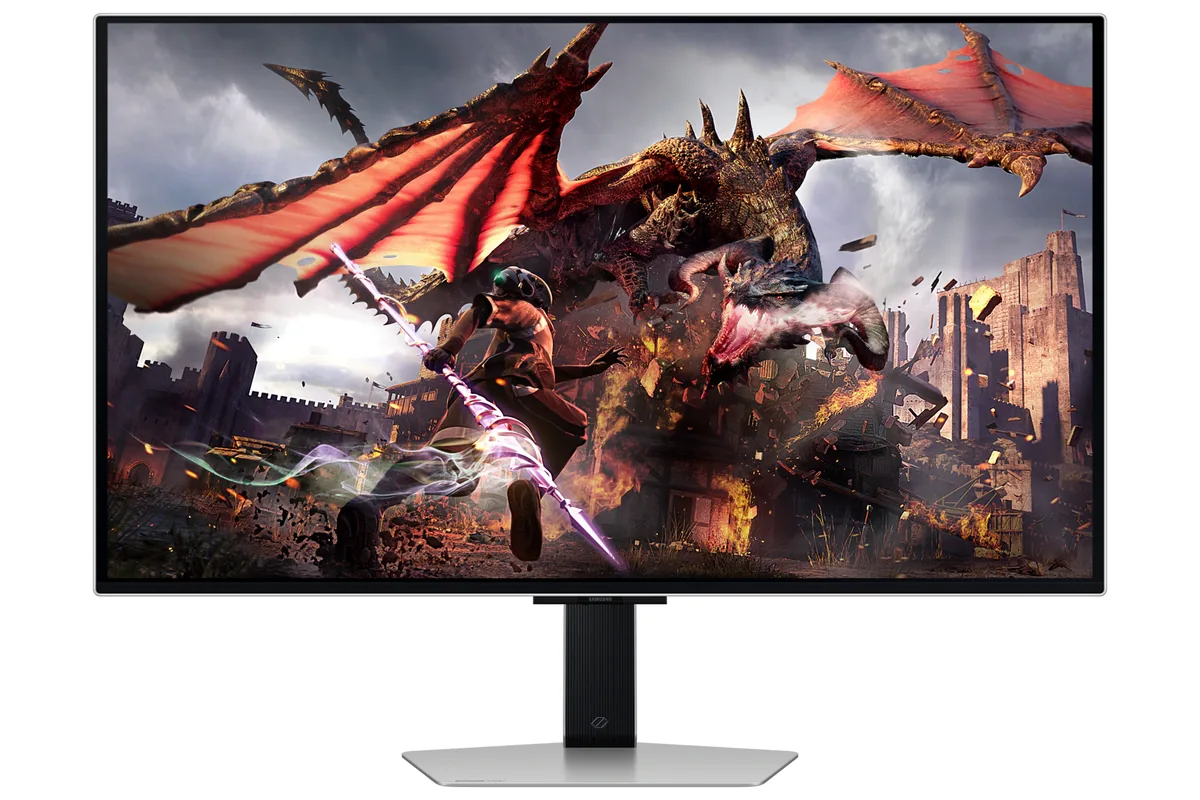
Samsung's answer to LG's 27-inch OLED undercuts it on one number and matches it on the other: 360 Hz against LG's 240, and the same decision to put a matte treatment over the panel rather than leave it glossy. Samsung claims its coating cuts glare 61% harder than a conventional anti-reflective film, which keeps a lamp behind you as a dull patch instead of a sharp reflection. Samsung's own spec sheet says the warranty covers burn-in, which most makers leave out, but it does not say for how long.

Approx. price

~$900

snapshot, not a live price

Sharpness

46ppd · sharp

text is clean; pixel edges show if you look for them

HDR tier

Real HDR

per-pixel emissive — every pixel is its own backlight, so a highlight can sit beside true black

Peak brightness

1,000nits claimed

no HDR certification

USB-C power

None

video and data only, or no USB-C at all

Max refresh

360 Hz

0.03 ms GtG rated

Port speed — can each input carry this panel?

  • 2×HDMI 2.1· full speed(DSC)
  • DisplayPort 1.4· full speed(DSC)

This panel needs 47.8 Gbps at 2560×1440, 360 Hz and 30 bits per pixel, and supports DSC compression.

Best for: A room with windows that would defeat a glossy OLED

Specifications

Approx. price
~$900
Type
OLED gaming
Resolution
2560×1440
Pixels per degree
46 — sharp
Panel
QD-OLED
Finish
matte
Response time
0.03 ms GtG
VRR
FreeSync Premium Pro
HDR tier
Real HDR
Peak brightness
1,000 nits claimed
Local dimming
Per-pixel (emissive)
Static contrast
effectively infinite
Colour gamut
99% DCI-P3
HDMI
2 × HDMI 2.1
DisplayPort
1 × DisplayPort 1.4
DSC
Supported
Port speed
2 of 2 inputs at full speed
USB-C
None
KVM
None
USB hub
2 ports
Speakers
None
Stand
height, tilt, swivel, pivot
VESA
100x100
Burn-in cover
not published
Weight
15.2 lb
Released
2024
$ per inch
$33
$ per megapixel
$244

Features

  • 360 Hz QD-OLED with 0.03 ms response
  • Matte glare-free coating over the QD-OLED panel
  • Warranty that covers burn-in, with no term published
  • Full four-way adjustable stand
  • Pulsating Heat Pipe cooling

What it does well

  • Samsung's spec sheet states burn-in is covered under warranty at normal usage, which most makers exclude — though it publishes no term for it
  • The matte film spreads a lamp or window behind you into a dull patch rather than a mirrored reflection
  • 360 Hz at 1440p is 50% more motion sampling than LG's 240 Hz panels of the same size
  • Quantum-dot colour holds 99% of DCI-P3 at a native 10 bits, not 8-bit plus dithering
  • Four-way stand including portrait pivot

What it gives up

  • The matte film lays a faint grain over large white areas, which shows in documents more than in games
  • QD-OLED's triangular subpixel layout fringes coloured text more visibly than WOLED does
  • No USB-C, so a laptop needs its own charger plus a DisplayPort or HDMI cable
  • 250 nits full-field SDR is dim for daytime desk work
  • Raised blacks under ambient light are QD-OLED's known weakness; a dark room hides it and a bright one does not

The two lists above come from the maker’s specifications and from published third-party measurements, not from owner reports. Where owner discussion has been read it appears in its own section below, so the two are never mistaken for each other.

What owners say

Two owners of this monitor have written the same review from opposite ends. One came off a 23-inch 1080p panel, was stunned by the picture, and calls 360 Hz in shooters close to blur-free. The other picked one up, photographed how well its coating handled a lamp, and returned it two hours later because of what it did to text.

Both are right, and the text is the part that decides it. Owners describe purple and red fringing along the bottom of letters and around blocks of high contrast, bad enough that a retailer's own staff warned a shopper away from it on those grounds. A glossy OLED television on the same desk showed the buyer none of it. So the coating that makes this monitor good under a window is bound up with the panel arrangement that makes it awkward to read on, and no setting separates the two. The other trap is the 4K question: it accepts a 4K signal only at 60 Hz, the manual's own signal table omits 4K120, and one owner could not get 4K offered over DisplayPort at all — over HDMI it appeared only after disabling adaptive sync at the monitor.

The most useful comparison in circulation comes from a household that bought this and an Alienware AW2725DF at the same time. Their split verdict: the Alienware calibrated better out of the box with more contrast, more adjustment range and several HDR modes, while this one is brighter and includes colourblind settings the Alienware lacks. Buy it for games in a lit room, at a price the alternatives rarely match, with three years of burn-in cover behind it — and read your own documents on it before the return window closes.
What owners like

  • Motion at 360 Hz lands hard on anyone coming from an LCD — one owner stepping up from a 23-inch 1080p panel described shooters as showing effectively no blur at all, and that is the capability people are actually paying for here
  • The anti-glare coating is genuinely good, and the person best placed to say so photographed it against both a matte laptop screen and a glossy OLED television before concluding the coating was the best part of the monitor
  • Brightness beat the Alienware AW2725DF in the most useful comparison available — a household that bought one of each and set them up side by side gave this one the nod on brightness outright
  • Colourblind assistance is built into the monitor's own menu rather than left to the operating system, which the same side-by-side noted the competing panel had no equivalent for
  • It is repeatedly the cheapest 27-inch OLED available in a given market, and in regions where the ASUS and MSI panels carry heavy import margins the gap is not small

Common complaints

  • Text fringing is the reason people send it back. Owners describe purple and red fringing along the bottom edge of letters and around high-contrast blocks, one buyer returned his within two hours of unboxing it, and a shopper was warned off the monitor over the text by staff at the store selling it
  • Out-of-the-box colour is the weaker half of the Alienware comparison: worse calibration, less contrast, fewer usable sliders to correct with, and a single HDR mode against the competitor's several
  • It will not take a 4K signal above 60 Hz. The manual's signal table omits 4K120 entirely, one owner could not get 4K offered over DisplayPort at all, and getting it to appear over HDMI meant turning adaptive sync off at the monitor first
  • Multi-monitor spanning breaks on it — an owner whose two other displays worked fine in an NVIDIA Surround configuration got a display connection error from this one and no way past it
  • Input switching and reboots can leave it in a state that only pulling the power clears, which is a recurring rather than one-off complaint
  • It launched into a review vacuum, leaving early buyers asking each other whether it was any good and getting the text-fringing answer only after they had ordered

Questions owners ask about the Samsung Odyssey OLED G6 G60SD

How bad is the text fringing in practice?

Bad enough to drive returns. Owners report purple and reddish fringing hanging off the bottom of letters and edging high-contrast blocks, and one buyer who liked everything else about the monitor sent it back two hours after opening it. The same person saw nothing comparable on a glossy OLED television sitting on the same desk. If you spend your day in a text editor or a spreadsheet, test it with your own content immediately.

Can it accept a 4K signal at 120 Hz?

No. The signal-mode table in the manual lists 1440p and 1080p up to 360 Hz and 4K only at 60 Hz, and owners have confirmed that in use. One found 4K not offered over DisplayPort 1.4 at all — not in Windows display settings and not in the NVIDIA control panel — and had to disable adaptive sync at the monitor before 4K became selectable over HDMI. Treat it as a 1440p display that will tolerate a 4K input slowly.

How does it compare with the Alienware AW2725DF?

One household bought both and compared them directly. The Alienware came better calibrated out of the box with better contrast, more adjustment range in the sliders and several built-in HDR modes, and turned out glossier than its owner expected. This monitor was brighter and includes colourblind settings in its own menu. If you want to fine-tune, the Alienware gives you more to work with; if you want brightness and a real matte finish, this one.

Is the matte coating worth the trade?

The coating itself is the monitor's best feature and owners say so unprompted — one compared it against a matte laptop panel and a glossy television and rated it well. The cost lands on text rather than on glare, and that cost is the fringing above. In a room with a window behind you, the coating is doing real work; in a dim room you are paying for it and getting less back.

Will a static crosshair and the Windows taskbar burn in?

It is the question people ask before buying, especially those playing shooters with a permanent centre reticle. The panel carries three years of burn-in coverage, which is the longest of the 27-inch OLED group, and Samsung's cooling arrangement in this generation is aimed at the same problem. Owners still take the usual precautions — hiding the taskbar, letting the panel run its maintenance cycles — because coverage is a remedy rather than a prevention.

Does it dim itself when left idle?

There is an inactivity dimming behaviour after about ten minutes, but it is inconsistent in practice — one owner saw it happen once during setup and never again afterwards. Separately, several owners report the monitor getting stuck after an input switch or a reboot in a way that only a full power cycle resolves, which is a different and more irritating problem.

Others in the same part of the catalog

Samsung Odyssey OLED G8 G80SD monitor
Samsung~$1,300

Samsung Odyssey OLED G8 G80SD

32″ · 3840×2160 · 240 Hz · QD-OLED

No longer listed by Samsung
Sharpness
58ppd · sharp
HDR
Real HDR
USB-C power
No USB-C power
  • 32-inch 4K OLED
  • 240 Hz
  • Smart apps built in
  • Console at full speed

Best for: A 4K OLED desktop that also needs to work without a PC attached

Sony INZONE M10S monitor
Sony~$900

Sony INZONE M10S

26.5″ · 2560×1440 · 480 Hz · WOLED

Sharpness
46ppd · sharp
HDR
Real HDR
USB-C power
No USB-C power
  • 480 Hz WOLED
  • Matte OLED coating
  • 24.5-inch mode
  • Console at full speed

Best for: Competitive play where frame rate outranks everything else

Samsung Odyssey G5 G50D monitor
Samsung~$350

Samsung Odyssey G5 G50D

27″ · 2560×1440 · 180 Hz · IPS

Sharpness
46ppd · sharp
HDR
Accepts an HDR signal
USB-C power
No USB-C power
  • 180 Hz for ~$350
  • Adjustable stand

Best for: A first 1440p high-refresh screen on a strict budget

More from Samsung →

← Back to the catalog