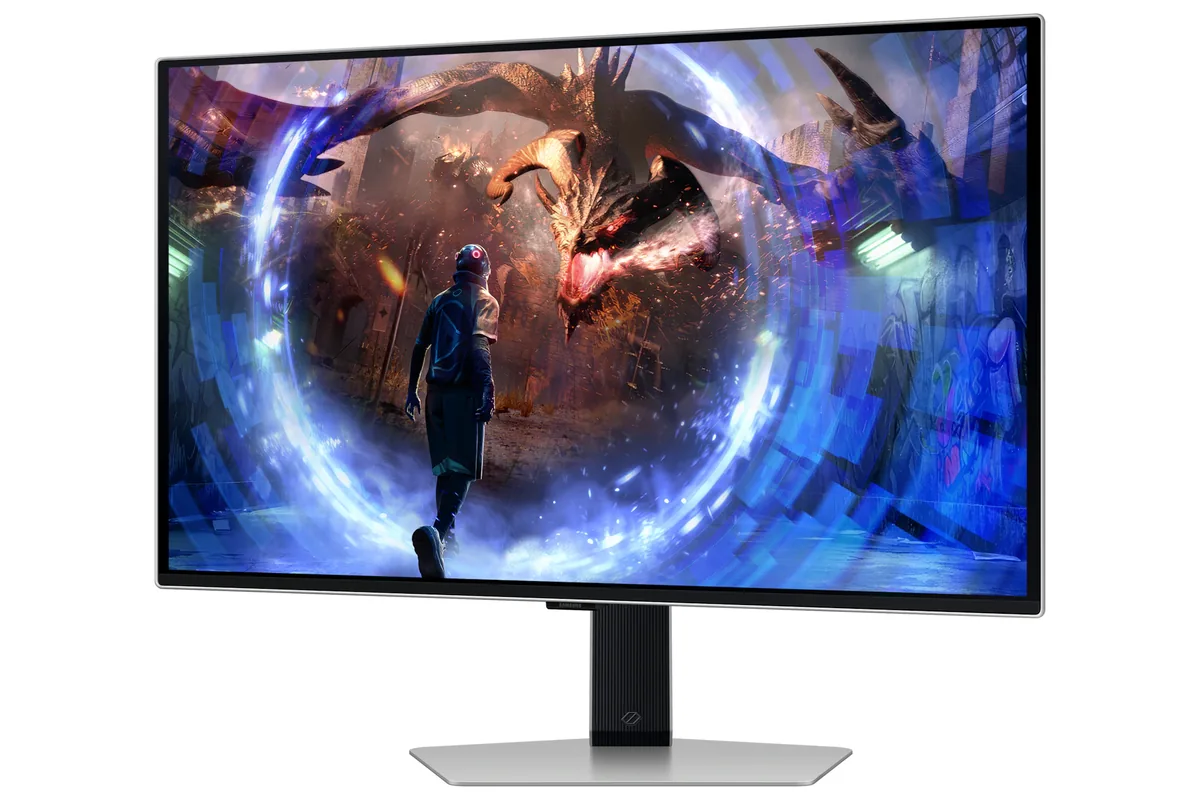
Samsung Odyssey OLED G6 G60SD
27″ · 2560×1440 · 360 Hz · QD-OLED
- Sharpness
- 46ppd · sharp
- HDR
- Real HDR
- USB-C power
- No USB-C power
- 360 Hz
- Matte QD-OLED
- Burn-in covered
- Console at full speed
Best for: A room with windows that would defeat a glossy OLED
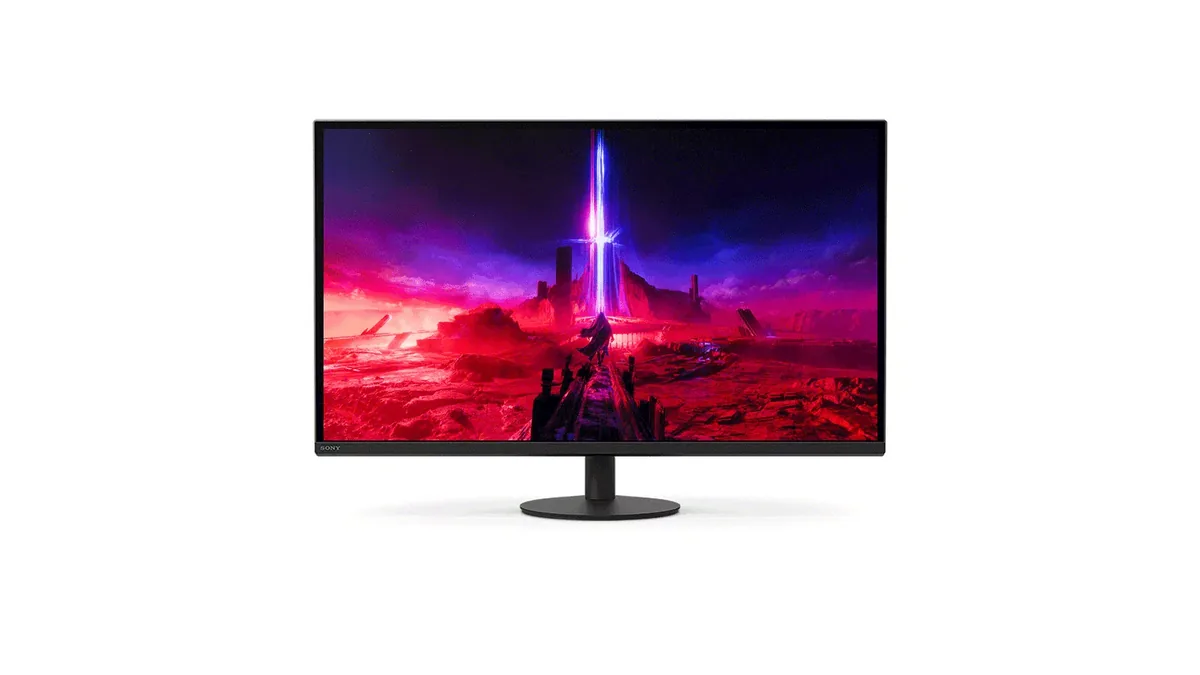
OLED gaming~$900Sony
Developed with an esports team, and the design decisions show it: a stand whose base is 4 mm thick and 159 mm across so a keyboard can slide over it, a Tournament Mode that strips the picture back, and a switch that shrinks the image to a 24.5-inch window for players who train on that size. 480 Hz on a WOLED panel with 0.03 ms response sat at the top of the shipping refresh-rate range when it launched, and only the 500 Hz panels that followed have passed it. Unusually for an OLED, Sony specified a matte coating rather than the usual gloss, which trades a little colour punch for a screen that survives a lit room.
Approx. price
~$900
snapshot, not a live price
Real HDR
per-pixel emissive — every pixel is its own backlight, so a highlight can sit beside true black
Port speed — can each input carry this panel?
This panel needs 63.7 Gbps at 2560×1440, 480 Hz and 30 bits per pixel, and supports DSC compression.
Best for: Competitive play where frame rate outranks everything else
The two lists above come from the maker’s specifications and from published third-party measurements, not from owner reports. Where owner discussion has been read it appears in its own section below, so the two are never mistaken for each other.
Competitive players are the constituency here, and the discussion reads that way. Owners arriving from 240 Hz and 360 Hz panels describe the step to 480 Hz as noticeable rather than transformative — the clearest account came from someone who also owns a 360 Hz IPS and a 4K 240 Hz OLED, and who framed the gain as extra time to react to an enemy rather than a visible smoothness change. One open-box buyer coming from a 280 Hz IPS with 5,000 hours of Rocket League found the difference small enough to consider returning it. The stand, though, is nearly universally praised: a small base thin enough to slide a keyboard across, 180 degrees of swivel, and a design with no RGB anywhere on it.
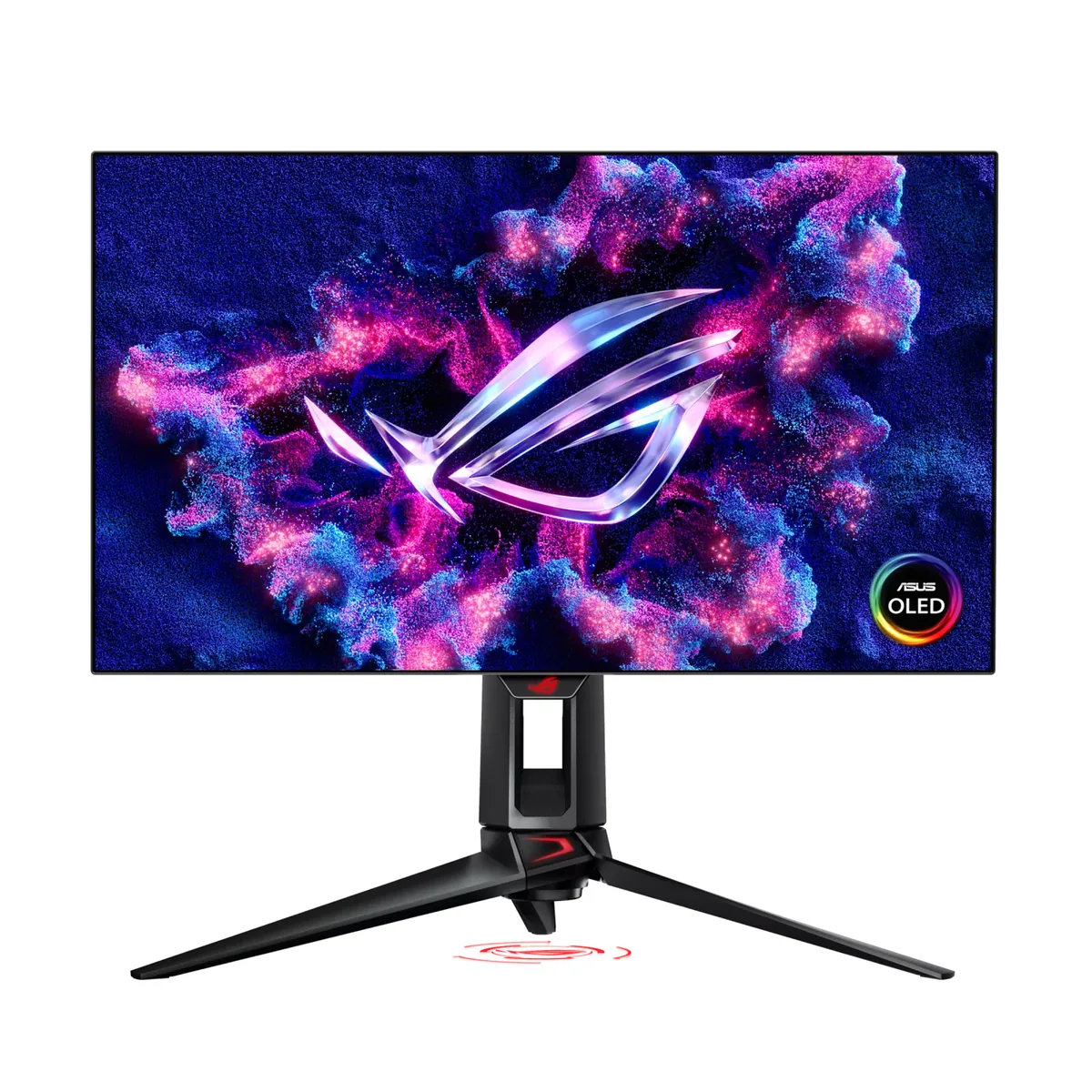
HDR is where this monitor earns its worst reputation, and the evidence is unusually direct. Owners report peak brightness sitting around 445 nits in every HDR mode against a 1,300-nit specification, with raised gamma making dark scenes look washed out; one went as far as trying to rewrite the display's HDR metadata to force the advertised figure. Most damning is an owner who bought both this and the ASUS monitor built on the same panel, ran them side by side on matched settings, and found the ASUS produced brighter, more saturated, better-detailed highlights and deeper blacks. The absence of black frame insertion is the other gap competitive buyers weigh, and asking Sony for it by firmware has not produced it.
Reliability reports are worth reading before buying. Vertical lines and half-screen pixelation after four months, a black screen at anything above 240 Hz, dark streaks visible on grey backgrounds, and a static white bar over DisplayPort that vanishes on HDMI all appear in owner accounts, and at least two people hit warranty expiry before the fault did. Setup quirks pile on: the bundled DisplayPort cable caused signal dropouts for one owner who switched to HDMI and lost variable refresh rate entirely, 480 Hz cannot be selected at custom or lower resolutions, and microstutter needed a third-party utility to strip surplus resolution modes. Buyers should also note that early units shipped with one year of cover, a frequent complaint before Sony extended OLED warranty on these monitors to three years.
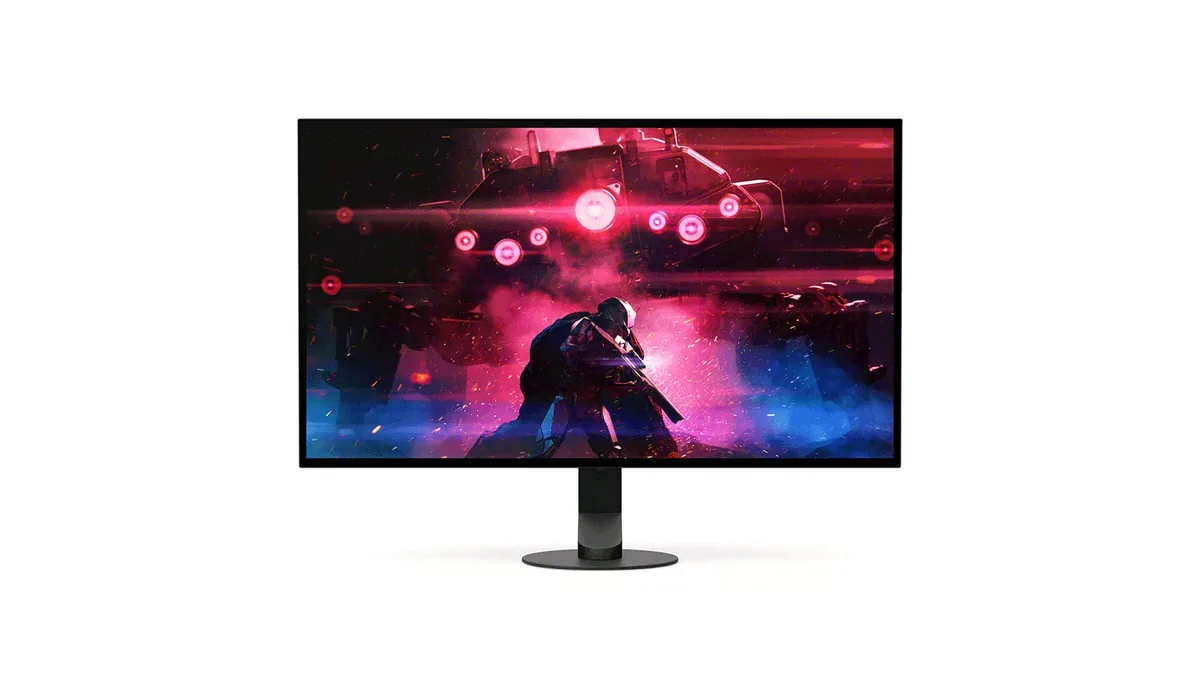
Owners hit this consistently and nobody has found a fix. Reports describe the ceiling staying near 445 nits across cinema, display and game HDR modes, with the Windows calibration app behaving oddly — one owner's test pattern stopped clipping at 2,600 nits rather than 1,300. Another tried rewriting the display's HDR metadata with a third-party EDID tool and got nowhere. If HDR is a priority, owners who ran this alongside the ASUS monitor on the same panel were blunt about which one to buy.
No, and this is the feature gap competitive buyers weigh hardest against the ASUS alternative, which does. Owners have asked whether Sony is likely to add it in a firmware update; several bought the Sony anyway for the stand, the design and the price, accepting they were giving up strobing to get them.
Owners who have run all three describe it as noticeable rather than substantial. The most useful account came from someone who also owns a 360 Hz panel: the difference they could reliably feel was having marginally more time to react in a fight, not a change in how smooth motion looked. One owner moving from a 280 Hz IPS with thousands of hours in one game reported no meaningful difference at all and considered returning it.
Owners say yes, and that it is obvious the moment adaptive sync is enabled. One updated to the newest firmware and found it unchanged, and now games with VRR off by default. This is common across OLED panels rather than unique to this model, but it is reported here often enough that anyone who plays with wildly variable frame rates should expect it.
It is the lowest UHBR10 tier, around 40 Gbps, so compression carries the difference — and that is a live source of confusion among owners, several of whom have posted asking whether they are really getting 480 Hz. The practical answer from owners is that it works, including from graphics cards whose own outputs are DisplayPort 1.4, because DSC is doing the work. What owners do report hitting is a black screen when they try 360 Hz or 480 Hz on some units, and an inability to select 480 Hz at non-native resolutions.
It is the most-praised part of the monitor. The base is unusually thin and shallow, so a keyboard can sit partly over it, and owners coming from wide tripod-style stands describe reclaiming real desk area. It swivels 180 degrees each way. The one consistent criticism is that the height range could be longer than it is.

27″ · 2560×1440 · 360 Hz · QD-OLED
Best for: A room with windows that would defeat a glossy OLED

26.9″ · 3840×2160 · 160 Hz · IPS
Best for: Sharing one 4K screen between a console and a gaming PC

26.5″ · 2560×1440 · 480 Hz · WOLED
Best for: Competitive shooters where frame timing is the only spec that counts