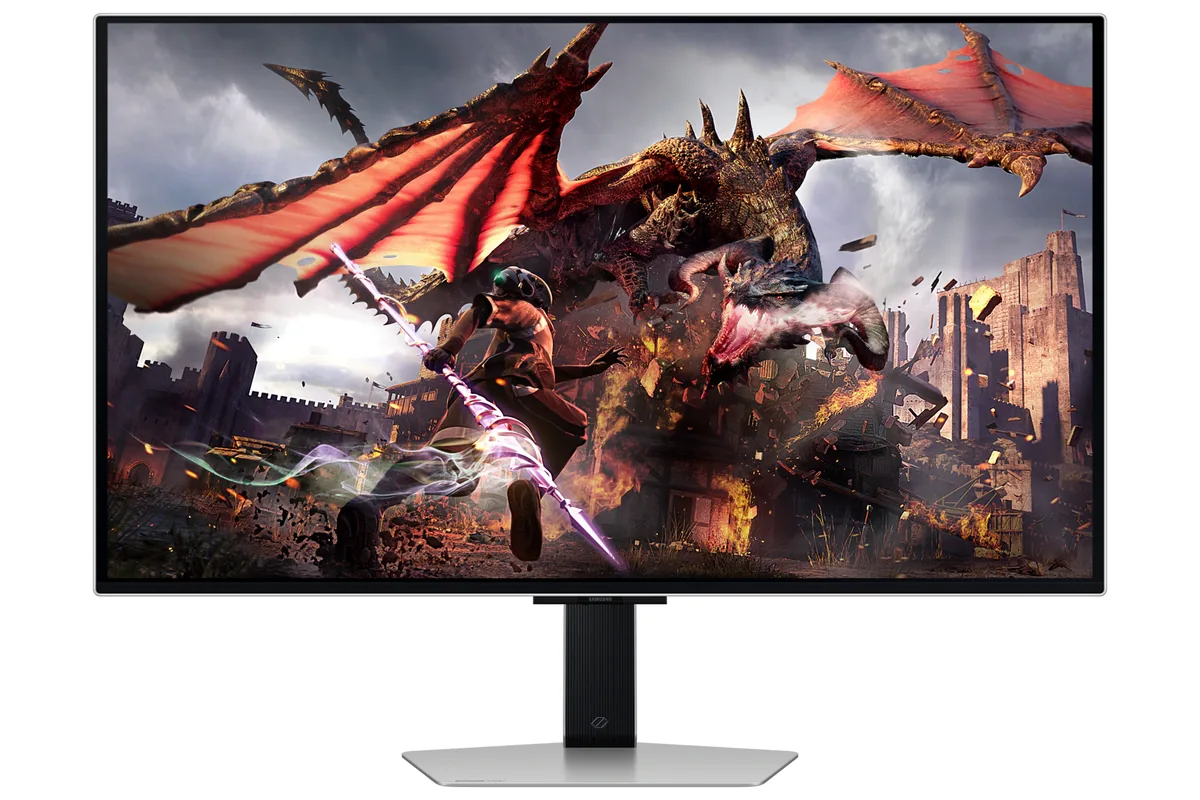
Samsung ViewFinity S9 monitor4K/5K creator~$1,600

Samsung

Samsung ViewFinity S9

Built specifically to sit next to Apple's Studio Display and undercut it: the same 27-inch 5K panel density, a matte coating as standard rather than Apple's glossy glass, Thunderbolt 4 with 90 watts, and a detachable camera. At 218 pixels per inch it hits 91 pixels per degree, matching Apple's 5K panel exactly — between them the two densest desktop displays here.

Approx. price

~$1,600

snapshot, not a live price

Sharpness

91ppd · retina-class

past the ~1 arcminute limit of 20/20 acuity — the grid is gone

HDR tier

No HDR

the maker makes no HDR claim for this panel

Peak brightness

600nits claimed

no HDR certification

USB-C power

90 W

keeps a 14-inch machine charged under normal load

Max refresh

60 Hz

5 ms GtG rated

Port speed — can each input carry this panel?

  • Thunderbolt (DP 1.4)· depends on DSC, which is not published

This panel needs 31.9 Gbps at 5120×2880, 60 Hz and 30 bits per pixel, and the maker does not say whether it supports DSC compression.

Best for: macOS at a true 2× scaling factor without a glass panel

Whether any input carries 5120×2880 at 60 Hz and 30 bits per pixel depends on Display Stream Compression, and Samsung publishes no DSC figure for this model. The link rate clears the panel with compression and falls short without it, so this page leaves the verdict open rather than picking one. How the arithmetic works.

Specifications

Approx. price
~$1,600
Type
4K/5K creator
Resolution
5120×2880
Pixels per degree
91 — retina-class
Finish
matte
VRR
None
HDR tier
No HDR
Peak brightness
600 nits claimed
Colour gamut
99% DCI-P3
HDMI
None
DisplayPort
1 × DisplayPort, version not published
DSC
Not published
Port speed
Unresolved: the maker publishes no DSC figure for these inputs
USB-C
Video in over USB-C
USB-C power
90 W — 14-inch class laptop
KVM
None
USB hub
3 ports
Speakers
Built in
Stand
height, tilt, pivot
VESA
100x100
Weight
16.3 lb
Released
2023
$ per inch
$59
$ per megapixel
$109

Features

  • 5120×2880 at 27 inches — 218 pixels per inch
  • Thunderbolt 4 with 90 W power delivery
  • Matte anti-glare coating
  • Detachable SlimFit camera
  • Colour calibration through Samsung's smartphone app

What it does well

  • 218 pixels per inch means macOS runs at an exact 2× scaling factor with no resampling at all
  • 91 pixels per degree is well past the 60 mark where individual pixels stop resolving at desk distance
  • The matte finish is standard, where Apple charges extra for nano-texture glass on the equivalent panel
  • Thunderbolt 4 at 90 watts docks a laptop on one cable
  • 99% DCI-P3 with 10-bit colour, and a stand with height, tilt and pivot

What it gives up

  • 60 Hz on a $1,600 monitor, at a time when 120 Hz productivity panels cost half that
  • No HDMI, and the one DisplayPort is a mini-DP whose version Samsung does not publish — a desktop PC needs a USB-C output or an adapter
  • Samsung claims HDR with no DisplayHDR tier and no dimming-zone count, so expect brighter highlights rather than deeper blacks
  • The smart-TV platform on board is unnecessary on a creator display and gets in the way of input switching

The two lists above come from the maker’s specifications and from published third-party measurements, not from owner reports. Where owner discussion has been read it appears in its own section below, so the two are never mistaken for each other.

What owners say

Two very different verdicts sit side by side here, and the difference between them is what you paid. At its launch price this monitor was pitched against the Apple Studio Display, and the one person here who has used the Studio Display, the 27-inch LG 5K and this one back to back says the comparison does not survive contact — this panel looks dimmer than both in the same room, whatever the numbers claim. At a steep discount, a buyer replacing a 1440p screen on a Mac Studio treats it as an obvious win, and an owner on a Windows desktop describes the image as far better than anything they had before.

The practical complaints are all about getting a signal into it. There is no HDMI input, so consoles and HDMI-only laptops need adapters that owners have found capping out at 30Hz, and the full 5K at 60Hz turns out to depend on a cable that carries enough bandwidth with compression — selecting 60Hz on the wrong one quietly hands you 1440p instead. Thunderbolt daisy-chaining, the feature that would let it replace a dock, did not work for the owner who tried it. On Macs, keyboard brightness control only arrived with macOS Sequoia.

This is a monitor for one specific person: a Mac or single-cable laptop user who wants matte 5K text, has no console to plug in, and can find one well below list. There is no adaptive sync and 60Hz is the ceiling, so gaming buyers pair it with a second screen rather than compromising. If maximum brightness and colour next to an Apple or LG 5K is the thing you care about, the owner who owned all three has already answered that for you.

What owners like

  • 5120×2880 at 27 inches is still rare enough that owners searching for it come up with barely five options, and the one running it beside a Dell desktop calls the image crisp and far superior to anything they had used before
  • One Thunderbolt cable genuinely does everything — an owner describes video, a keyboard and mouse through the built-in hub, and laptop charging all travelling over a single connection, which they call a beautifully clean setup
  • The matte finish is a deliberate draw for buyers who find glossy panels unusable near windows, and it is one of the few high-density 27-inch screens that offers it
  • Brightness from the keyboard and Control Centre started working on Macs with macOS Sequoia, where earlier releases needed a third-party utility or the on-screen menu
  • Its second-hand and clearance pricing is where the value lives: buyers picking one up for a fraction of the launch price treat it as an easy call in a way nobody does at list

Common complaints

  • The most experienced comparison here is damning — an owner who has used the 27-inch LG 5K, the Apple Studio Display and this one rates the first two as equals and this one as clearly inferior, noticeably dimmer than both despite a higher figure on the specification sheet
  • No HDMI input exists at all — Thunderbolt and Mini DisplayPort are the only ways in — which repeatedly traps owners trying to attach a console or a laptop with HDMI out; an active HDMI-to-USB-C adapter left one of them stuck at 30Hz
  • Getting the full resolution at 60Hz depends on the cable in a way nothing explains: one owner found selecting 60Hz silently dropping the monitor to 2560×1440, with the signal reported as 3840×2160 at 30Hz, despite buying a cable rated for 8K
  • Daisy-chaining a second display out of its Thunderbolt port did not work for the owner who tried, forcing them back through a dock they were trying to declutter
  • One owner reported pixel damage within a week of receiving it — after a first unit that arrived dented — and spent over two hours with support agents who contradicted each other about whether a replacement model was even possible
  • No variable refresh of any kind, so the second monitor question comes up constantly: owners pair it with a gaming panel rather than trying to make this one do both

Questions owners ask about the Samsung ViewFinity S9

Can I connect a games console or an HDMI laptop to it?

Not directly — the inputs are Thunderbolt and Mini DisplayPort, with no HDMI socket. Owners ask about consoles regularly and the answers involve adapters, which is where it goes wrong: one owner using an active HDMI-to-USB-C adapter from both a MacBook and a mini PC could not get past 30Hz at any resolution. Treat it as a computer display with one good cable, not a flexible hub.

Why does picking 60Hz drop my resolution?

Bandwidth. An owner who bought a cable advertised for 8K found that selecting 60Hz moved the monitor to 2560×1440, with the active signal reading 3840×2160 at 30Hz. Full 5120×2880 at 60Hz needs a Thunderbolt or DisplayPort connection carrying the whole link with compression; an adapter or a cable that cannot will negotiate something lower without telling you why.

Does the Mac brightness key work, or do I need software?

It works from macOS Sequoia onward. An owner who had been stuck adjusting brightness in the monitor's own menu confirmed that keyboard and Control Centre brightness started functioning on 15.0, both through Apple's native API and through the Lunar utility. On earlier macOS versions it did not, which is why older advice recommends third-party tools.

Is it really a match for the Apple Studio Display?

Somebody who has used both plus the 27-inch LG 5K says no. They rate the Apple and LG panels as equals — bright, crisp, well built — and found this one visibly dimmer with worse off-angle behaviour once it was set up next to them. The specification sheet suggests otherwise, which is exactly why the comparison keeps being made. Judge it on price, not parity.

Can I run a second monitor out of its Thunderbolt port?

One owner could not. They were feeding this monitor from a Thunderbolt dock and wanted to hang a second display off it to reduce cable clutter, and it simply did not work. If a chain of displays is the reason you are buying a Thunderbolt monitor, verify it before committing rather than assuming the port implies it.

Others in the same part of the catalog

Apple Studio Display monitor
Apple~$1,599

Apple Studio Display

27″ · 5120×2880 · 60 Hz · IPS

Sharpness
91ppd · retina-class
HDR
No HDR
  • 5K at 218 ppi
  • 600 nits
  • Thunderbolt 5

Best for: A Mac desk where text sharpness and a clean cable matter more than refresh rate
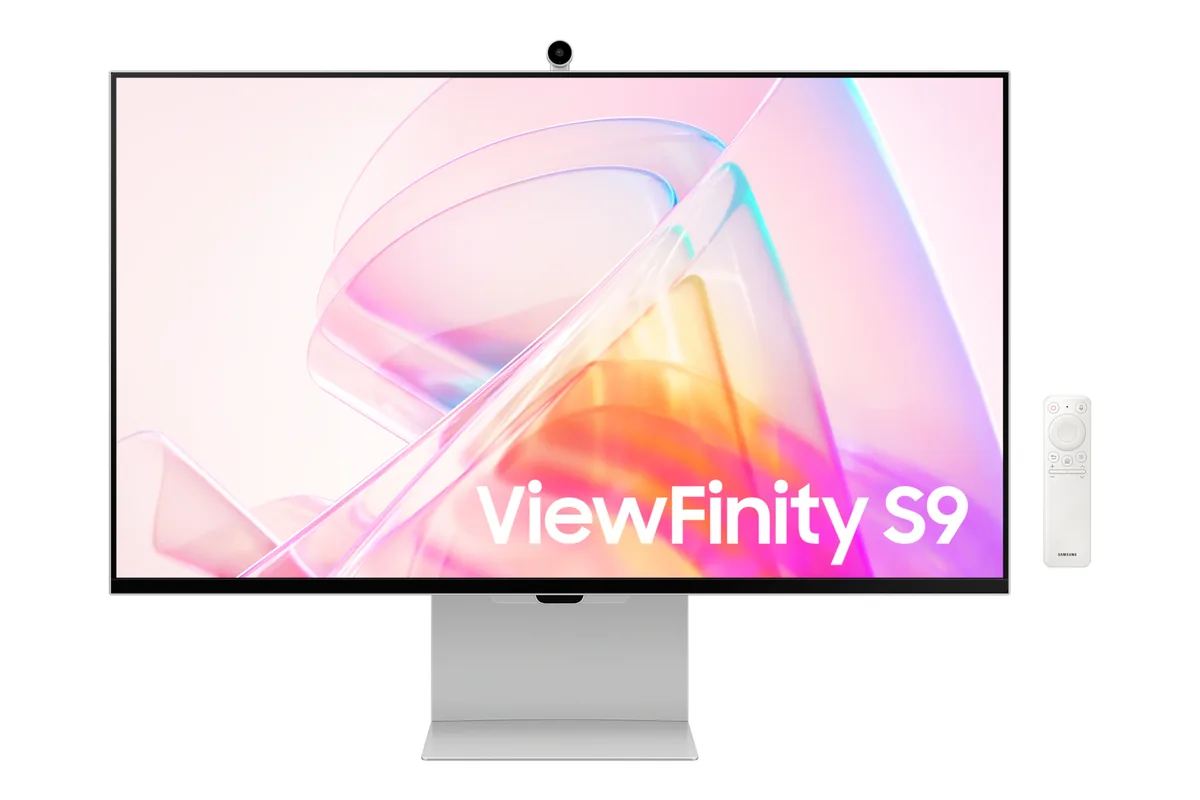
Samsung Odyssey OLED G8 G80SD monitor
Samsung~$1,300

Samsung Odyssey OLED G8 G80SD

32″ · 3840×2160 · 240 Hz · QD-OLED

No longer listed by Samsung
Sharpness
58ppd · sharp
HDR
Real HDR
USB-C power
No USB-C power
  • 32-inch 4K OLED
  • 240 Hz
  • Smart apps built in
  • Console at full speed

Best for: A 4K OLED desktop that also needs to work without a PC attached
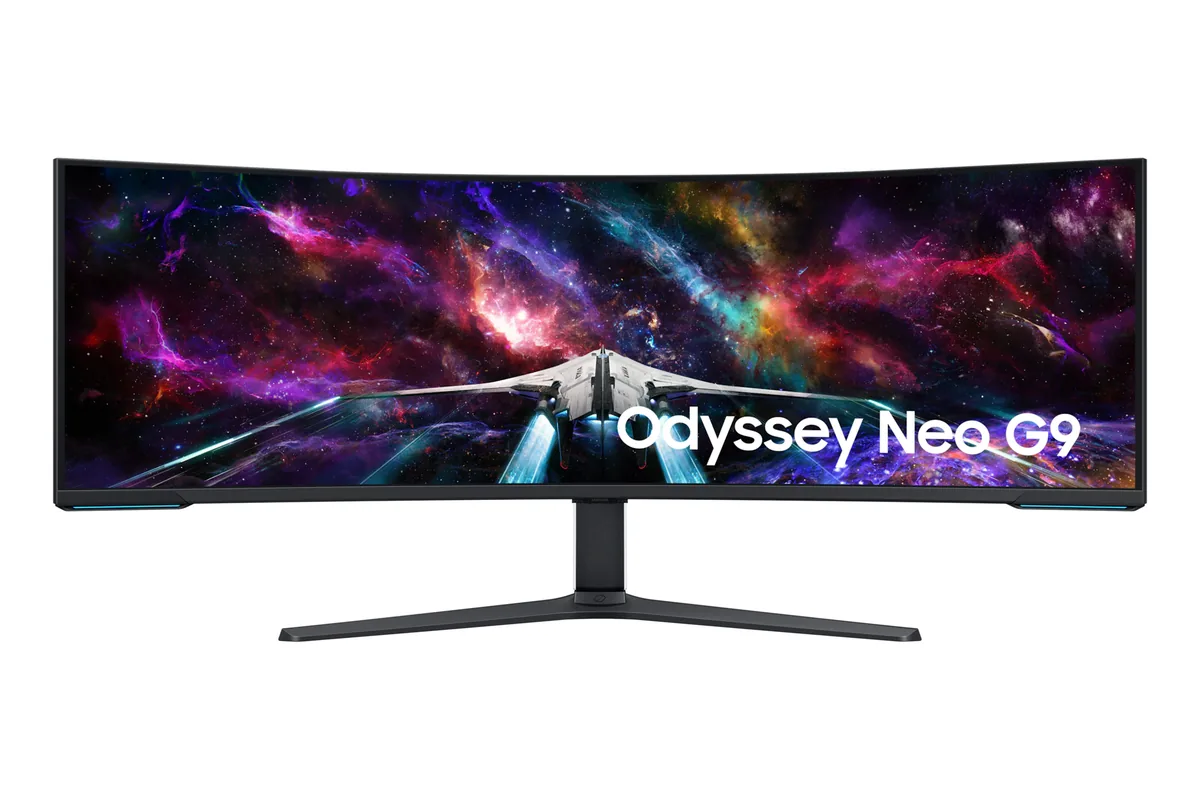
Samsung Odyssey Neo G9 G95NC monitor
Samsung~$2,100

Samsung Odyssey Neo G9 G95NC

57″ · 7680×2160 · 240 Hz · Mini-LED VA

Sharpness
59ppd · sharp
HDR
Real HDR
USB-C power
No USB-C power
  • Dual-4K 32:9
  • 2,392 dimming zones
  • DP 2.1

Best for: The widest single-panel desktop made, given a card with a DisplayPort 2.1 output

More from Samsung →

← Back to the catalog