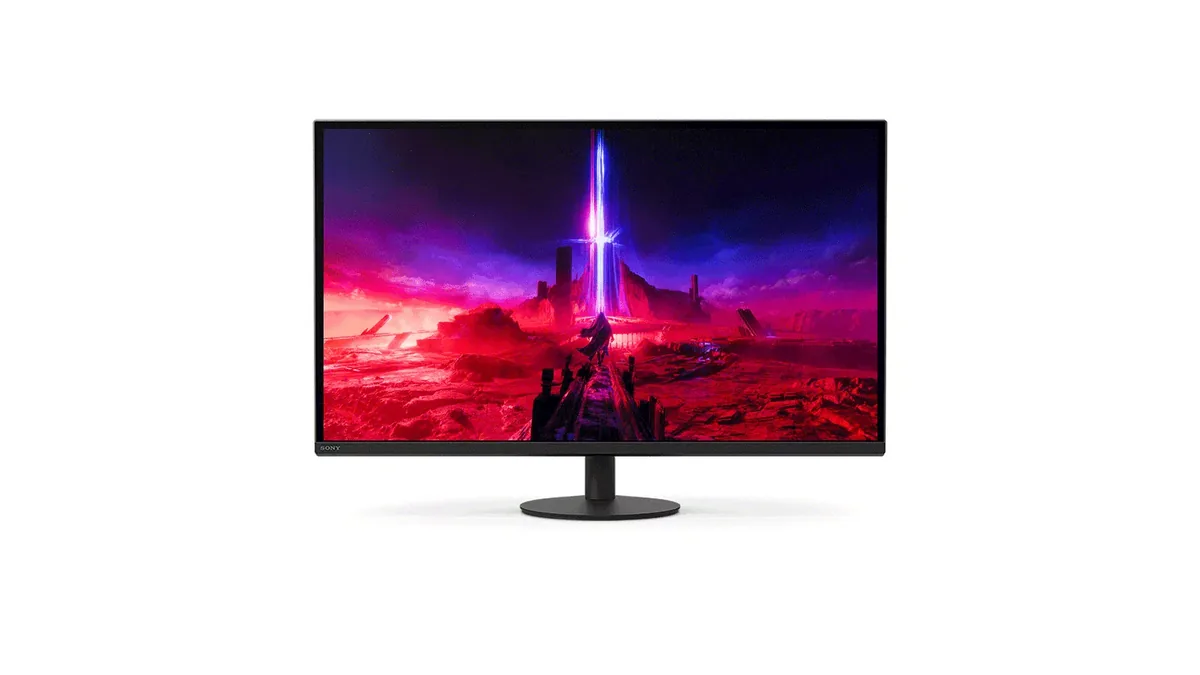
Sony INZONE M9 II monitorGaming~$800

Sony

Sony INZONE M9 II

Sony built this one around the PlayStation as much as the PC: both HDMI ports are 2.1, the monitor recognises a PS5 and switches picture modes with it, and the case is styled to sit beside one. The full-array backlight is the part that matters technically — at 750 nits peak with DisplayHDR 600 certification, it can actually make one part of the frame bright while another stays dark, which the edge-lit panels at this price cannot. Two HDMI 2.1 inputs plus DisplayPort 2.1 means a console and a PC can both stay plugged in at full speed.

Approx. price

~$800

snapshot, not a live price

Sharpness

69ppd · retina-class

past the ~1 arcminute limit of 20/20 acuity — the grid is gone

HDR tier

Real HDR

750 nits claimed behind local dimming whose zone count the maker does not publish

Peak brightness

750nits claimed

DisplayHDR 600

USB-C power

None

video and data only, or no USB-C at all

Max refresh

160 Hz

1 ms GtG rated

Port speed — can each input carry this panel?

  • 2×HDMI 2.1· full speed(DSC)
  • DisplayPort 2.1 UHBR10· full speed(DSC)

This panel needs 47.8 Gbps at 3840×2160, 160 Hz and 30 bits per pixel, and supports DSC compression.

Best for: Sharing one 4K screen between a console and a gaming PC

Specifications

Approx. price
~$800
Type
Gaming
Resolution
3840×2160
Pixels per degree
69 — retina-class
Finish
matte
VRR
G-Sync Compatible
HDR tier
Real HDR
HDR certification
DisplayHDR 600
Peak brightness
750 nits claimed
Local dimming
Local dimming, zone count not published
Colour gamut
95% DCI-P3
HDMI
2 × HDMI 2.1
DisplayPort
1 × DisplayPort 2.1 UHBR10
DSC
Supported
Port speed
2 of 2 inputs at full speed
USB-C
None
KVM
None
USB hub
2 ports
Speakers
None
Stand
height, tilt, swivel
VESA
100x100
Released
2024
$ per inch
$30
$ per megapixel
$96

Features

  • Full-array local dimming backlight, with no zone count published
  • DisplayHDR 600 with 750 nits claimed peak
  • Two HDMI 2.1 inputs plus DisplayPort 2.1
  • Auto picture-mode switching with a PlayStation 5
  • 4K at 160 Hz with 1 ms grey-to-grey

What it does well

  • A full-array backlight and 750 nits put this in genuine HDR territory rather than the 400-tier certification most gaming monitors stop at — Sony publishes no zone count, and the DisplayHDR 600 badge could not be awarded without the dimming
  • Both HDMI ports run 2.1, so a PS5 and an Xbox can each have 4K120 without swapping cables
  • 164 pixels per inch works out to 69 pixels per degree, about as sharp as a 27-inch panel gets short of 5K
  • The monitor switches picture modes with a PlayStation 5 on its own, so a console needs nothing set up on it
  • The stand raises 130 mm and swivels 180 degrees either way, which is more travel than most

What it gives up

  • 1,000:1 static contrast means the dimming zones are doing all the work; on mixed content you can see them
  • No USB-C, so a laptop needs its own charger and an HDMI or DisplayPort cable
  • No KVM, despite being explicitly sold as a two-machine monitor
  • 160 Hz is well short of what the 1440p OLEDs at this price now run

The two lists above come from the maker’s specifications and from published third-party measurements, not from owner reports. Where owner discussion has been read it appears in its own section below, so the two are never mistaken for each other.

What owners say

Discussion of this one is thin compared with its stablemate, and the people who own it mostly turn up asking questions rather than complaining. The clearest endorsement comes from an owner who was actively shopping for an OLED to replace it and could not get past the fact that this monitor handles variable refresh rate without any flicker, which the OLEDs under their budget did not. Another ran it for close to a year between a PlayStation 5 and a PC with nothing to report — the only regret was aspirational, arriving after they upgraded a television to OLED.

Two concrete problems recur. Firmware updating appears to defeat people: one owner's correctly formatted FAT32 drive produced a 'no USB flash drive connected' error, another's NTFS drive produced 'incorrect update file', and the alternative route through Sony's desktop app needs cabling and an HDMI output that laptops increasingly do not have. Separately, an owner whose screen kept flashing on and off identified adaptive sync as the cause and could find no way to switch it off, either on the monitor or in the app — which sits awkwardly next to the other owner's praise for how well it handles VRR.

Most of what is written about this monitor is written by people trying to decide, and the same reservation comes up each time: there is very little first-hand experience to read. Buyers on these shortlists are almost always pairing a console with a PC, weighing it against a 4K OLED and specifically against burn-in risk, since many of them intend to leave static work windows on screen for hours. The full-array backlight is what puts it in the running for that use, and the understated design is what wins it over more aggressively styled rivals.
What owners like

  • Variable refresh rate behaviour is the standout in owner accounts — one owner shopping for an OLED to replace it described this monitor as solid and singled out that it handles VRR without trouble, which is what kept making them hesitate
  • An owner who ran a PlayStation 5 and a PC off it for the better part of a year reported no faults at all; their only second thought came from seeing a new OLED television, not from anything the monitor does
  • The understated case wins it buyers who want 4K at a high refresh rate without gamer styling — one person shopping specifically for a 27-inch office display picked it out for exactly that reason
  • Buyers who use a monitor for still work alongside gaming choose it deliberately over OLED to avoid burn-in risk, and a full-array backlight is the reason it lands on those shortlists

Common complaints

  • Firmware updating defeats owners. Two separate buyers could not complete an update over USB — one got 'No USB flash drive connected' from a correctly prepared FAT32 stick, the other 'incorrect update file' from an NTFS one — and the fallback method needs a laptop with an HDMI output and cables neither of them had
  • Adaptive sync cannot be turned off. An owner whose screen was intermittently flashing on and off traced it to adaptive sync and found no way to disable the setting in the on-screen menu or in Sony's own app
  • Owner accounts are genuinely scarce, and prospective buyers say so repeatedly — several report being unable to find reviews or first-hand experience before committing, which is a real risk at this price
  • One owner who paid around £850 was regretting the choice within months of seeing an OLED panel at home, which is the trade this monitor asks a buyer to be sure about before paying 4K FALD money

Questions owners ask about the Sony INZONE M9 II

Can the firmware be updated from a USB stick?

Owners have struggled with this more than anything else. One prepared a FAT32 drive with only the update file on it and the monitor still reported no USB flash drive connected; another formatted to NTFS and got 'incorrect update file'. The documented alternative is updating through Sony's desktop application, but that requires a cable and an HDMI output that neither owner had on their laptop. Expect this step to take more effort than the instructions suggest.

Can adaptive sync be switched off?

An owner who wanted to disable it — because the screen was intermittently flashing on and off during games — reported finding no way to do so, either in the monitor's own menu or in Sony's app. If you specifically want the option to run with adaptive sync off, this is worth confirming before you buy.

Does it flicker with variable refresh rate enabled?

Owner accounts disagree, and both are worth knowing. One owner shopping for an OLED replacement described VRR handling as the monitor's biggest advantage and specifically clean compared to every OLED they had considered. Another traced intermittent on-off flashing to adaptive sync and wanted it disabled. That is a small sample, so treat neither as settled.

Is it a sensible pick for someone who wants 4K and high refresh without gaming styling?

That is the reason several buyers shortlist it. One shopping explicitly for a higher-end office display in the 25 to 27-inch range, who wanted a high refresh rate for the feel of it rather than for games, named this monitor as the one that met their requirements without an aggressive look. Its port layout and the fact that it pairs with a console are bonuses in that context rather than the point.

Should I buy this or hold out for a 4K OLED?

The honest owner answer runs both ways. One who paid around £850 was regretting it within months after seeing how an OLED television looked and was already saving for a 4K OLED to replace it. Another who had shopped hard for an OLED kept this monitor instead, because the OLEDs in their price range all showed some VRR flicker and this one did not. Buyers who leave static windows open for hours during work consistently pick the backlit panel on purpose.

Others in the same part of the catalog

Sony INZONE M10S monitor
Sony~$900

Sony INZONE M10S

26.5″ · 2560×1440 · 480 Hz · WOLED

Sharpness
46ppd · sharp
HDR
Real HDR
USB-C power
No USB-C power
  • 480 Hz WOLED
  • Matte OLED coating
  • 24.5-inch mode
  • Console at full speed

Best for: Competitive play where frame rate outranks everything else

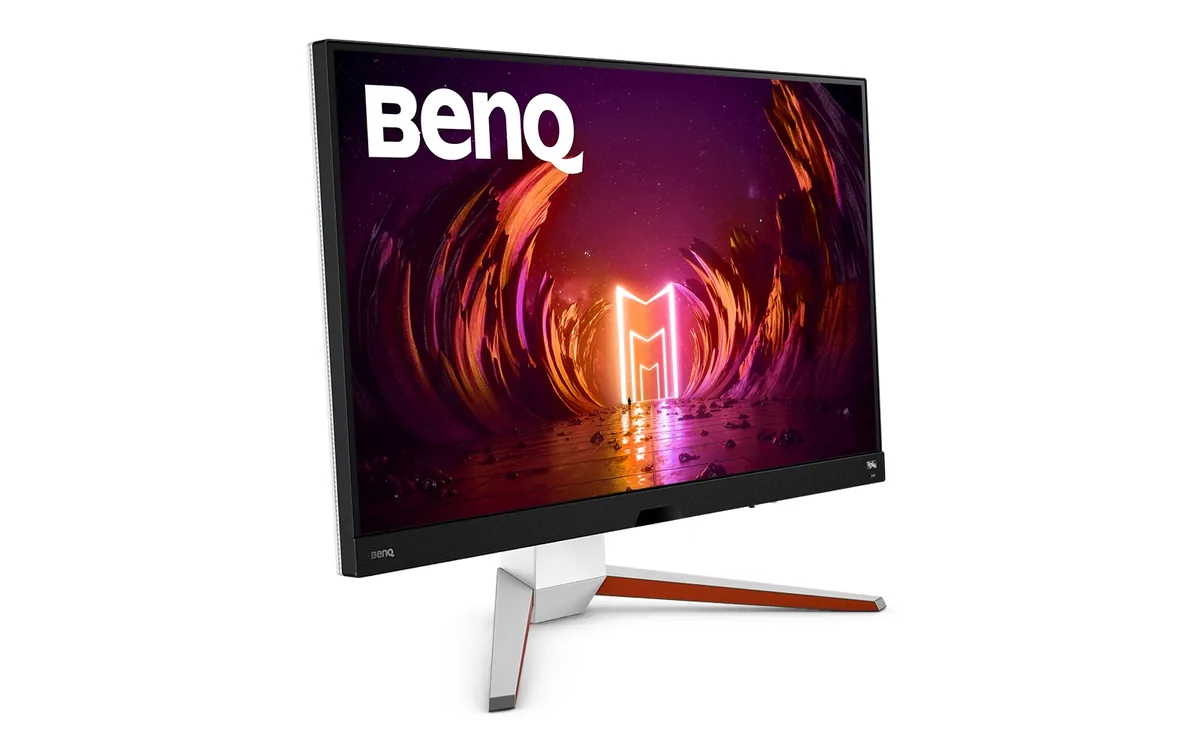
BenQ MOBIUZ EX3210U monitor
BenQ~$700

BenQ MOBIUZ EX3210U

31.5″ · 3840×2160 · 144 Hz · IPS

Sharpness
59ppd · sharp
HDR
Real HDR
USB-C power
No USB-C power
  • 4K 144 Hz
  • DisplayHDR 600
  • 2.1 audio with woofer
  • Console at full speed

Best for: A living-room-style desk running a PC and two consoles off one screen

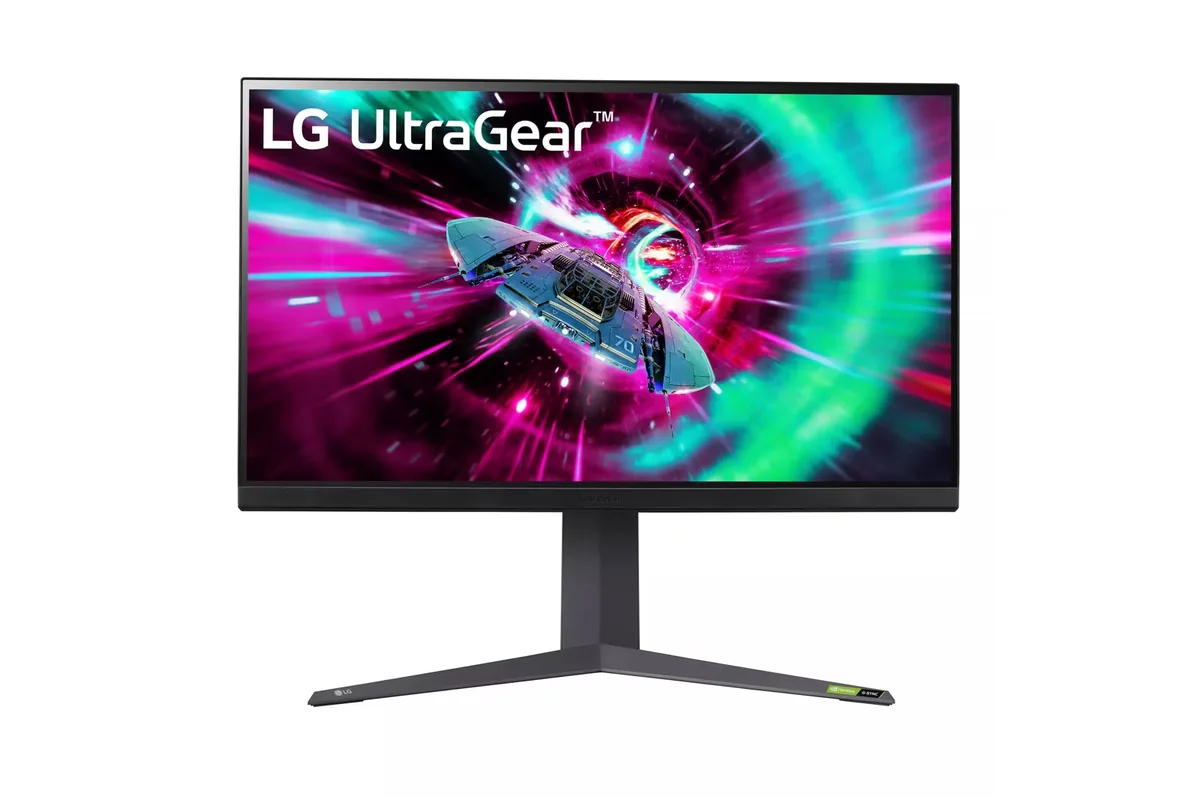
LG UltraGear 32GR93U monitor
LG~$600

LG UltraGear 32GR93U

31.5″ · 3840×2160 · 144 Hz · IPS

Sharpness
59ppd · sharp
HDR
Accepts an HDR signal
USB-C power
No USB-C power
  • 32-inch 4K
  • 144 Hz
  • 2× HDMI 2.1
  • Console at full speed

Best for: A big desktop where 4K at 100% scaling is the point

More from Sony →

← Back to the catalog