Which Cable Can Actually Carry Your Monitor

Short answer

Multiply width by height by refresh rate by bits per pixel, add about 20% for blanking overhead, and compare the result against the port's usable data rate: 14.4 Gbps for HDMI 2.0, 42.67 for HDMI 2.1, 25.92 for DisplayPort 1.4, and up to 77.37 for DisplayPort 2.1 UHBR20. If the panel needs more than the port has, either DSC compression makes up the gap or the monitor quietly runs at 8 bits per channel instead.

The arithmetic, in full

A monitor's pixel clock is width × height × refresh rate. Each pixel carries three colour channels, so 24 bits at 8 bits per channel or 30 bits at 10. And the transmitted frame is bigger than the visible one: CTA-861 timing for 4K60 is 4,400 × 2,250 against an active area of 3,840 × 2,160, which is where the 1.19 to 1.20 overhead factor comes from.

So 4K at 144 Hz and 10 bits per channel needs 3840 × 2160 × 144 × 30 × 1.20, which is 43 Gbps — more than HDMI 2.1's 42.67 and well past DisplayPort 1.4's 25.92. That monitor exists in this catalog and works fine, which tells you compression is doing real work.
Why the version number is not the link rate

Marketing quotes raw signalling rates and the useful figure is what survives line coding. HDMI 2.0 signals at 18 Gbps and delivers 14.4 after 8b/10b encoding. HDMI 2.1 signals at 48 and delivers 42.67 after 16b/18b. DisplayPort HBR3 signals at 32.4 and delivers 25.92. The UHBR tiers switched to 128b/132b, which is why UHBR20 keeps 77.37 of its 80.

Worse, "HDMI 2.1" is a version of the specification rather than a guarantee of bandwidth: a port can be labelled HDMI 2.1 while running at 24 or even 18 Gbps, because every 2.0-era capability was folded into the 2.1 specification. This is the single most common way a monitor's port disappoints, and it is why every monitor page here prints what each input can carry rather than what it is called.

InterfaceUsable data rateCarries 4K at
HDMI 2.014.4 Gbps60 Hz, 8-bit
DisplayPort 1.425.92 Gbps108 Hz, 8-bit — or 240 Hz with DSC
HDMI 2.142.67 Gbps142 Hz, 10-bit
DisplayPort 2.1 UHBR13.552.22 Gbps174 Hz, 10-bit
DisplayPort 2.1 UHBR2077.37 Gbps240 Hz+, 10-bit

DSC, and what it costs

Display Stream Compression is a VESA standard for visually lossless compression at up to 3:1, applied in the GPU and undone in the monitor's scaler. It is how a 4K 240 Hz monitor works over a DisplayPort 1.4 cable, and in normal viewing it is genuinely hard to fault.

Two practical consequences, though. DSC occupies the GPU's display pipeline in a way that historically broke some multi-monitor arrangements and delayed mode changes, so a blank screen when alt-tabbing is a known DSC symptom. And it is not universal: a monitor without DSC has no way to exceed its port, so it runs at 8 bits per channel instead. A small number of monitors in this catalog cannot reach their advertised refresh rate at 10 bits over any input they have, which is the kind of thing a specification sheet expresses by simply not mentioning bit depth.

The case where it decides the purchase: a console

A PlayStation or an Xbox has HDMI and nothing else. A monitor whose fast input is DisplayPort and whose HDMI is 2.0 is a perfectly good PC monitor and a 4K60 console monitor, whatever the box says about 144 Hz — and monitors in exactly that configuration are common, because HDMI 2.1 silicon costs more than DisplayPort 1.4 silicon.

This is checkable rather than a matter of opinion, so every monitor page here runs the arithmetic per input and says which of them reaches the panel's maximum. Two-thirds of this catalog passes; the third that does not is worth knowing about before the console is plugged in.

Monitors this comes up with

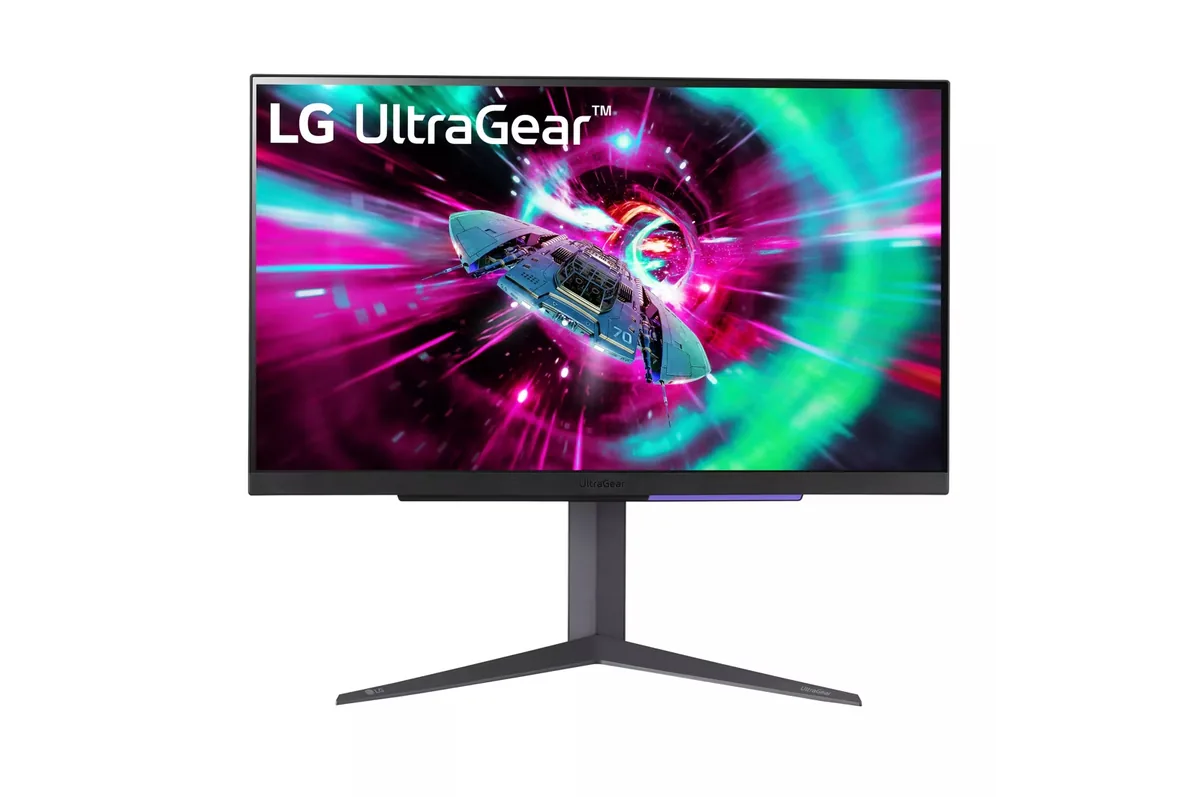
LG UltraGear 27GR93U monitor
LG~$500

LG UltraGear 27GR93U

27″ · 3840×2160 · 144 Hz · IPS

Sharpness
68ppd · retina-class
HDR
Accepts an HDR signal
USB-C power
No USB-C power
  • 4K at 144 Hz
  • 2× HDMI 2.1
  • 95% DCI-P3
  • Console at full speed

Best for: One desk shared by a PC and a current console, without a bandwidth compromise on either

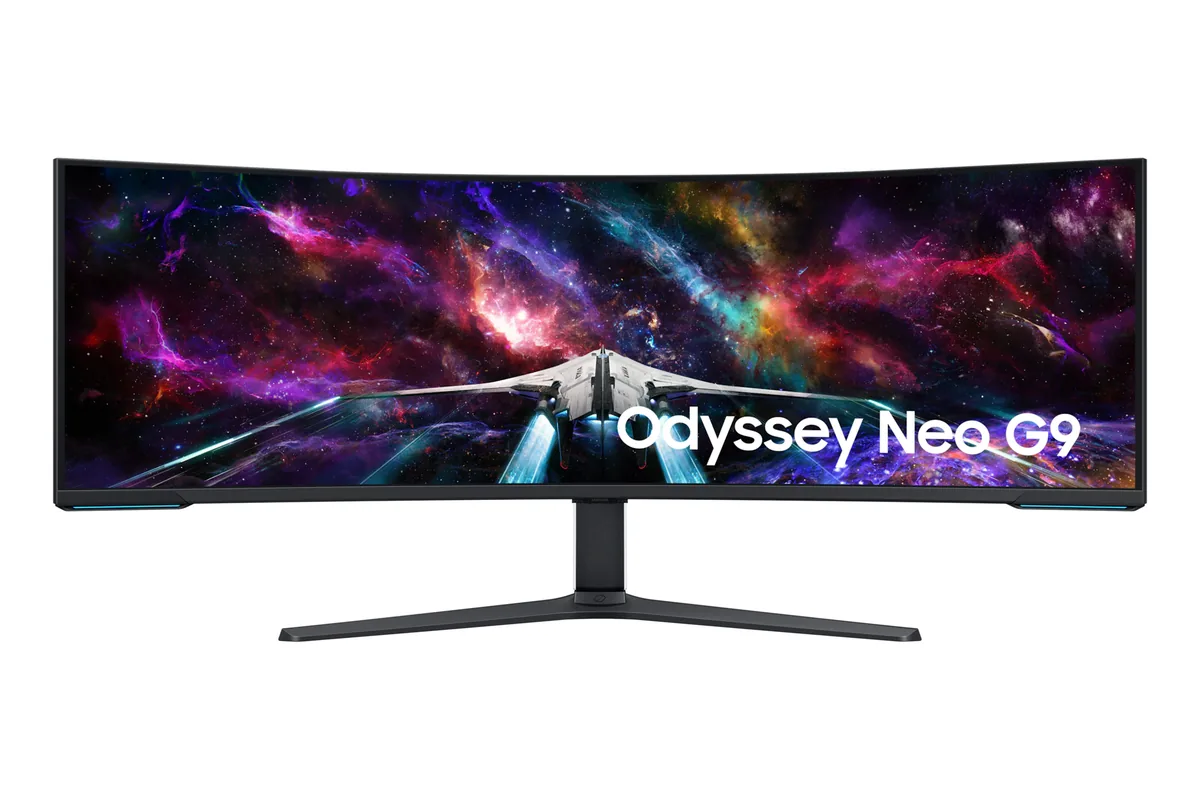
Samsung Odyssey Neo G9 G95NC monitor
Samsung~$2,100

Samsung Odyssey Neo G9 G95NC

57″ · 7680×2160 · 240 Hz · Mini-LED VA

Sharpness
59ppd · sharp
HDR
Real HDR
USB-C power
No USB-C power
  • Dual-4K 32:9
  • 2,392 dimming zones
  • DP 2.1

Best for: The widest single-panel desktop made, given a card with a DisplayPort 2.1 output

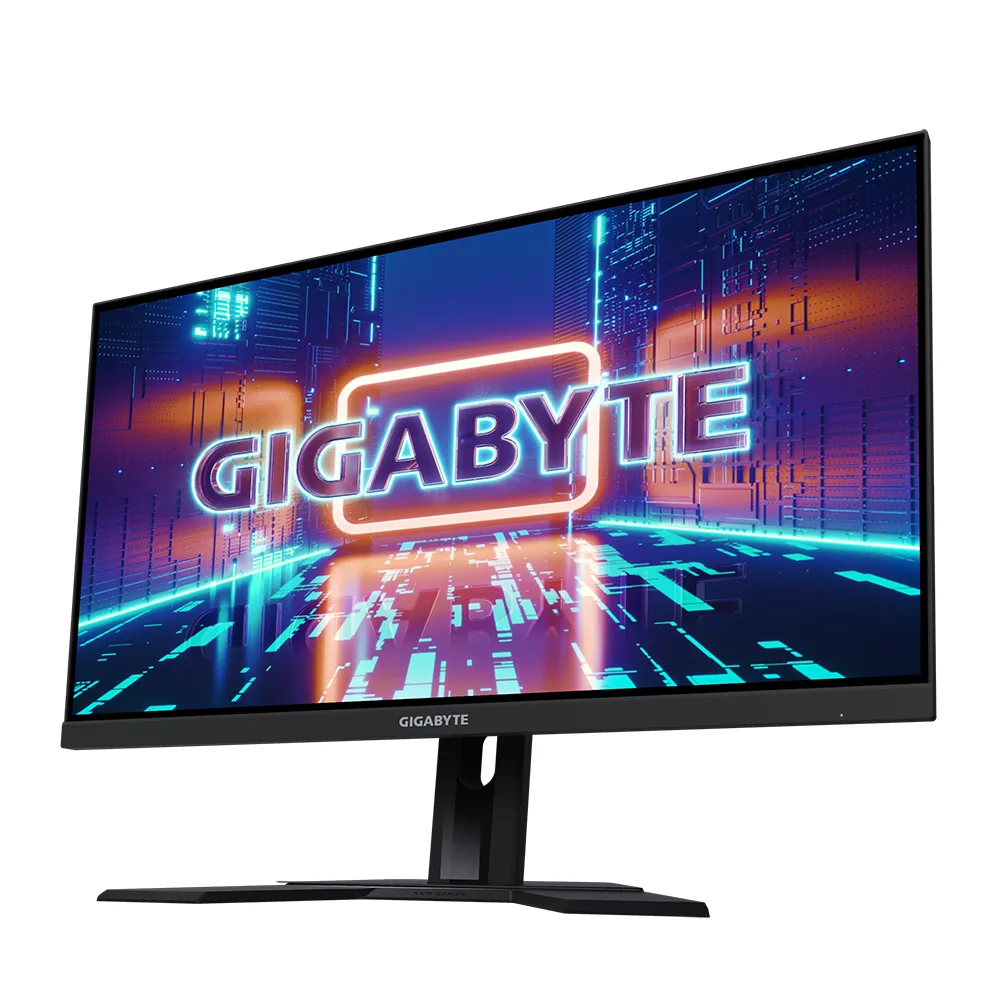
Gigabyte M27Q X monitor
Gigabyte~$400

Gigabyte M27Q X

27″ · 2560×1440 · 240 Hz · Fast IPS

Sharpness
46ppd · sharp
HDR
Accepts an HDR signal
  • 240 Hz for ~$400
  • KVM
  • 92% DCI-P3

Best for: High-refresh 1440p and a KVM on the smallest budget that buys both

Related

  • Running a Laptop From One USB-C Cable

    Check the wattage against the laptop's own charger, not against the phrase "charges your laptop". Sixty-five watts holds a 13-inch ultrabook, 100 covers a 14-inch machine under normal load, and a 16-inch workstation wants 140 to stay charged while its CPU and GPU are both busy. A monitor below that figure will report that it is charging while the battery slowly drains.

  • Is Anything Past 240 Hz Pointless?

    Not pointless, but sharply diminishing. A frame sits on screen for 16.7 ms at 60 Hz, 6.9 at 144, 4.2 at 240 and 2.1 at 480 — each doubling of the refresh rate halves it, and the absolute saving collapses as it goes. The perceptual jumps shrink accordingly, and past 240 the limiting factor is usually the panel's own pixel response and your frame rate rather than the refresh rate. An OLED at 240 Hz looks clearer in motion than an LCD at 360.

  • How to read a monitor spec sheet

    Every specification explained, with the real numbers from the catalog behind each one.