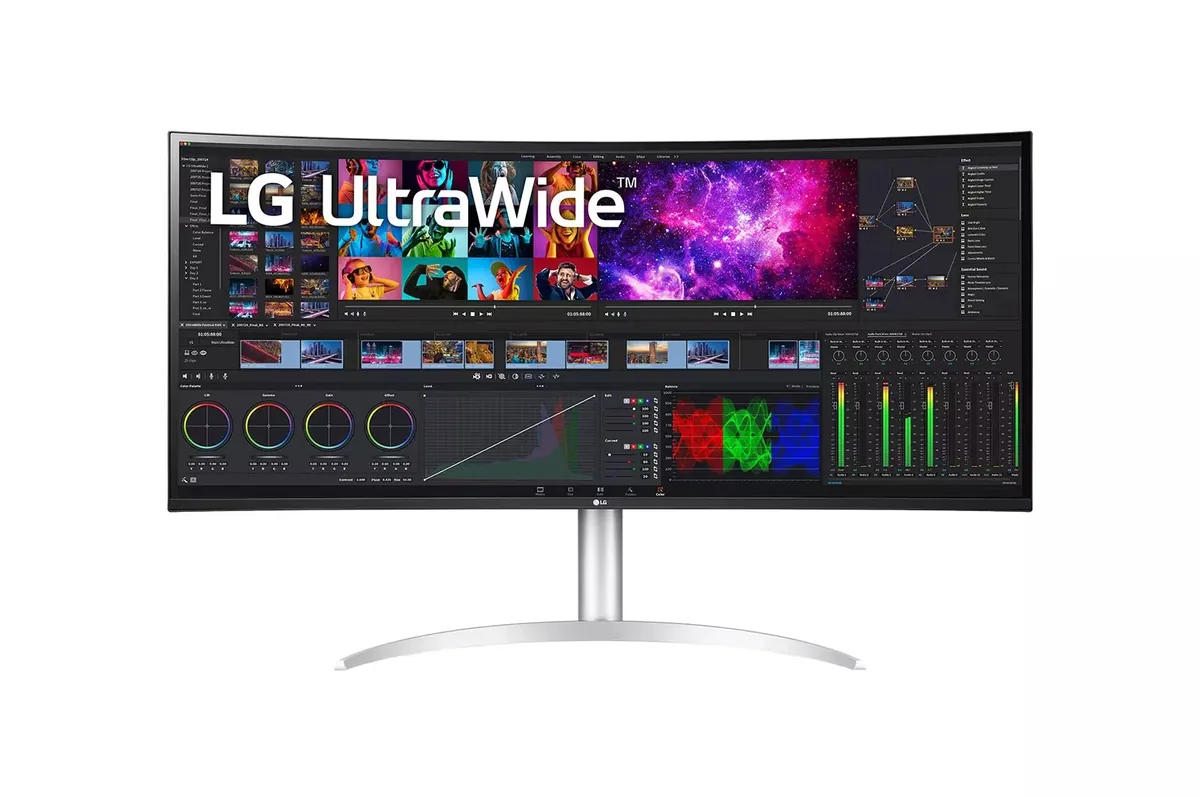
Dell UltraSharp U3425WE
34″ · 3440×1440 · 120 Hz · IPS
- Sharpness
- 46ppd · sharp
- HDR
- No HDR
- USB-C power
- 90 W
- 21:9 at 120 Hz
- Thunderbolt 4, 90 W
- KVM
- Console at full speed
Best for: A wide business desktop where two source machines share one keyboard
Short answer
Two monitors if you need vertical space or want one of them in portrait; one ultrawide if you spend the day in windows that span the middle of the screen, or if a single cable to a laptop matters. A 34-inch 3440 × 1440 ultrawide is 1,440 pixels tall: exactly as tall as the 27-inch 1440p panel it replaces, and 720 lines shorter than a 4K one. Vertical is the dimension people miss.
The case for an ultrawide is straightforward: no bezel through the middle of the workspace, one cable, one power supply, one set of settings, and a continuous surface for anything that wants to be wide — a timeline, a spreadsheet, three code panes, a game that supports the aspect ratio properly.
The case against is that the bezel was doing a job. Two physical displays give you two maximise targets, two full-screen contexts and two sets of window positions that survive a reboot, and no amount of window-management software fully replaces a hardware boundary. This is the most common reason people who switch to 32:9 switch back to 21:9 or to a pair.
A 34-inch 3440 × 1440 panel is about 4.95 megapixels. Two 27-inch 1440p monitors are 7.4 megapixels between them, and each is 1,440 pixels tall in a much taller usable area. A 49-inch 5120 × 1440 is 7.4 megapixels — the same as those two 27-inch panels, in one continuous 32:9 strip 1,440 pixels tall.
Pixel density comes out similar across all of these: a 34-inch 3440 × 1440 lands at 110 PPI, essentially identical to a 27-inch 1440p, so nothing is gained or lost on sharpness. The genuine upgrade in this class is the 5120 × 2160 tier, which is 140 PPI and 2,160 lines tall — the same density as a 32-inch 4K, with an extra 1,280 pixels of width.
| Arrangement | Total pixels | Pixel density | Height |
|---|---|---|---|
| 34-inch 3440×1440 | 5.0 MP | 110 PPI | 1,440 px |
| Two 27-inch 1440p | 7.4 MP | 109 PPI each | 1,440 px each |
| 49-inch 5120×1440 | 7.4 MP | 109 PPI | 1,440 px |
| 40-inch 5120×2160 | 11.1 MP | 140 PPI | 2,160 px |
| Two 27-inch 4K | 16.6 MP | 163 PPI each | 2,160 px each |
An ultrawide wants a curve. At 34 inches and above, a flat panel puts its far edges at a noticeably greater distance and a sharper viewing angle than its centre, which is why almost every ultrawide past 34 inches is curved and why the curve radius is a specification rather than a style choice — 800R wraps around you and 2500R is barely a curve at all.
Two monitors win on flexibility: the second can be a different size, a different panel type, or rotated into portrait, which is the single best arrangement for reading long documents or code and something no ultrawide can do. Around half the monitors in this catalog have a stand that pivots.
The laptop case favours the ultrawide, decisively. One USB-C cable carrying video, power and peripherals to a single wide panel is a genuinely better desk than a laptop plus a dock plus two monitors — and the ultrawides with 90 watts or more of power delivery are built for exactly that.
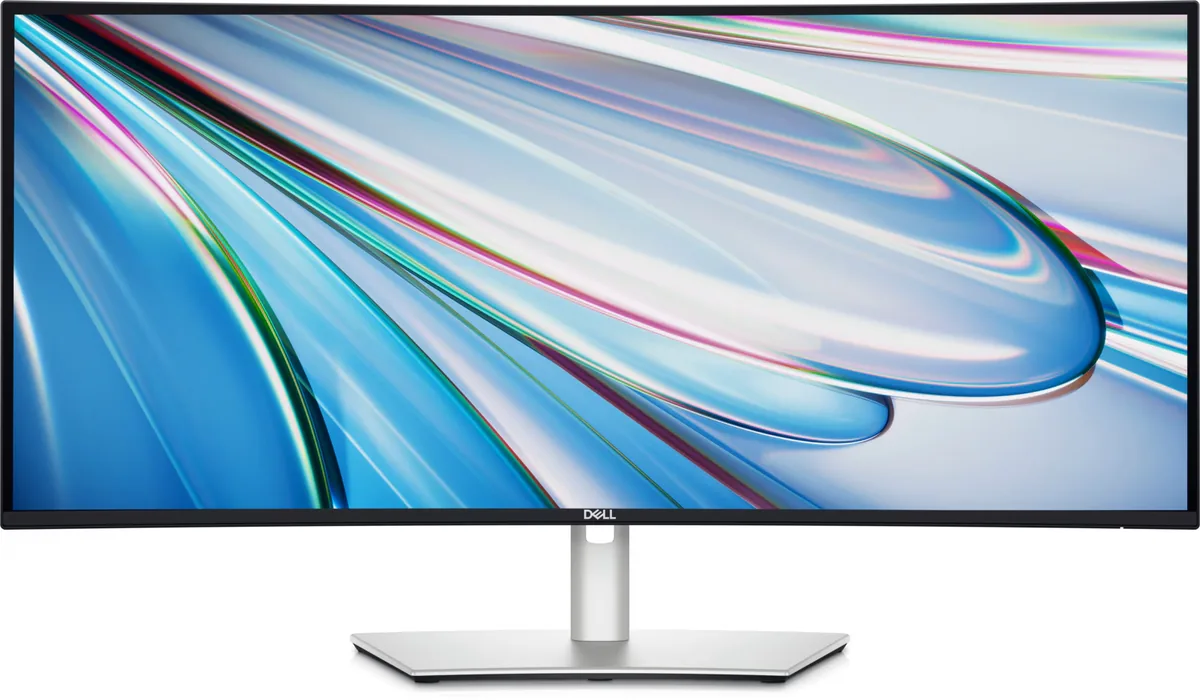
34″ · 3440×1440 · 120 Hz · IPS
Best for: A wide business desktop where two source machines share one keyboard

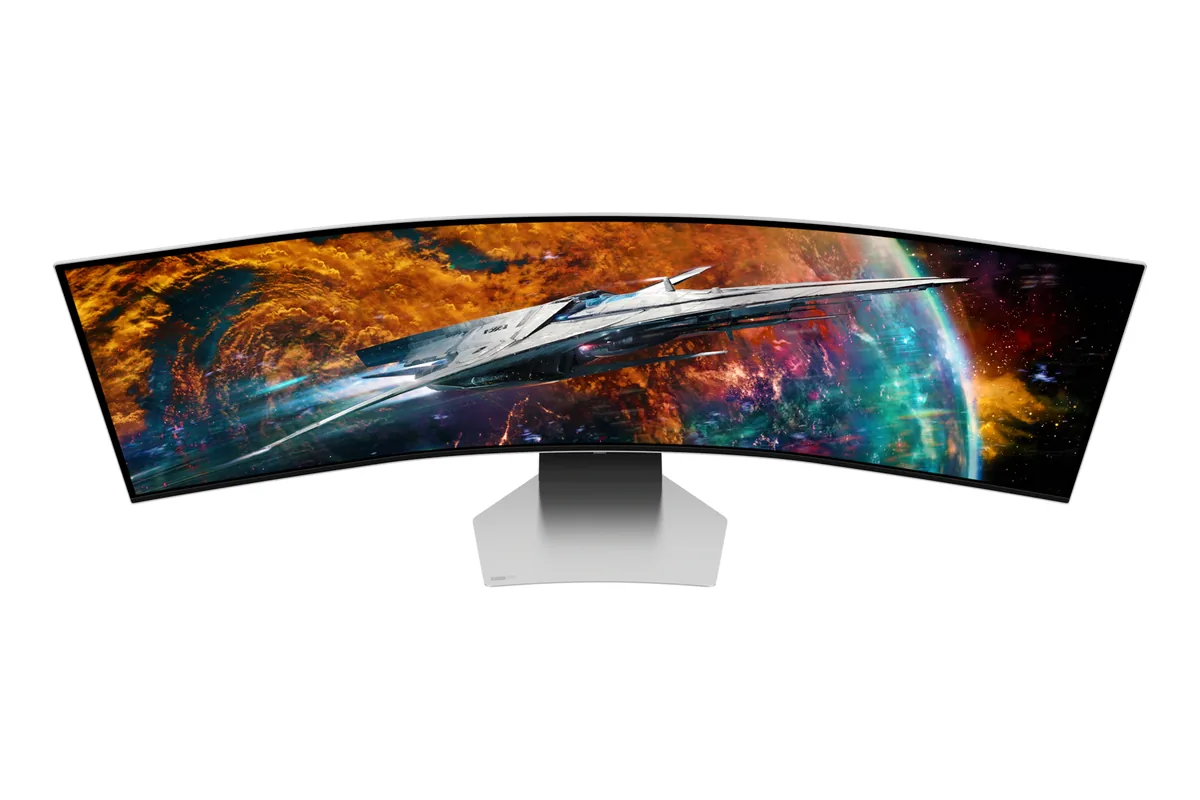
49″ · 5120×1440 · 240 Hz · QD-OLED
Best for: Replacing a dual-27-inch setup with one unbroken 240 Hz canvas

39.7″ · 5120×2160 · 72 Hz · IPS
Best for: A wide code-and-timeline desktop driven by one Thunderbolt cable
Check the wattage against the laptop's own charger, not against the phrase "charges your laptop". Sixty-five watts holds a 13-inch ultrabook, 100 covers a 14-inch machine under normal load, and a 16-inch workstation wants 140 to stay charged while its CPU and GPU are both busy. A monitor below that figure will report that it is charging while the battery slowly drains.
macOS renders the interface at exactly twice the logical size and then scales the whole frame down, which is crisp at 2× and slightly soft at anything else. Windows scales each application by whatever fraction you ask for, which is sharp at any factor but leaves older applications blurry or tiny. That is why 27-inch 4K — 163 PPI, an awkward 1.5× — is fine on Windows and divisive on a Mac, where 218-PPI 5K lands on an exact 2×.
Every specification explained, with the real numbers from the catalog behind each one.