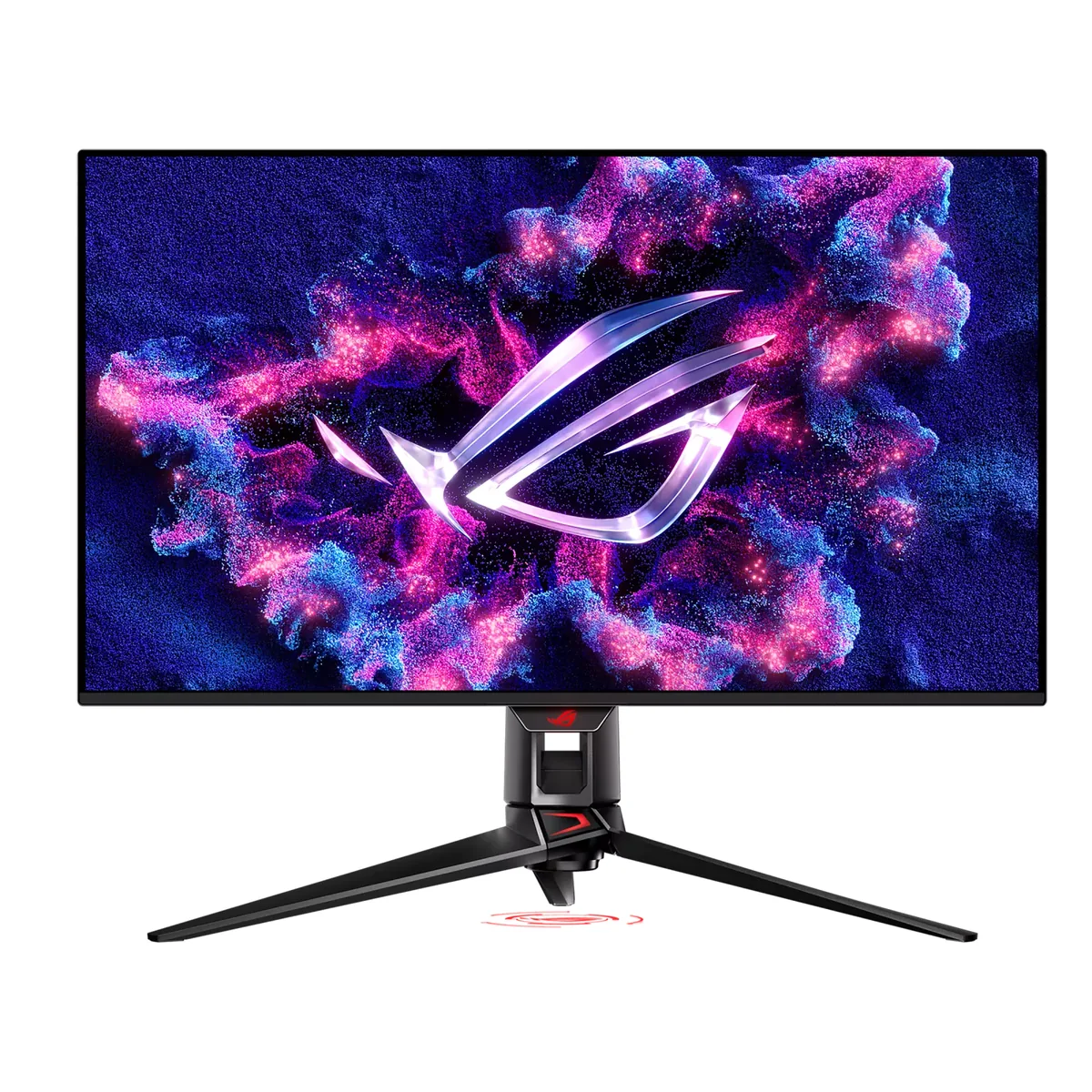
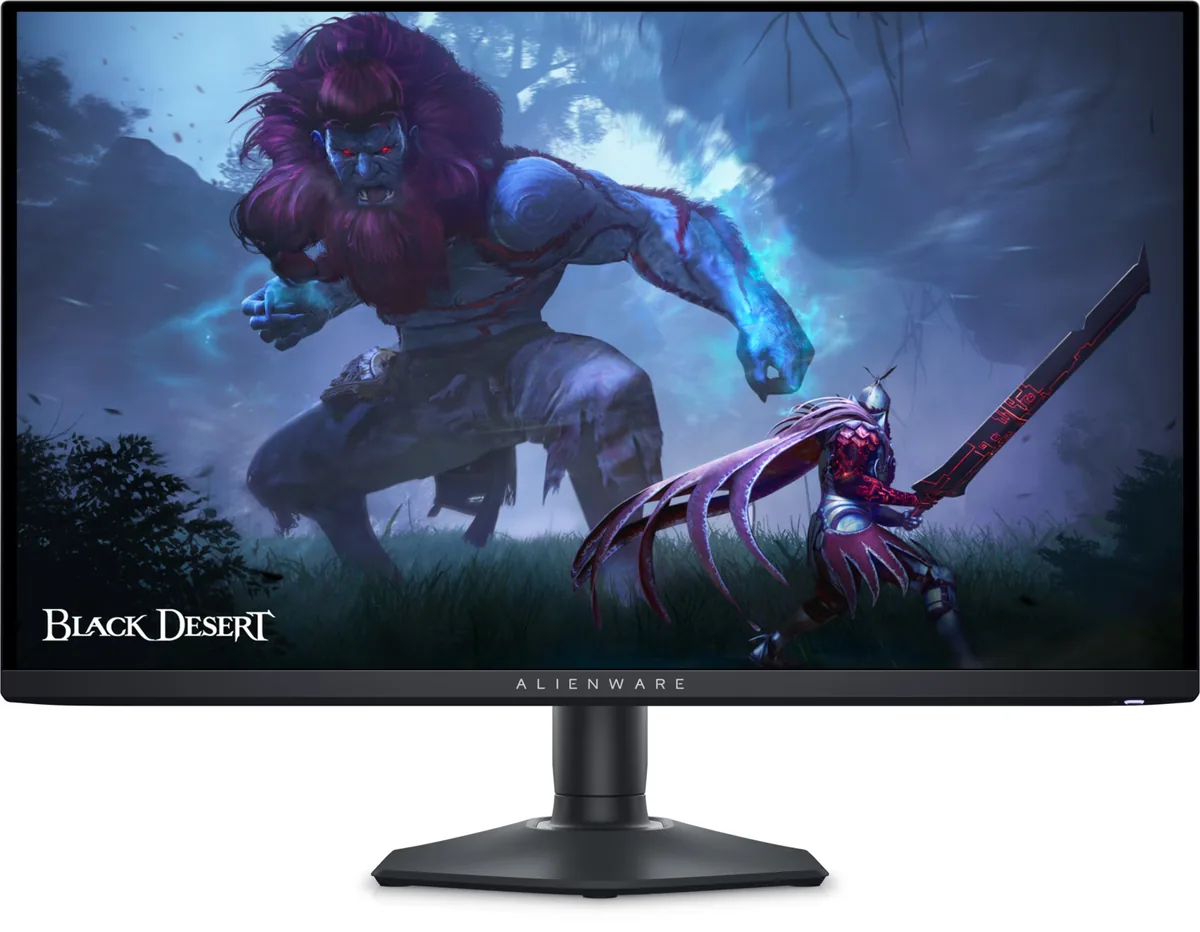
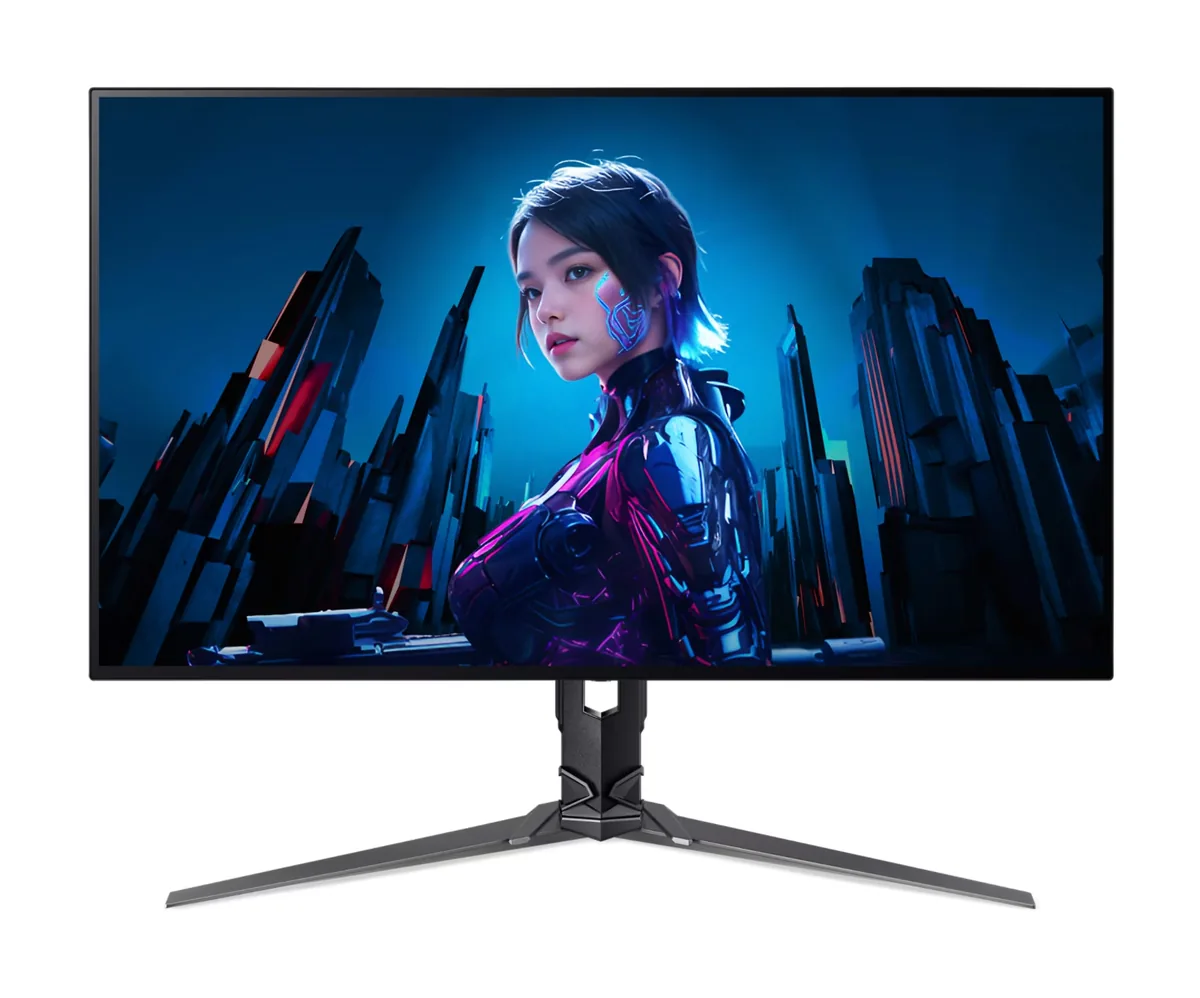
Resolution. The fringe is a fixed fraction of a pixel wide, so it shrinks as pixels do: a 32-inch 4K OLED at 58 to 59 pixels per degree shows much less of it than a 27-inch 1440p OLED at 46, and this is the single biggest reason the 4K OLED panels are the ones people keep for work. Every 4K OLED in this catalog lands at 58 pixels per degree or better and every 1440p one lands at 46, which is a bigger difference to the eye than the two resolutions sound.
Turning subpixel antialiasing off is the other real fix, because grayscale antialiasing makes no assumption about layout. On macOS this is already the default — Apple dropped subpixel rendering in Mojave — which is why the same OLED panel is routinely described as fine on a Mac and poor on a PC. On Windows the ClearType tuner can reduce the effect but cannot remove it.
What does not help: brightness, contrast, colour calibration, a different cable, or the monitor's own sharpness control, which on most panels is an edge-enhancement filter that makes the fringe more obvious rather than less.