Why HDR Looks Washed Out on Your Monitor

Short answer

Because your monitor is almost certainly accepting an HDR signal it cannot display. DisplayHDR 400 requires 400 nits peak and permits an edge-lit backlight with zero dimming zones, so the panel switches to an HDR tone curve without gaining any contrast — and a tone curve designed for a display that can hit 1,000 nits looks grey on one that cannot. Real HDR needs per-pixel emission or a backlight divided into hundreds of zones.

What the badge does and does not promise

VESA's DisplayHDR tiers are honest about their own requirements; the problem is that nobody reads them. DisplayHDR 400 asks for 400 nits peak, 95% of sRGB and 8-bit input processing. It does not require wide colour gamut, it does not require 10-bit, and it explicitly does not require local dimming of any kind. Almost every mid-range monitor clears it, which is why almost every mid-range monitor has the sticker.

DisplayHDR 600 and above add local dimming and real gamut requirements, and the True Black tiers exist for emissive panels where the black level is measured rather than assumed. Those are the tiers where the badge tells you something about the hardware.

So this catalog does not rank by the badge. It asks whether the hardware can physically make an HDR image: either every pixel produces its own light, or the backlight claims at least 600 nits and is divided into at least one independently dimmable zone. By that test, fewer than half the monitors in this catalog can display HDR — and many of the ones that cannot carry an HDR certificate anyway.
TierPeak nitsLocal dimming required?What you see
DisplayHDR 400400Noa tone curve change; often looks flatter
DisplayHDR 600600Yesvisible highlights, halos around them
DisplayHDR 1000 / 14001,000 / 1,400Yesgenuine HDR on an LCD
True Black 400 / 500400 / 500Per-pixelthe highest contrast available

Why more nits is not the whole story

An HDR image is a contrast claim, not a brightness claim. What makes a highlight read as a highlight is the darkness of what surrounds it, which is why a QD-OLED at 400 nits full-field looks dramatically more HDR than an edge-lit LCD at 500: the OLED can put a 1,000-nit specular highlight next to an absolutely black pixel, and the LCD raises the entire backlight zone to light the same highlight.

This is also why zone counts matter more than the peak figure once you are on an LCD. A Mini-LED panel with a couple of thousand zones has zones smaller than most bright objects on screen; a backlight with only a few dozen zones has zones the size of a window, and every bright object drags a visible rectangle of raised black level around with it.

The one figure to check, and who measured it

Peak brightness is the specification most often quoted and least often measured, and the two numbers diverge in both directions. A handful of monitors in this catalog have a third-party measurement attached and those figures are marked separately from the maker's claim wherever they appear, because a number somebody put a meter behind is a different kind of fact from a number on a box.

If you want the short version: on Windows, leave HDR off for desktop work regardless of the panel, and turn it on per-game. Windows' handling of SDR content in HDR mode is still the main reason people conclude their monitor's HDR is broken when it is merely mediocre.

Monitors this comes up with

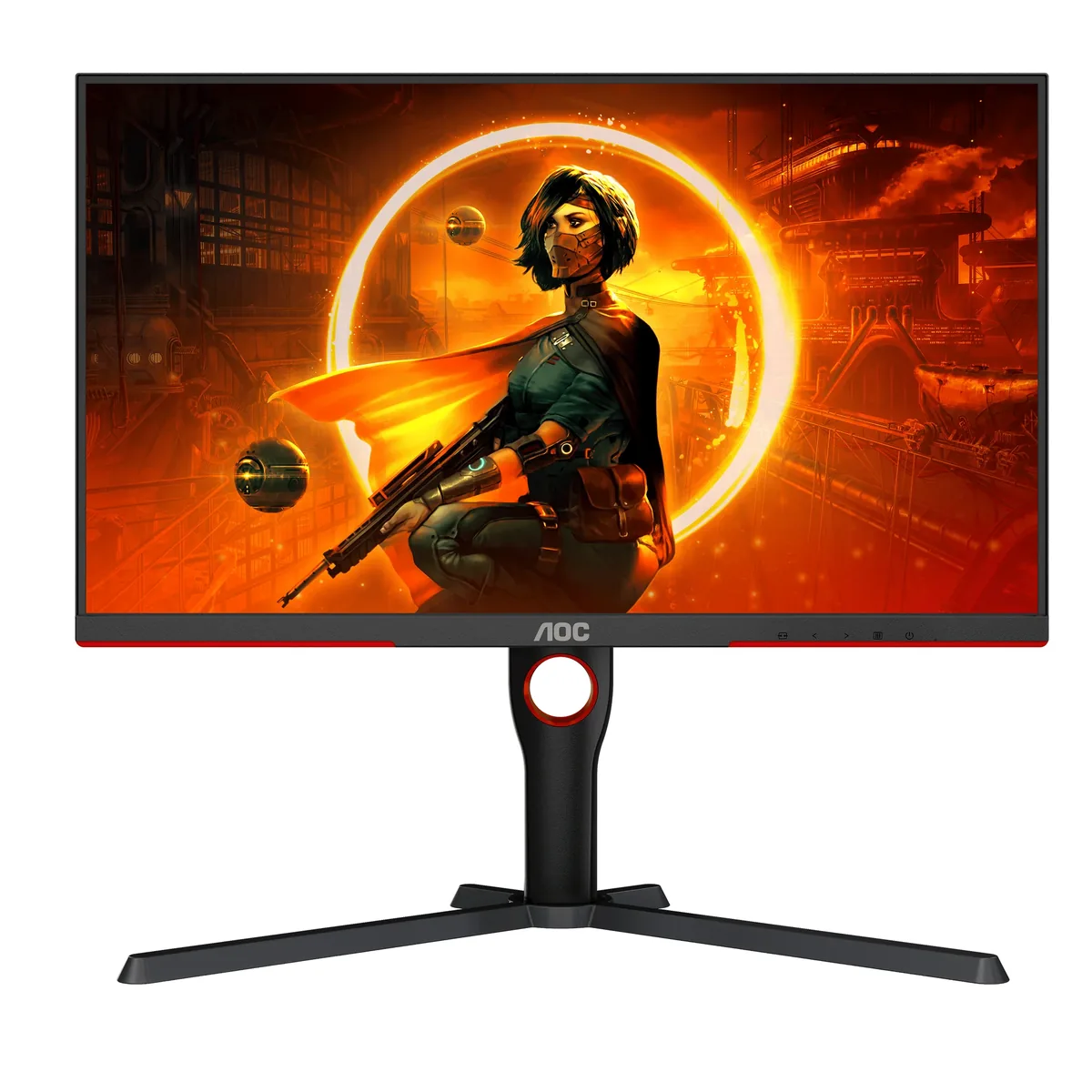
AOC Gaming Q27G3XMN monitor
AOC~$270

AOC Gaming Q27G3XMN

27″ · 2560×1440 · 180 Hz · Mini-LED VA

Sharpness
46ppd · sharp
HDR
Real HDR
USB-C power
No USB-C power
  • 336 dimming zones
  • DisplayHDR 1000
  • 180 Hz

Best for: Real HDR highlights on a budget that normally buys edge-lit DisplayHDR 400

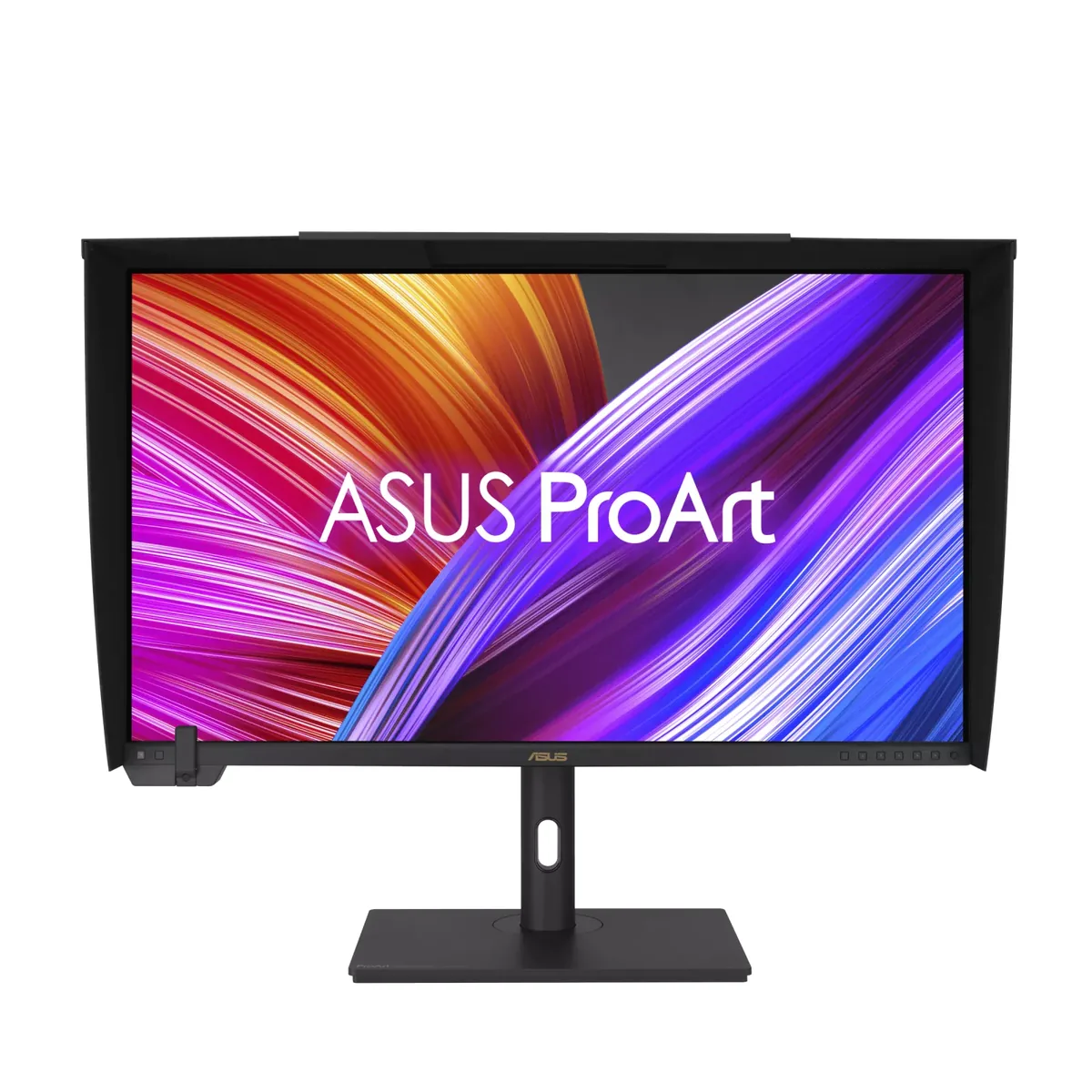
ASUS ProArt PA32UCXR monitor
ASUS~$2,999

ASUS ProArt PA32UCXR

32″ · 3840×2160 · 60 Hz · Mini-LED IPS

Sharpness
58ppd · sharp
HDR
Real HDR
  • 2,304 dimming zones
  • DisplayHDR 1400
  • Calibrates itself

Best for: Grading HDR where the display itself has to be trusted

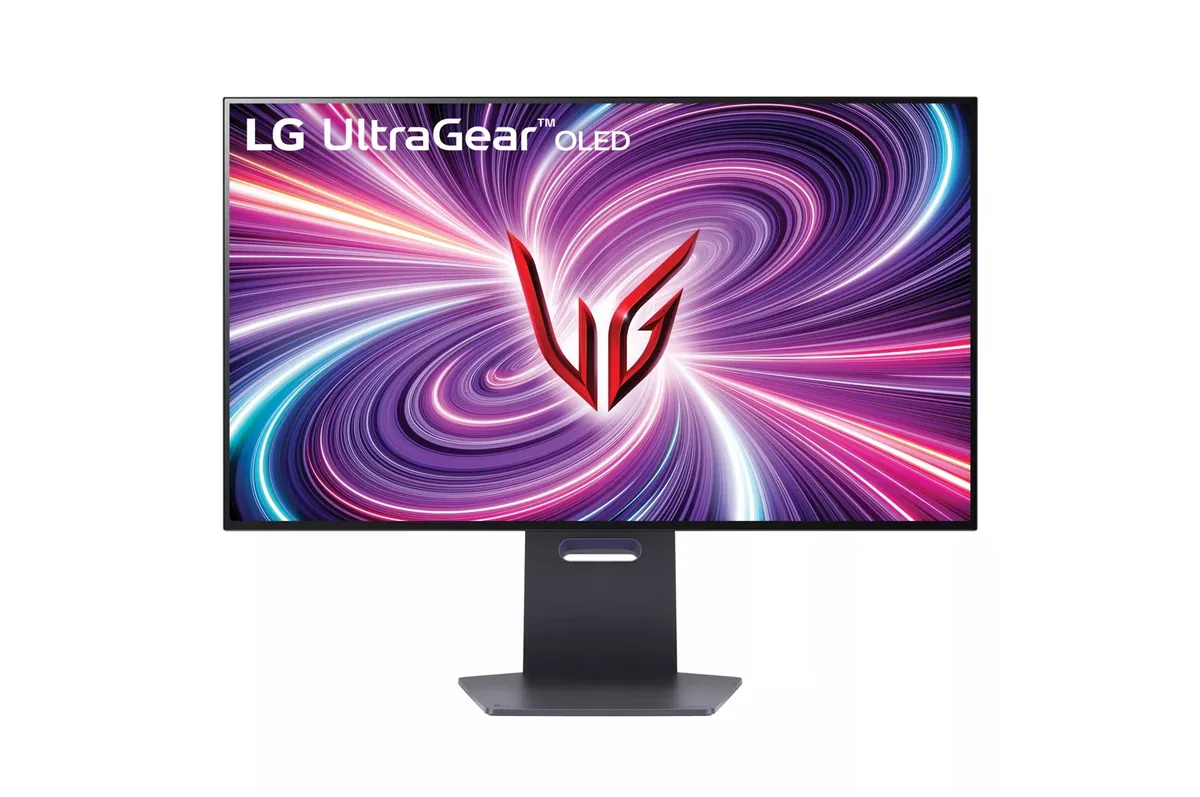
LG UltraGear 32GS95UE monitor
LG~$1,400

LG UltraGear 32GS95UE

31.5″ · 3840×2160 · 240 Hz · WOLED

Sharpness
59ppd · sharp
HDR
Real HDR
USB-C power
No USB-C power
  • 4K240 / 1080p480
  • 1,324 nits measured
  • Per-pixel HDR
  • Console at full speed

Best for: One monitor covering both a single-player library and a competitive shooter

Related

  • How Worried Should You Be About OLED Burn-In?

    Worried enough to check the warranty before buying, and not so worried that you avoid the panel. Every OLED monitor in this catalog carries at least two years of cover that explicitly names burn-in, and most carry three. The exposure that matters is hours of static bright interface at high brightness — a taskbar, a spreadsheet grid, a stream overlay — not gaming.

  • Is Anything Past 240 Hz Pointless?

    Not pointless, but sharply diminishing. A frame sits on screen for 16.7 ms at 60 Hz, 6.9 at 144, 4.2 at 240 and 2.1 at 480 — each doubling of the refresh rate halves it, and the absolute saving collapses as it goes. The perceptual jumps shrink accordingly, and past 240 the limiting factor is usually the panel's own pixel response and your frame rate rather than the refresh rate. An OLED at 240 Hz looks clearer in motion than an LCD at 360.

  • How to read a monitor spec sheet

    Every specification explained, with the real numbers from the catalog behind each one.